Home Router Internet Security Tips: Protect Your Home Network
Bolstering your home security often means door locks, alarm systems, and security cameras, but a recent hack of 14,000 home routers shows you need to protect your home internet network too.
Boost Your Router Security with Expert Tips
Learn how to safeguard your home network with strong passwords, WPA3 encryption, VPNs, and more. Stay protected!
The Bottom Line: Setting Up Your Home Wi-Fi Router for Optimal Privacy and Cybersecurity
The problem is, if you don't secure your home Wi-Fi network, cyber threat actors can perform a number of operations that are detrimental to your online security, including:
- Intercepting sensitive information
- Stealing your personal data
- Causing network congestion and downtime
- Unlocking your devices and accessing your network
Best Practices for Home Router Internet Security

To ensure maximum security for your home network, consider the following essential steps:
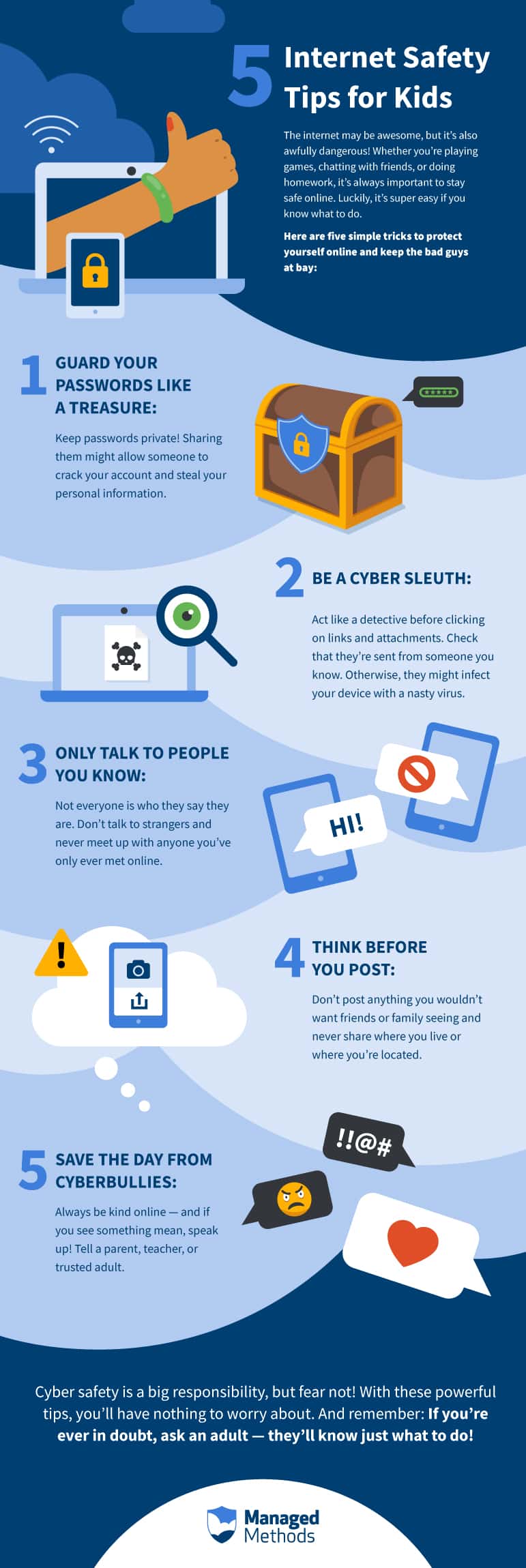
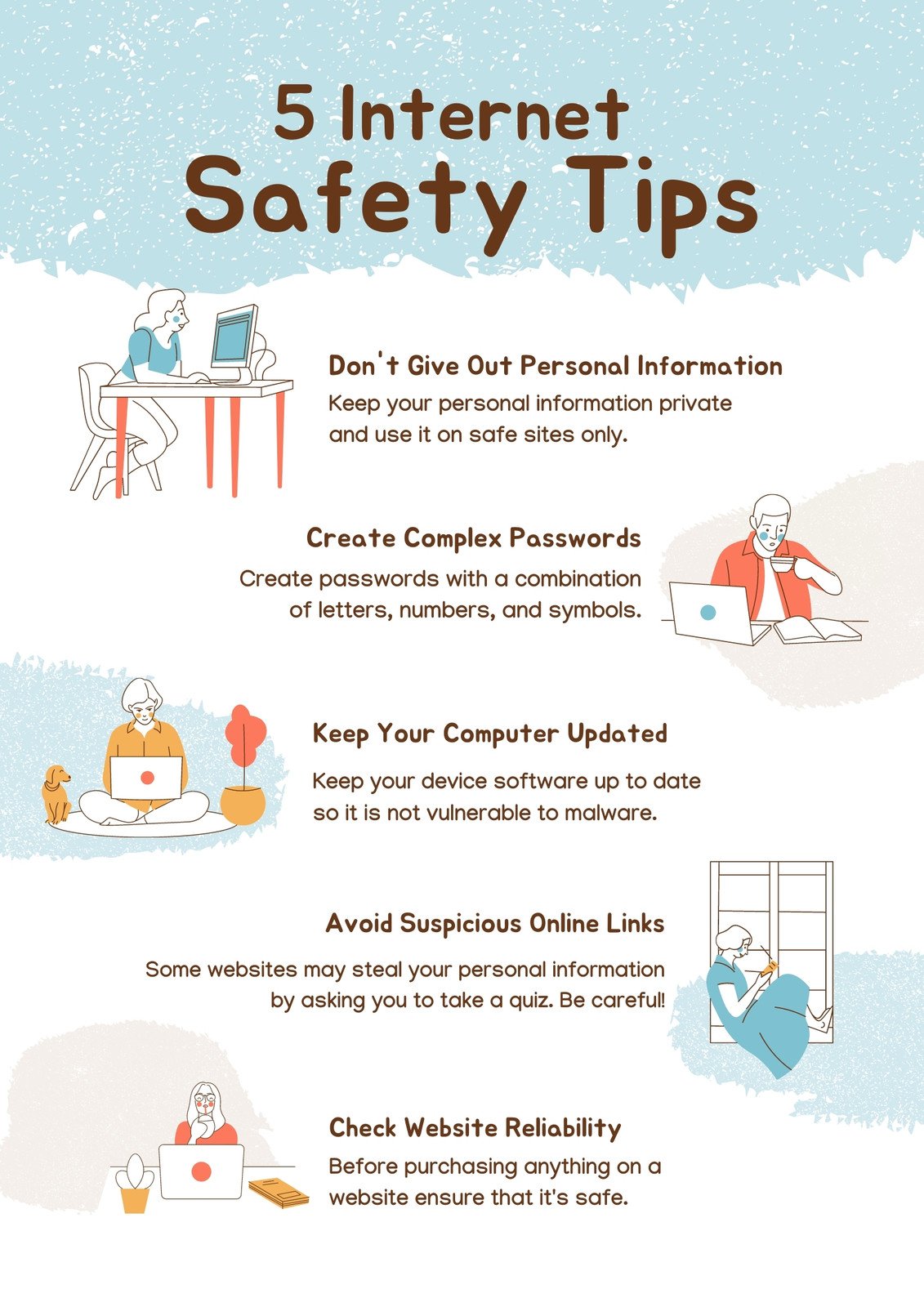
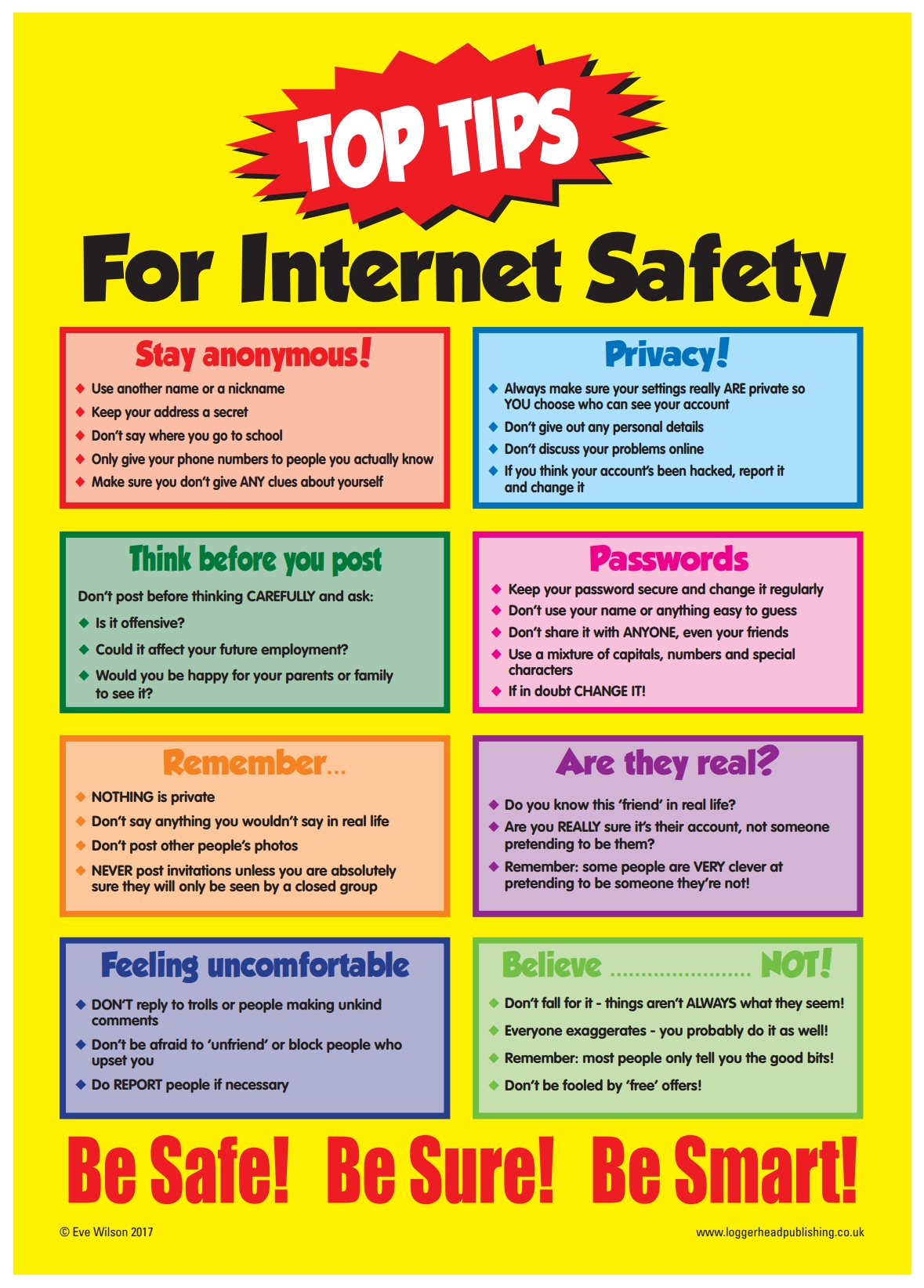
- Change Your Password Often: Use a strong password that contains a mix of numbers, letters, and special characters. Try to change it every 60 to 90 days.
- Enable WPA3 Encryption: This is the latest encryption standard and offers stronger security compared to WPA2.
- Update Your Router Firmware Regularly: Firmware updates are crucial to patching security vulnerabilities and ensuring your router remains secure.
- Use a VPN: A Virtual Private Network (VPN) encrypts your internet traffic, making it difficult for hackers to intercept your data.
- Use a Guest Network: Create a separate network for visitors to prevent them from accessing your main network and sensitive data.
- Turn Off Wi-Fi When Not in Use: Disable Wi-Fi when you're not using it to prevent unauthorized access.
- Limit Device Access: Limit access to your router to only those devices that need it, and use MAC address filtering to restrict access.
- Use Quality of Service (QoS): QoS helps prioritize traffic on your network, ensuring critical applications receive enough bandwidth.
- Monitor Your Network Activity: Regularly check your network activity to detect any suspicious behavior.
- Take Care of Your Router Hardware: Upgrade your router hardware every few years to ensure it remains secure and can handle the increasing demands of your network.
Stay Informed and Protected
By following these essential steps, you can significantly boost your home router internet security and create a safer online experience for yourself and your loved ones.
The Final Word
Protecting your home internet network requires ongoing effort and attention. Stay informed about the latest security best practices, update your router firmware regularly, and use strong passwords and encryption to keep your network secure.


/GettyImages-1135532703-46470d937a22447c8c7b1a375e39e682.jpg "How to Secure Your Home Network: Essential Tips for Online Safety")