Remove Malware from Linux Server without Reinstalling
As a Linux server administrator, you may face the daunting task of removing malware from your system without reinstalling it. Malware can infiltrate your server, compromising its integrity, data, and performance, making it essential to have the right tools and techniques at your disposal. In this comprehensive guide, we will walk you through the process of detecting and removing malware from your Linux server without reinstalling it.
Understanding Malware on Linux
Linux systems are not immune to malware, and malicious software can infiltrate your server through various means, including vulnerable packages, compromised user accounts, or exploited security flaws. Malware can cause significant harm to your server, including data theft, denial-of-service attacks, or even destructive malware like ransomware.
Detecting Malware on Linux
Detecting malware on Linux can be challenging, but several tools can help you identify potential threats. Some popular tools for detecting malware on Linux include:
- ClamAV: A free and open-source antivirus engine that detects viruses, malware, trojans, and other malicious programs.
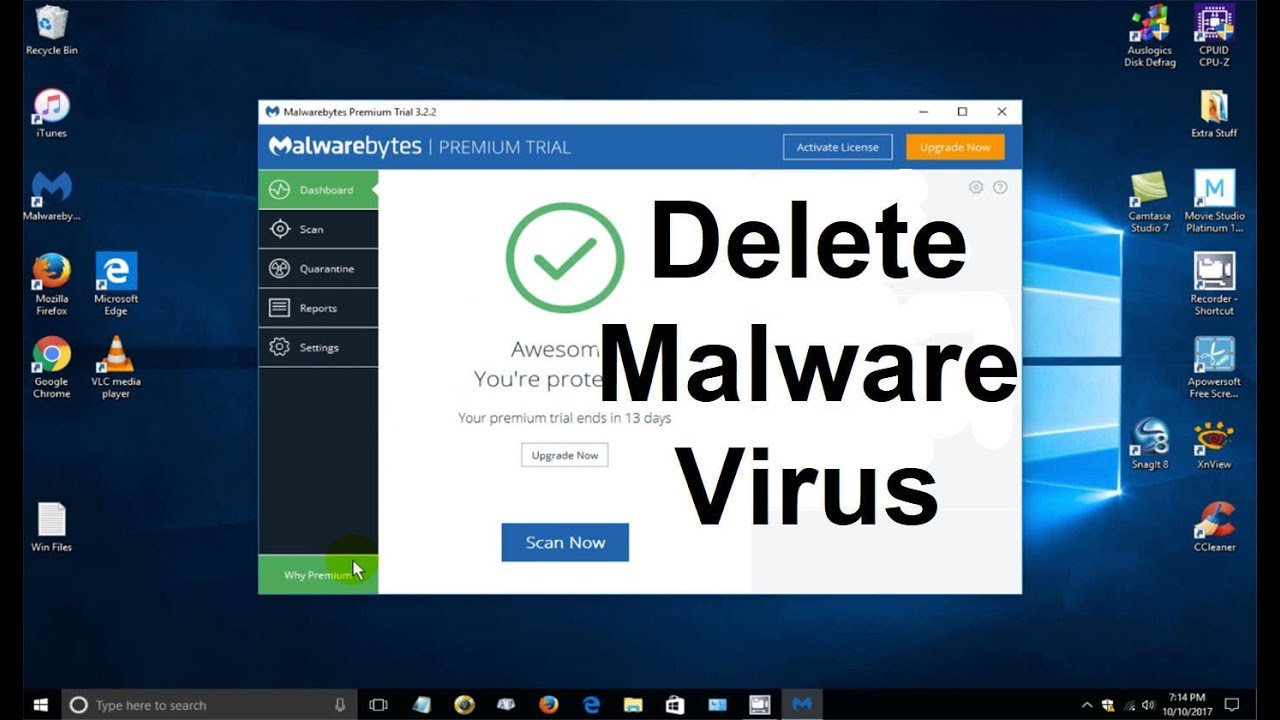
- Malwarebytes: A powerful tool that detects and removes malware, including ransomware, trojans, and other types of malware.
- Linux Malware Detect (LMD): A free tool that detects malware and rootkits on Linux systems.
Removing Malware from Linux Server

Once you have detected malware on your Linux server, it's essential to remove it safely and effectively. Here are some steps to follow:
Identify the type of malware: Determine the type of malware you are dealing with, as this will help you choose the right removal tool.
Isolate the affected systems: Isolate the affected systems to prevent the malware from spreading to other parts of your network.
Run a full system scan: Run a full system scan using a malware removal tool to detect and remove malware.
Remove infected files and directories: Remove any infected files and directories, and restore system files from backups.
Update your system: Update your system with the latest security patches and updates to prevent future attacks.
Removing Malware without Reinstalling the System
While reinstalling the system might seem like an easy solution, it's often not the most practical or efficient approach. Removing malware without reinstalling the system requires careful planning and execution. Here are some tips to help you remove malware without reinstalling the system:
- Use a Linux LiveCD: Use a Linux LiveCD to boot into your system and remove malware without affecting the existing installation.
- Use a malware removal tool: Use a malware removal tool like ClamAV, Malwarebytes, or Linux Malware Detect to detect and remove malware.
- Remove infected files and directories: Remove any infected files and directories, and restore system files from backups.
- Update your system: Update your system with the latest security patches and updates to prevent future attacks.
Conclusion
Removing malware from Linux system is a challenging task that requires careful planning and execution. By following the steps outlined in this guide, you can detect and remove malware from your Linux server without reinstalling it. Additionally, using the right tools and techniques, such as Linux LiveCD, malware removal tools, and updating your system, can help you remove malware effectively and efficiently.



![[Tutorial] Malware and viruses detection - Linux Mint Forums](https://hackersonlineclub.com/wp-content/uploads/2022/12/Mac-Malware.webp "[Tutorial] Malware and viruses detection - Linux Mint Forums")



![Top 5 Tools for Scanning Linux Malware [Guide]](https://images.ctfassets.net/7y9uzj0z4srt/LhyEq6fnDTCqDoE4ggiol/cb363898aa84b06cda5e4674627c9206/image-article-26793-01b.png "Top 5 Tools for Scanning Linux Malware [Guide]")