Boost Your Wireless Router Security with These Expert Tips
Secure Your Home Network with Strong Passwords and WPA3 Encryption
As the hub for all devices on your home network, it's crucial to ensure your wireless router security is top-notch. With the increasing number of cyber threats, securing your router can help protect your devices from getting hacked and your information from getting stolen. In this article, we'll provide you with expert tips on how to safeguard your home network and boost your router security.
Disable Remote Access and Change Default Settings
- Disable remote access: Routers offer a web interface that allows you to configure them remotely. However, this feature can be exploited by hackers to gain access to your network. To ensure your router security, disable remote access and only allow local access.
- Change default settings: Change your router's default username and password to prevent unauthorized access. Also, change the default SSID and network name to prevent easy identification of your network.
Use Strong Passwords and WPA3 Encryption
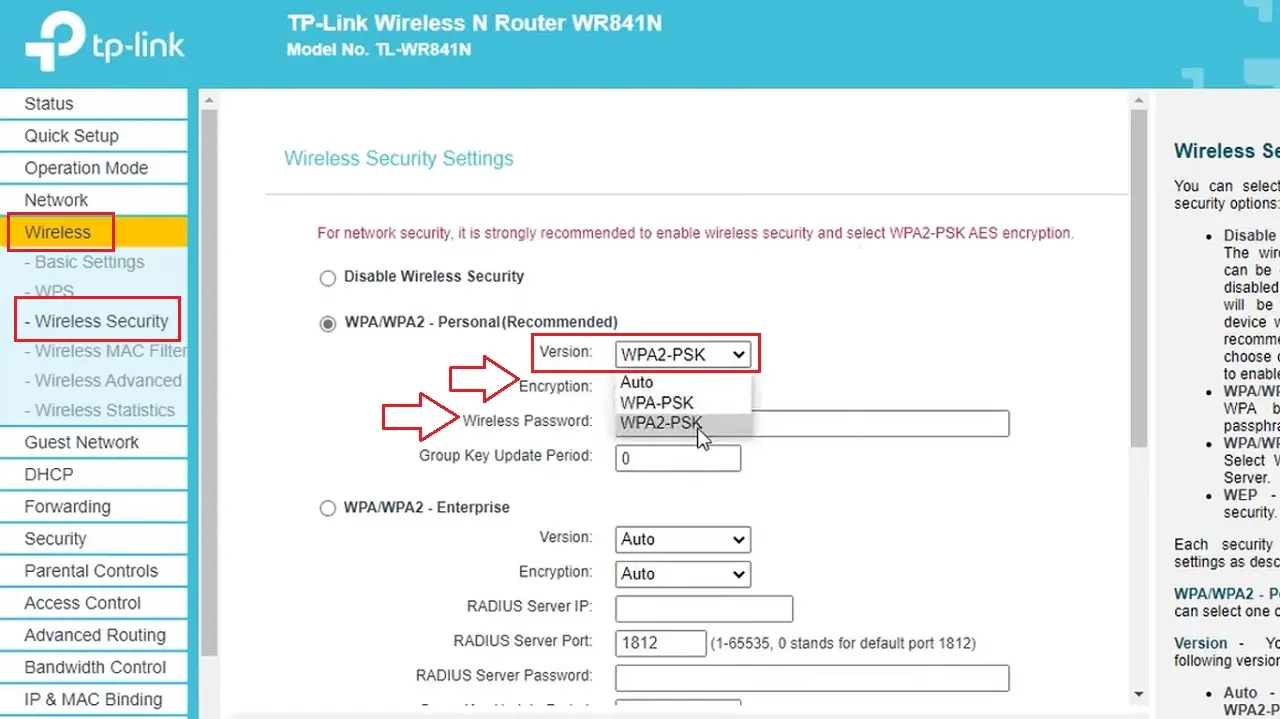
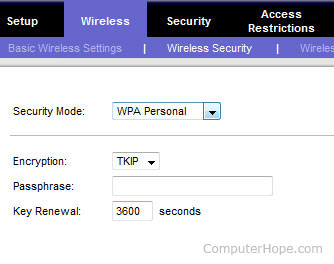
Using a strong password and WPA3 encryption is crucial for boosting your router security. WPA3 is the latest encryption protocol that offers advanced security features, such as 192-bit encryption and low-latency capabilities. To enable WPA3 encryption on your router, follow these steps:
- Access your router's web interface.
- Go to the Wireless Settings menu.
- Look for the WPA3 Encryption option and enable it.
Use a VPN and Regular Firmware Updates
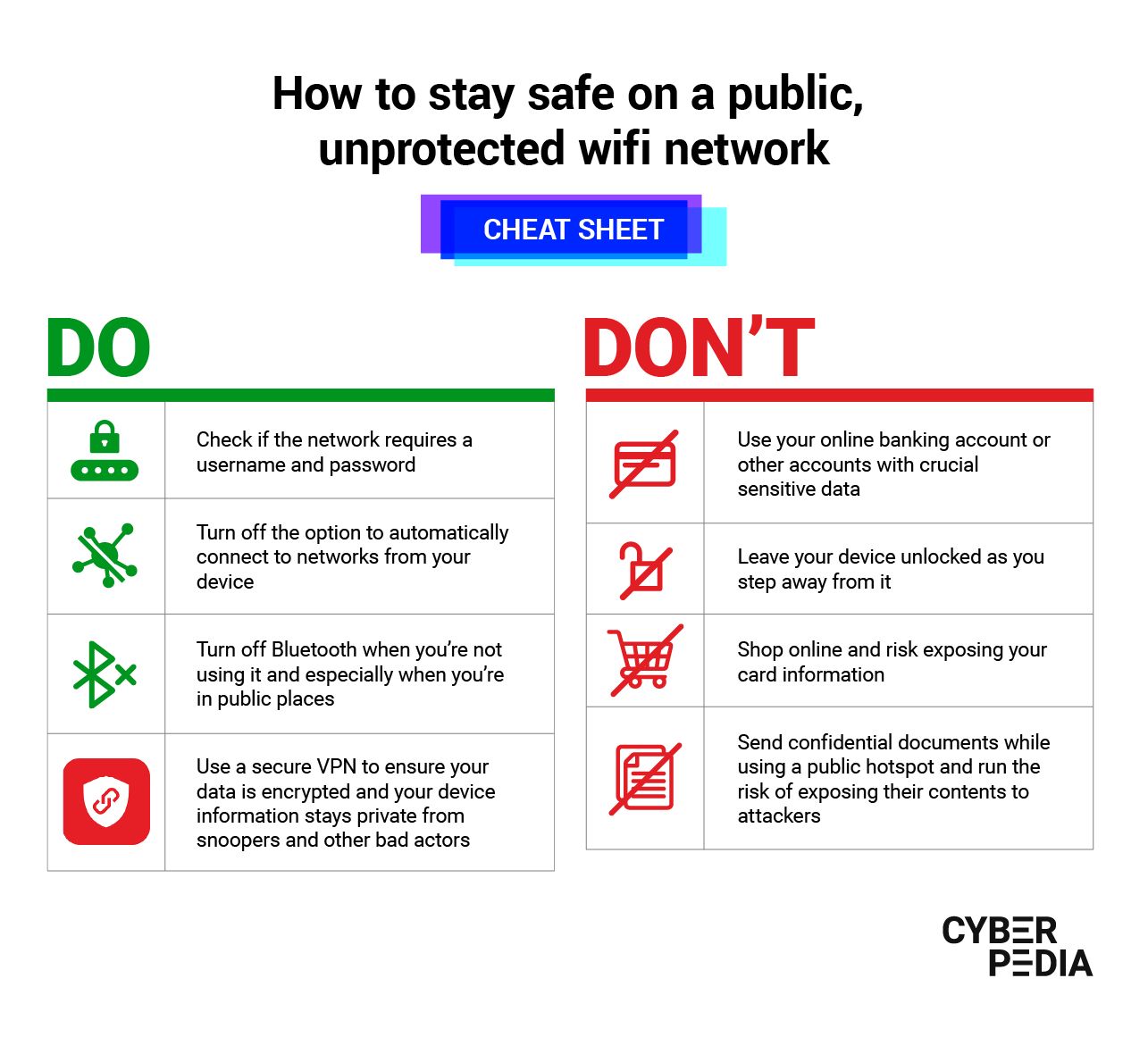
Using a Virtual Private Network (VPN) and regular firmware updates can help protect your router from cyber threats. A VPN encrypts your internet traffic, making it difficult for hackers to intercept your data. Regular firmware updates ensure that your router is running with the latest security patches and features.
Monitor Your Network and Regularly Scan for Vulnerabilities
Monitoring your network and regularly scanning for vulnerabilities can help identify potential security risks. Use a network scanner to scan for open ports, identify devices on your network, and detect any potential security risks. Regularly update your router's firmware and software to ensure that you have the latest security patches and features.
Turn Off Your Router When Not in Use
turning off your router when not in use can help prevent unauthorized access and cyber threats. Unplug your router from the power source or switch it off using the power button. This will help prevent hackers from accessing your router remotely and using it to launch cyber attacks.
Use Guest Networking and Smart Settings
Guest networking allows others to access your network, but you can add security features to restrict access. Use smart settings to limit access to your network and prevent unauthorized devices from connecting. You can also set up a guest network with a separate SSID and password to prevent cross-communication between the two networks.
Regularly Clean Up Your Wi-Fi Network
Regularly cleaning up your Wi-Fi network can help remove unnecessary devices and settings that can compromise your router security. Check your router's settings and remove any unused devices, scan for malware, and update your firmware to ensure that your router is running with the latest security patches and features.
Use AI-Powered Security Tools
Many modern routers come with built-in AI-powered security tools that can help detect and prevent cyber threats. These tools can provide real-time network monitoring, malicious site blocking, vulnerability protection, and infected device blocking. Look for routers that come with AI-powered security tools and use them to boost your router security.
Conclusion
Boost Your Router Security Today!
By following these expert tips, you can boost your wireless router security and protect your devices from getting hacked and your information from getting stolen. Remember to regularly monitor your network, scan for vulnerabilities, and update your firmware to ensure that your router is running with the latest security patches and features. With these tips, you can keep your home network secure and prevent cyber threats from compromising your safety.