Protect Your Inbox: A Comprehensive Guide on How to Protect Email from Spam
When it comes to your email inbox, it's essential to protect it from spam, phishing, and other malicious emails. Spam emails can clog up your inbox, hide threats, and even lead to identity theft. In this article, we'll explore the best ways to protect your email from spam and keep your inbox secure.
Understand the Problem
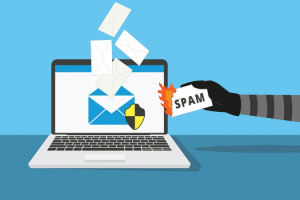
Email spam is more than just annoying; it's also a security risk. Scammers can use spam emails to trick you into revealing sensitive information or installing malware on your device. Therefore, it's crucial to understand how to identify and block spam emails before they reach your inbox.
Types of Spam Emails
Phishing emails: These are emails sent by scammers that pretend to be from reputable sources, such as banks or online retailers, in an attempt to steal your personal information.
Malware emails: These emails contain malicious attachments or links that can install malware on your device, giving scammers access to your sensitive information.
Spam emails: These are unsolicited emails that are often promotional or advertising in nature.
How to Protect Your Email from Spam
1. Use a Reliable Email Provider
Using a free, lesser-known, or unreliable email provider may not provide the necessary protection to reduce spam and keep your inbox secure. Some providers may even sell your contact information to third-party advertisers.
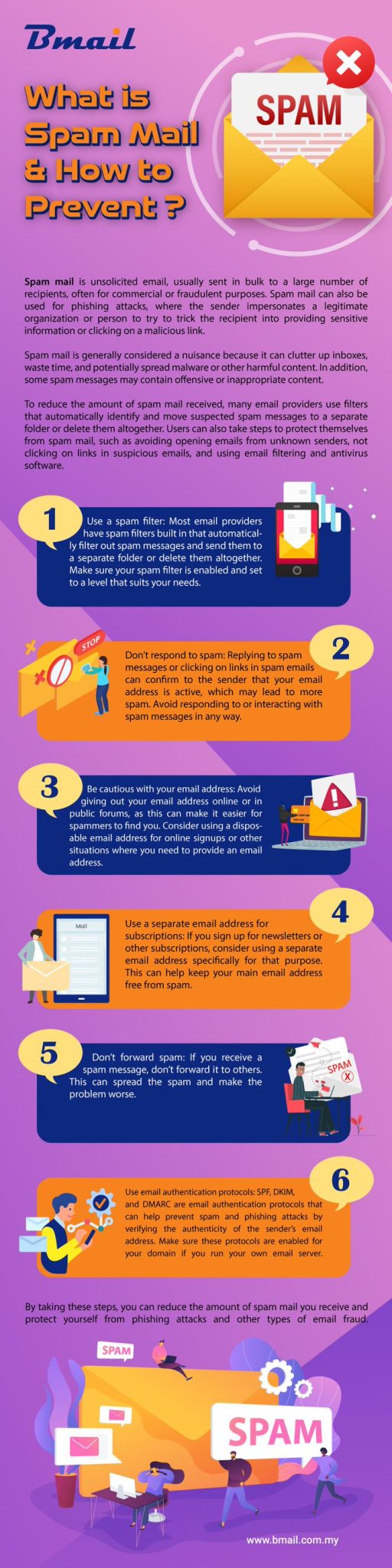
Instead, opt for a reputable email provider that offers robust anti-spam protection, such as Gmail, Outlook, or ProtonMail. These providers have advanced spam filters that can help block spam emails and keep your inbox safe.
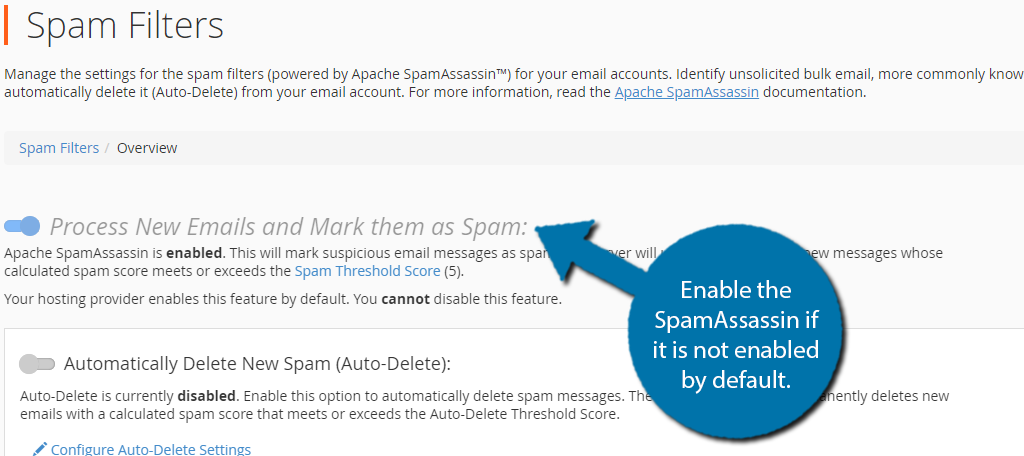
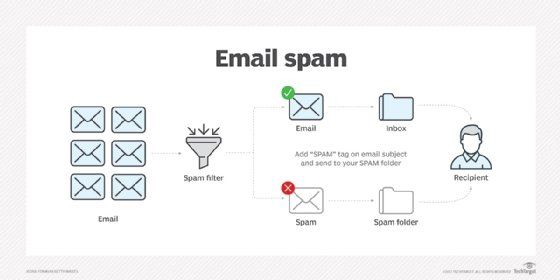
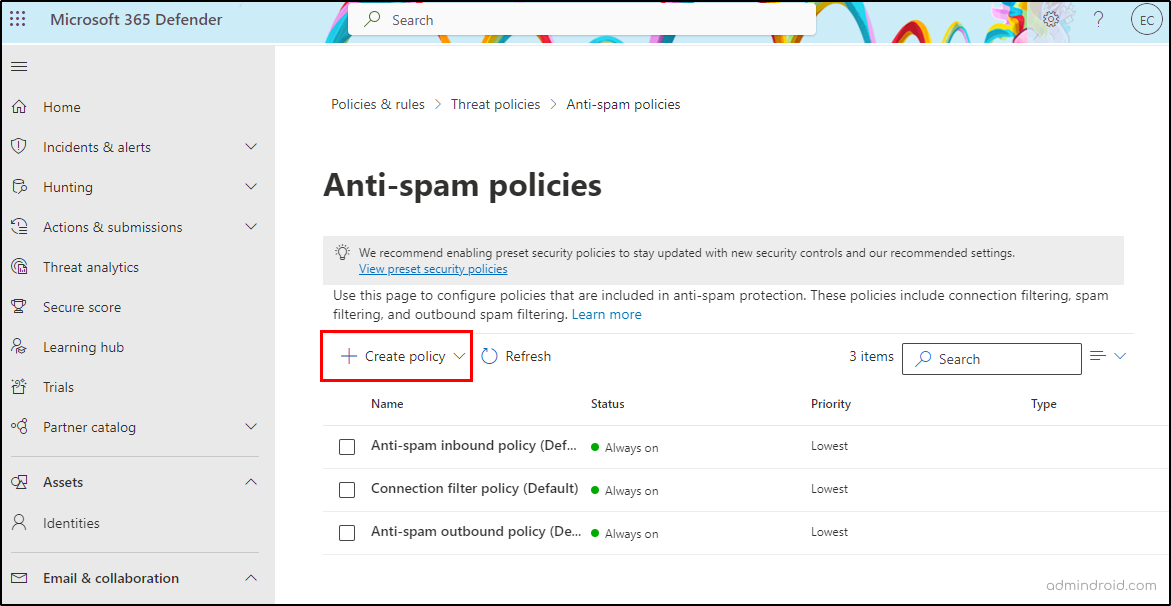
2. Use Spam Filters
Spam filters are a crucial tool in the fight against spam emails. There are different types of spam filters, including:
- Cloud-based spam filters: These filters are hosted on the cloud and can be accessed from anywhere.
- Server-hosted spam filters: These filters are hosted on your email server and can be customized to fit your specific needs.
3. Use Disposable Email Addresses
Disposable email addresses, also known as temporary email addresses, can help protect your personal email address from spam and phishing attempts. These addresses are disposable and can be used only once, making it difficult for scammers to track your real email address.
Some popular disposable email services include YOPmail, Temp-Mail, and Mailinator.
4. Be Cautious with Links and Attachments
One of the most common ways scammers spread malware and phishing attacks is through links and attachments in spam emails. Be cautious when clicking on links or opening attachments from unknown senders, and never download attachments from unsolicited emails.
5. Report Spam Emails
Reporting spam emails can help your email provider and other users avoid falling victim to the same scam. Most email providers have a "Report Spam" or "Mark as Spam" button that can be used to report suspicious emails.
6. Use 2-Factor Authentication
Two-factor authentication adds an extra layer of security to your email account. It requires a second form of verification, such as a code sent to your phone or a biometric scan, in addition to your password.
7. Keep Your Email Account Secure
Regularly update your email account password and keep your email client and browser up-to-date with the latest security patches.
Conclusion
Protecting your email from spam requires a combination of technical and behavioral methods. By using a reliable email provider, spam filters, disposable email addresses, and being cautious with links and attachments, you can significantly reduce the risk of falling victim to spam emails. Remember, a secure email account is not just about avoiding spam; it's also about protecting your personal data and financial information.