Protect Your Online Reputation with Strong Password Security
In today's digital age, our lives rely heavily on online accounts, from banking to streaming and social media. With so many platforms to manage, it's easy to fall into the habit of reusing the same login credentials across multiple sites. However, this is a recipe for disaster, as hackers and scammers can easily gain access to all your accounts with just one compromised password.
How to Protect Login Credentials Online: The Ultimate Guide
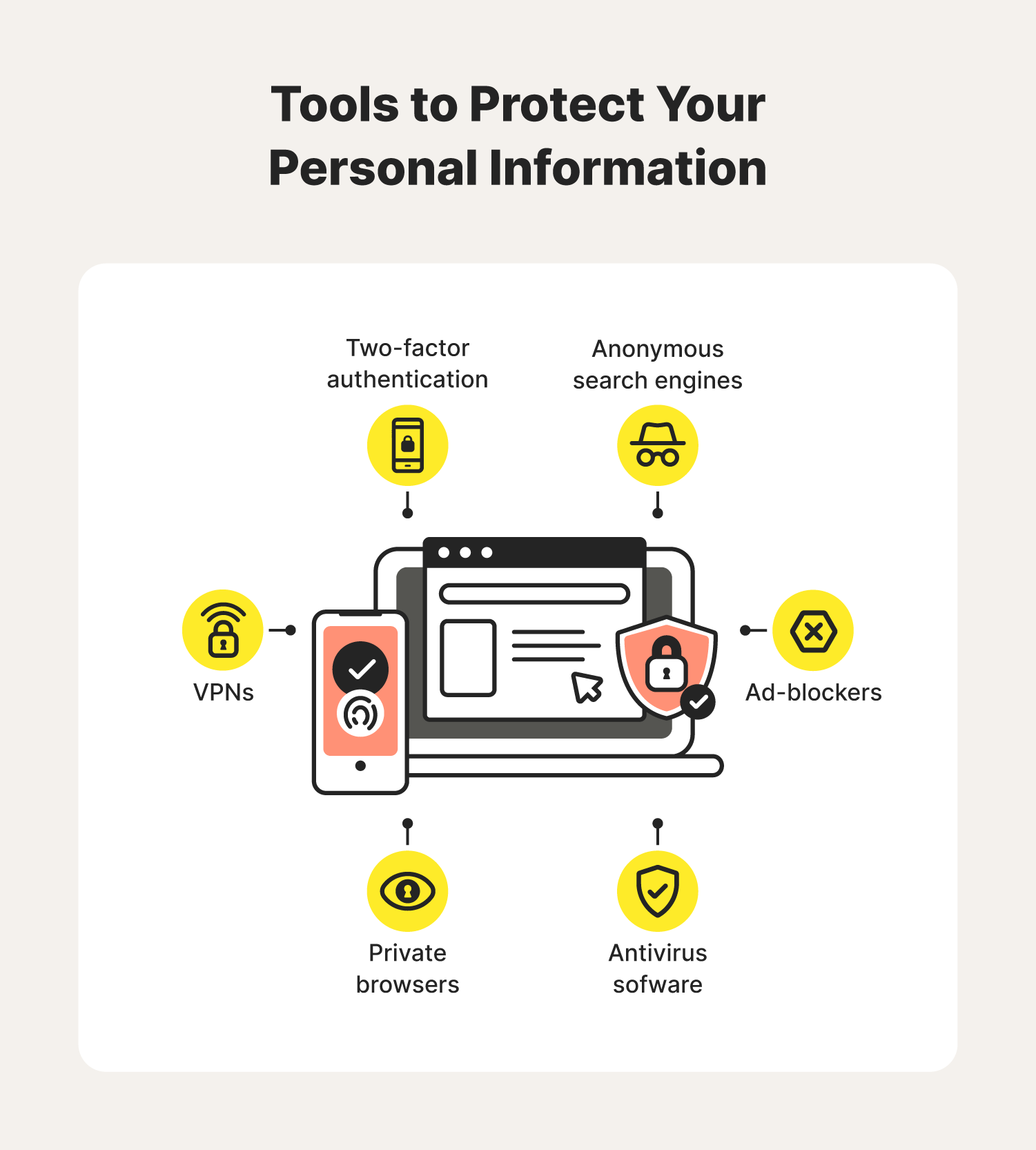
Protecting your login credentials online requires more than just a strong password. It demands a comprehensive approach that includes password management, two-factor authentication, and security best practices. In this guide, we'll cover the essential steps to help you safeguard your online accounts and prevent potential data breaches.
Step 1: Use Strong, Unique Passwords for Each Account
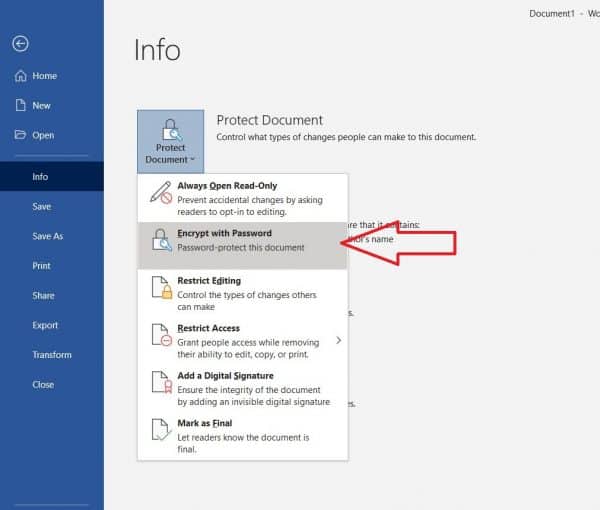
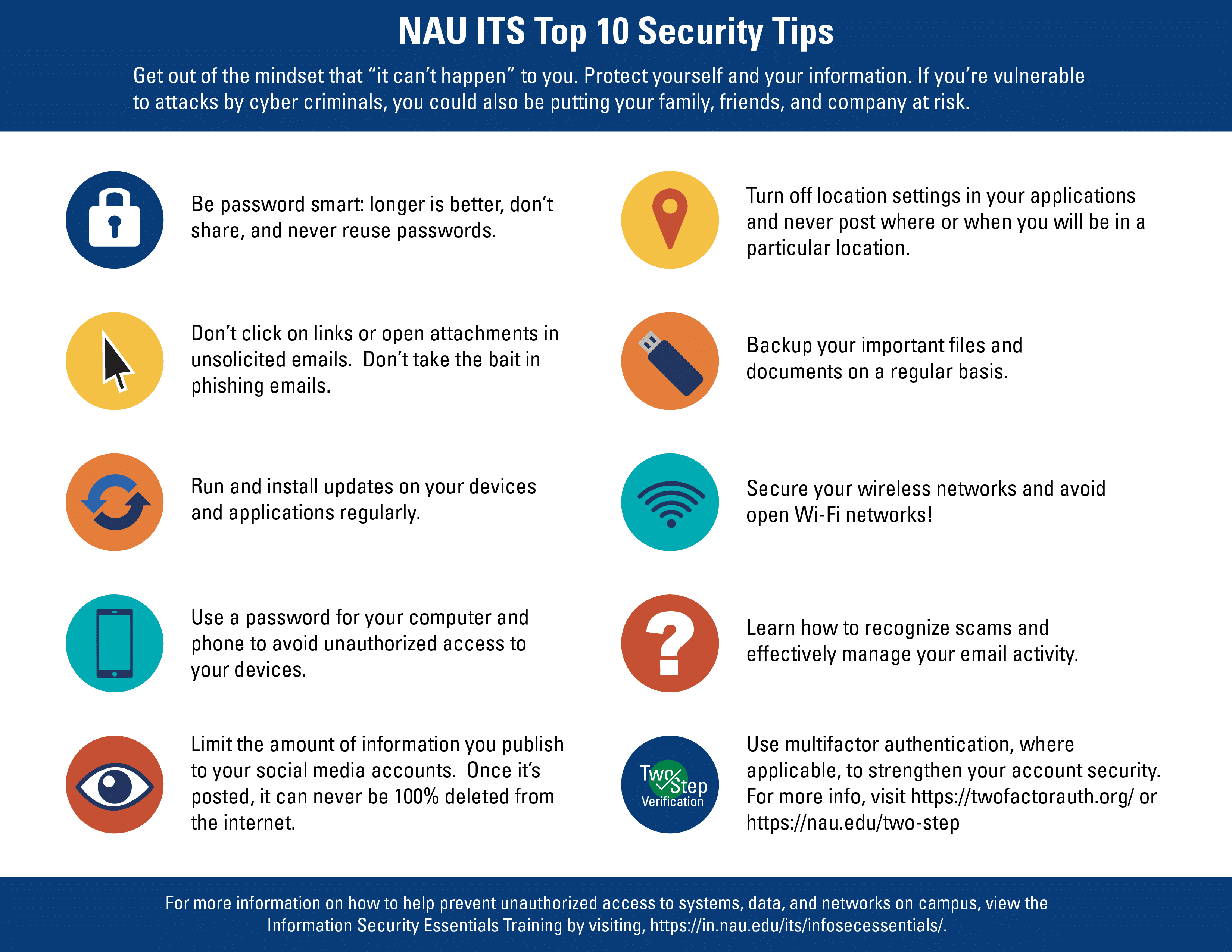
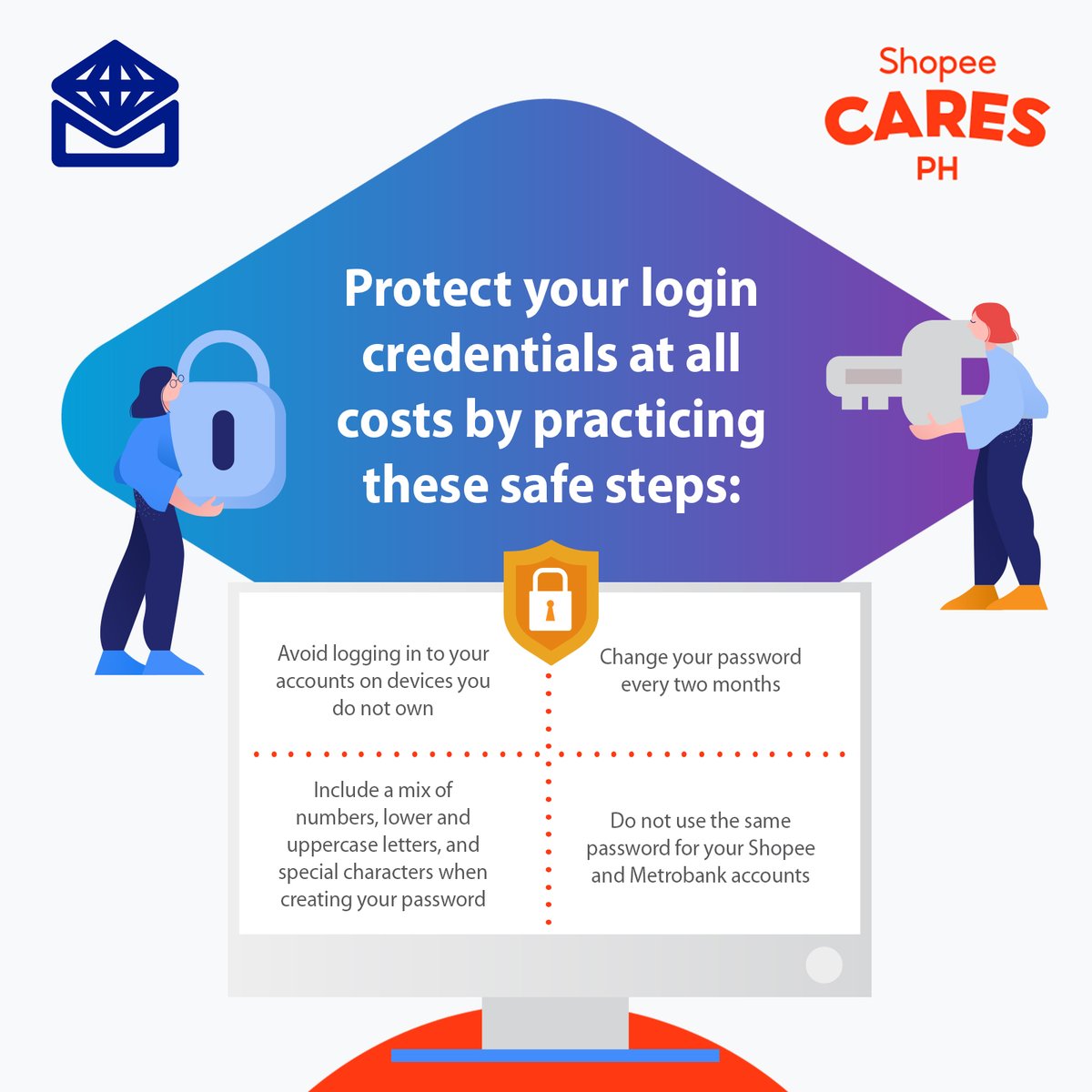
-use a unique password for each website or platform, making them a mix of uppercase and lowercase letters, numbers, and special characters. A password manager, like LastPass or 1Password, can generate and store complex passwords for you. This way, you'll avoid the hassle of remembering multiple passwords while ensuring maximum security.
Step 2: Enable Two-Factor Authentication (2FA)
Two-factor authentication adds an extra layer of security to your login process. It requires a second verification step, typically a code sent to your phone or generated by an app, beyond just your password. Even if hackers obtain your login credentials, 2FA will prevent them from accessing your account.
Step 3: Keep Software Up-to-Date
Regular software updates include critical security patches, which can help fix vulnerabilities that attackers could exploit. Ensure you're running the latest version of your operating system, browser, and other software to protect against potential breaches.
Step 4: Monitor Your Credentials and Accounts
Keep a close eye on your login credentials and accounts for any suspicious activity. Regularly review your account statements and login activity to detect any unauthorized access. Most websites and platforms offer login activity logs, which can help you monitor your account's security.
5 Advanced Strategies for Enhanced Security
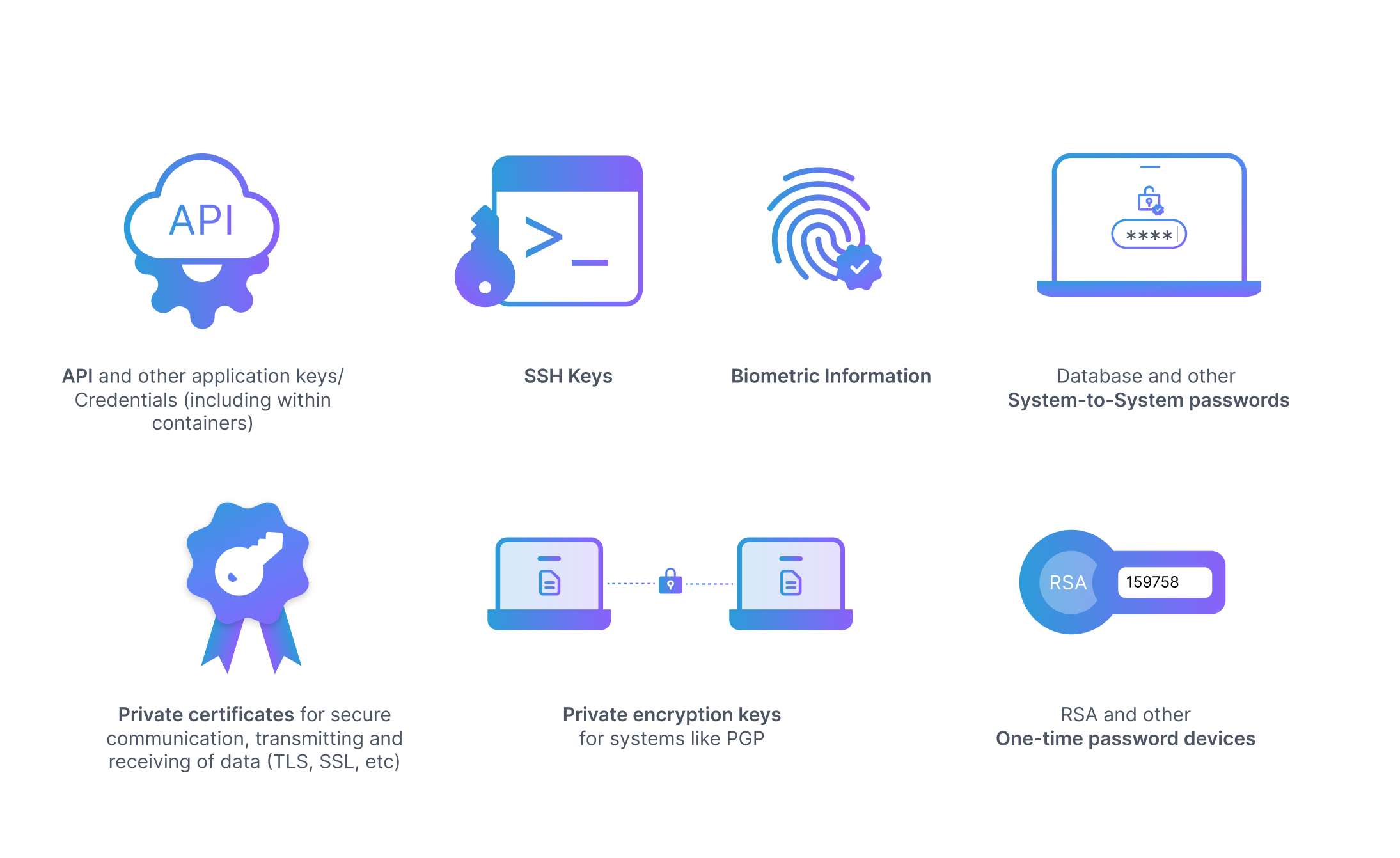
- Use a Password Manager:** A password manager simplifies your login experience by securely logging into accounts for you. Step 2 - Secure your password manager with a strong password and multiple factor authentication in form of biometrics and passkeys replacing traditional passwords with cryptographic keys stored on your devices.
- Enable Two-Factor Authentication:** Two-factor authentication (2FA) adds a second verification step beyond your password and is typically a code sent to your phone or generated by an app. Even if your credentials are compromised, 2FA can prevent unauthorized access.
- Use a Two-Step Verification:** Two-step verification requires you to enter a second form of verification, like a code sent to your phone or a biometric scan, before accessing your account.
- Employ a Conditional Access Policy:** This allows you to set different levels of access for your accounts based on user identities, devices, or other factors. For example, you may grant some users access to a specific document or resource only when they're on a corporate network.
- Regularly Update Your Firmware:** Firmware is a crucial aspect of any device's security, and ignoring its updates can leave you vulnerable to even common malware attacks.
Take Control of Your Online Security
Protecting your login credentials and online accounts requires ongoing effort and attention. By implementing the strategies outlined in this guide and staying up-to-date with the latest security best practices, you'll be better equipped to safeguard your digital life against potential threats. Password protect your sensitive data with confidence and peace of mind.