The Best Setup for Streaming on Twitch
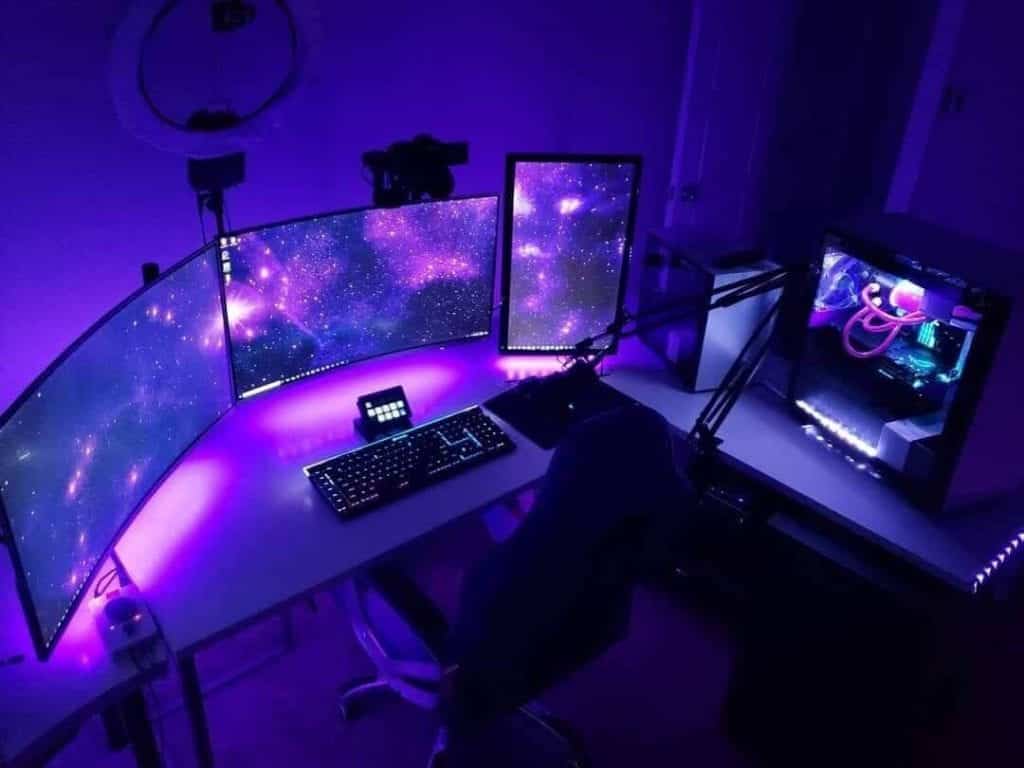
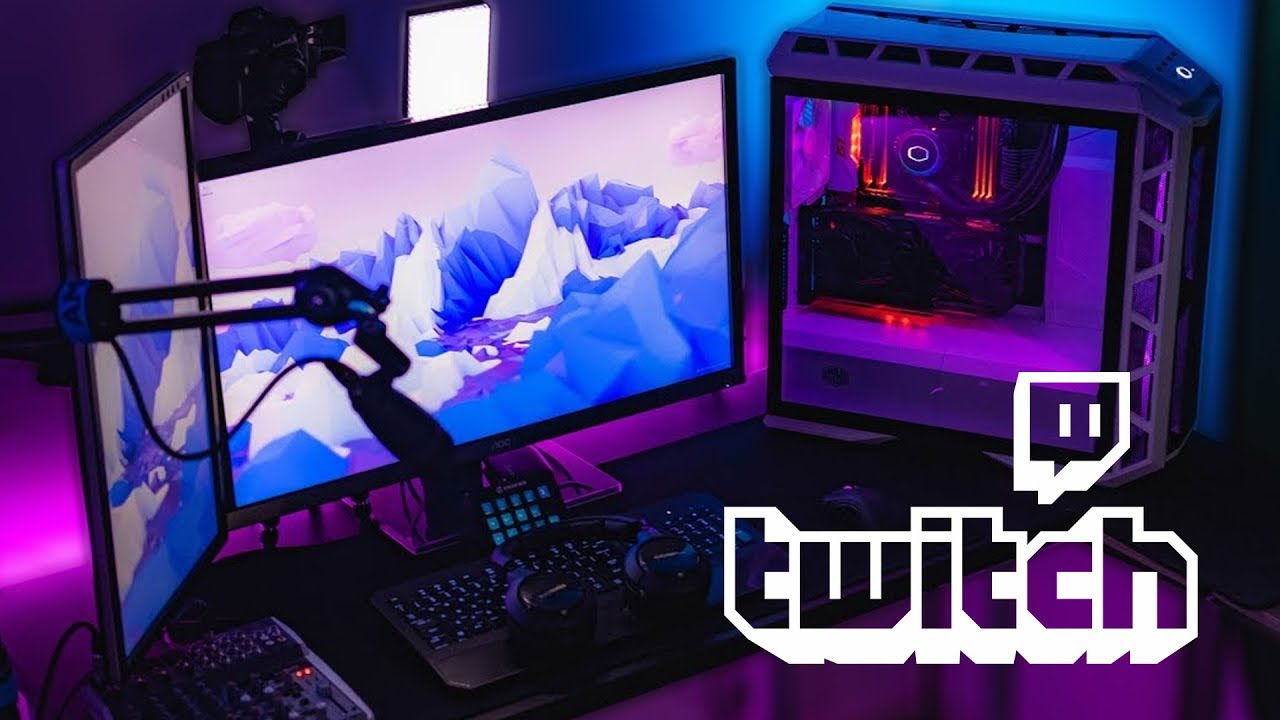
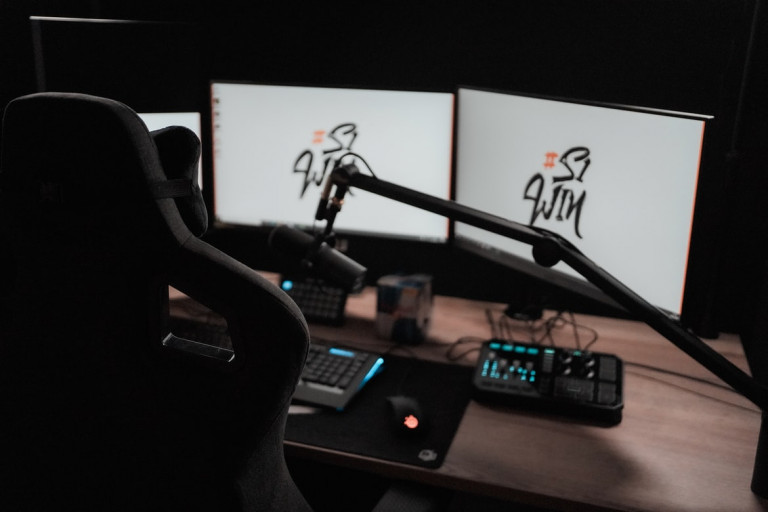
Streaming on Twitch can be an exhilarating experience, but it requires the right setup to ensure high-quality and engaging content for your viewers. In this article, we will discuss the essential equipment and software needed to create the best setup for streaming on Twitch.
Computer Configuration
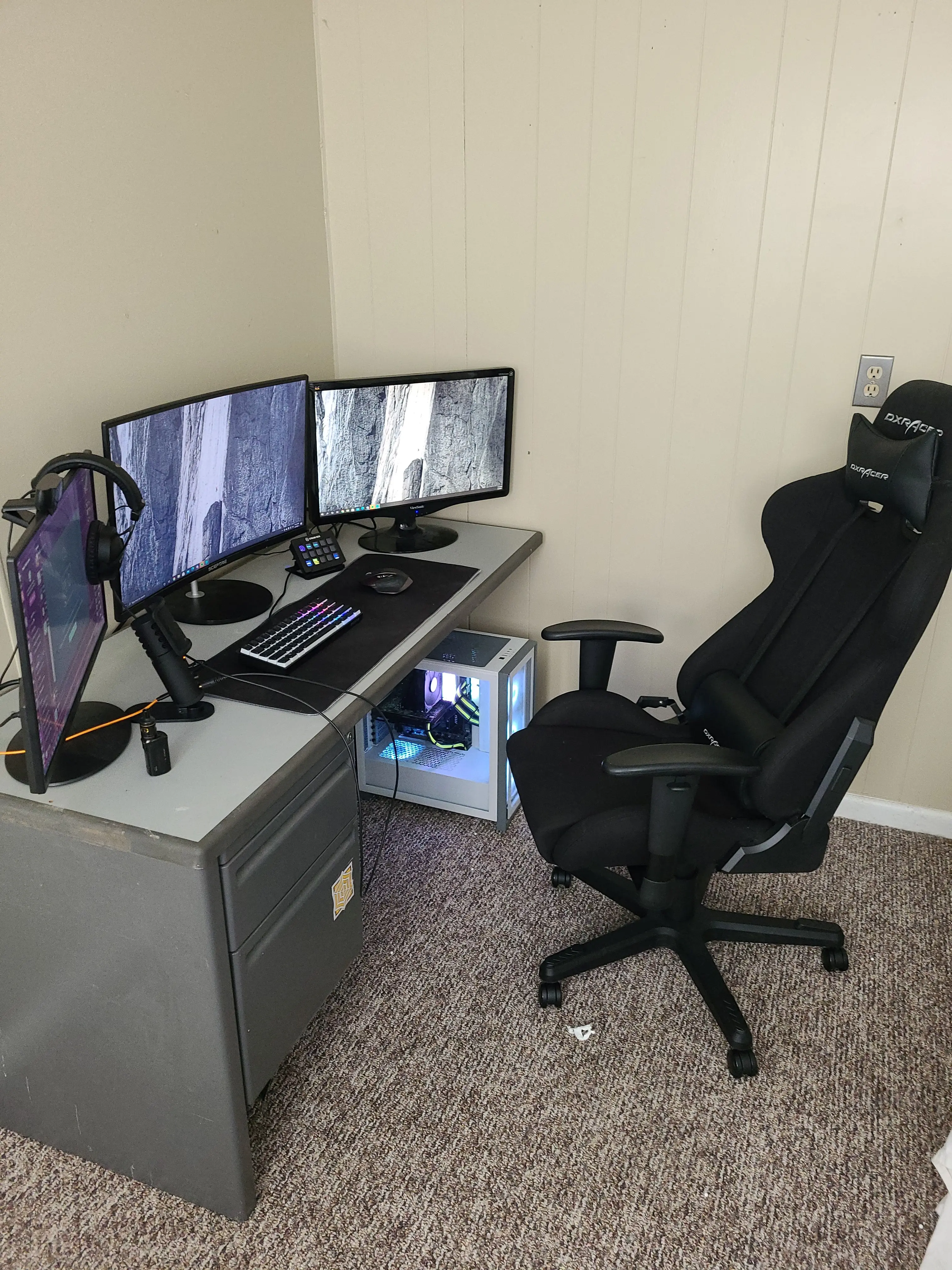
Before you start setting up your streaming equipment, make sure your computer is configured to handle the demands of live streaming. Install all necessary drivers and updates to avoid any performance issues. A decent gaming PC or laptop with a dedicated graphics card will suffice for most streaming needs. CPU, RAM, and storage are also crucial components to consider when building your setup.
Relevant Computer Components
- CPU (Pentium 4 or AMD equivalent)
- GPU (GeForce GTX 1660 or AMD Radeon RX 5600 XT)
- RAM (16 GB or more)
- Storage (1 TB or more)
Webcams and Cameras
A good webcam is essential for live streaming, as it provides a clear and engaging visual experience for your viewers. When choosing a webcam, consider the following features:
- Resolution (HD or 1080p)
- Frame Rate (30 FPS or 60 FPS)
- Field of View (wide or narrow)
- Lighting Requirements (low light or backlit)
For more advanced streaming setups, consider investing in a dedicated camera, such as a Sony Alpha series or a Canon EOS series.
Microphones
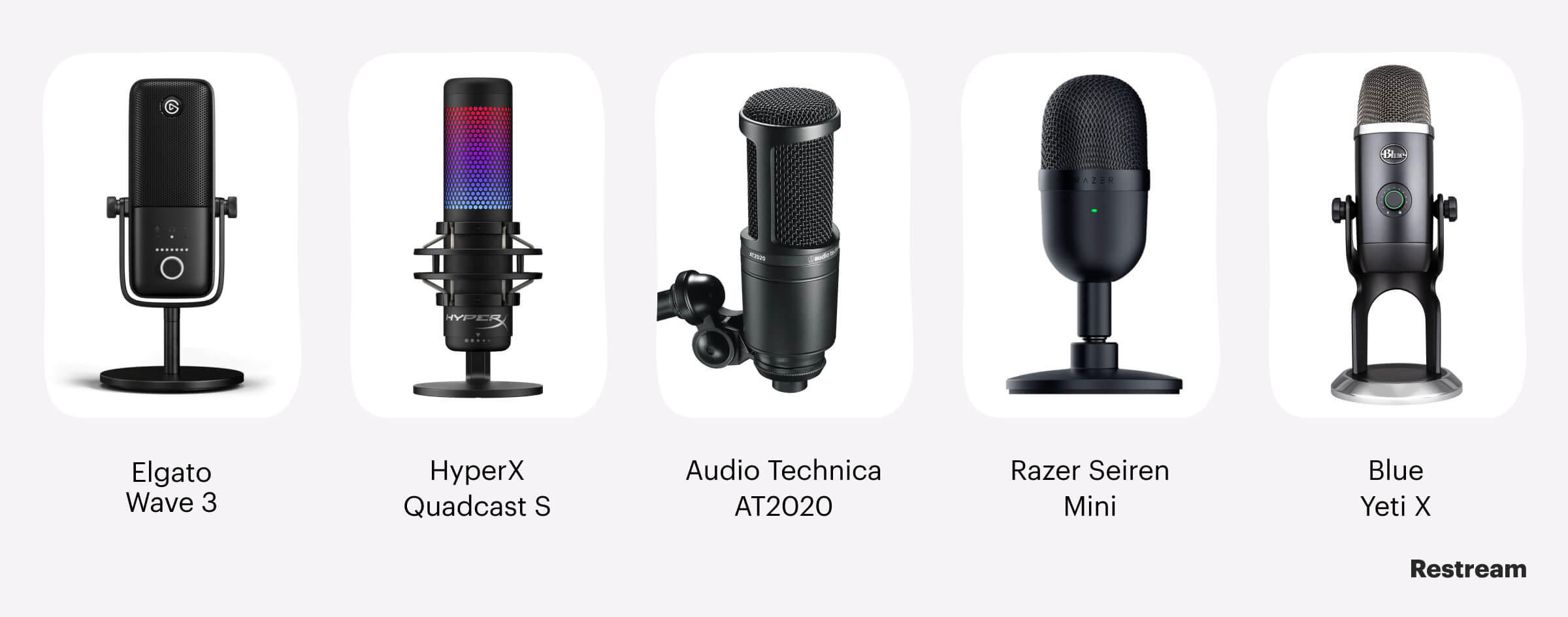
Good audio quality is just as important as good video quality when it comes to live streaming. Invest in a high-quality microphone that can capture clear and crisp audio. Popular options include the Blue Yeti or the HyperX QuadCast Gaming Microphone.
Lighting

Proper lighting is essential for a visually appealing and engaging stream. Consider investing in a ring light or a softbox to create a flattering and well-lit environment. Natural light can also be an excellent option, but make sure it doesn't create unflattering shadows.
Streaming Software
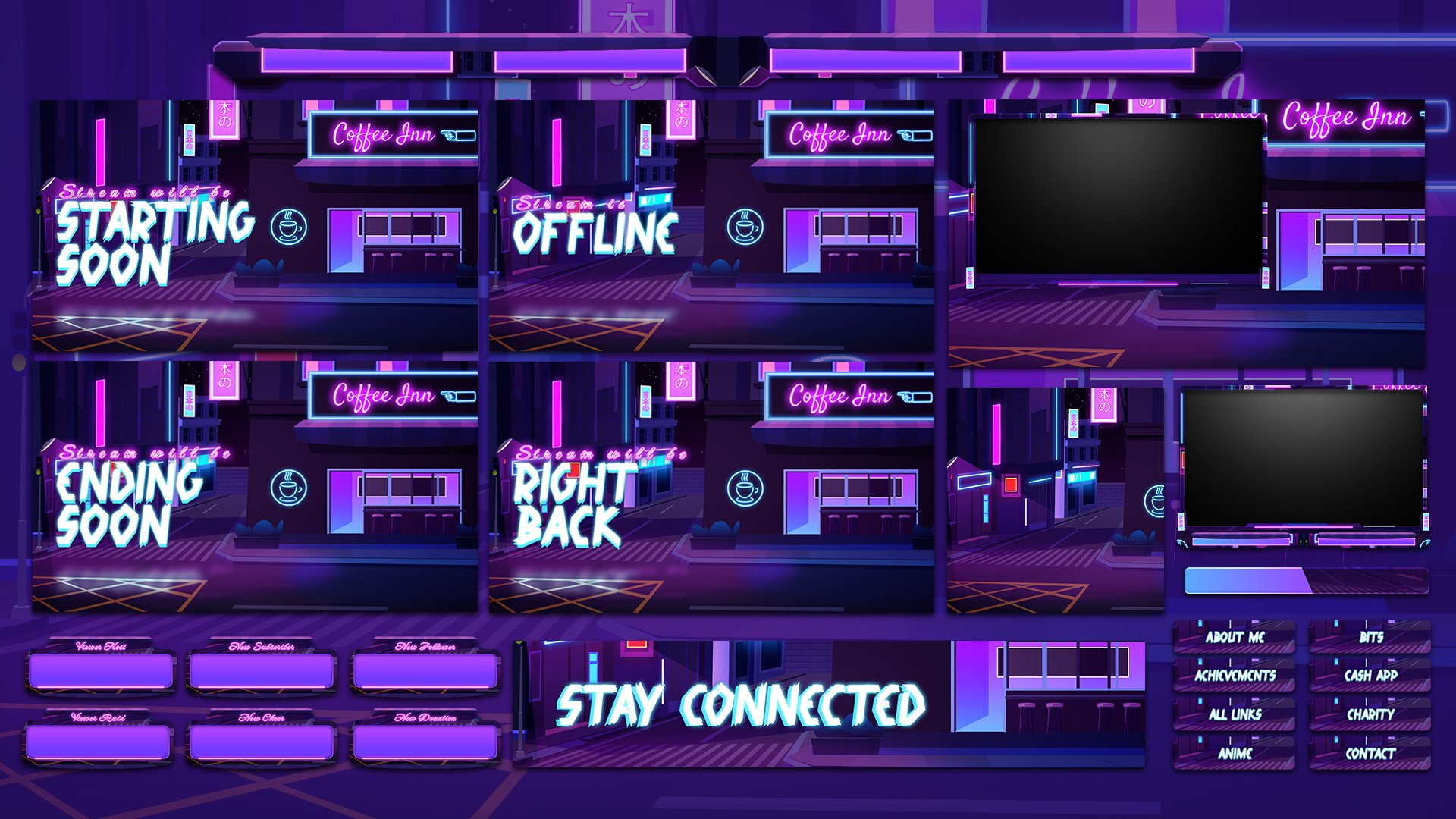
Streaming software is the backbone of any streaming setup. Popular options include OBS Studio, Streamlabs OBS, and XSplit. Each software has its own set of features and benefits, so choose the one that best suits your needs.
Best Gear for Streaming
When it comes to the best gear for streaming, consider the following:
- Elgato HD60 (game capture card)
- Logitech C920 (webcam)
- Blue Yeti (microphone)
- Ring Light or Softbox (lighting)
- OBS Studio (streaming software)
Setup Budget
Don't worry, you don't need to break the bank to create a professional streaming setup. A budget-friendly option can be achieved with the following equipment:
- Elgato HD40 (game capture card)
- Logitech C270 (webcam)
- Blue Snowball (microphone)
- Ring Light (lighting)
- OBS Studio (streaming software)
Conclusion
Creating the best setup for streaming on Twitch requires a combination of good equipment and software. By following the guidelines outlined in this article, you'll be well on your way to creating high-quality and engaging content for your viewers. Don't forget to experiment with different equipment and software to find what works best for you.



![[Everything Explained] Streaming Setup for Twitch in 2026 - OBSBOT](https://forcreators.com/wp-content/uploads/2020/06/Twitch-setup-1.jpg "[Everything Explained] Streaming Setup for Twitch in 2026 - OBSBOT")