How to Create a New Discord
Welcome to Discord! If you are here, you must be wondering how you can get started on Discord. This article will cover the steps to create a new Discord account, including how to get the app, create your account, and claim your account.
Step 1: Get the App
Before you can create a new Discord account, you need to get the app. You can download the Discord app on your computer or mobile device from the official Discord website. On desktop, you can download the app from www.discord.com. On mobile, you can download the app from the App Store or Google Play Store.
Step 2: Create Your Account
Once you have the app, you need to create your account. Click on the "Sign up" button on the Discord app or website to start the registration process. You will need to enter your email address, username, and password to create your account. Make sure to choose a strong password and enter a valid email address, as you will need to verify your email address to activate your account.
Step 3: Claim Your Account
After you create your account, you will receive a verification email from Discord. You need to click on the link in the email to activate your account. Once your account is activated, you can log in to your account and start using Discord.
Tips for Creating a New Discord Account
- Make sure to choose a unique username that represents you or your community.
- Choose a strong password and keep it safe to avoid unauthorized access to your account.
- Enter a valid email address and verify your email address to activate your account.
- Set up a strong profile picture and bio to make your account look professional.
Creating a Discord Server
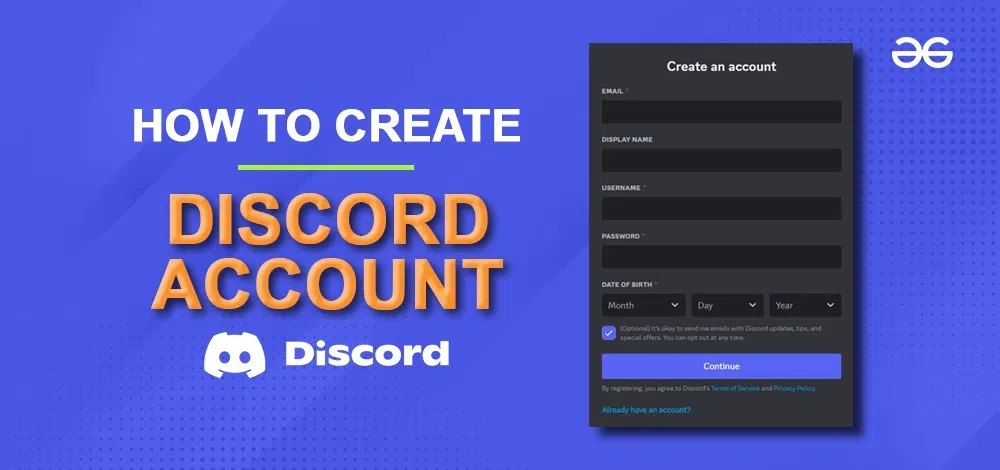
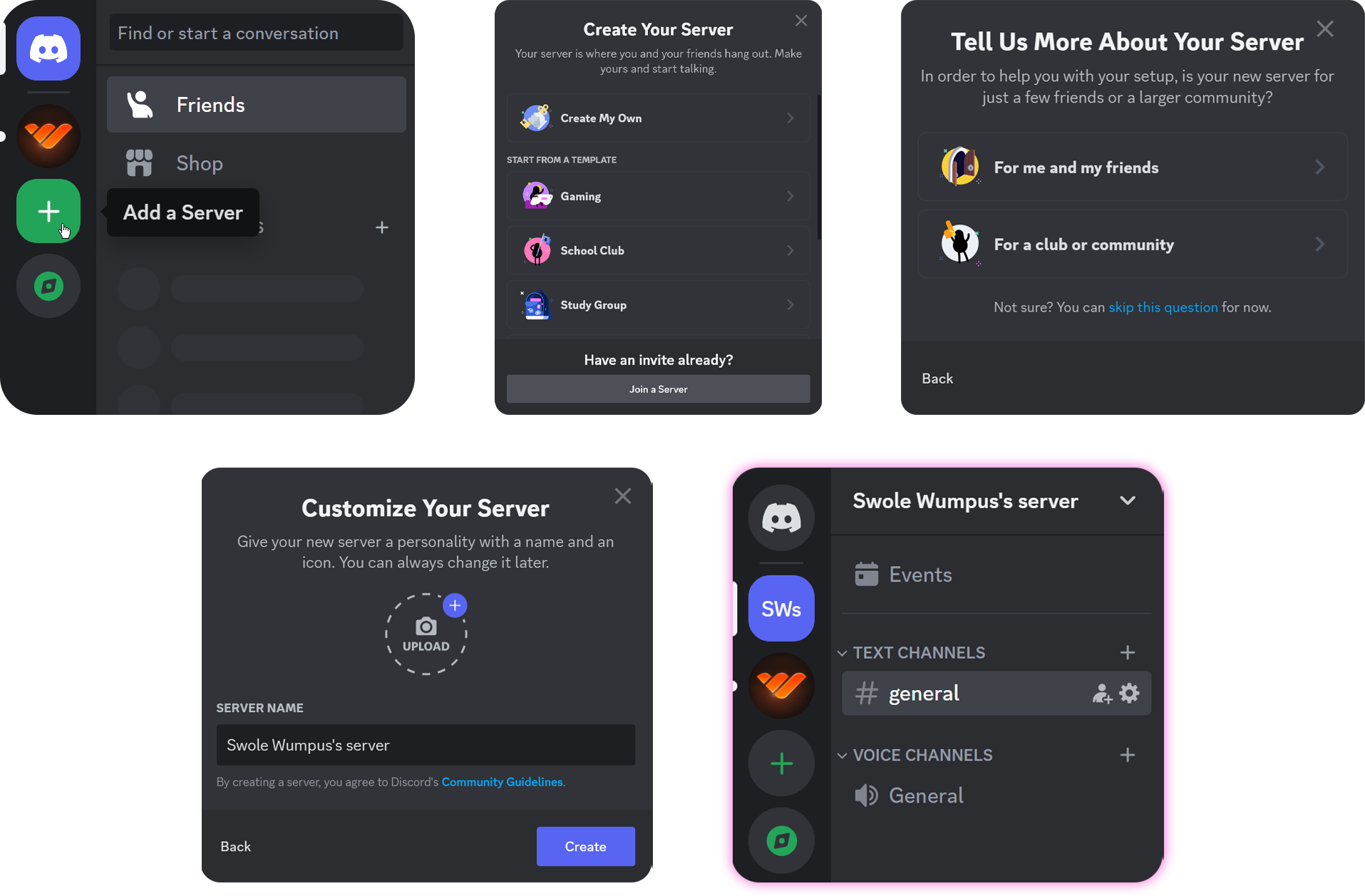
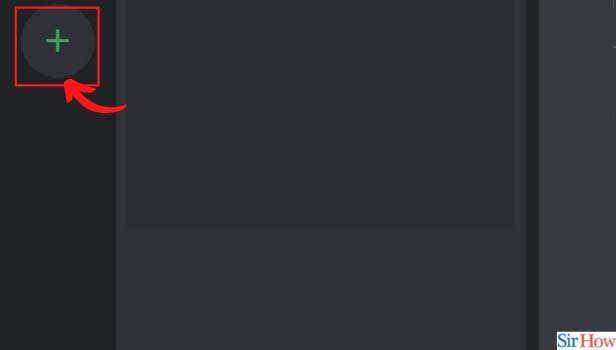
Discord is not just a messaging app; it also allows you to create your own communities or join existing ones. Creating a Discord server is a straightforward process. First, you need to either download the Discord app or access the Discord website on a web browser. Then, you can click on the "New Server" button to create a new server. You will be prompted to enter a name for your server, and you can also add a description and logo to your server.
Setting Up a Discord Server
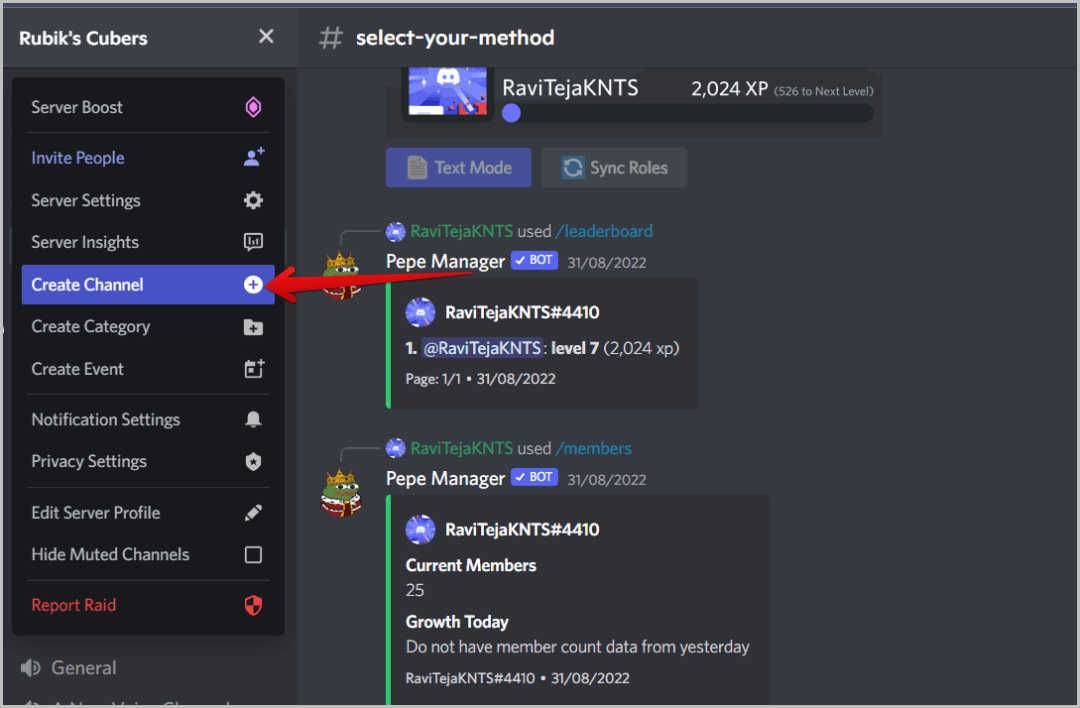
Once you have created your server, you need to set up your server to make it functional and organized. You can add channels, roles, and permissions to your server to make it a great community for your members. You can also add bots to your server to automate tasks and make your community management easier.
Best Practices for Creating a Discord Server
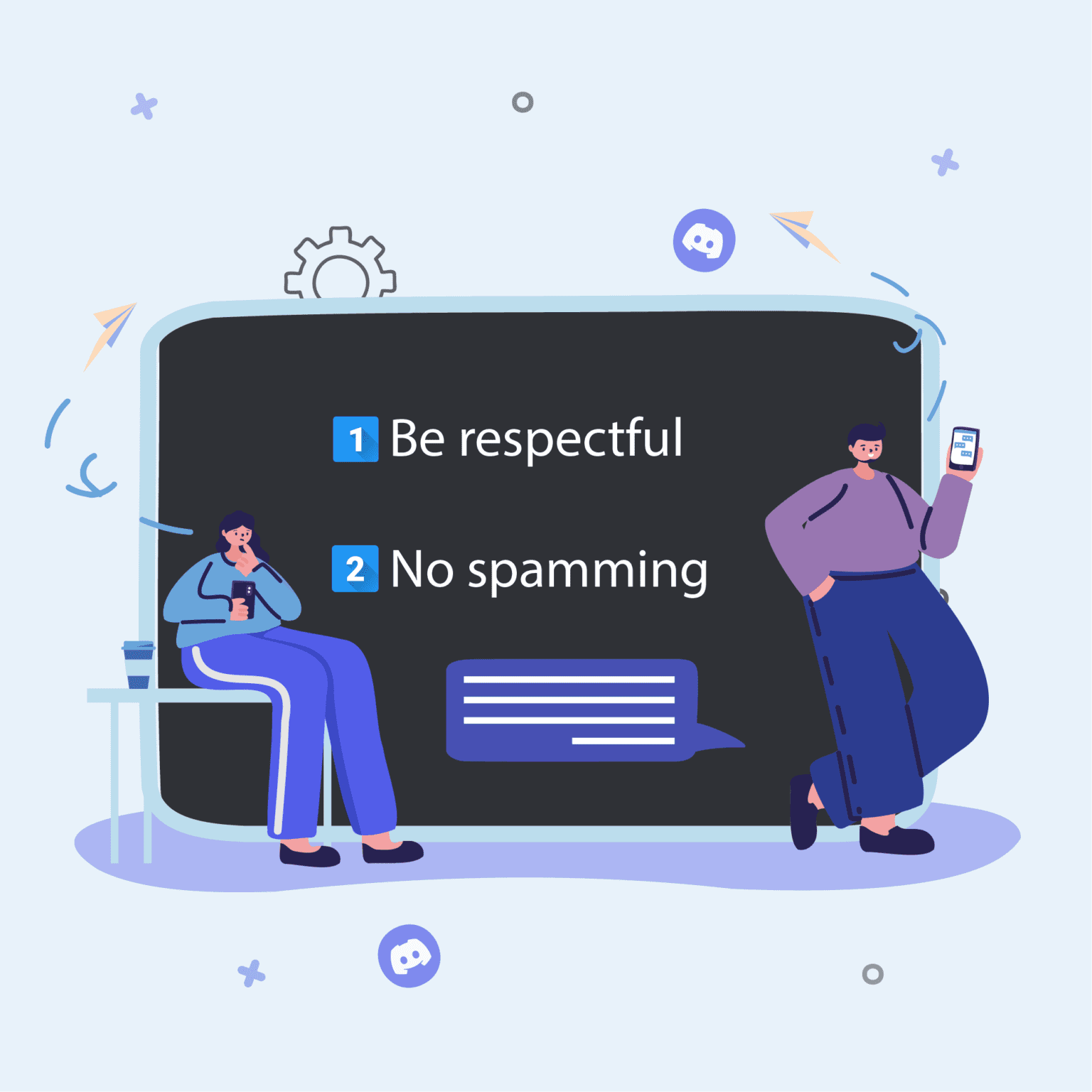
- Set clear community rules and guidelines to ensure a smooth and respectful community.
- Organize your channels and roles to make it easy for your members to find what they need.
- Add bots to automate tasks and make your community management easier.
- Make sure to set up a strong verification process to prevent spam and unwanted members.
Common Discord Features
Discord offers a wide range of features to make your experience on the platform enjoyable and engaging. Some of the common features include:
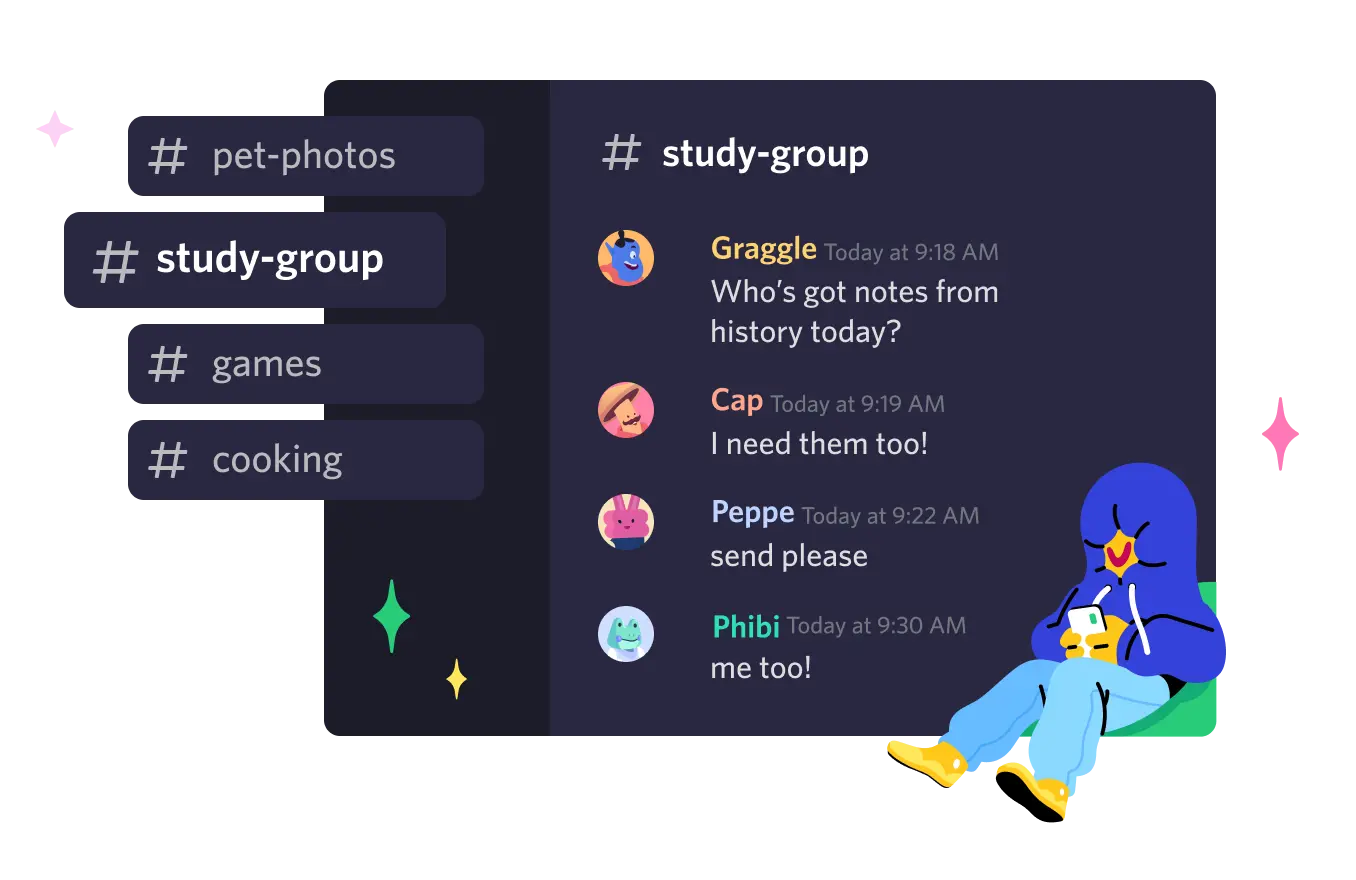
- Text and voice channels
- Customizable profiles and avatars
- Verified badges and ranks
- Screen sharing and video conferencing
- Emojis and GIFs
Conclusion
Creating a new Discord account and setting up a Discord server can be a straightforward process. By following the steps outlined in this article, you can create a new account and set up your server to make it a great community for your members. Remember to follow best practices and use the common Discord features to make your community stand out.




:max_bytes(150000):strip_icc()/HowTo_Phones-4986cbb71eec409fb586a37e3e0fc33b.png "How to make your discord server better and more engaging")