How to Keep Your Social Media Accounts Safe from Phishing
social media platforms have become an integral part of our daily lives, enabling us to connect with friends, family, and colleagues in an instant. However, this increased connectivity has also led to a surge in social media security risks, with phishing being one of the most common threats. In this article, we'll explore the world of phishing, its impact on social media accounts, and provide actionable tips on how to keep yours safe.
What is Social Media Phishing?
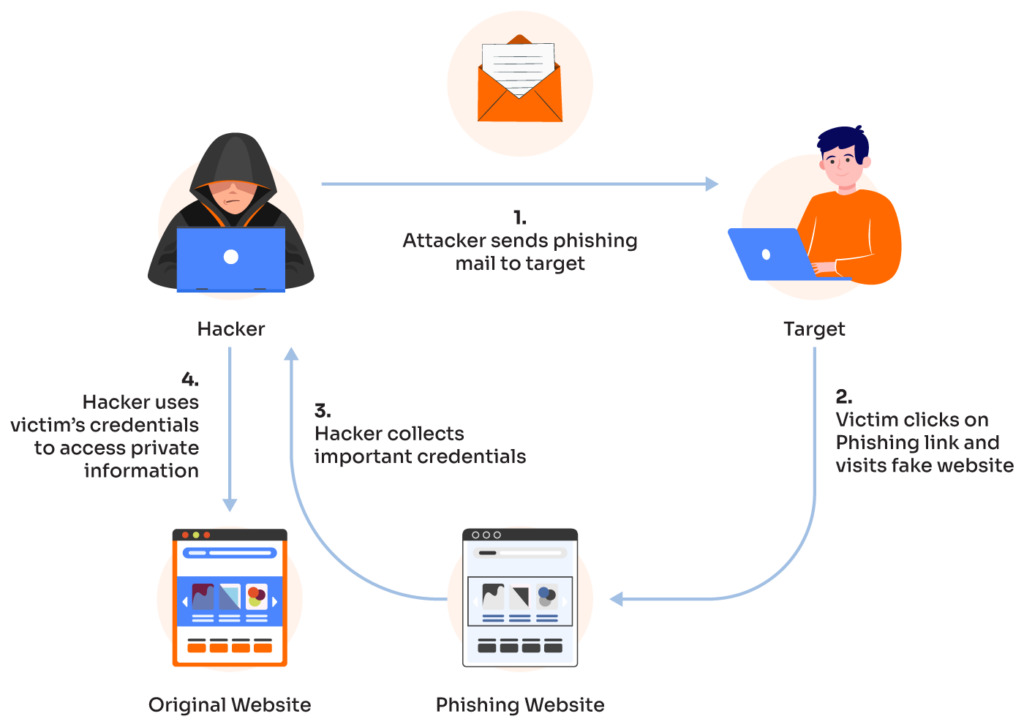
Social media phishing is a type of phishing that uses fake social media accounts, deceptive messages, or malicious links on platforms like LinkedIn, Instagram, and X (formerly Twitter) to steal private information. This can include phone numbers, credit card numbers, bank account details, or other financial information. Phishers use various tactics to trick unsuspecting users into revealing sensitive data, often with devastating consequences.
Common Phishing Tactics
- Impersonation: Phishers create fake social media accounts that mimic real people or businesses, tricking users into divulging sensitive information.
- Deceptive Messages: Phishers send fake emails or messages that appear to be from a legitimate source, requesting sensitive information or clicking on malicious links.
- Malicious Links: Phishers share links that lead to fake websites or download malicious software that can compromise user data.
Protecting Your Social Media Accounts from Phishing
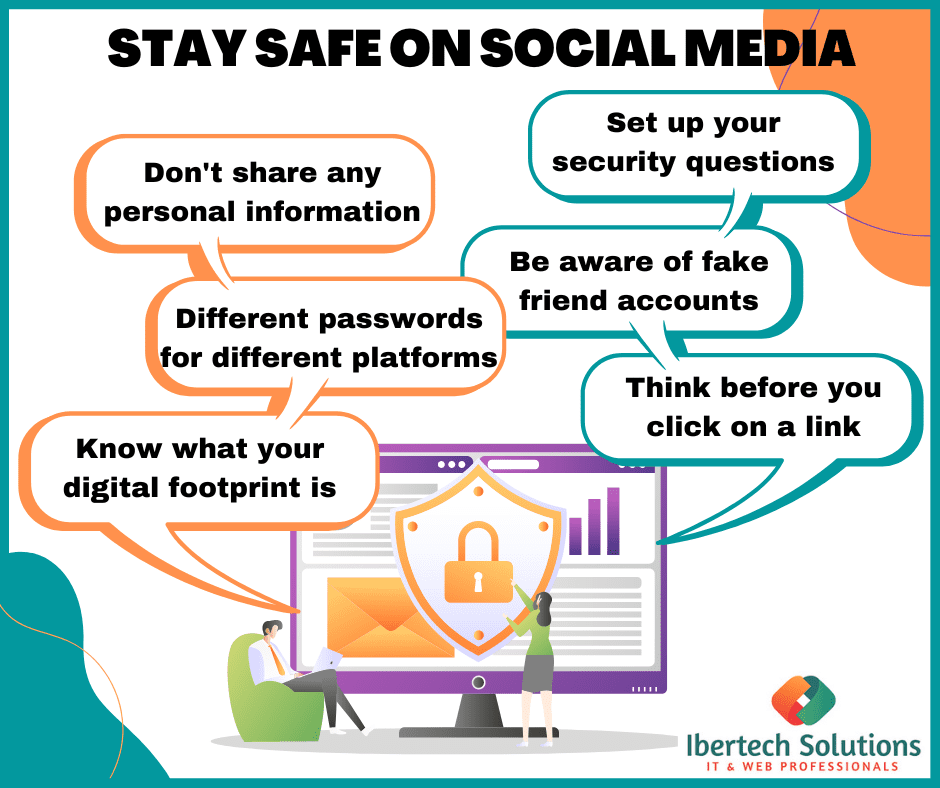
To keep your social media accounts safe from phishing, follow these essential tips:
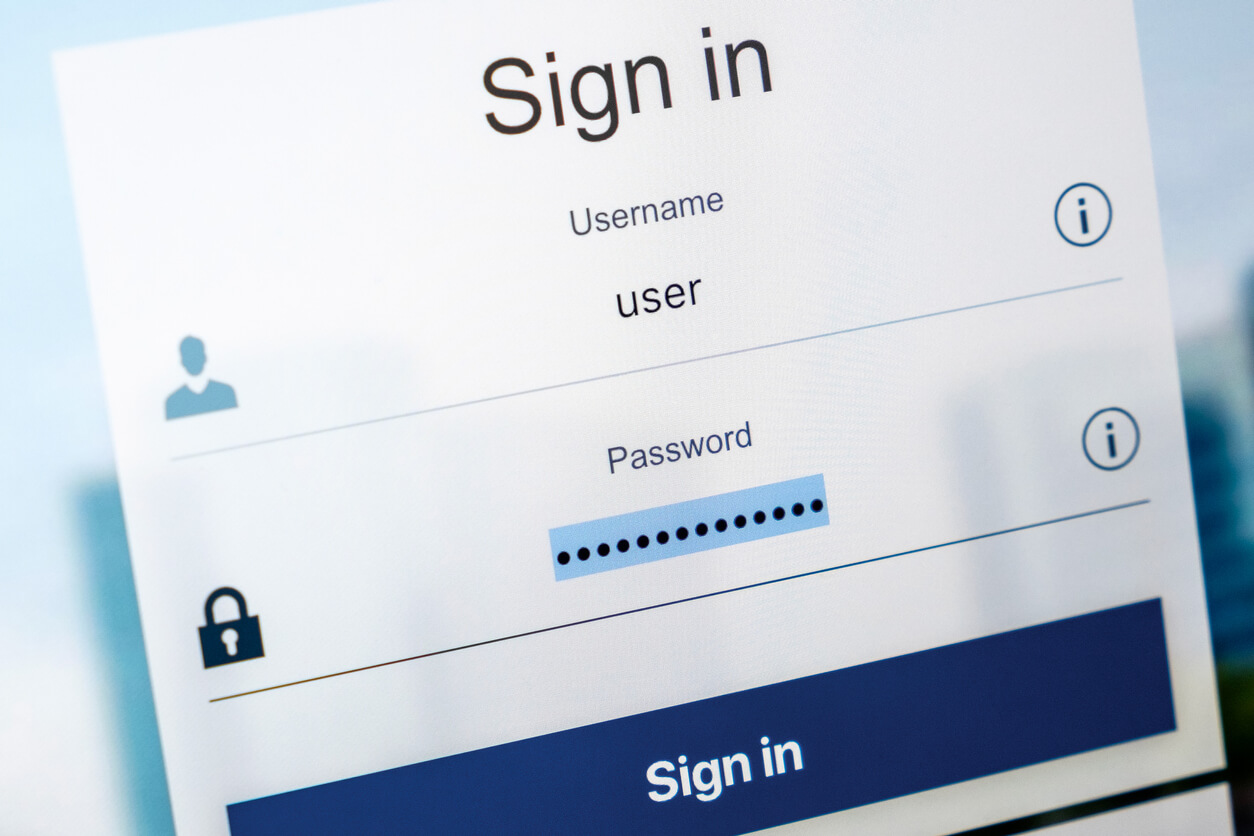
1. Use Strong and Unique Passwords
Weak or reused passwords make it easy for phishers to access your social media accounts. Use a password manager to generate strong, unique passwords for each account.
2. Enable Two-Factor Authentication (MFA)
Two-factor authentication adds an extra layer of security to your social media accounts, making it difficult for phishers to access them even if they have your password.
3. Monitor Your Account Activity
Regularly review your account activity to detect any suspicious behavior, such as login attempts from unknown locations or unfamiliar devices.
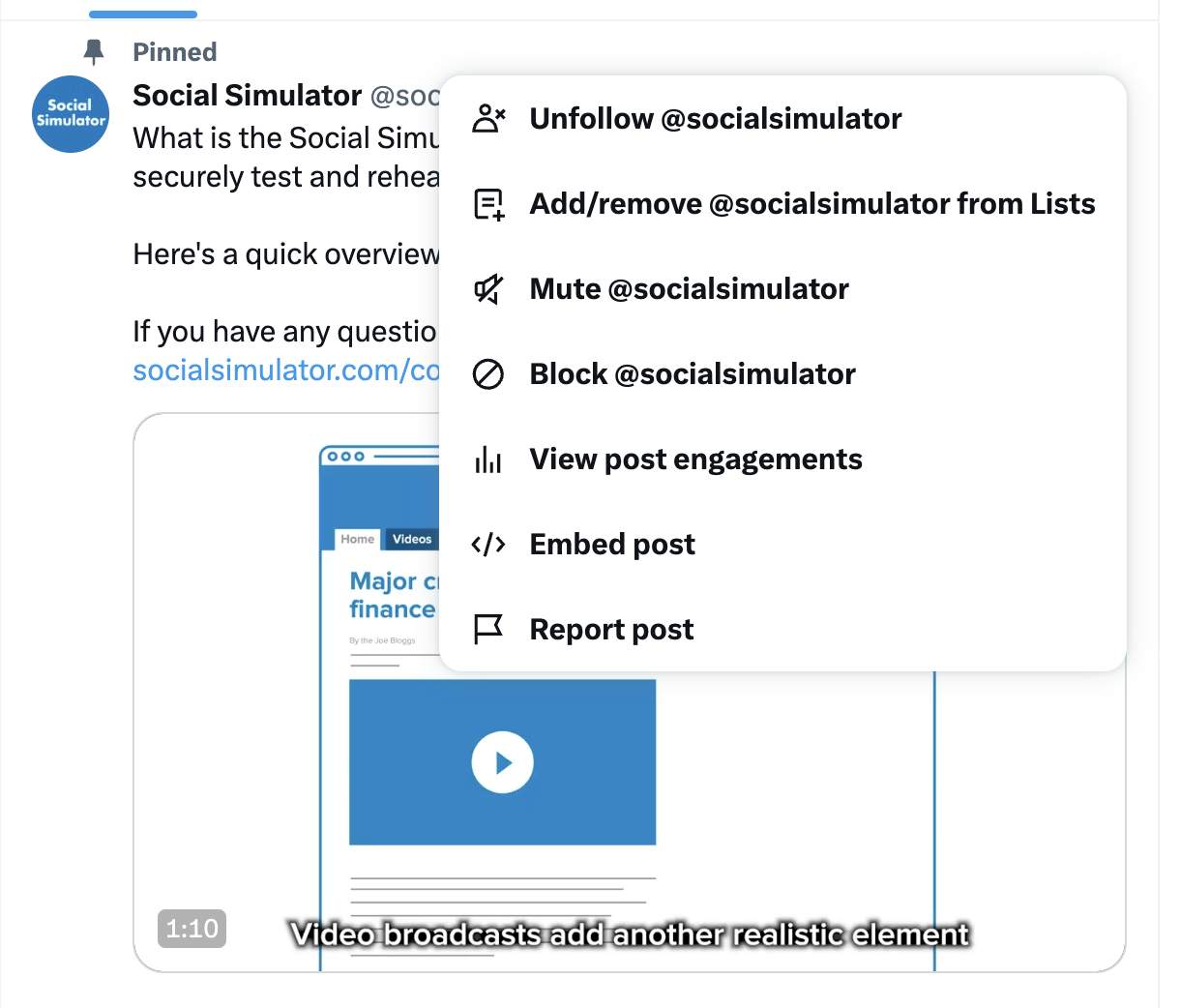
4. Report Suspicious Activity
Use the social media platform's reporting tools to report suspicious messages or accounts. This helps keep the online community safer and can prevent damage to your reputation.
5. Stay Vigilant on Public Wi-Fi
When using public Wi-Fi, avoid entering sensitive information, and opt for a VPN (Virtual Private Network) to encrypt your internet traffic.
6. Keep Your Social Media Settings Private
Review your social media settings and adjust them to minimize who can see your contact information, profile details, and other sensitive information.
Final Thoughts
social media phishing is a significant threat to our online security, but by being aware of the tactics and taking proactive steps, we can keep our social media accounts safe. Remember to use strong passwords, enable MFA, monitor your account activity, report suspicious activity, stay vigilant on public Wi-Fi, and keep your social media settings private. By following these tips, you'll be well on your way to securing your social media presence and protecting your sensitive information.