How to Set Up and Manage Alexa Apps
Amazon Alexa is a popular virtual assistant that can be controlled using a variety of devices and apps. Setting up and managing Alexa apps is a straightforward process that can be completed in a few easy steps. In this article, we will guide you through the process of setting up and managing Alexa apps on your smartphone or computer.
Step 1: Download the Alexa App
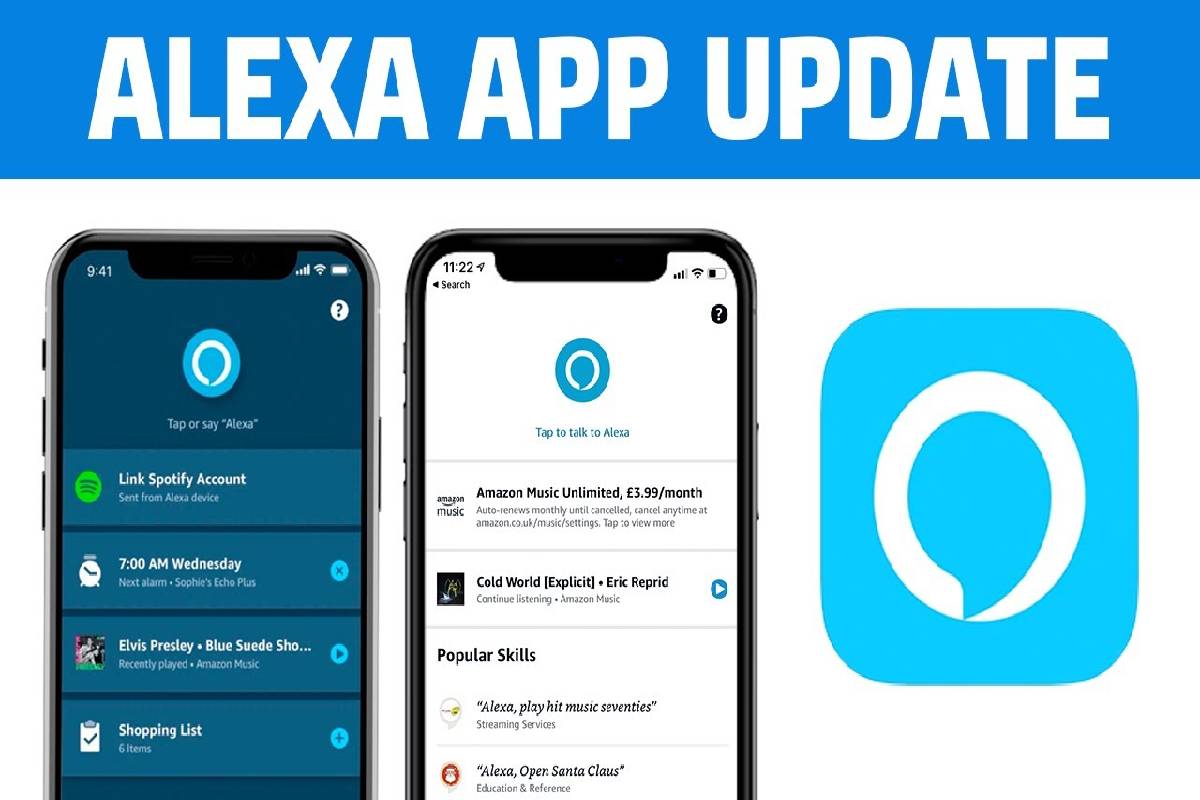
The first step to setting up Alexa is to download the Alexa app on your smartphone or tablet. The app is available for both Android and iOS devices, and can be downloaded from the Google Play Store or the App Store. Once you have downloaded the app, open it and sign in with your Amazon credentials.
Step 2: Connect Your Devices
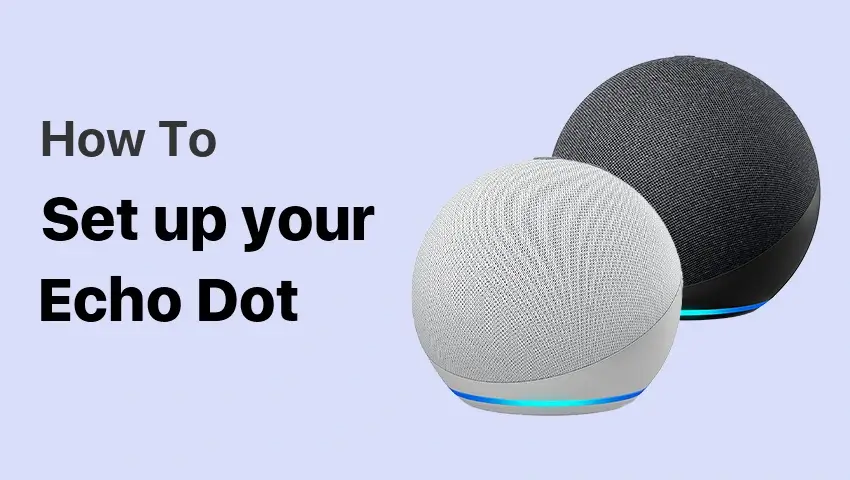
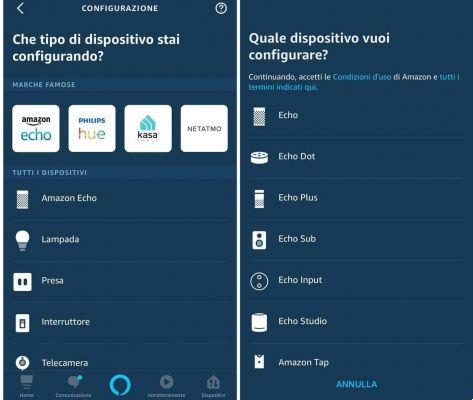
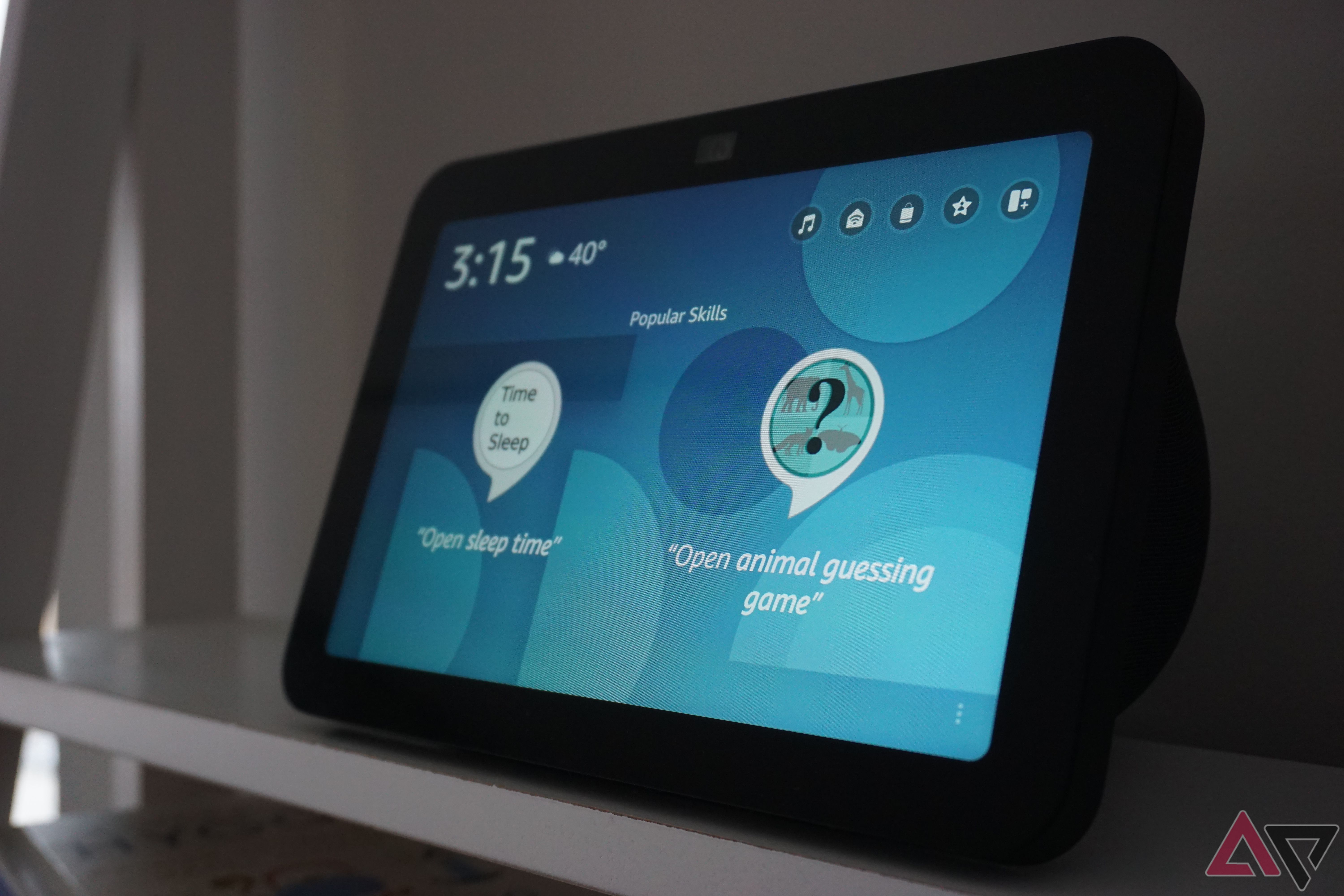
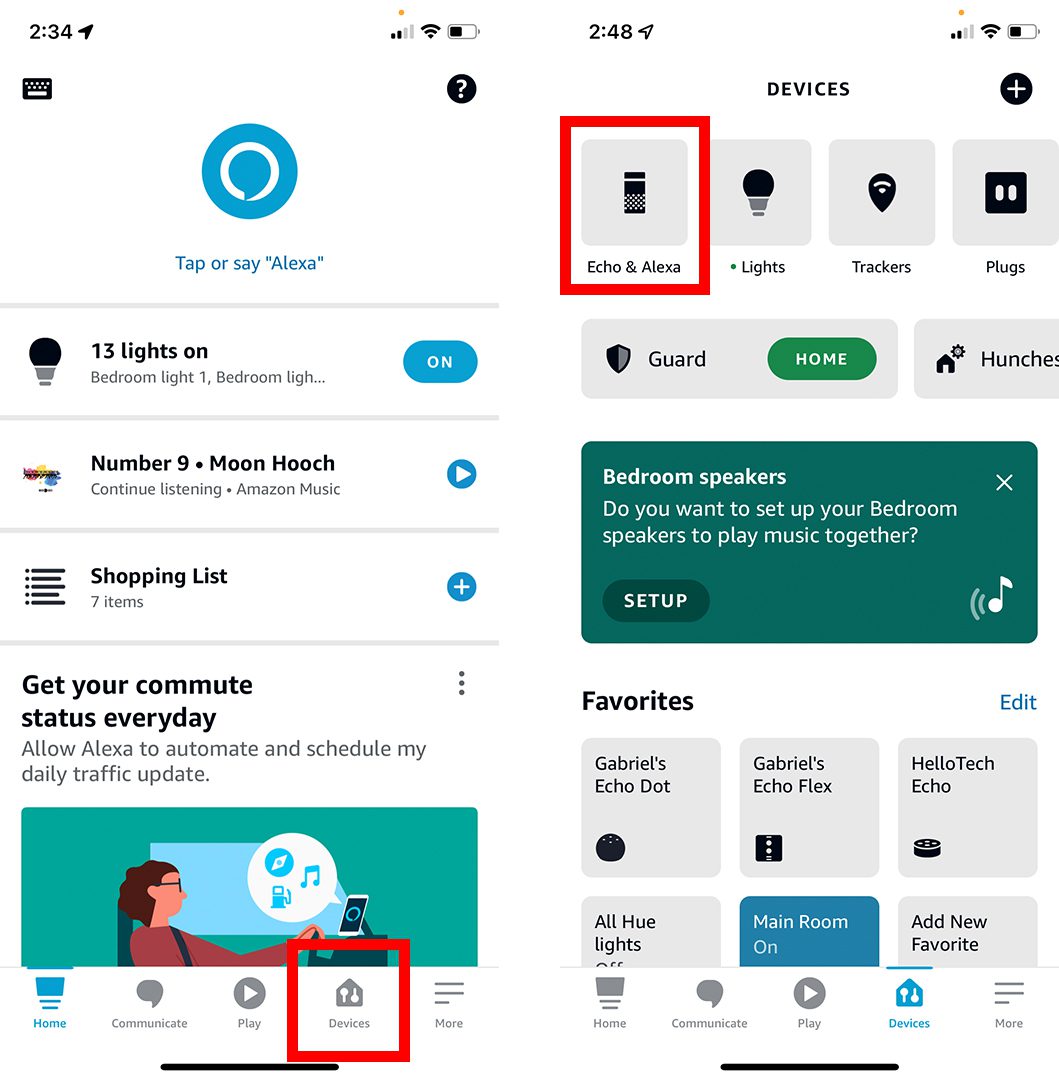
Once you have signed in to the app, you will need to connect your Alexa-enabled devices to the app. This can include devices such as the Amazon Echo, Echo Dot, and Echo Show. To connect these devices, simply open the app and follow the on-screen instructions. The app will automatically detect and connect to your devices.
Step 3: Customize Your Settings
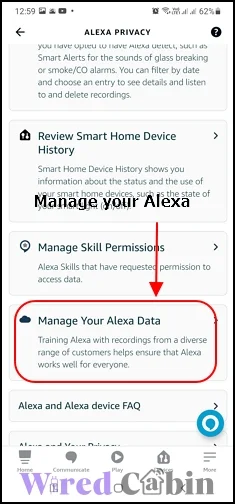
Once you have connected your devices, you can customize your settings to tailor your Alexa experience to your preferences. You can do this by opening the app and navigating to the settings menu. From here, you can adjust settings such as the device volume, alarm times, and even set up skills such as ordering pizza or controlling your smart home devices.
Managing Your Alexa App

Now that you have set up your Alexa app, you will need to learn how to manage it effectively. This includes regularly checking for updates, managing your smart home devices, and customizing your settings. Here are some tips for managing your Alexa app:
- Regularly Update Your App: To ensure that your app is running smoothly and securely, it is essential to regularly check for updates. You can do this by opening the app and navigating to the settings menu, where you can select "update" to download any available updates.
- Manage Your Smart Home Devices: To manage your smart home devices, simply open the app and navigate to the "skills" menu. From here, you can control all of your smart home devices, including lights, thermostats, and security cameras.
- Customize Your Settings: To customize your settings, simply open the app and navigate to the "settings" menu. From here, you can adjust settings such as the device volume, alarm times, and even set up skills such as ordering pizza or controlling your smart home devices.
The Benefits of Using the Alexa App
Using the Alexa app offers a variety of benefits, including increased convenience, improved safety, and enhanced entertainment. Some of the benefits of using the Alexa app include:
- Increased Convenience: With the Alexa app, you can control all of your smart home devices with just your voice, making it easier to manage your home and save time.
- Improved Safety: With the Alexa app, you can receive important alerts and updates, such as doorbell notifications and motion detection alerts, to help keep your home and family safe.
- Enhanced Entertainment: With the Alexa app, you can access a wide range of entertainment options, including music, movies, and TV shows, making it easier to enjoy your favorite content.
Conclusion
Setting up and managing Alexa apps is a straightforward process that can be completed in a few easy steps. By following the steps outlined in this article, you can set up your Alexa app and start enjoying the benefits of voice-controlled smart home management. Whether you are looking to increase convenience, improve safety, or enhance entertainment, the Alexa app is an essential tool for anyone looking to stay connected and in control.

:max_bytes(150000):strip_icc()/002_connect-echo-and-alexa-to-wi-fi-4158308-5c7d897c46e0fb000140a4b7.jpg "How to Set Up Amazon Alexa for the First Time | Lifehacker")
:max_bytes(150000):strip_icc()/003_connect-echo-and-alexa-to-wi-fi-4158308-5c7d89eb46e0fb0001edc8cf.jpg "How to Set Up Alexa on an Echo: A Step-by-Step Guide")