Live Stream Setup for Beginners on Twitch: A Comprehensive Guide
If you're new to the world of live streaming, you're likely eager to get started on Twitch, one of the most popular platforms for streaming games and other activities. However, setting up a live stream can be daunting, especially for beginners. In this article, we'll cover everything you need to know to get started with a live stream setup for beginners on Twitch.
Equipment Needed for a Live Stream Setup
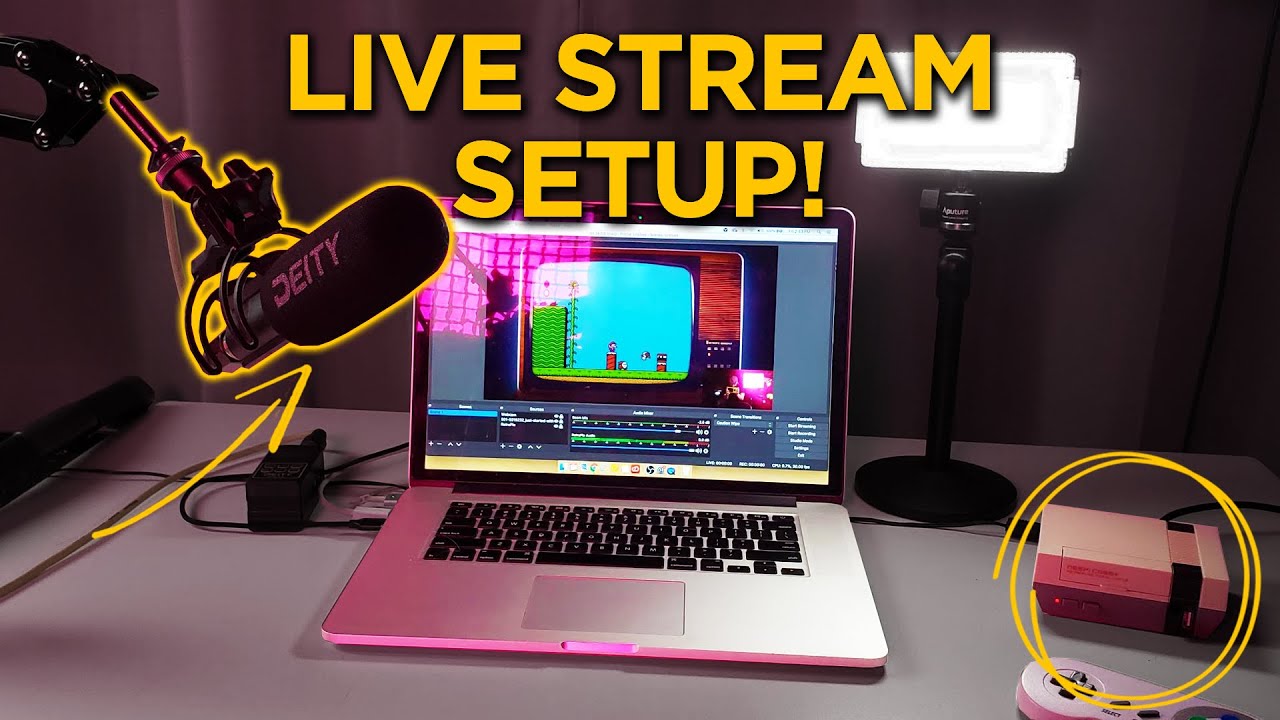
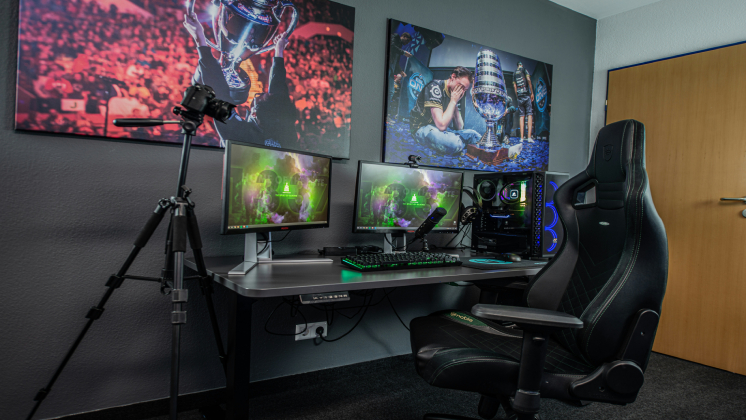
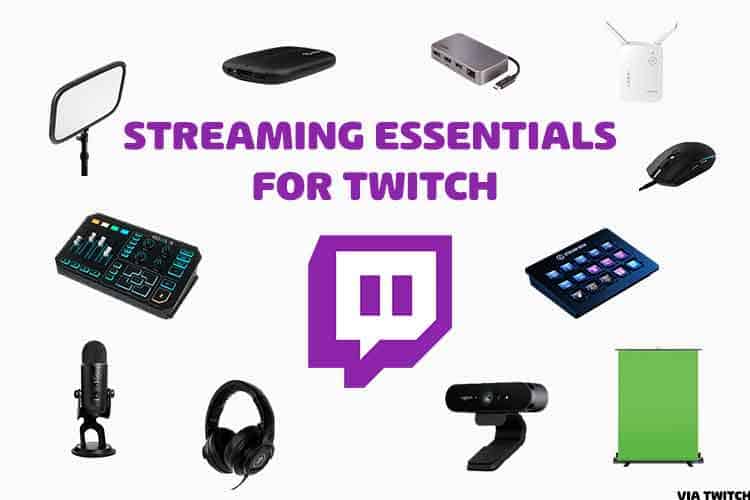
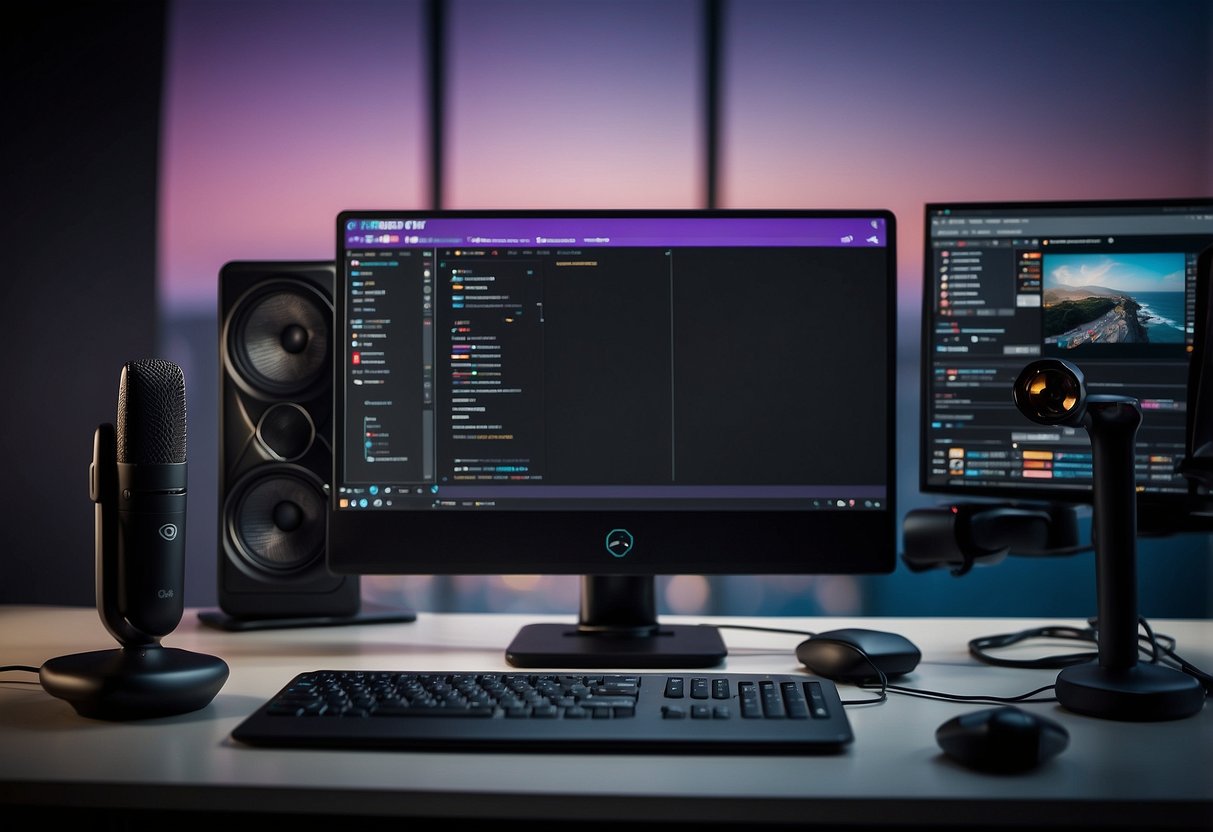
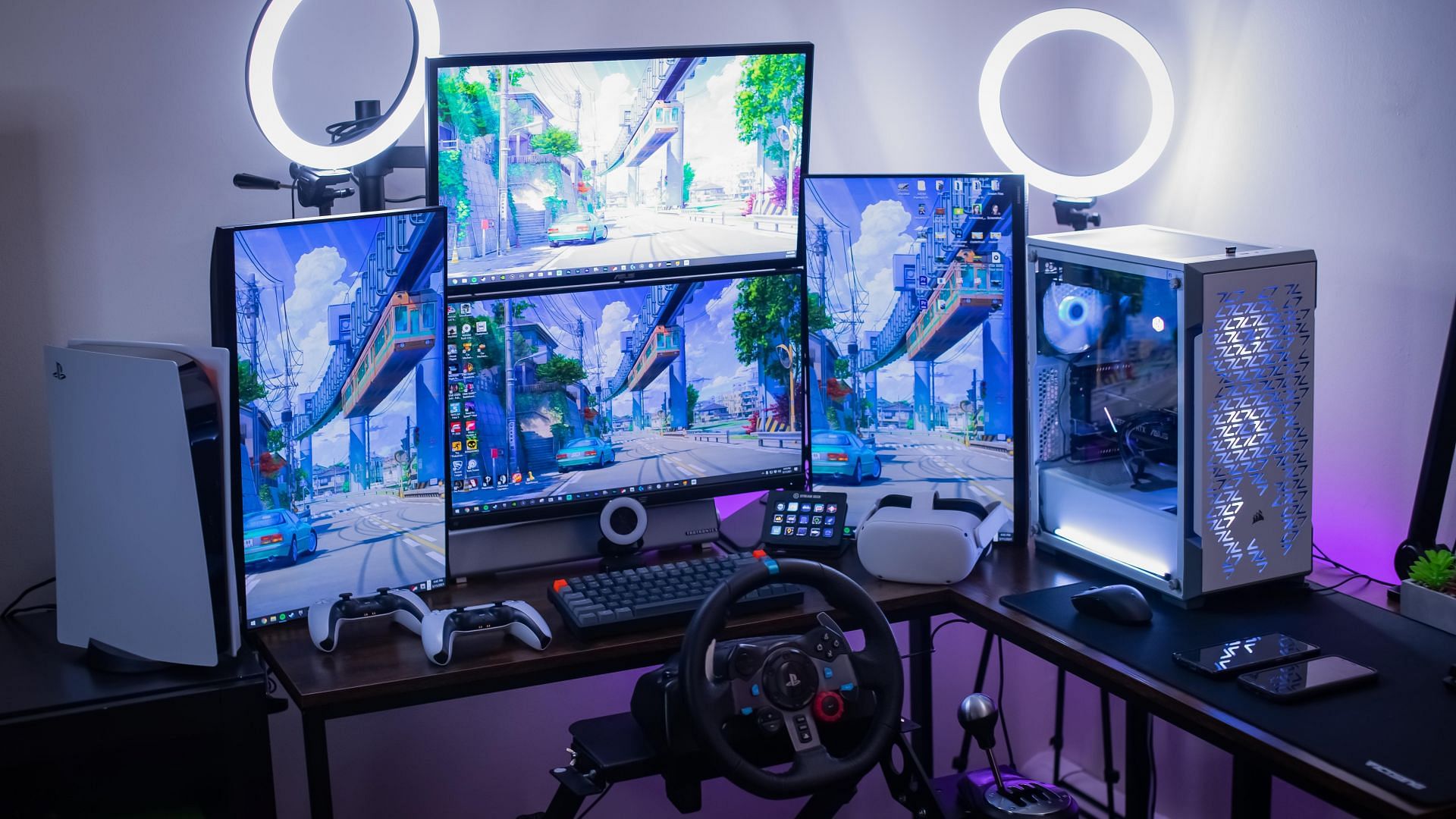
The first step in setting up a live stream on Twitch is to gather the necessary equipment. Here are some of the basics you'll need:
- Computer or console: You'll need a computer or console that can handle the demands of live streaming. This could be a gaming PC, a Mac, or a console like a PlayStation or Xbox.
- Internet connection: A stable internet connection is essential for live streaming. You'll need a minimum upload speed of 5 Mbps for a smooth stream.
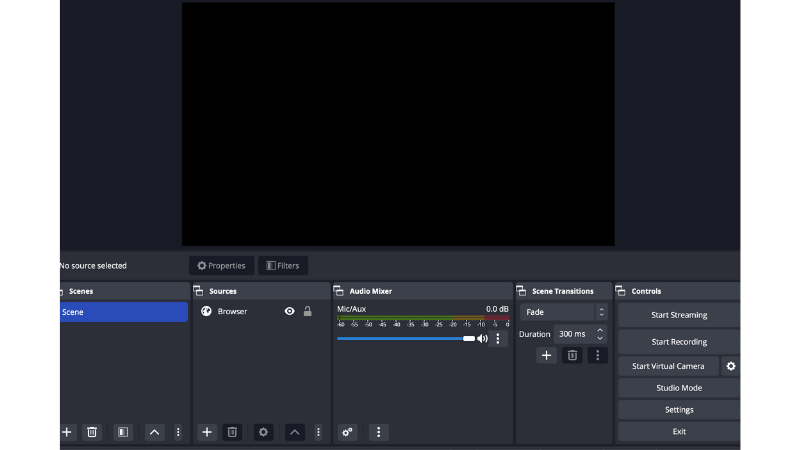
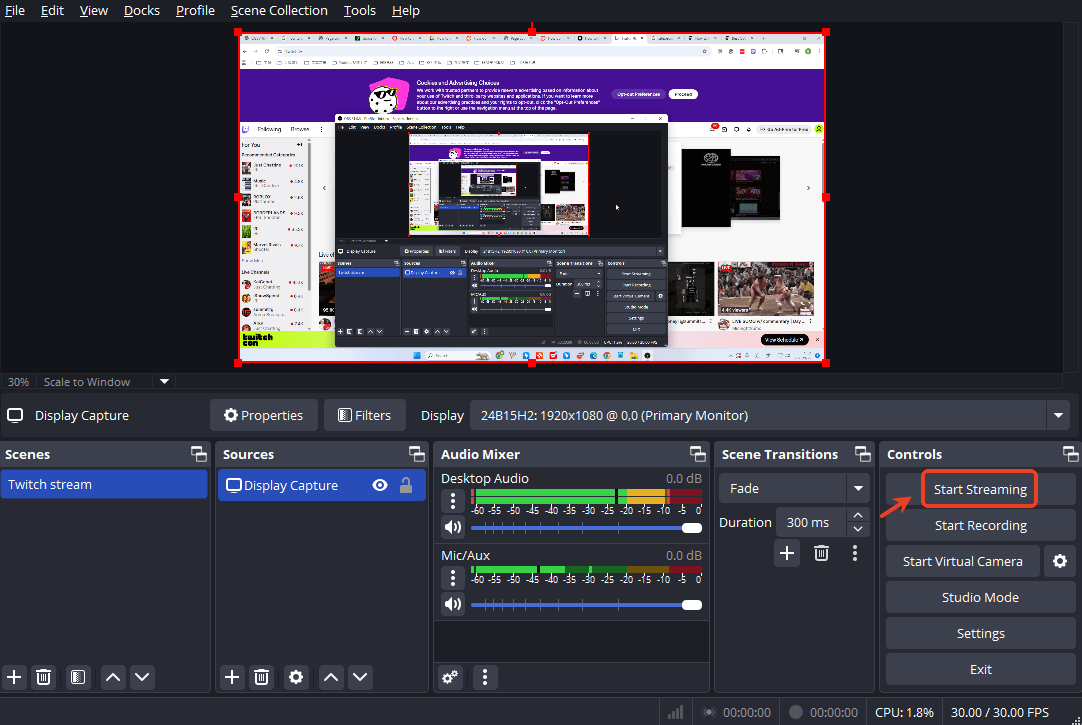
- Streaming software: There are several options for streaming software, including OBS Studio, XSplit, and Streamlabs OBS. These programs will help you capture and stream your gameplay.
- Microphone: A good quality microphone is essential for clear audio. You can choose from a variety of options, including USB microphones like the Blue Yeti or the Rode NT-USB.
- Webcam: A webcam will allow viewers to see your face and interact with you in real-time. Popular options include the Logitech C920 and the Razer Kiyo.
- Lighting: Proper lighting is essential for a high-quality stream. Invest in a good quality light kit or use natural light to illuminate your streaming area.
Streaming Software Options
Once you have your equipment, it's time to choose a streaming software. Here are some popular options:
- OBS Studio: OBS Studio is a free and open-source streaming software that's popular among Twitch streamers. It's highly customizable and offers a wide range of features.
- XSplit: XSplit is a paid streaming software that offers a user-friendly interface and a range of features. It's a good option for beginners who want a hassle-free streaming experience.
- Streamlabs OBS: Streamlabs OBS is a customizable version of OBS Studio that offers a range of features and a user-friendly interface.
Configuring Your Stream Settings

Once you have your equipment and streaming software set up, it's time to configure your stream settings. Here are some tips to get you started:
- Set your stream quality: Choose a stream quality that balances between video and audio quality. A good starting point is to set your stream quality to 1080p at 60 FPS.
- Configure your audio settings: Make sure your audio settings are correct, including your microphone gain and audio bitrate.
- Set up your stream overlays: Stream overlays can enhance your stream and provide viewers with important information. You can create your own overlays using design software or purchase pre-made templates.
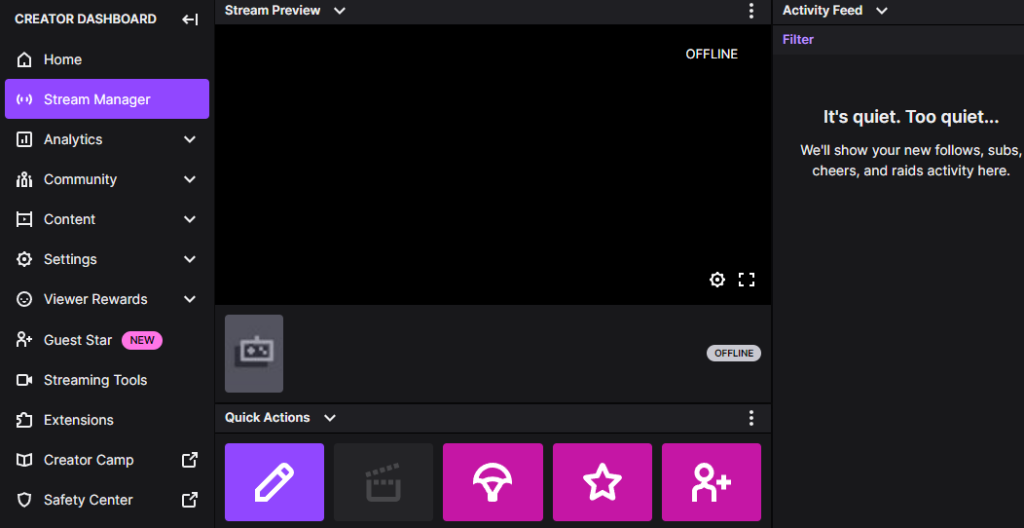
Going Live on Twitch
Once you have your equipment and stream settings set up, it's time to go live on Twitch. Here are some final tips to get you started:
- Test your stream: Before going live, test your stream to ensure everything is working correctly.
- Engage with your audience: Interact with your viewers in real-time to build a loyal community.
- Be consistent: Stream regularly to build a loyal following and increase your chances of success.
Conclusion
Setting up a live stream on Twitch can be a daunting task, but with the right equipment and streaming software, you'll be streaming like a pro in no time. Remember to test your stream, engage with your audience, and be consistent to build a loyal following. With these tips and a little practice, you'll be well on your way to becoming a successful Twitch streamer.