Protect Router IP Address: A Comprehensive Guide to Securing Your Home Network
Your router is the unsung hero of your home network, working tirelessly behind the scenes to connect all your devices to the internet. However, it's also a vulnerable entry point for hackers, cyber threats, and other security risks. In this article, we'll explore the importance of protecting your router's IP address and provide you with a comprehensive guide on how to secure your home network.
Why Protect Your Router's IP Address?
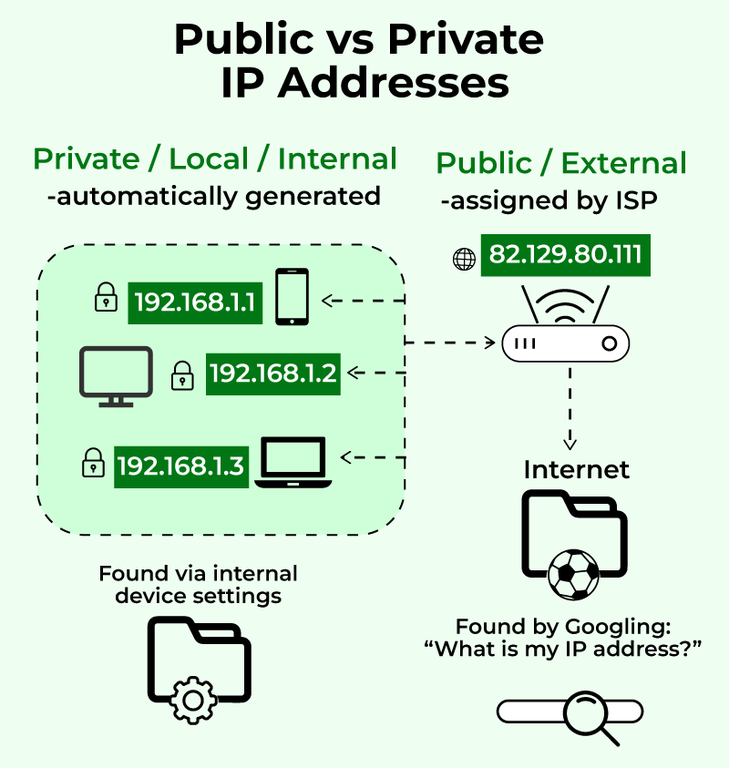
Your router's IP address is a unique identifier that allows devices to communicate with each other and access the internet. However, it's also a prized target for hackers, who can use it to gain unauthorized access to your network, steal sensitive data, and launch malware attacks. By protecting your router's IP address, you can prevent these threats and keep your home network safe and secure.
7 Proven Methods to Protect Your Router's IP Address
-
1. Use a VPN
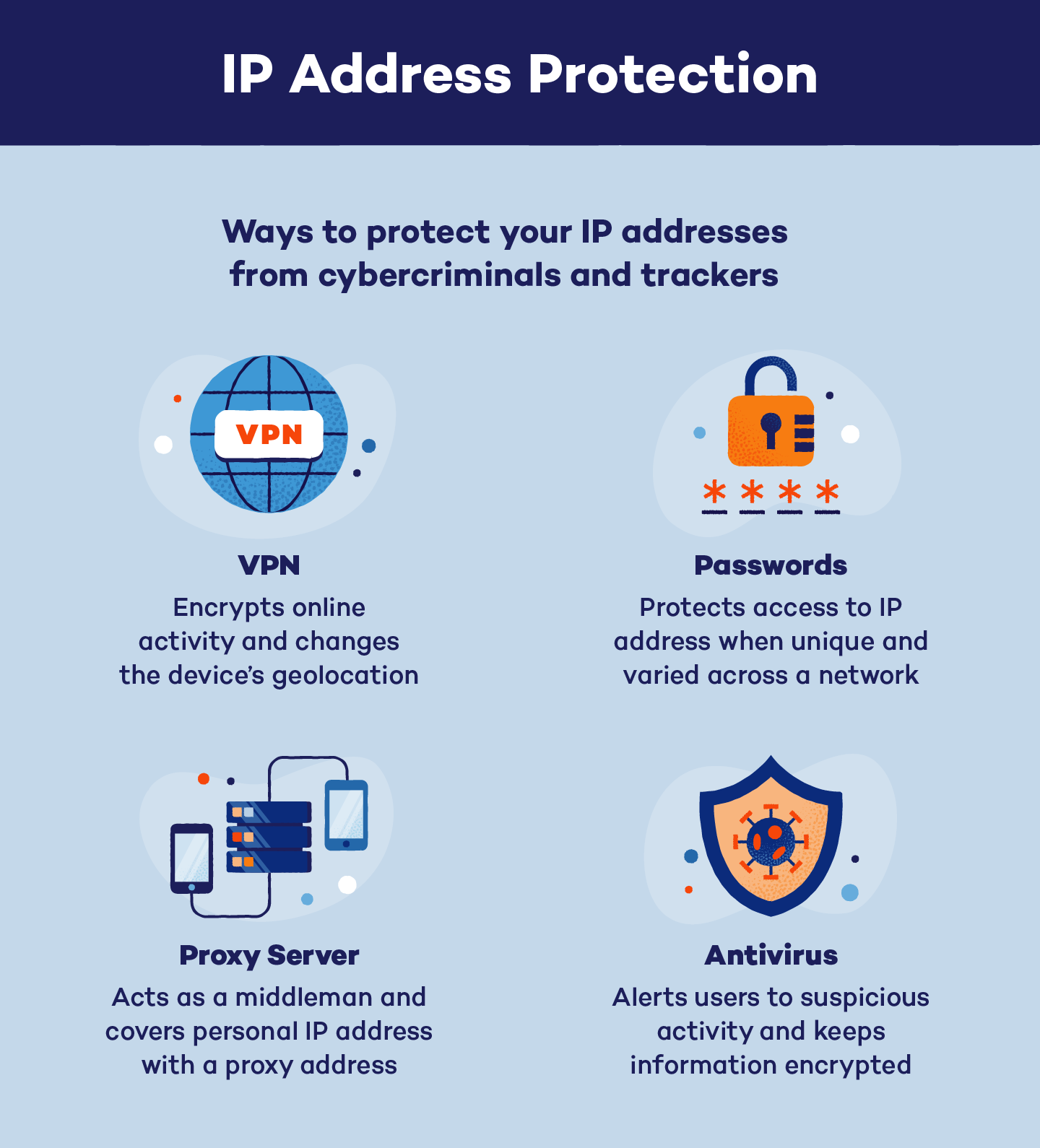
A Virtual Private Network (VPN) encrypts your internet traffic and hides your router's IP address, making it difficult for hackers to track your online activities. This provides an added layer of security and anonymity when browsing the internet.
-
2. Update Your Router's Firmware
Regular firmware updates often patch security vulnerabilities and provide new features to improve your router's performance and security.
-
3. Change Your Router's Default Login Credentials
The default login credentials for your router are easily guessable, making it a common entry point for hackers. Change them to something unique and complex to prevent unauthorized access.
-
4. Enable WPA3 Encryption
WPA3 encryption is a robust security protocol that protects your Wi-Fi network from hackers and unauthorized access.
-
5. Set Up a Guest Network
A guest network allows visitors to access your Wi-Fi without giving them access to your main network, reducing the risk of unauthorized access and data theft.
-
6. Regularly Monitor Your Network for Intruders
Regularly check your router's administration page to monitor for unauthorized devices and suspicious activity.
-
7. Disable Remote Access
Disable remote access to your router to prevent hackers from accessing your network from the internet.
Additional Tips to Secure Your Router's IP Address

Here are some additional tips to further secure your router's IP address:
- Change your router's default IP address.
- Use a router with built-in security features.
- Regularly back up your router's configuration settings.
- Use a strong password for your router's login credentials.
- Disable any unused features or ports on your router.
Conclusion
Protecting your router's IP address is crucial to securing your home network and preventing cyber threats. By following the methods and tips outlined in this article, you can significantly reduce the risk of your router being compromised and keep your devices and data safe and secure.
Learn More
For more information on how to protect your router's IP address and secure your home network, visit our website for a comprehensive guide on cybersecurity best practices.


![[Wireless] How to make my router more secure? - ASUS](https://www.netgear.com/hub/wp-content/uploads/2024/11/Armor_Plus_inline.jpg "[Wireless] How to make my router more secure? - ASUS")