Secure your Home Network and Router: Expert Tips to Safeguard Your Online Life
With the growing number of wireless devices in our homes, protecting our home network and router has become a crucial task. A secure home network is essential to prevent unauthorized access, protect personal data, and ensure a smooth online experience. In this article, we will discuss the importance of securing your home network and router, and provide expert tips to help you do so.
Why Secure Your Home Network and Router?
Unsecured home networks and routers can be vulnerable to various threats, including hacking, malware, and phishing attacks. These threats can compromise your personal data, slow down your internet connection, and even cause financial losses. By securing your home network and router, you can prevent these threats and maintain a safe and secure online environment.
Boost Your Router Security with Expert Tips
- Use Strong Passwords: Use a strong password to secure your router, and avoid using easily guessable passwords like "admin" or "password". You can also use a password manager to generate and store unique passwords for all your devices.
- Enable WPA3 Encryption: WPA3 encryption is the latest and most secure encryption standard for Wi-Fi networks. It provides advanced security features, including protection against phishing attacks and password guessing.
- Use a VPN: Virtual Private Network (VPN) helps to mask your original IP address, making it difficult for hackers to track your online activities. Use a reliable VPN service to secure your data when using public Wi-Fi networks.
- Keep Firmware Up-to-Date: Regular firmware updates can fix security vulnerabilities and improve the performance of your router. Check your router's manual or manufacturer's website for firmware updates.
- Use a Firewall: A firewall can help to block unauthorized access to your network, prevent malware intrusion, and detect suspicious activity. By enabling a firewall, you can add an additional layer of security to your home network.
- Configure Your Router's DHCP Settings: Configure your router's DHCP settings to control how devices connect to your network. You can set a static IP address for devices that require it, and disable DHCP for devices that don't need it.
- Use Quality of Service (QoS): QoS helps to prioritize traffic on your network, ensuring that critical applications like online gaming, video streaming, and VoIP get the bandwidth they need. This can improve your online experience and prevent lag.
- Monitor Your Network's Wi-Fi Settings: Use tools like Fing or Wi-Fi Analyzer to monitor your network's Wi-Fi settings, including the channel, frequency, and signal strength. This can help you optimize your network's performance and prevent interference from neighboring networks.
Safeguard Your Home Network from Snoopers and Would-Be Hackers
By following these expert tips, you can secure your home network and router, preventing unauthorized access and protecting your personal data. Remember to regularly monitor your network's settings, keep firmware up-to-date, and use a strong password to prevent hacking attempts. By taking these precautions, you can maintain a safe and secure online environment for all your devices.

Protect Your Wireless Devices with Network Segmentation
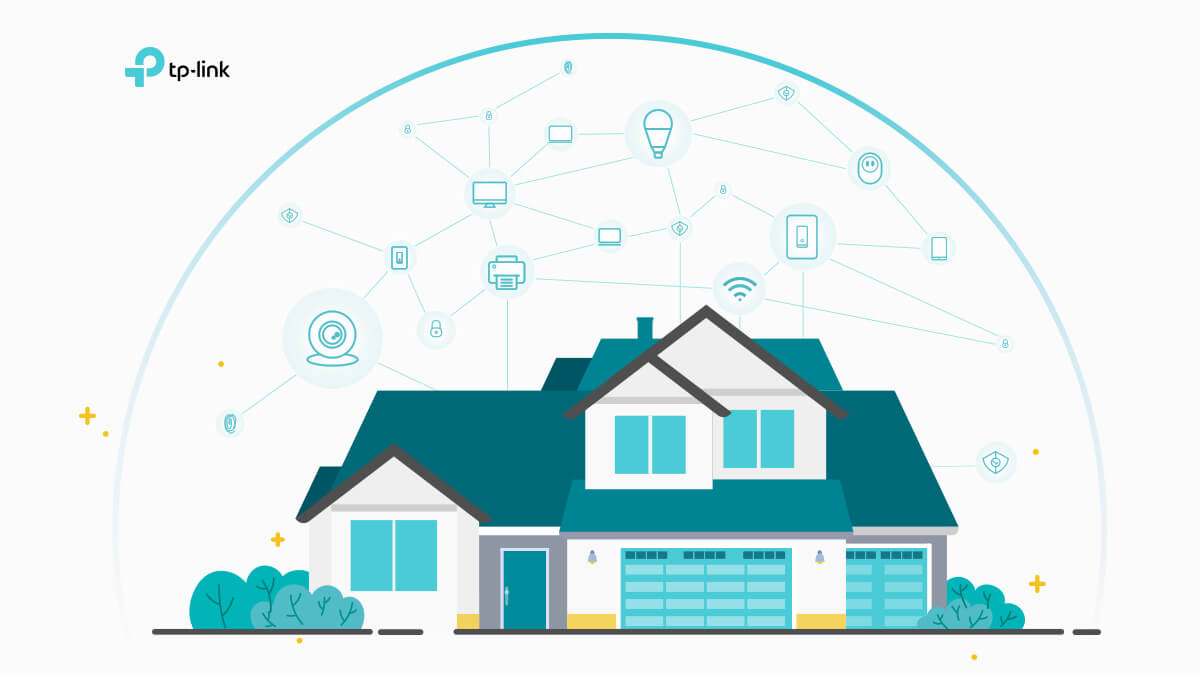
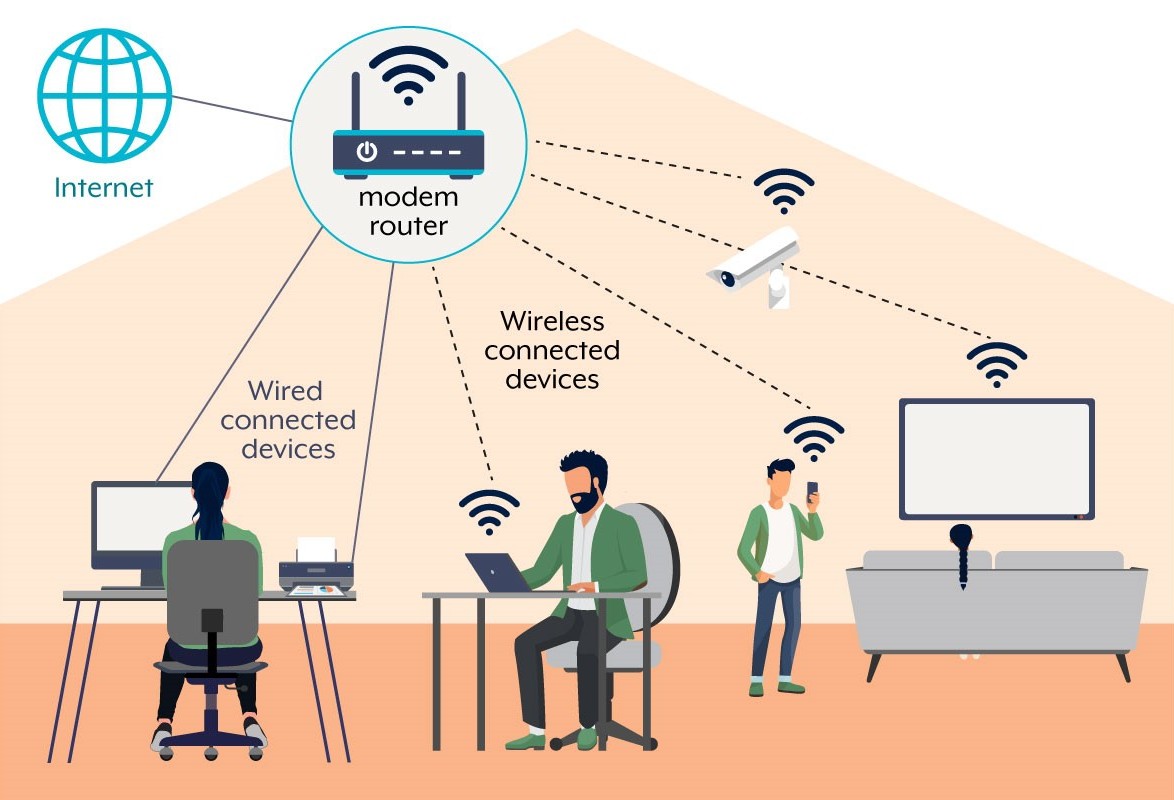
Network segmentation is an effective way to separate IoT devices from computers, reducing the risk of malware and data breaches. By configuring VLANs, guest networks, and segmenting your network, you can improve security and ensure that IoT devices don't compromise your computer network.
Stay Protected with the Latest Router Security Features
The latest Wi-Fi routers come equipped with advanced security features, including WPA3 encryption, dual-band or tri-band support, and Wi-Fi 6 technology. By investing in a new router, you can enjoy improved performance, range, and security features that protect your home network from various threats.
Stay Informed About the Latest Router Security Threats
Stay ahead of the latest router security threats by monitoring the FCC's website for updates on banned foreign-made routers, firmware vulnerabilities, and other security risks. By staying informed, you can protect your home network and router from emerging threats and maintain a secure online environment.


.png "PDFBest Practices for Securing Your Home Network")