Setting up Alexa with Smart Plant Waterer: A Comprehensive Guide
Are you tired of struggling to remember to water your plants? Do you wish you had a system in place to automate the process, freeing up your time for more important things? Well, you're in luck! In this article, we'll explore how to set up Alexa with a smart plant waterer, making it easier than ever to keep your plants happy and healthy.
What is a Smart Plant Waterer?
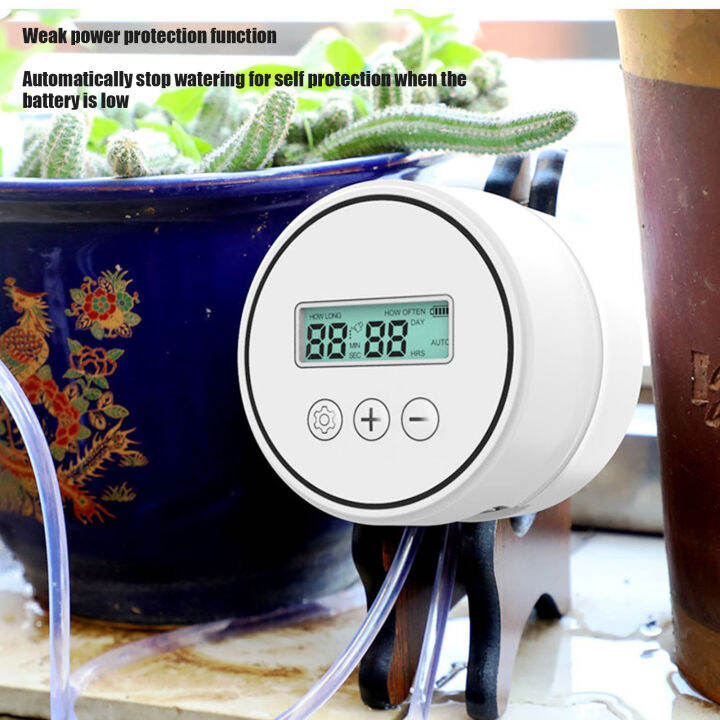
A smart plant waterer is a device that can automatically water your plants based on predetermined schedules or soil moisture levels. These devices are often connected to the internet and can be controlled remotely via a smartphone app or voice assistant like Alexa.
Benefits of Using Alexa with a Smart Plant Waterer
Using Alexa with a smart plant waterer offers several benefits, including:
- Convenience: No more manually watering your plants daily!
- Customization: Set up a watering schedule that suits your plant's needs.
- Remote control: Water your plants from anywhere, using Alexa's voice commands.
- Soil moisture monitoring: Receive notifications when your plants need to be watered.
Requirements for Setting up Alexa with a Smart Plant Waterer
To set up Alexa with a smart plant waterer, you'll need:
- A smart plant waterer device that supports Alexa integration.
- An Alexa-enabled device, such as an Echo speaker or smart display.
- A smartphone or tablet with the Alexa app installed.
- A Wi-Fi network for connecting your smart plant waterer to the internet.
Step-by-Step Instructions for Setting up Alexa with a Smart Plant Waterer
Here's a step-by-step guide to help you set up Alexa with a smart plant waterer:
Step 1: Set up Your Smart Plant Waterer
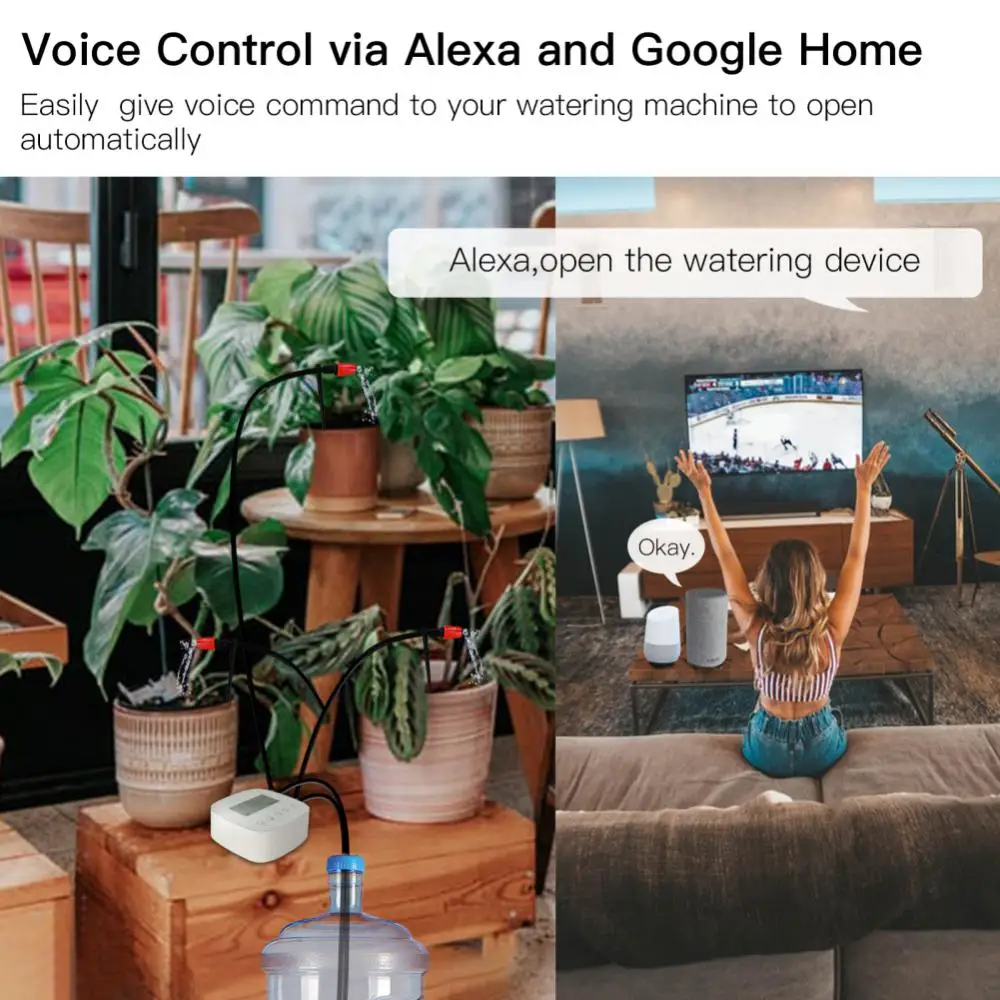
First, setup and configure your smart plant waterer device according to the manufacturer's instructions. This may involve connecting the device to your Wi-Fi network and setting up a schedule or soil moisture monitoring system.
Step 2: Connect Your Smart Plant Waterer to Alexa
Next, open the Alexa app on your smartphone or tablet and navigate to the Skills menu. Search for the skill corresponding to your smart plant waterer device and enable it. You may need to enter a confirmation code or follow additional setup instructions provided by the manufacturer.
Step 3: Configure Your Alexa Routine
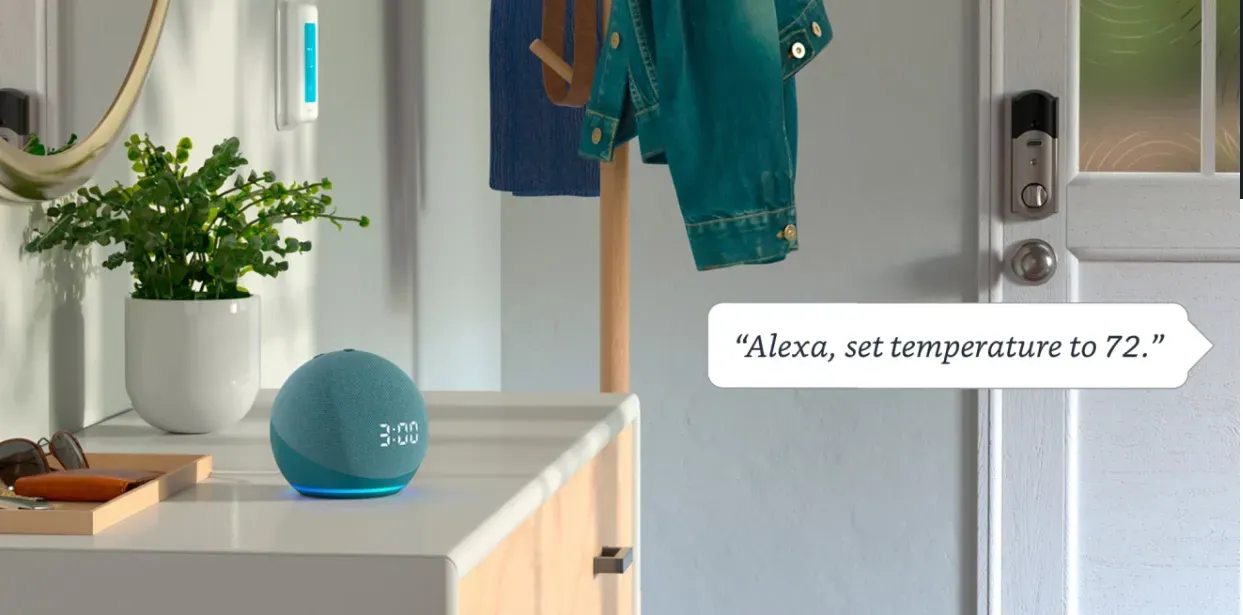
Now, create a new Alexa routine that will trigger the smart plant waterer to water your plants. You can use voice commands like "Alexa, ask [smart plant waterer name] to water my plants" or "Alexa, water my plants now".
Step 4: Test Your Setup
Once you've set up your Alexa routine, test it to ensure everything is working as expected. This may involve speaking the voice command and checking if the smart plant waterer is triggered to water your plants.
Advanced Features and Tips
Some smart plant waterers may offer advanced features like real-time soil moisture monitoring, customizable watering schedules, or integration with other smart devices. Be sure to explore these features and tips to get the most out of your setup:
- Customize your watering schedule based on your plant's specific needs.
- Use Alexa's voice commands to water your plants remotely.
- Monitor your plant's soil moisture levels using the Alexa app or a compatible smartphone app.
- Integrate your smart plant waterer with other smart devices, like lights or thermostats, for a seamless smart home experience.
Conclusion
Setting up Alexa with a smart plant waterer is a great way to automate the watering process for your plants, saving you time and effort while ensuring your plants receive the right amount of water. By following these step-by-step instructions and exploring the advanced features and tips, you'll be well on your way to creating a thriving smart garden.



/cdn.vox-cdn.com/uploads/chorus_asset/file/24720645/236676_06_How_to_start_a_smart_home_using_Amazon_Alexa_SHaddad.jpg "Connect Smart Home Devices to Alexa - amazon.com")

