Setting Up Alexa with Smart Water Sensor: A Comprehensive Guide
Are you looking to protect your home from water damage and stay on top of leaks? Look no further than setting up Alexa with a smart water sensor. In this article, we will walk you through the process of connecting your water sensor to Alexa, setting up routines, and receiving notifications to keep your home safe and secure.
Why Set Up Alexa with a Smart Water Sensor?
Water leaks can be catastrophic, causing thousands of dollars in damage and even posing a risk to your safety. A smart water sensor can detect even the smallest leaks, alerting you to potential problems before they become major issues. By setting up Alexa with a smart water sensor, you can receive notifications on your Echo speaker, ensuring you're always on top of any issues.
Choosing the Right Smart Water Sensor
There are many smart water sensors on the market, each with its own features and benefits. When choosing a sensor, consider the following factors:
- Compatibility: Make sure the sensor is compatible with Alexa and your existing smart home devices.
- Detection Range: Choose a sensor with a wide detection range to ensure you're alerted to potential leaks in all areas of your home.
- Alert Options: Select a sensor that offers multiple alert options, such as email, text message, and Alexa notifications.
- Installation Ease: Consider a sensor with easy installation and pairing with Alexa.
Setting Up Alexa with Your Smart Water Sensor
Setting up Alexa with your smart water sensor is a straightforward process. Here's a step-by-step guide to get you started:
Step 1: Connect Your Sensor to Wi-Fi
First, connect your smart water sensor to your home Wi-Fi network. Follow the manufacturer's instructions for this process.
Step 2: Add the Sensor to Alexa
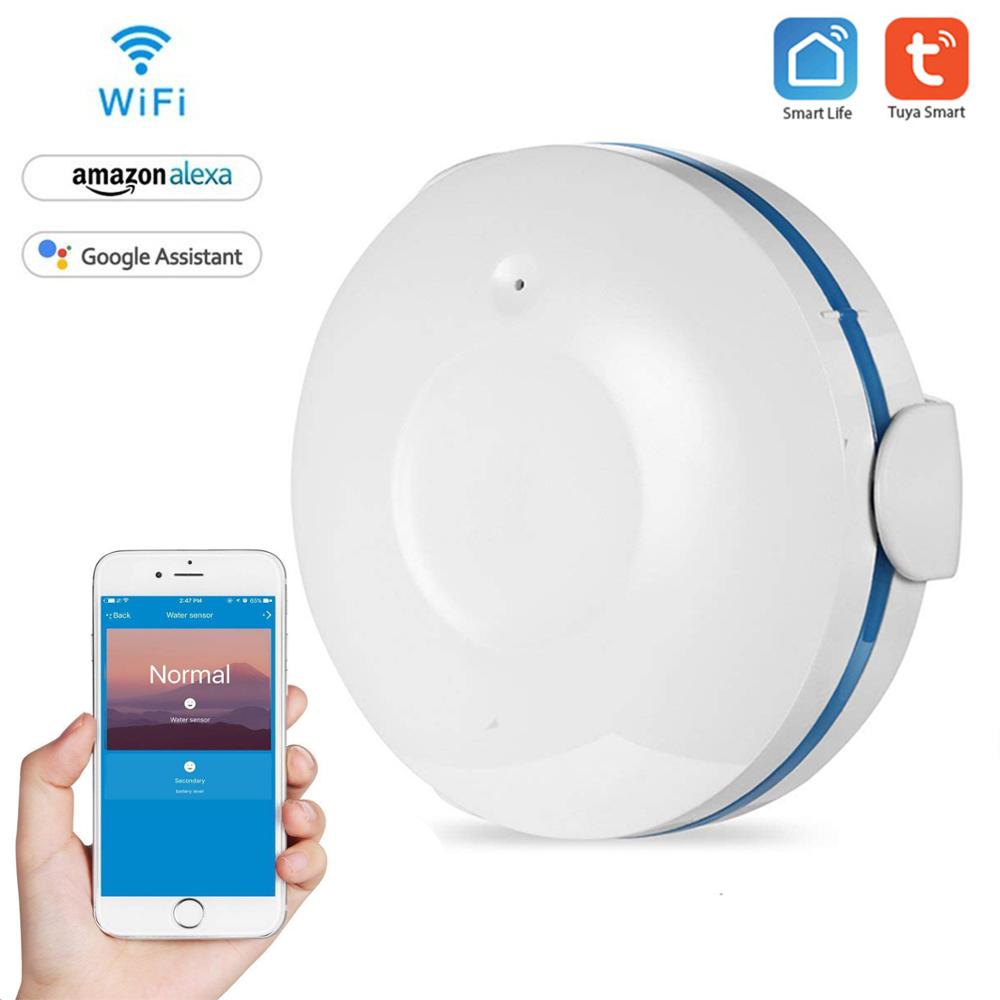
Next, add the smart water sensor to Alexa. Open the Alexa app on your smartphone or tablet and navigate to the "Skills & Games" section. Search for the name of your sensor and follow the prompts to add it to your Alexa account.
Step 3: Set Up Routines
Once your sensor is connected to Alexa, you can set up routines to automate notifications and other actions. For example, you can create a routine that sends you a notification when the sensor detects a leak, or one that turns off the water supply when a leak is detected.
Step 4: Test and Troubleshoot
Finally, test your setup to ensure everything is working as expected. If you encounter any issues, refer to the manufacturer's instructions or contact their support team for assistance.
Best Practices for Setting Up Alexa with a Smart Water Sensor
To get the most out of your smart water sensor and Alexa integration, follow these best practices:
- Place the Sensor Securely: Install the sensor in a location where it can detect water leaks accurately and without false alarms.
- Test the Sensor and Routine: Verify that the sensor is working correctly and that the routine is sending notifications as expected.
- Set Multiple Notifications: If you have multiple water sensors or devices, set up multiple notifications to ensure you're alerted to potential leaks in all areas of your home.
Conclusion
Setting up Alexa with a smart water sensor is a simple and effective way to protect your home from water damage and stay on top of leaks. By following the steps outlined in this article and choosing the right sensor for your needs, you can enjoy peace of mind knowing your home is secure and your family is safe. Remember to test and troubleshoot your setup to ensure everything is working as expected, and don't hesitate to reach out to the manufacturer's support team if you have any questions or issues.