Tablet Reset Instructions: A Step-by-Step Guide
Whether you want to give your Android tablet away, forget the password, or for other reasons, performing a factory reset can be a daunting task. However, with the right instructions, you can easily reset your Android tablet and restore it to its original factory settings.
Why Perform a Factory Reset?
A factory reset erases all your data from your tablet, including contacts, photos, and apps. This process can be helpful if you're experiencing issues with your tablet, or you're looking to sell your device and start fresh. However, before performing a factory reset, make sure to back up your important data to prevent any loss.
How to Perform a Factory Reset on Android Tablet
Method 1: Using the Settings App
- Go to your tablet's settings app
- Scroll down and select "Backup & reset"
- Select "Factory data reset" and follow the on-screen instructions
This method is straightforward and easy to follow. However, if you're experiencing issues with your tablet or have forgotten your password, you may need to use alternative methods.
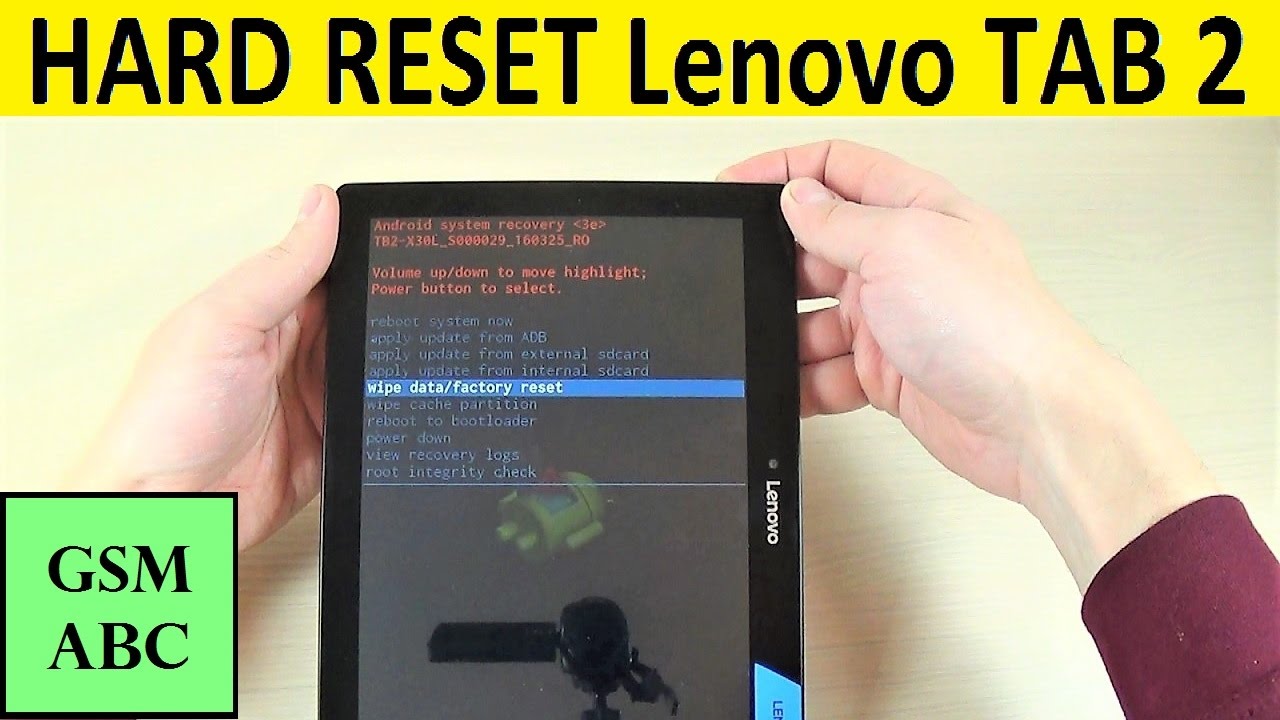
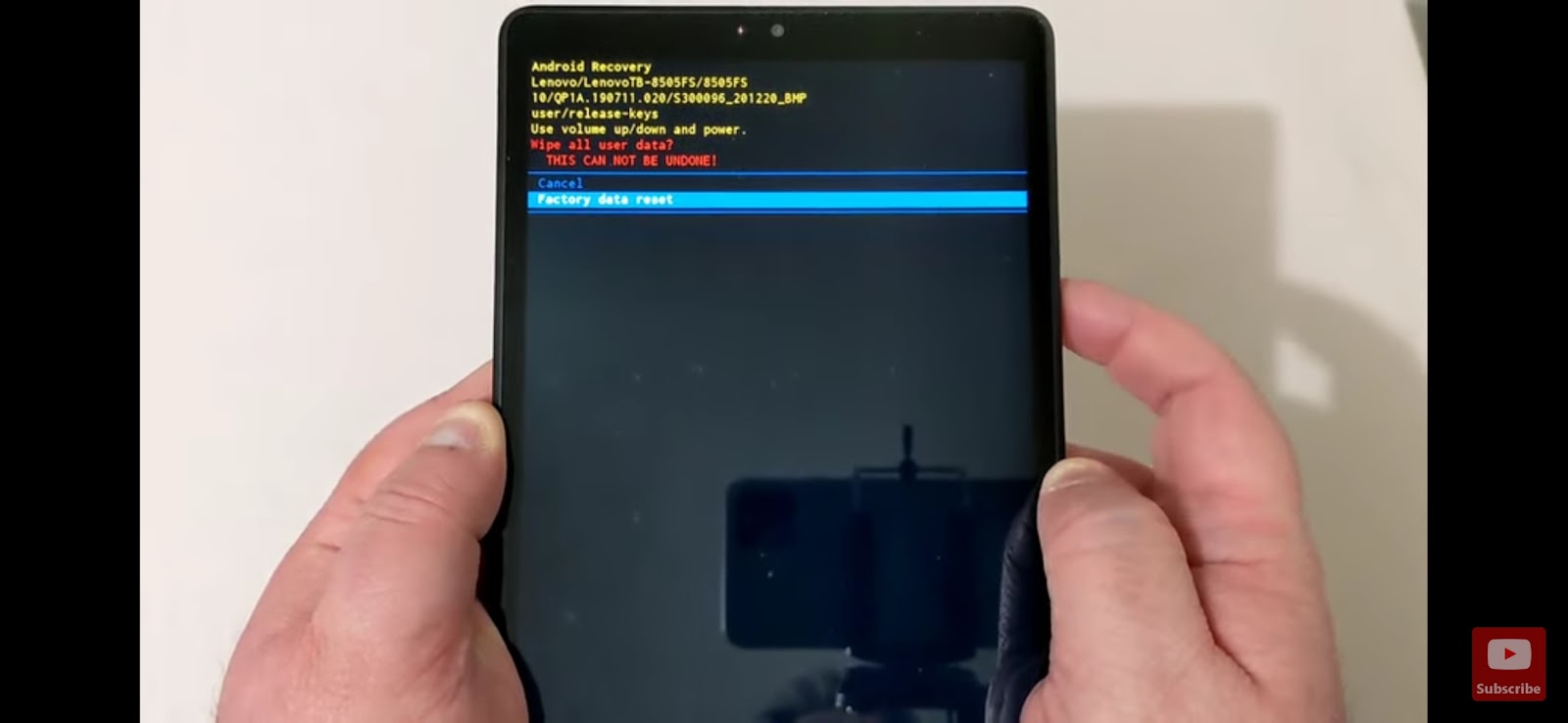
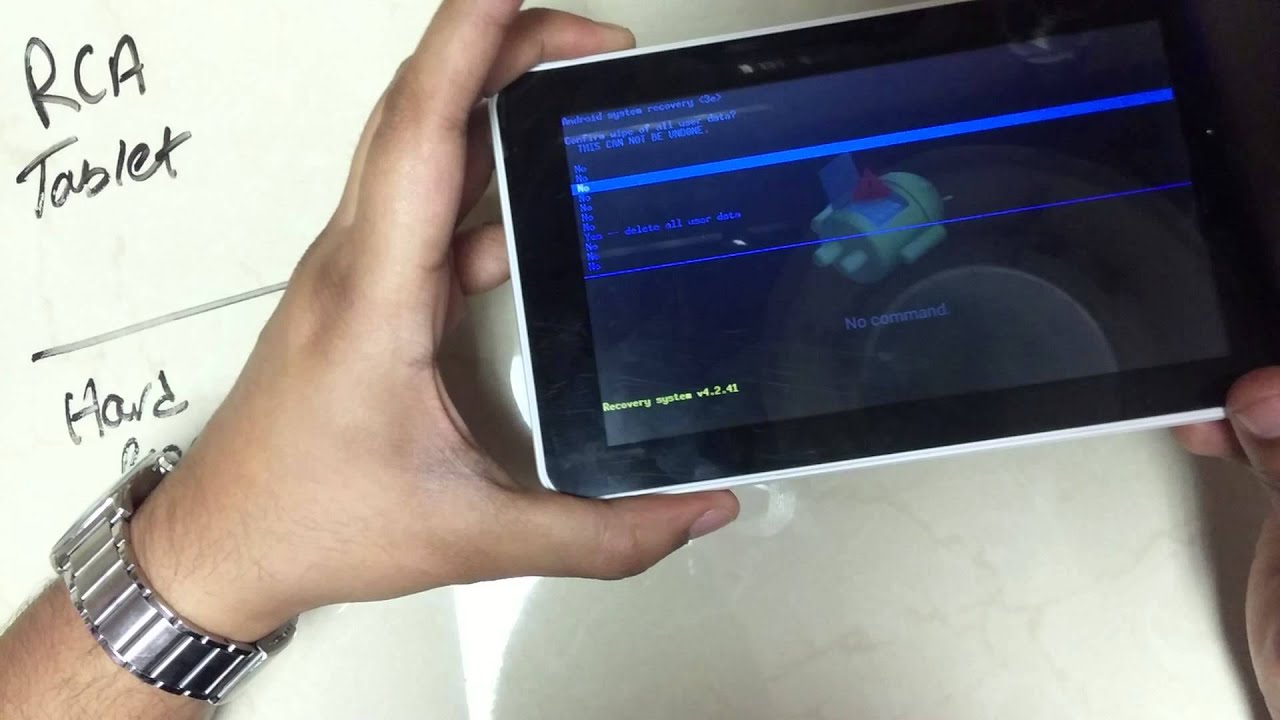
Method 2: Using Recovery Mode
- Press and hold the Power button and the Volume down button simultaneously
- Release the Power button when you see the recovery mode screen
- Select "Wipe data/factory reset" using the Volume down button and confirm using the Power button
Recovery mode is a built-in feature that allows you to perform a factory reset without using the settings app. This method is useful if you're experiencing issues with your tablet or have forgotten your password.
Method 3: Using the Button Combination
- Press and hold the Power button, the Volume down button, and the Volume up button simultaneously
- Release the buttons when you see the recovery mode screen
- Select "Wipe data/factory reset" using the Volume down button and confirm using the Power button
This method uses a combination of buttons to access the recovery mode and perform a factory reset. This method is useful if you're experiencing issues with your tablet or have forgotten your password.
Tips and Precautions
Before performing a factory reset, make sure to:
- Back up your important data to prevent any loss
- Charge your tablet to at least 50% to ensure a smooth reset process
- Remove any external devices connected to your tablet
- Confirm that you want to perform a factory reset to avoid any accidental data loss
Performing a factory reset can be a useful solution to fix issues with your tablet. However, it's essential to follow the correct instructions and take necessary precautions to avoid any data loss.
Conclusion
Performing a factory reset on your Android tablet can be a straightforward process if you follow the correct instructions. By using the settings app, recovery mode, or button combination, you can easily reset your tablet and restore it to its original factory settings. Remember to back up your important data and take necessary precautions to avoid any data loss.
![How to Factory Reset Android Tablet [Even without Password]](https://tabletzoo.com/wp-content/uploads/2022/10/Most-Attractive-Youtube-Thumbnail-1.png "How to Factory Reset Android Tablet [Even without Password]")


![[Updated] How to Factory Reset Android Tablet in 4 Ways - iMobie](https://images.magfone.com/images/android-unlocker/boot-samsung-into-recovery-mode.png "[Updated] How to Factory Reset Android Tablet in 4 Ways - iMobie")