Email Security and Safety Tips: Protect Yourself from Cyber Threats
Email security and safety tips are essential in today's digital age, where cyber threats are on the rise. With millions of emails sent and received every day, the risk of falling victim to phishing, malware, and other online threats is higher than ever. In this article, we will provide you with actionable email security and safety tips to protect yourself from cyber threats and keep your inbox safe.The Importance of Email Security and Safety Tips
Email security and safety tips are crucial in preventing cyber-attacks, data breaches, and identity theft. By implementing these tips, you can reduce the risk of falling victim to phishing scams, malware, and other online threats. In fact, the SANS institute estimates that up to 90% of cyber-attacks begin with an email, which is why it's essential to follow email security and safety best practices.Top 10 Email Security and Safety Tips
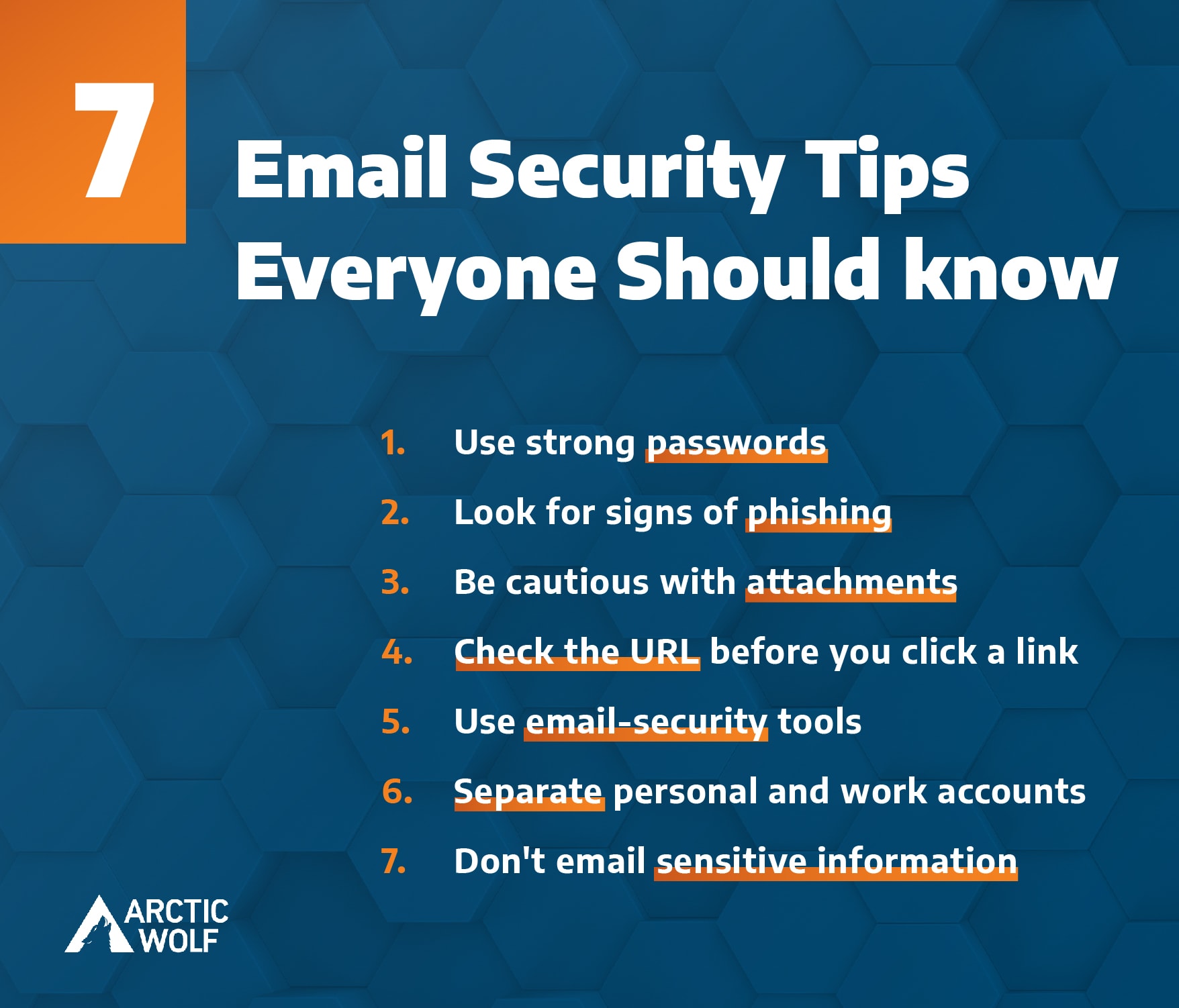
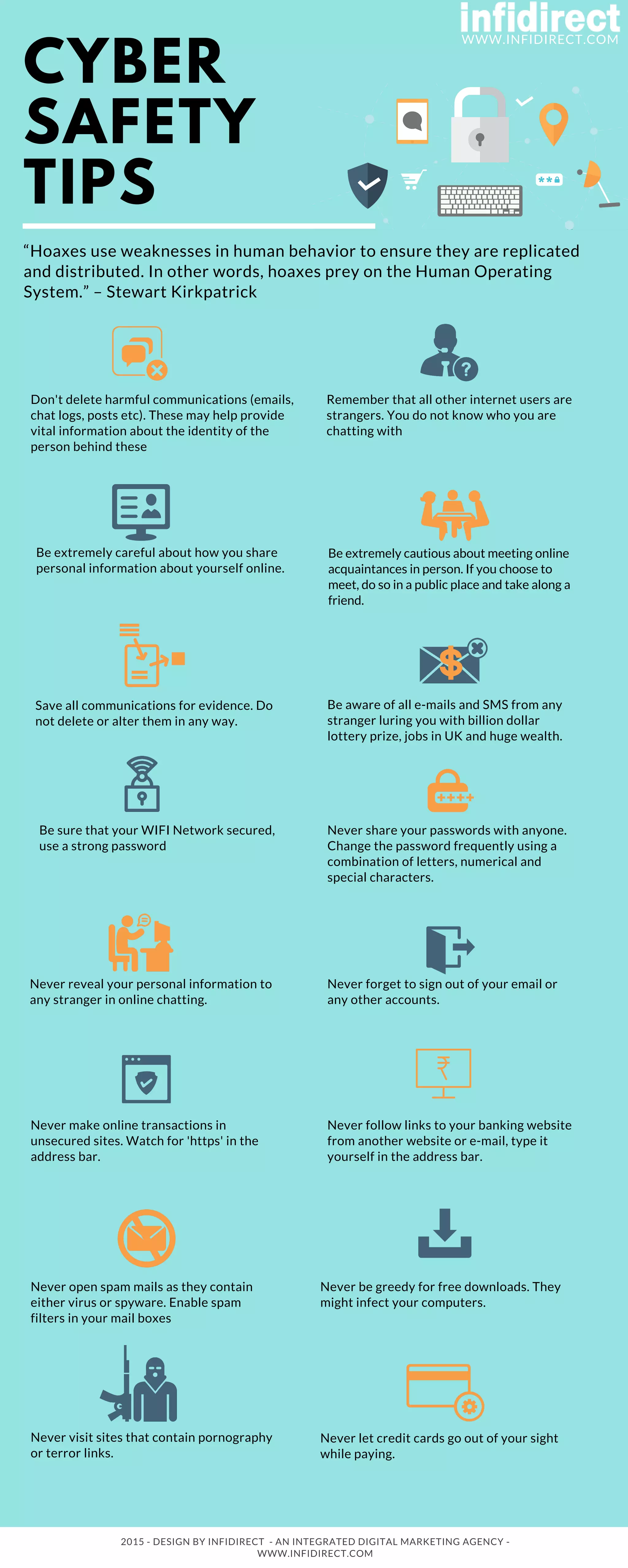
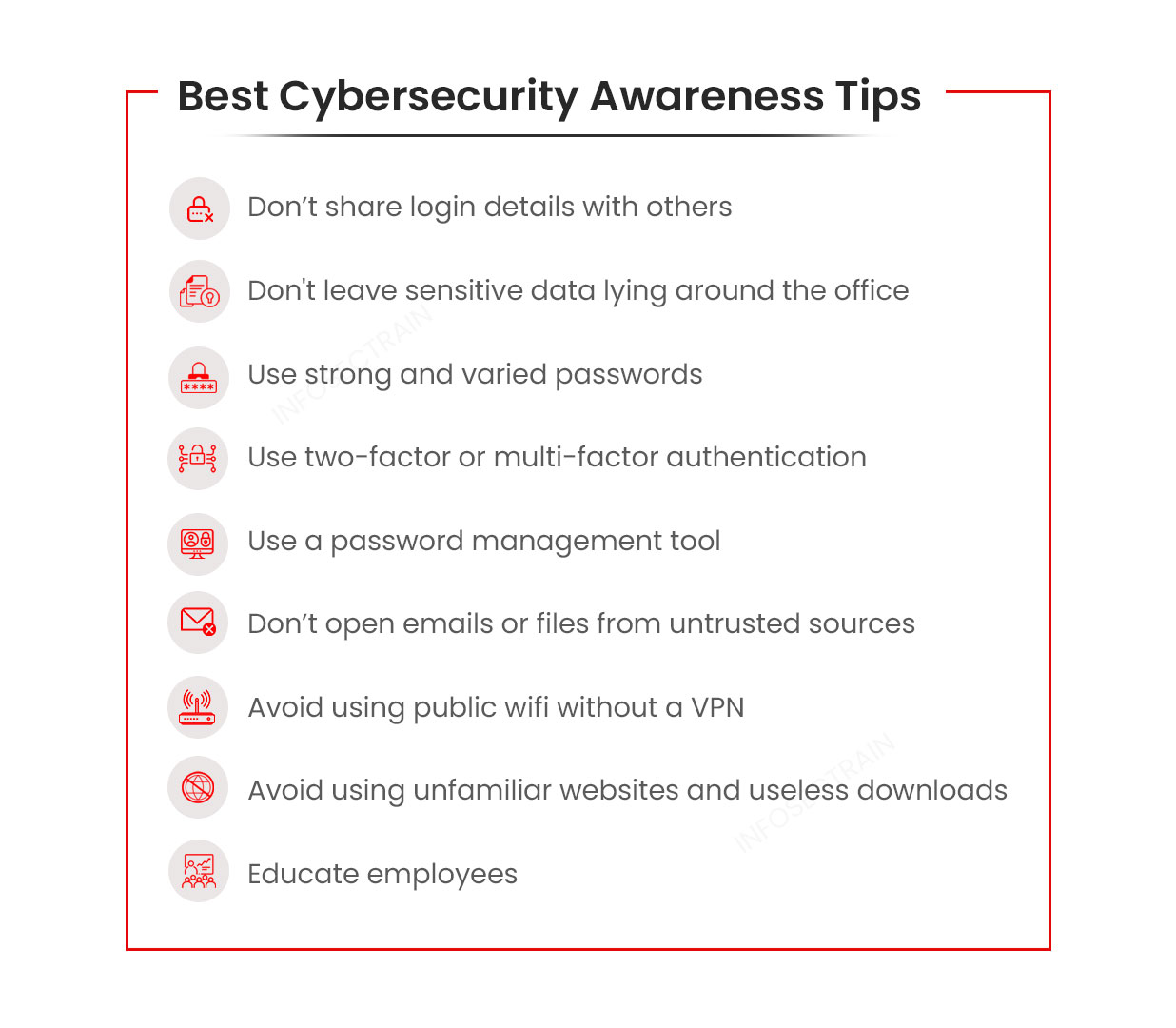
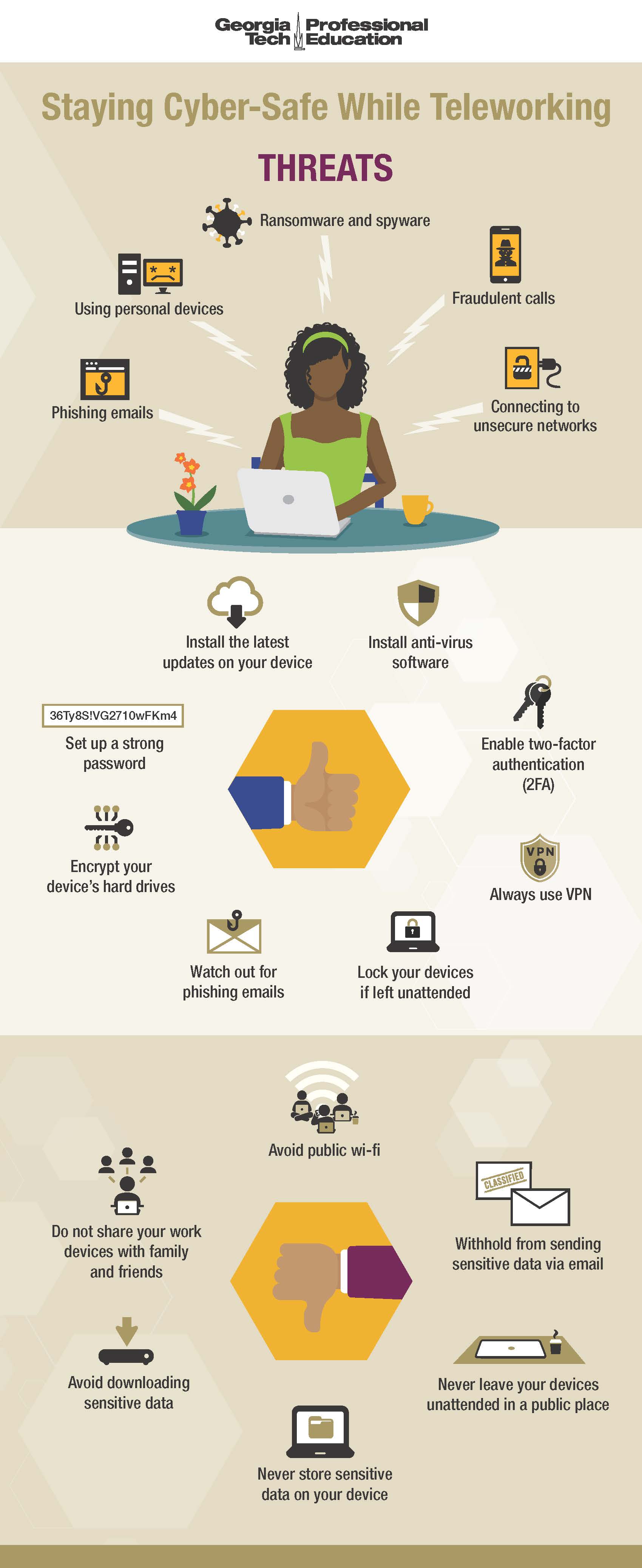
- Use Strong Passwords: Use a combination of letters, numbers, and special characters to create a strong password that's difficult to guess.
- Enable Two-Factor Authentication (2FA): 2FA adds an extra layer of security by requiring a code or biometric scan to access your account.
- Be Cautious with Links and Attachments: Don't click on suspicious links or download attachments from unknown senders, as they may contain malware or viruses.
- Keep Your Software Up-to-Date: Regularly update your operating system, browser, and email client to ensure you have the latest security patches.
- Use a Spam Filter: Use a reputable spam filter to block unwanted emails that may contain malware or phishing attempts.
- Monitor Your Email Account Activity: Regularly check your email account activity to detect any suspicious activity or unauthorized access.
- Use a Secure Email Client: Use a secure email client that supports encryption and other security features to protect your email account.
- Back Up Your Data: Regularly back up your emails and other important data to prevent loss of critical information.
- Verify Sender Information: Verify the sender's information, including their email address and any other identifying details.
- Report Suspicious Activity: Report any suspicious activity or emails to the relevant authorities, such as your email provider or law enforcement.