How to Prevent Identity Theft from Cashback: A Comprehensive Guide
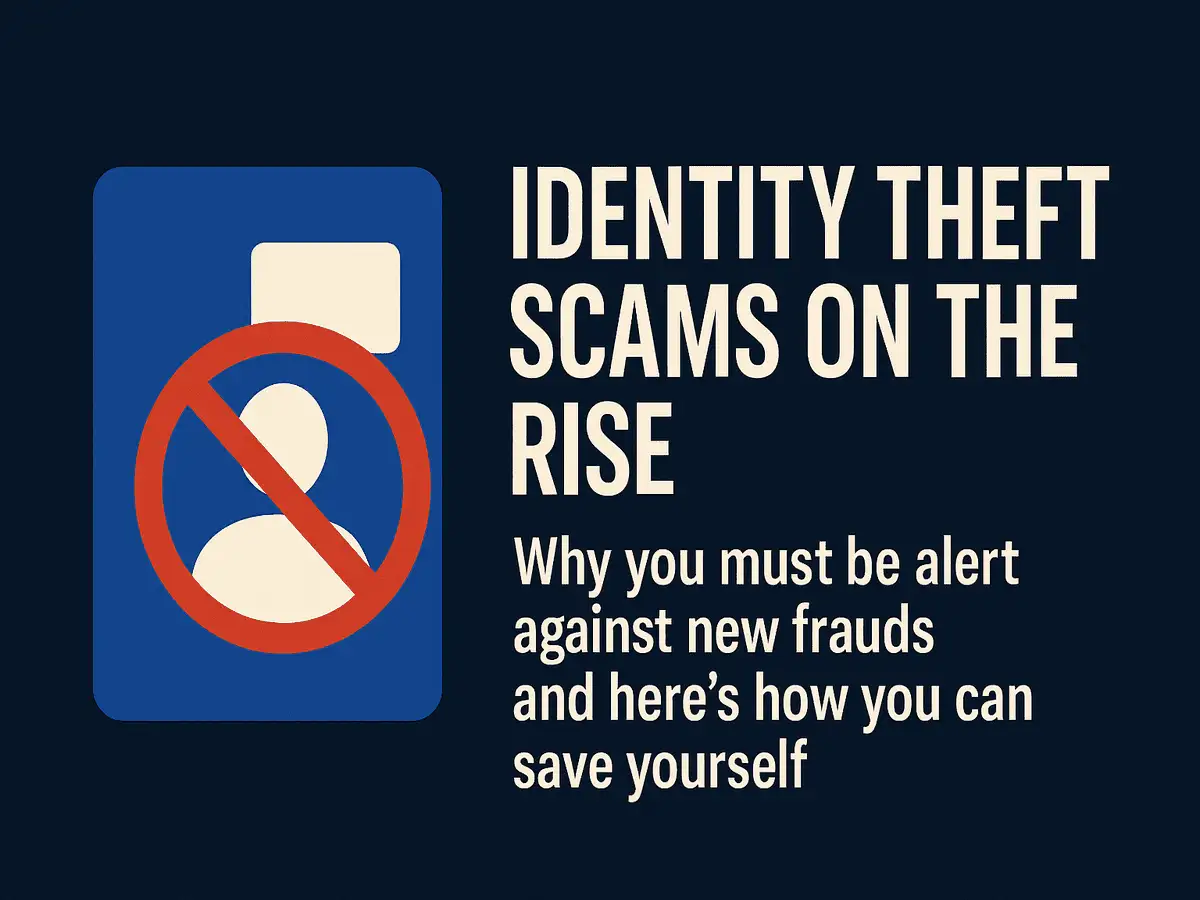
Identity theft is a growing concern in today's digital age, and cashback rewards programs have become a popular target for scammers. While cashback rewards can be a great way to earn money back on your purchases, they also pose a significant risk of identity theft if not handled properly. In this article, we will explore the risks associated with cashback rewards and provide you with a comprehensive guide on how to prevent identity theft from cashback.The Risks of Cashback Rewards
Cashback rewards programs are designed to provide customers with a percentage of their purchase amount back as a reward. However, these programs also require customers to share their personal and financial information with the cashback provider. This information can be vulnerable to cyber attacks and identity theft if not properly secured.How Cashback Scams Work
Cashback scams typically work by hacking into a customer's cashback account and transferring the rewards to a fake account. This can happen through various means, including phishing scams, malware attacks, and social engineering tactics. Once the scammer has access to the customer's cashback account, they can use the rewards to purchase goods and services or sell them for cash.How to Prevent Identity Theft from Cashback
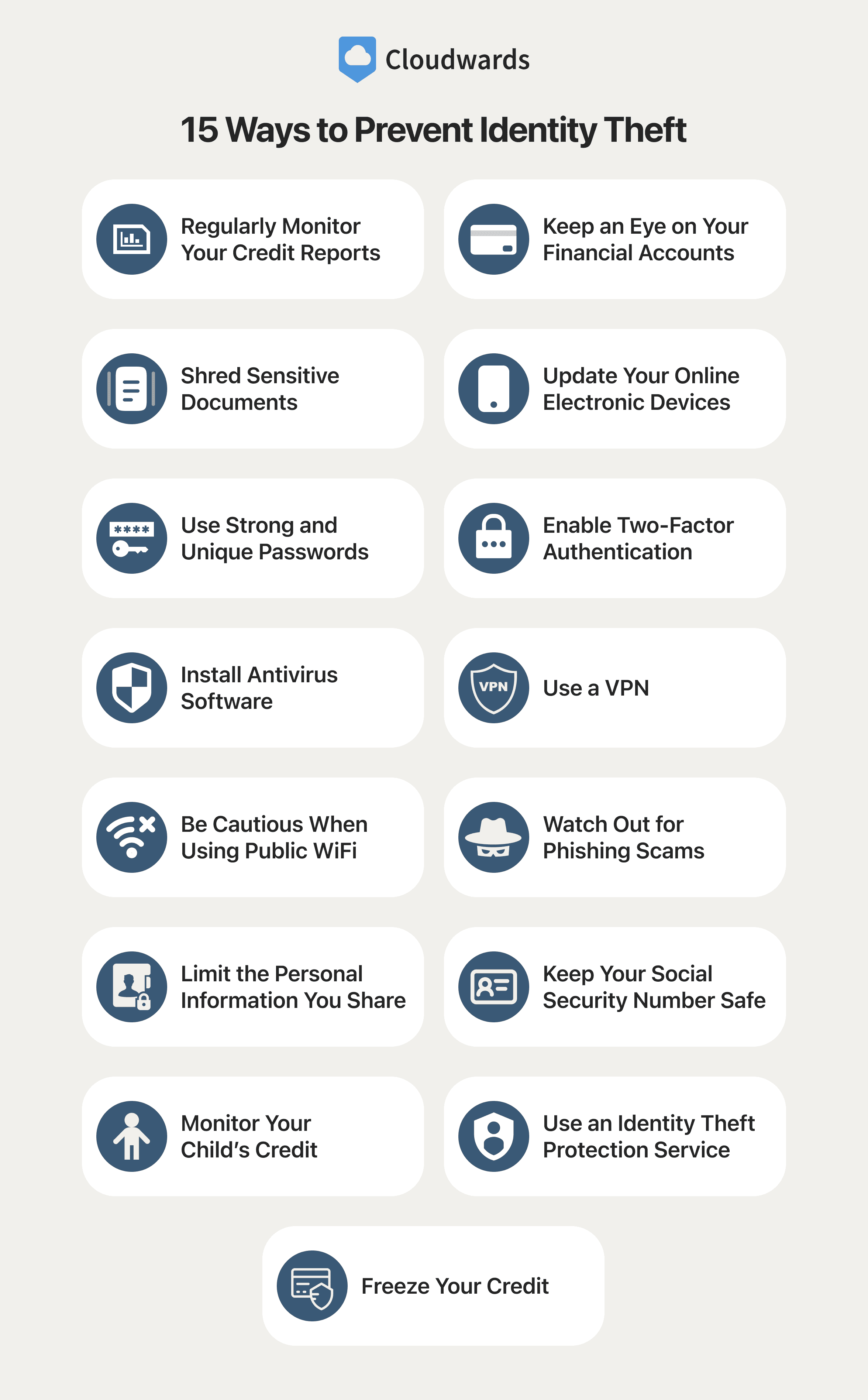
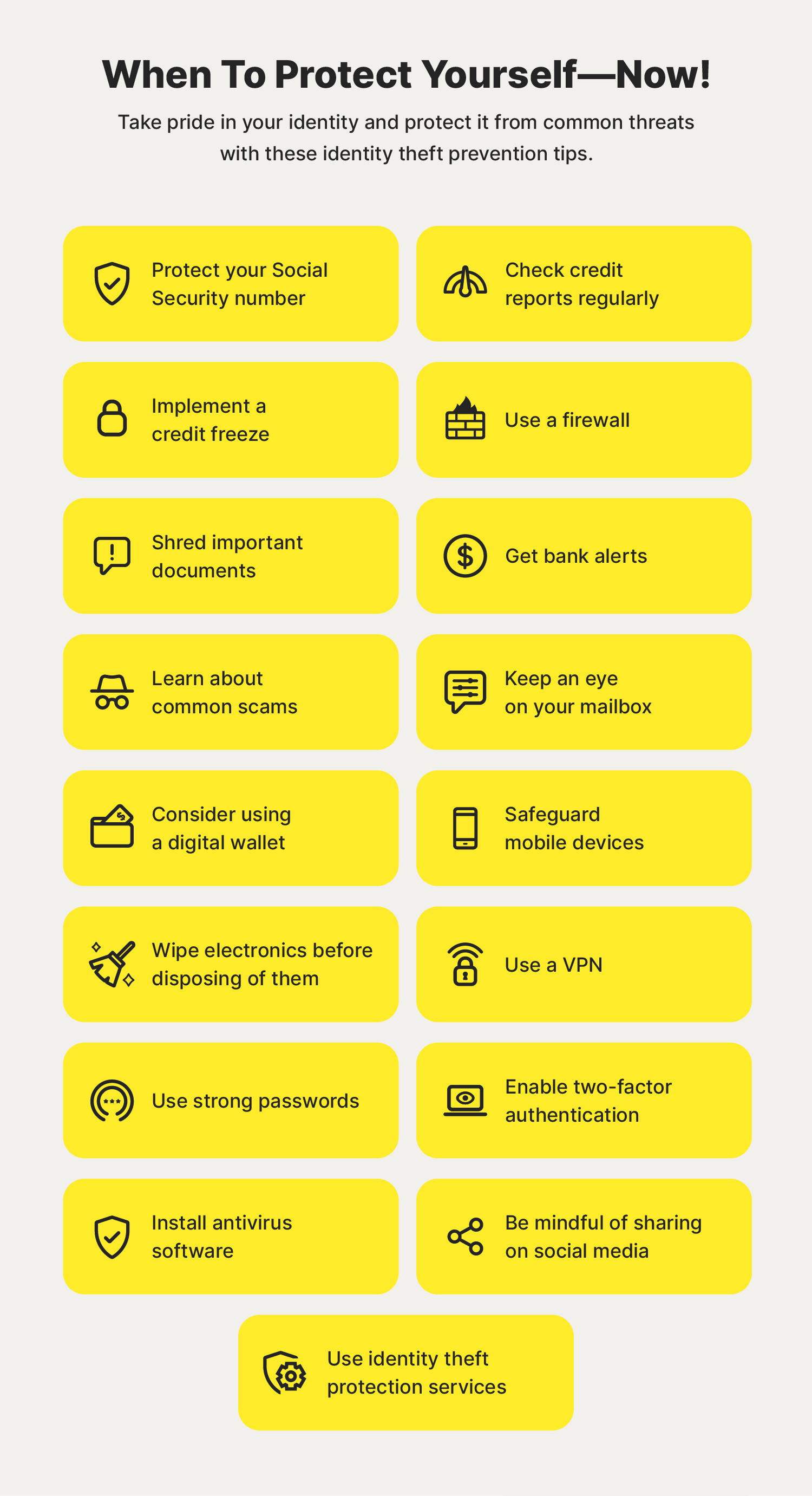
Preventing identity theft from cashback requires a combination of awareness, vigilance, and best practices. Here are some steps you can take to protect yourself:1. Use Strong and Unique Credentials
When creating a cashback account, use a strong and unique password that is not used for any other account. Avoid using easily guessable information such as your name, birthdate, or common words.2. Enable Two-Factor Authentication (2FA)
Enable 2FA whenever possible, which requires you to provide an additional form of verification in addition to your password. This can be a code sent to your phone or a fingerprint scan.3. Monitor Your Account Regularly
Regularly check your cashback account for any suspicious activity. Look for unfamiliar transactions or changes to your account settings.4. Use a Secure Browser and Antivirus Software
Use a secure browser and antivirus software to protect your device from malware and phishing attacks.5. Be Cautious with Email and Phone Requests