Unleash Your Creativity: A Comprehensive Twitch Channel Setup Guide
In the world of live streaming, Twitch has become a hub for gamers, artists, and innovators alike to showcase their talents and connect with their audience. With millions of active users, building a thriving community on Twitch requires more than just raw talent – it demands a solid understanding of the platform, effective content creation, and a knack for engagement. In this comprehensive Twitch channel setup guide, we'll walk you through the essential steps to establish a robust foundation for your streaming success.
Step 1: Define Your Niche and Set Up Your Channel
Successful streamers often find their niche and specialize in it. Determine what genre or theme you want to focus on – be it gaming, art, music, or something else. This decision will help guide your content, branding, and marketing strategies.
- Sign up for a Twitch account or use your existing credentials.
- Choose a unique and memorable username that represents your brand identity.
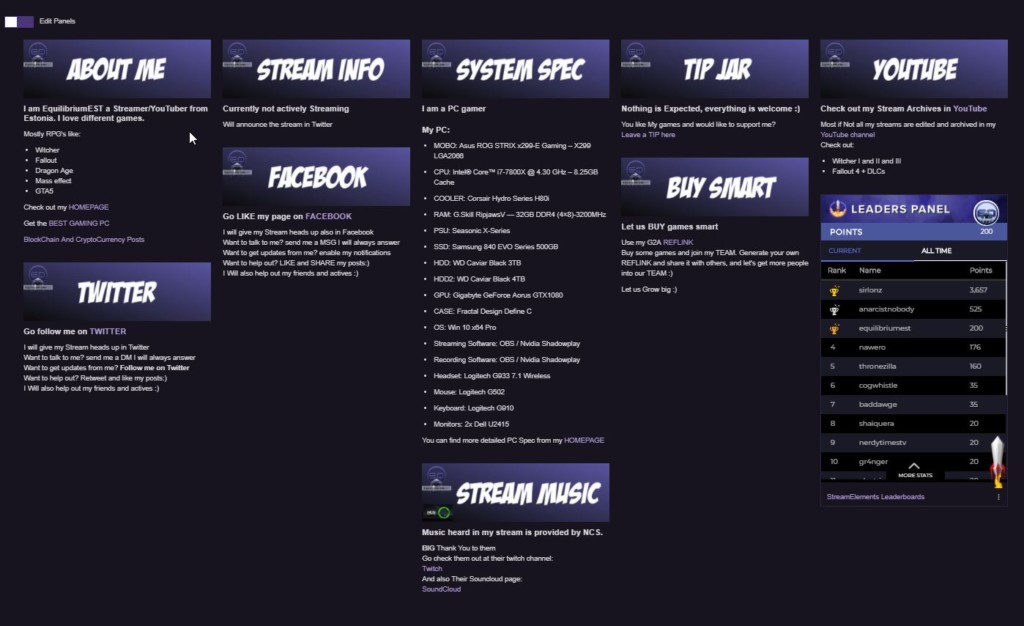
- Create a profile that showcases your personality, interests, and bio.
- Set up your channel banner, profile picture, and offline screen to establish a cohesive visual aesthetic.
Step 2: Customize Your Channel Settings
Your channel settings are crucial in creating an immersive experience for your viewers. Optimize your channel to reflect your brand and enhance user engagement.
- Navigate to your channel settings and experiment with various layout configurations.
- Configure your channel types, including the stream, chat, and profiles.
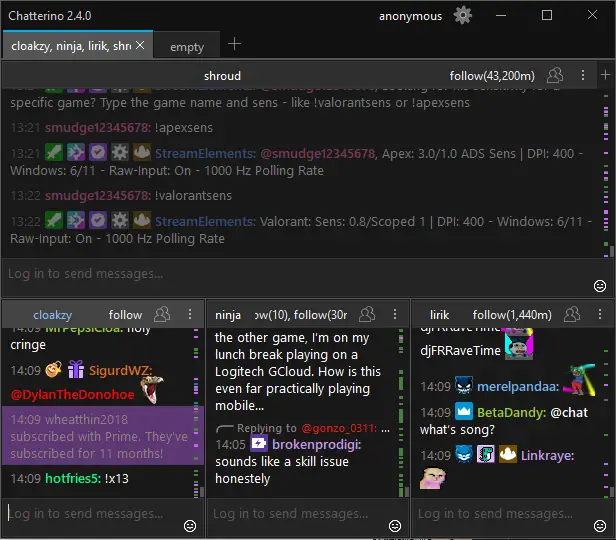
- Personalize your chat settings, such as customizing chat styles, fonts, and colors.
- Set up notifications for new followers, donations, subscriptions, and other important events.
Step 3: Technical Setup and Equipment
Invest in quality equipment and software to ensure high-definition streaming and a seamless viewer experience.
- Choose a high-quality webcam, microphone, and capture card for optimal video and audio quality.
- Select a stable and user-friendly streaming software, such as OBS Studio, XSplit, or Streamlabs OBS.
- Configure your streaming software to connect to your Twitch channel and optimize settings for your hardware.
- Test your equipment and software to ensure a smooth, lag-free streaming experience.
Step 4: Content Strategy and Promotion
Develop a compelling content strategy and promotional plan to build a loyal community and attract new viewers.
- Plan and schedule your streams, incorporating a mix of live gameplay, conversations, and special events.
- Develop engaging thumbnails, headers, and subtitles for your stream descriptions.
- Use relevant keywords and construct compelling titles for your streams and announcements.
- Leverage social media platforms and collaborate with other streamers to expand your reach.
Step 5: Community Engagement and Feedback
Building a loyal community on Twitch demands continuous interaction, feedback, and growth.
- Participate in live chat and respond to comments, suggestions, and feedback from your viewers.
- Encourage user-generated content through contests, challenges, and loyalty programs.
- Analyze your streams and viewer engagement metrics to optimize your content and settings.
- Join and engage with other communities, contributing to the Twitch ecosystem and expanding your reach.
Conclusion
By following this comprehensive Twitch channel setup guide, you'll be well on your way to creating a robust foundation for your streaming success. Remember to continually adapt and refine your strategy as your channel grows and evolves. Engage with your community, experiment with new content, and always keep your viewers at the forefront of your mind. Good luck, and happy streaming!