How to Protect Yourself Online: A Guide to Staying Safe in the Digital World
The more online accounts and devices you have, the greater the scope for cybercriminals to cause you harm. That's why it's now ever more essential to understand internet safety rules which protect you and your family from threats that may harm your data and devices. Read on to find out about key internet dangers and the ways to stay safe online.
Understanding Internet Safety Risks
With the vast majority of online activity taking place on smartphones and laptops, it's easy to overlook the potential risks associated with online interactions. However, failing to protect yourself online can have serious consequences, including identity theft, financial loss, and reputational damage.
Simple Ways to Stay Safe Online
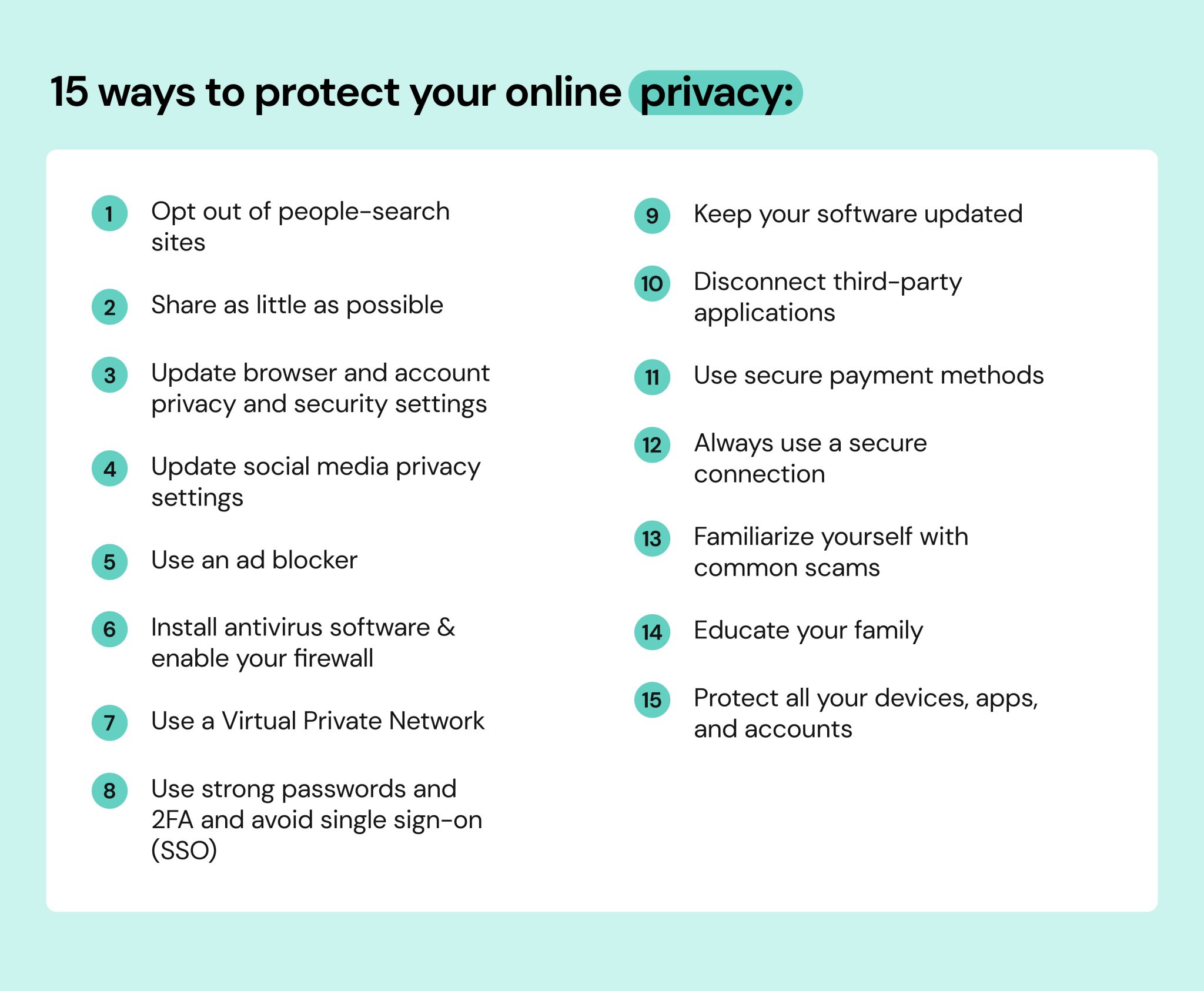
Fortunately, taking steps to protect yourself online doesn't have to be complicated or time-consuming. Here are four simple ways to reduce your risk of falling victim to online threats:
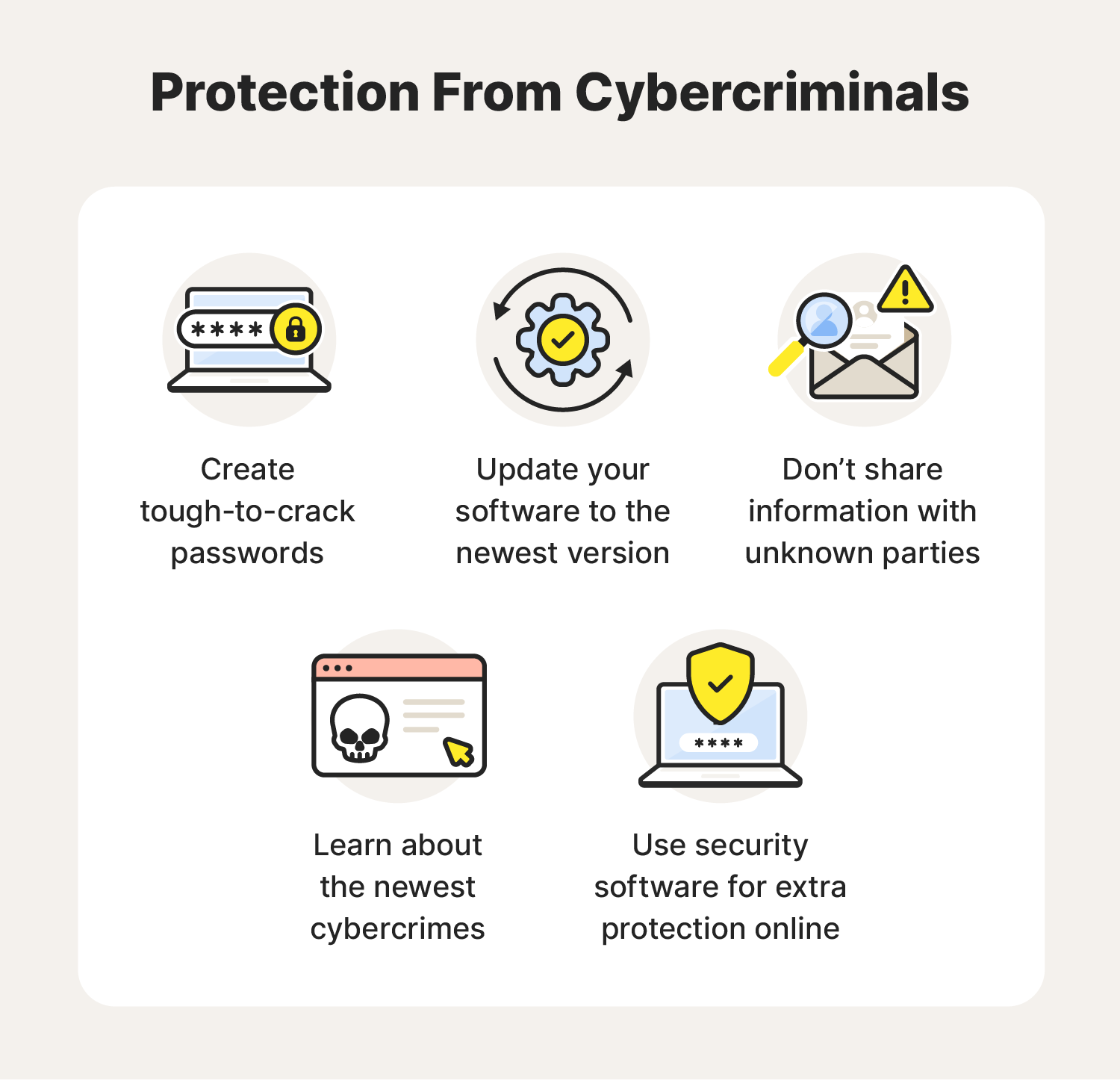
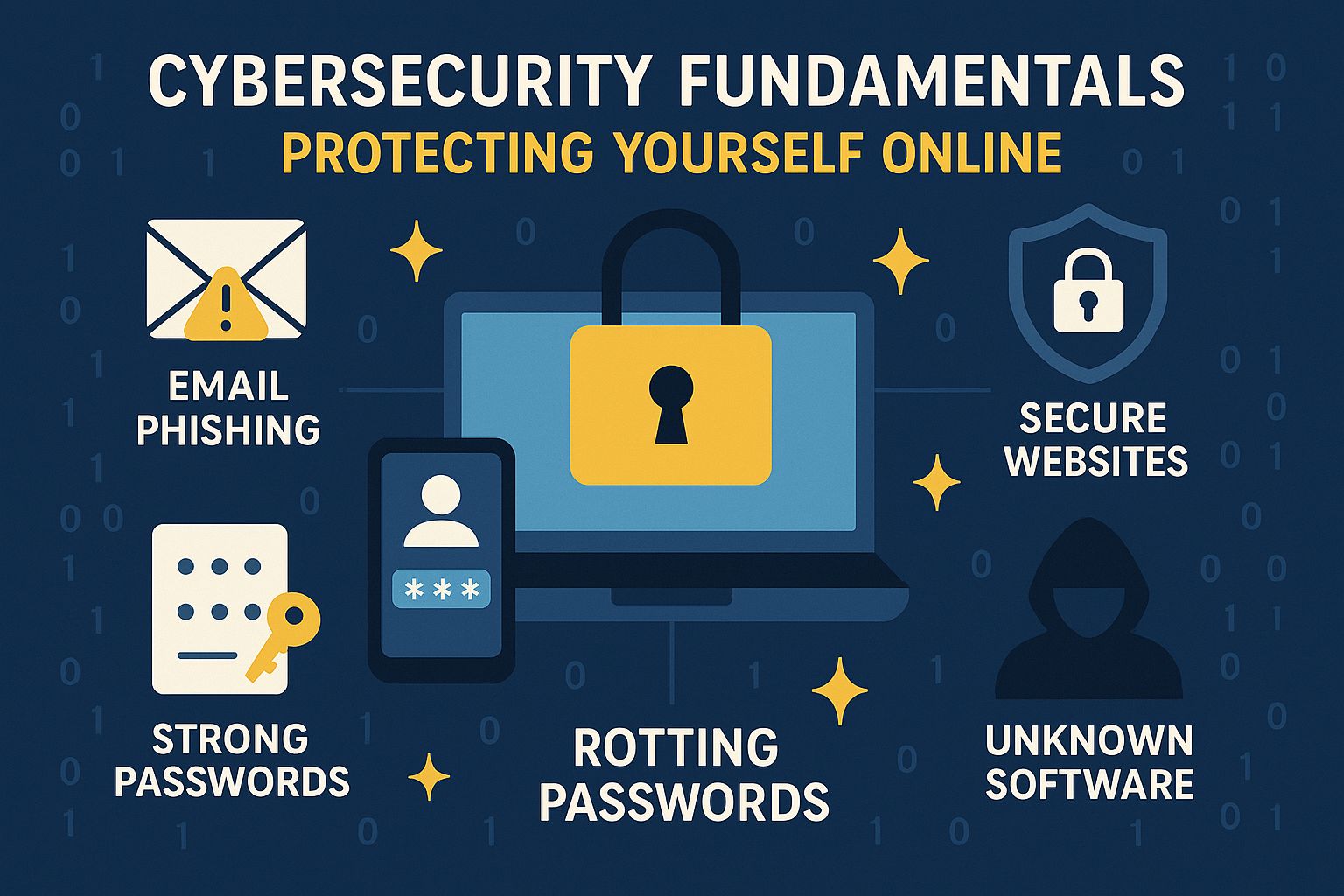
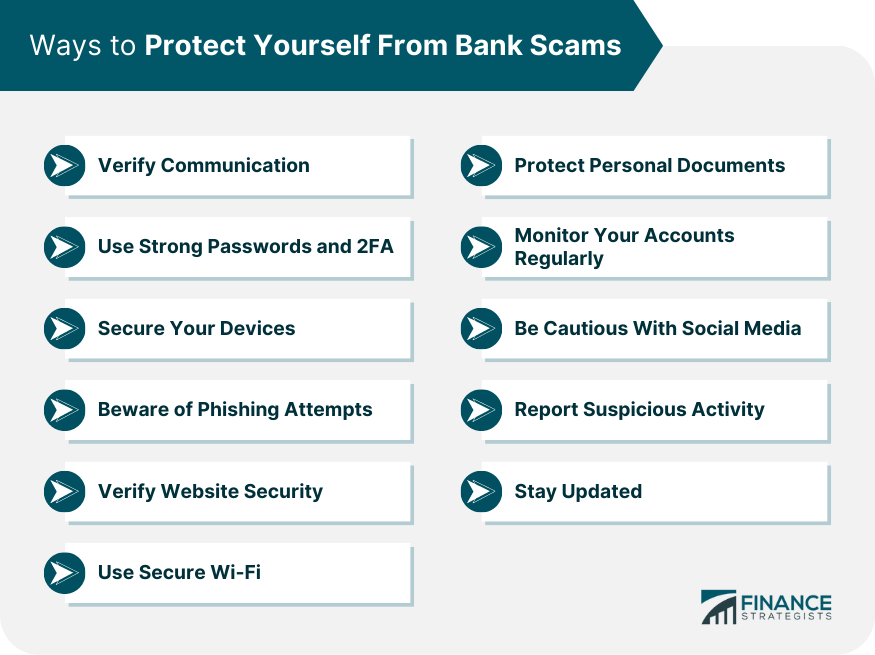
- Use strong passwords and two-factor authentication:** Using a combination of uppercase and lowercase letters, numbers, and special characters can make your password more secure. Additionally, enabling two-factor authentication can add an extra layer of security to prevent unauthorized access to your accounts.
- Keep your software and operating system up to date:** Regularly updating your software and operating system can help ensure you have the latest security patches and features that will protect you from online threats.
- Be cautious when clicking on links and downloading attachments:** Phishing emails and malicious attachments can be a common source of online threats. Before clicking on links or downloading attachments, make sure they come from a trusted source and that you have a clear understanding of what you're clicking on.
- Use a reliable antivirus program:** A good antivirus program can help detect and remove malware from your device, as well as provide real-time protection against online threats.
Advanced Online Threats and How to Protect Yourself

While the above tips can go a long way in helping to protect yourself online, there are also more advanced threats to be aware of.
Protecting Against Phishing Attacks
Phishing attacks involve deceiving you into revealing sensitive information, such as passwords or financial details. Here are four ways to protect yourself from phishing attacks:
- Protect your computer by using security software:** Set the software to update automatically so it will deal with any new security threats.
- Protect your cell phone by setting software to update automatically:** Make sure you have the latest security patches and features on your phone to stay safe online.
- Be cautious when clicking on links and downloading attachments:** Only click on links and download attachments from trusted sources to avoid phishing attacks.
- Report suspicious emails:** Report suspicious emails to the relevant authorities to help identify and block phishing attacks.
Conclusion
Protecting yourself online requires a combination of common-sense security practices, up-to-date software, and a healthy dose of skepticism. By understanding internet safety risks and following the simple tips outlined above, you can significantly reduce your risk of falling victim to online threats and stay safe online.