Keeping Mobile Phone Safe from Hackers: A Comprehensive Guide
Introduction
In today's digital age, our smartphones have become an essential part of our lives. We store sensitive information, access personal and professional accounts, and engage in various online activities using our mobile devices. However, this increased dependence on mobile phones also makes them vulnerable to hackers and cyber threats. In this article, we will explore the importance of keeping your mobile phone safe from hackers and provide you with a comprehensive guide on how to protect your device from malicious attacks.The Risks of Mobile Phone Hacking
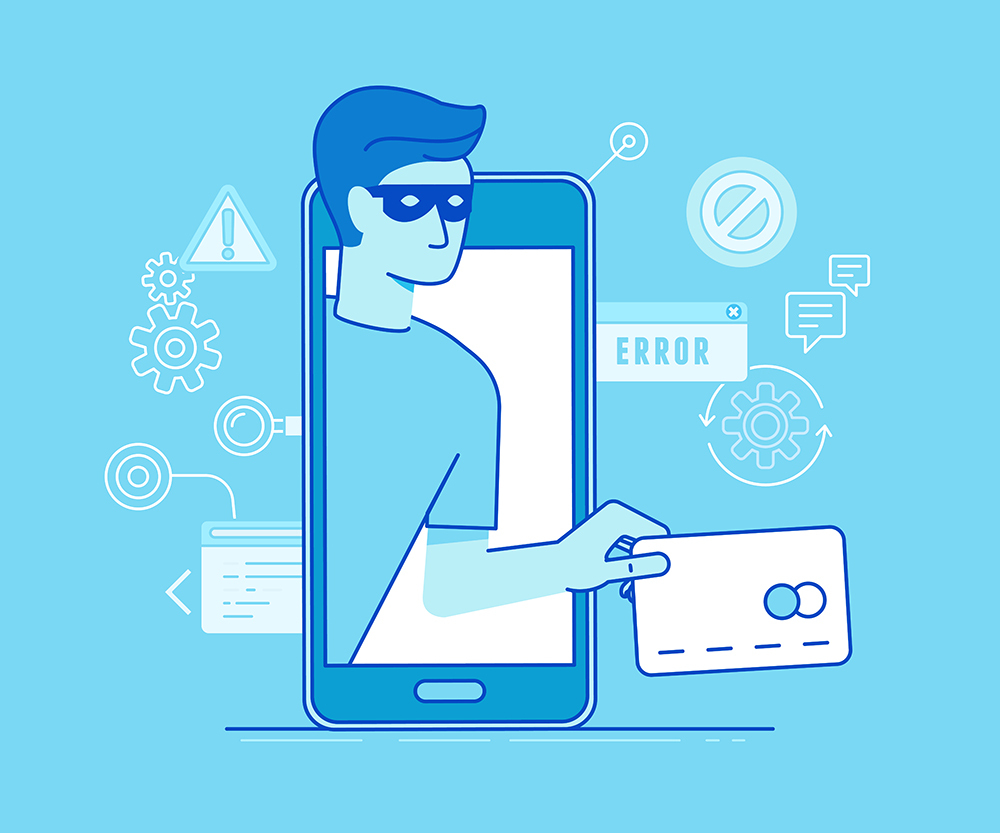
Mobile phone hacking is a serious concern that can have severe consequences. If your phone ends up in the wrong hands, someone could steal your identity, buy items with your money, or hack into your email or social media accounts. Additionally, hackers can use your phone to access your personal data, such as contacts, photos, and messages, which can be used for identity theft or other malicious purposes.Why Keeping Your Mobile Phone Safe from Hackers is Essential
Keeping your mobile phone safe from hackers is not just about being cautious; it's about being prepared. By taking proactive and consistent steps, you can create powerful layers of defense that make you a harder target for cybercriminals. This is especially important considering the increasing number of mobile malware attacks and data breaches.Essential Tips for Keeping Your Mobile Phone Safe from Hackers
To keep your mobile phone and its contents safe and secure, you need to develop a strategy for protecting your personal information. Here are some tips to get you started:- Use a password manager**: Create strong, unique passwords for all your accounts and store them securely using a password manager.
- Be selective about app permissions**: Only grant permissions to apps that require them, and regularly review your app permissions to ensure they are still necessary.
- Keep your phone's software up to date**: Regularly update your operating system and apps to ensure you have the latest security patches and features.
- Use a VPN**: Install a virtual private network (VPN) to keep your browsing private and secure when using public Wi-Fi networks.
- Use two-factor authentication**: Enable two-factor authentication (2FA) to add an extra layer of security to your accounts.
- Back up your data**: Regularly back up your phone's data to a secure location, such as Google Drive or iCloud.
- Use a phone security app**: Install a reputable phone security app, such as Avast or Kaspersky, to scan for malware and other threats.

Additional Tips for Mobile Phone Security
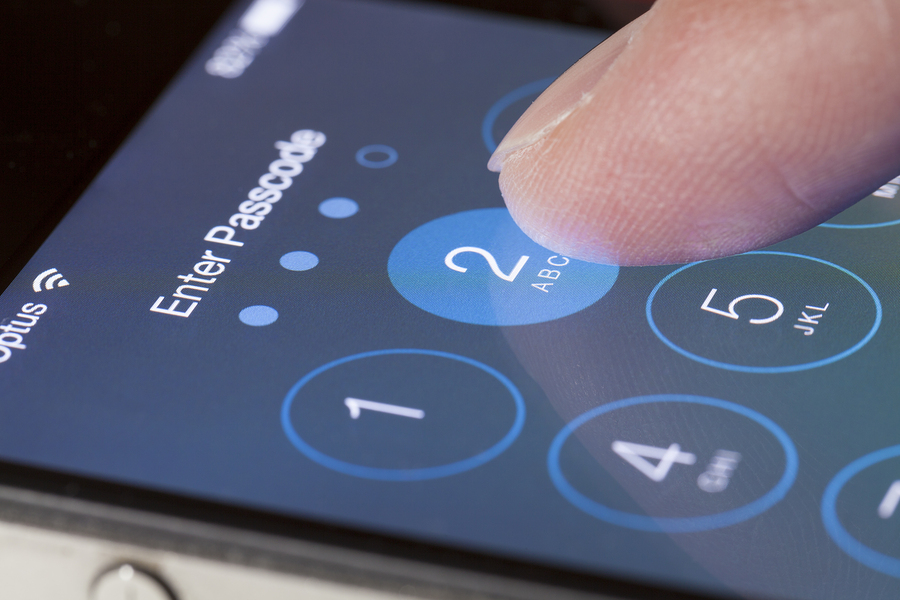
In addition to the above tips, here are some more suggestions to keep your mobile phone safe from hackers:- Use a secure lock screen**: Set a strong lock screen password, PIN, or biometric identifier to prevent unauthorized access to your phone.
- Avoid suspicious links and attachments**: Be cautious when clicking on links or opening attachments from unknown sources, as they may contain malware or phishing scams.
- Monitor your accounts**: Regularly review your account activity to detect any suspicious transactions or changes.
- Use a phone finder service**: Install a phone finder service, such as Find My iPhone or Find My Device, to help locate your phone if it's lost or stolen.