Strengthen Your Online Presence with Effective Password Security
In today's digital age, strong password security is crucial for protecting your online identity and ensuring the safety of your sensitive information. Unauthorized access to your passwords can lead to a range of problems, including financial loss, identity theft, and even financial devastation. In this article, we'll delve into the world of online password security tips, covering the essential strategies and tools you need to safeguard your online presence.
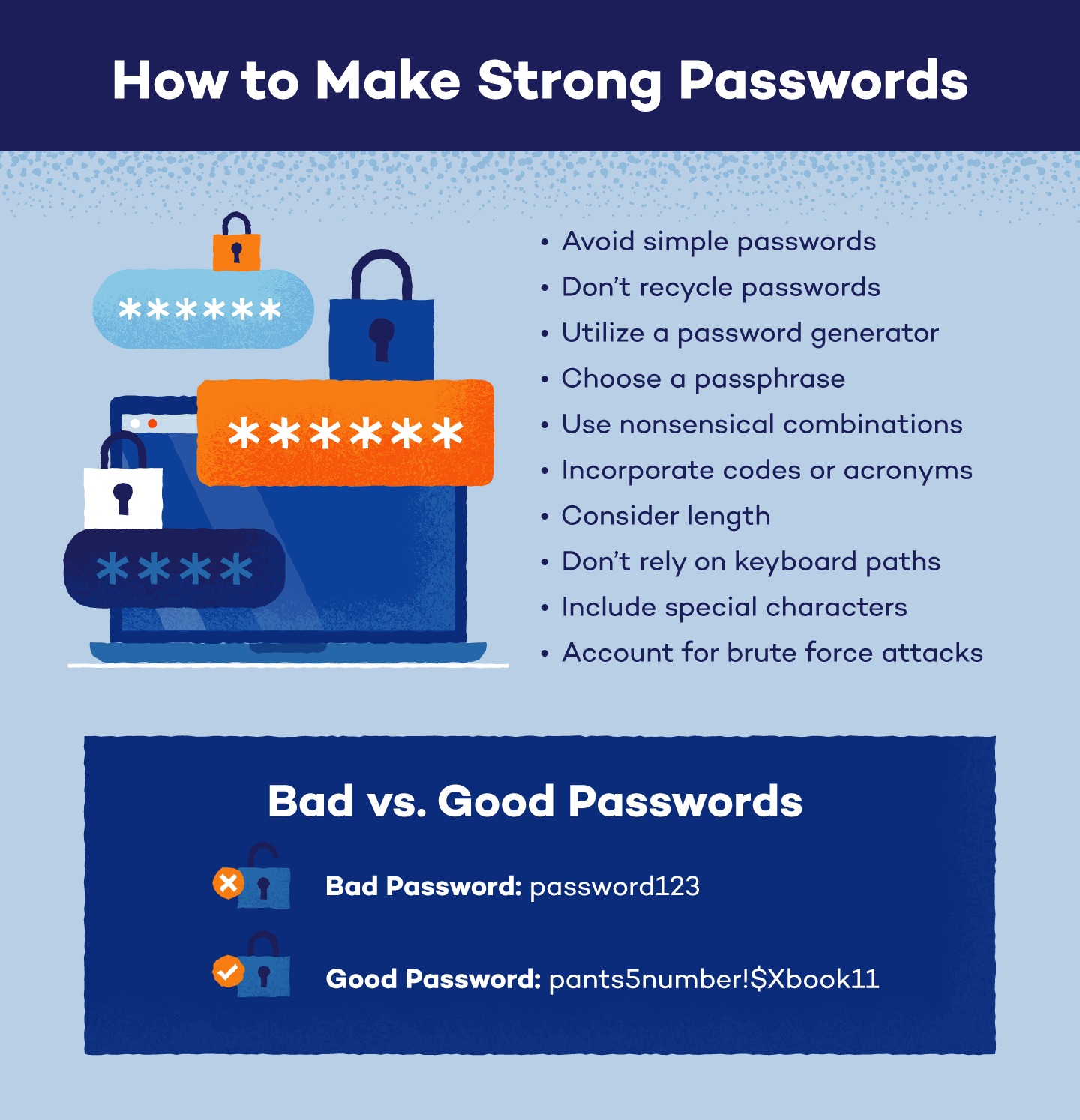
1. Generate Strong and Unique Passwords
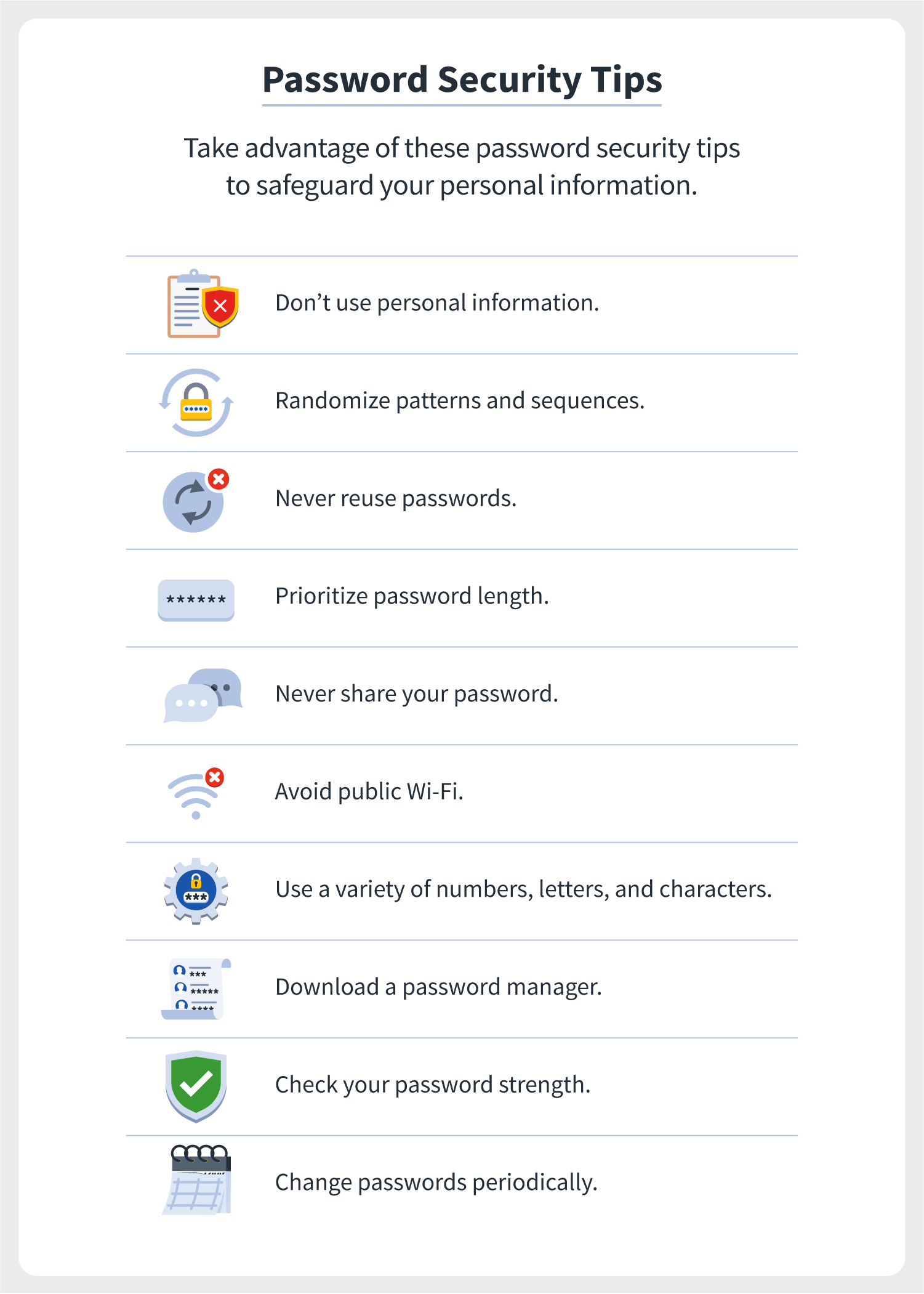
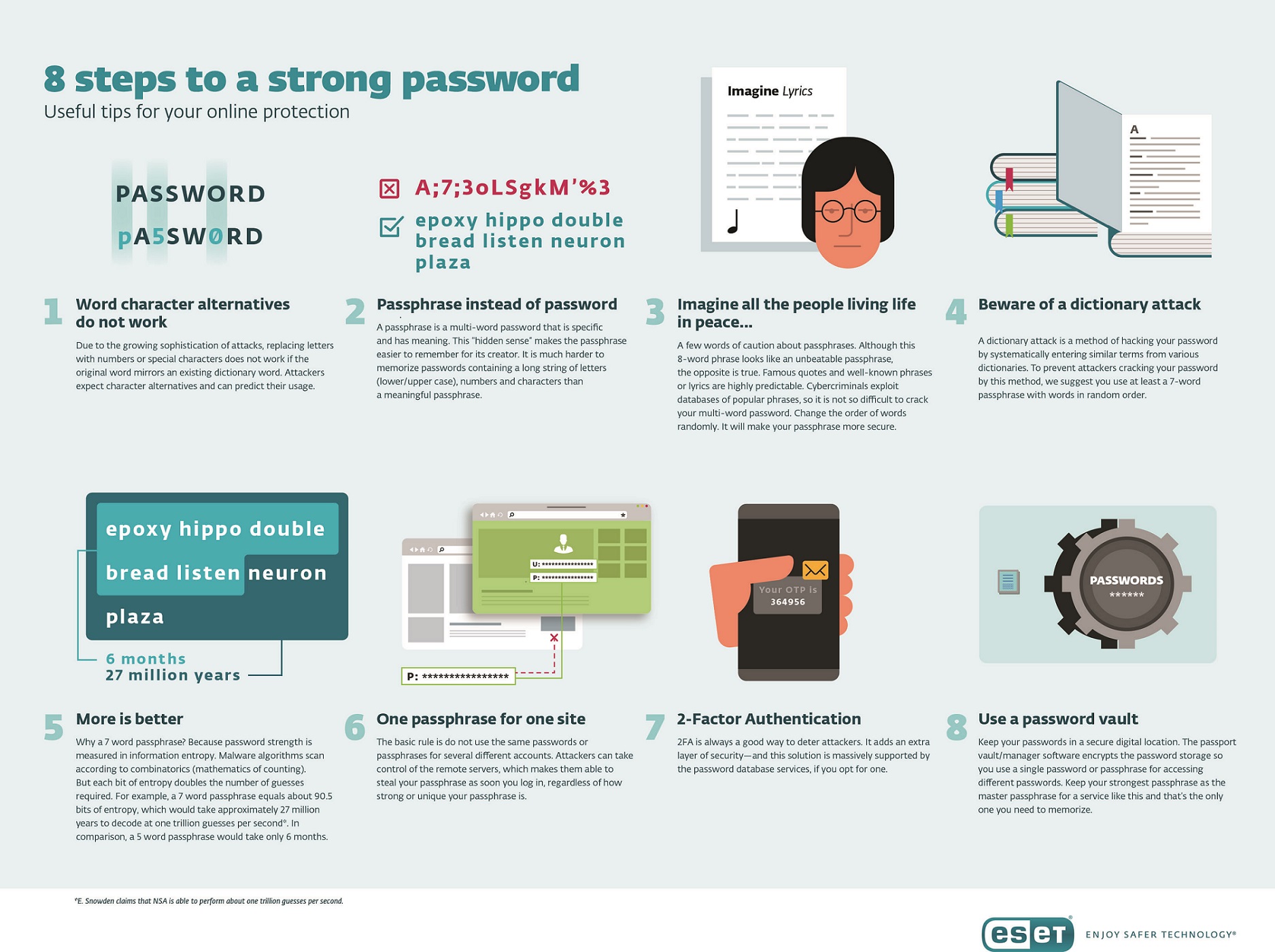
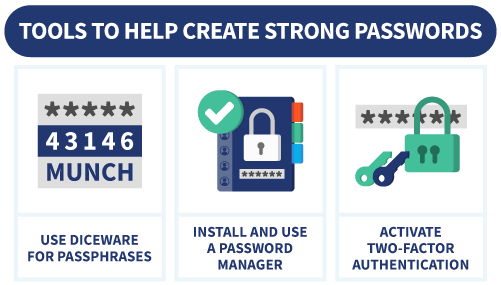
- Use a passphrase instead of a single word or phrase.
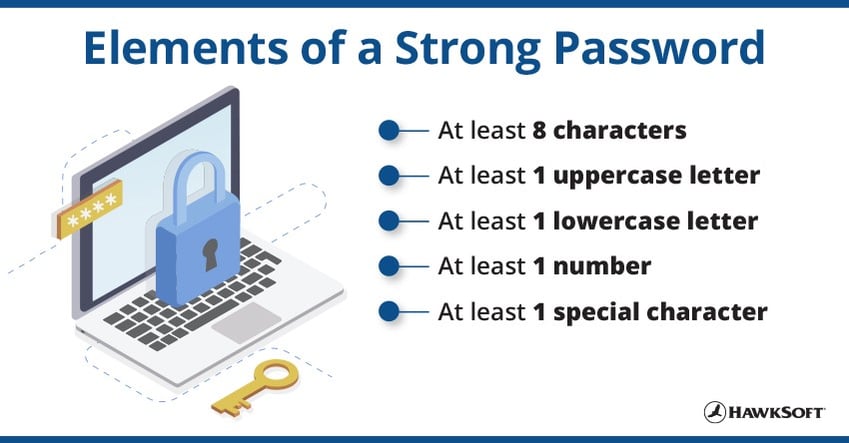
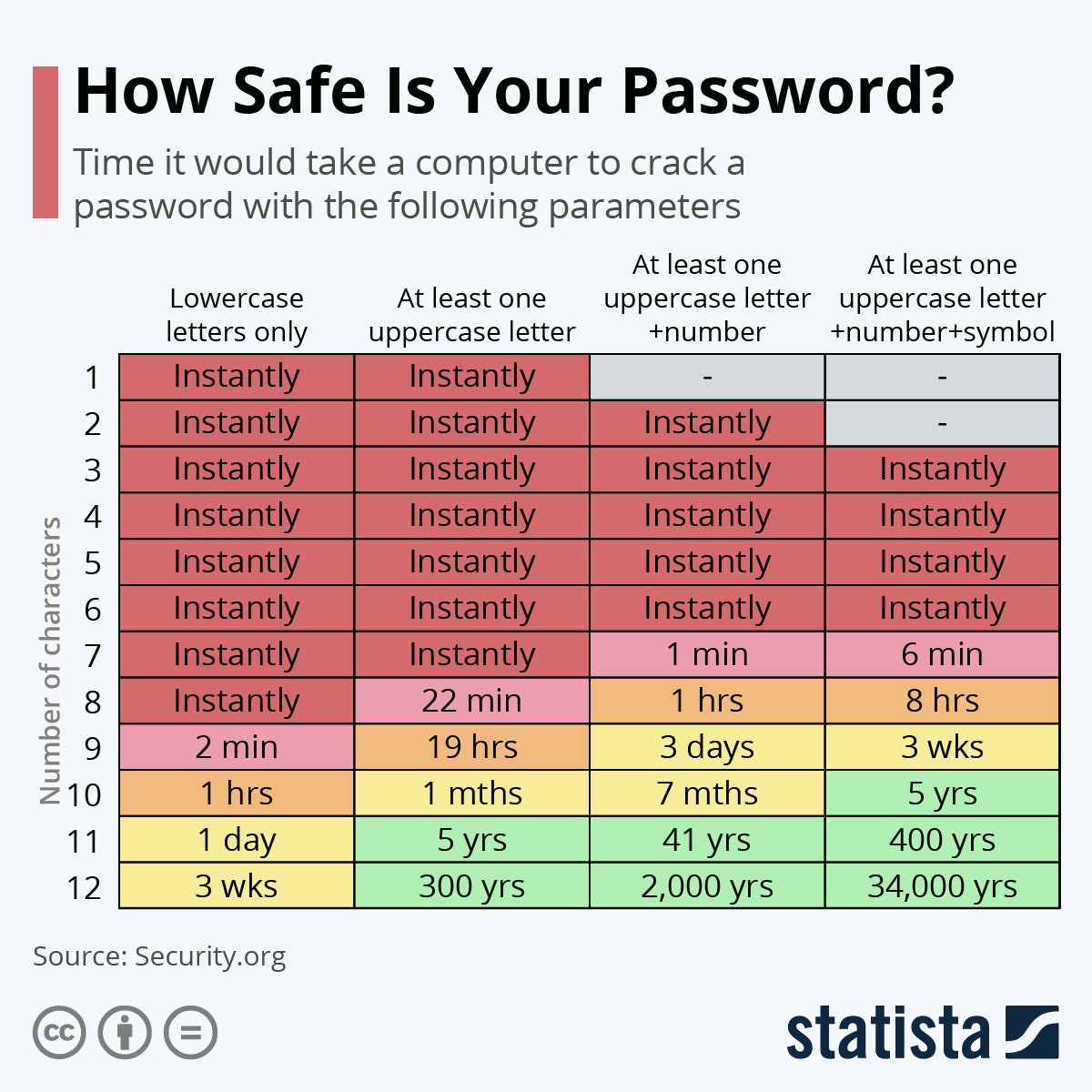
- Incorporate a combination of characters, numbers, and special characters.
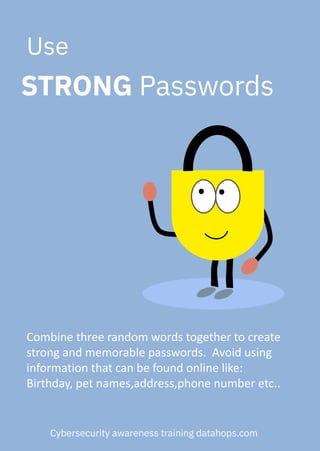
- Avoid using easily guessable information, such as your name, birthdate, or common words.
2. Use a Password Manager to Simplify Password Management
Managing multiple passwords can be challenging, especially if you have numerous online accounts. A password manager can help simplify password management by securely storing your login credentials in a single location. With a password manager, you can generate strong passwords, autofill login information, and even monitor password strength and security.
- Look for a password manager that offers advanced security features, such as encryption and two-factor authentication.
- Consider a password manager with a user-friendly interface and intuitive dashboard.
- Opt for a password manager that supports multiple platforms and devices.
3. Enable Multi-Factor Authentication for Enhanced Security
Multi-factor authentication (MFA) adds an extra layer of security to your online accounts by requiring a second form of verification, beyond just your password. MFA can be set up using various methods, including biometric authentication, SMS or email codes, and one-time passwords.
- Enable MFA on your most critical online accounts, such as your email and banking services.
- Choose an MFA method that is convenient and reliable for you.
- Consider using a password manager with built-in MFA support.
4. Avoid Using Easily Guessable Passwords
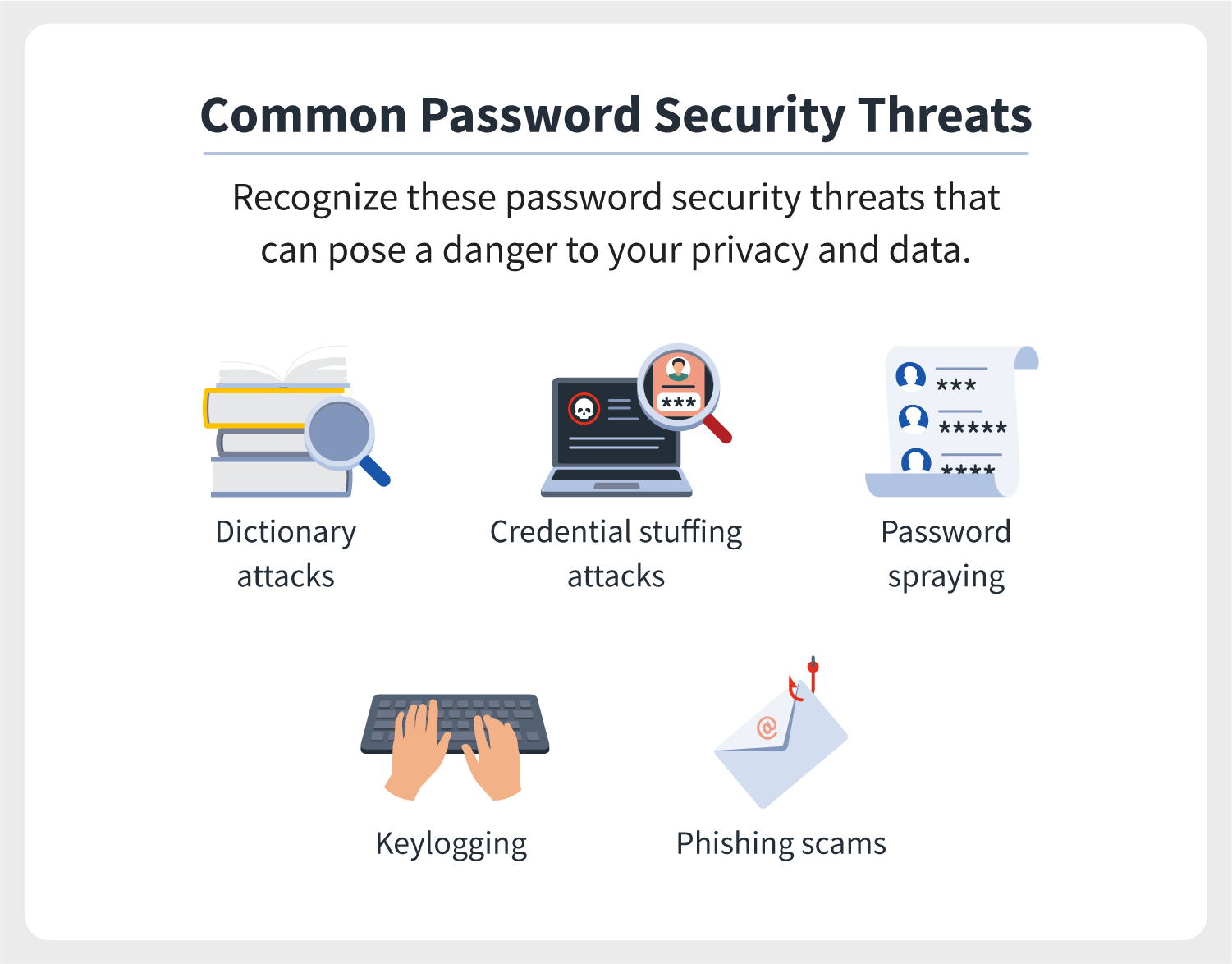
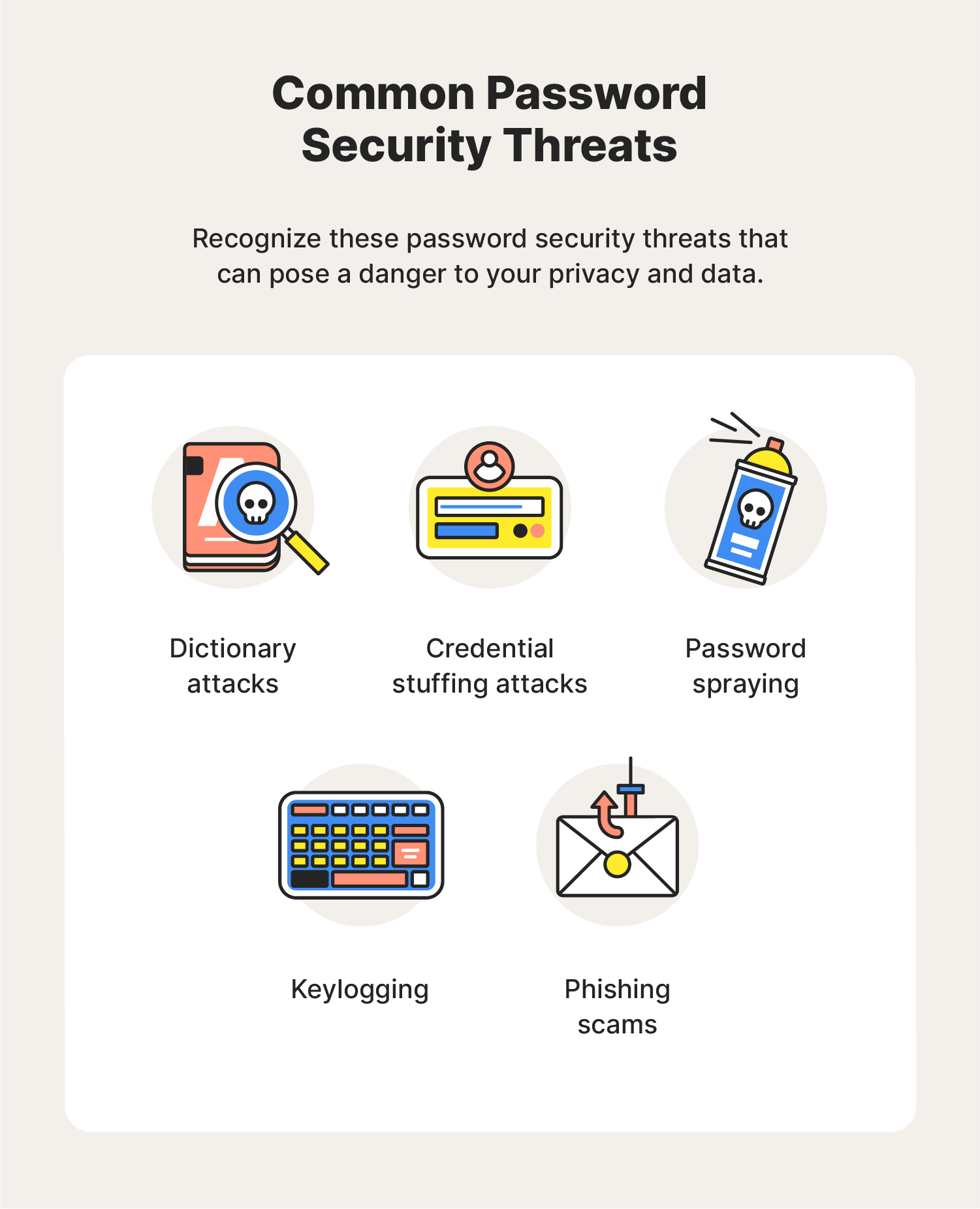
Using easily guessable passwords can make your online accounts vulnerable to hacking attempts. Avoid using information that can be easily guessed by others, such as your name, birthdate, or common words. Instead, create a strong and unique password for each account.
- Avoid using birthdays, anniversaries, or names of family members or pets.
- Steer clear of using common words, phrases, or numbers.
- Use a passphrase instead of a single word or phrase.
5. Regularly Review and Update Your Passwords
Regularly reviewing and updating your passwords is essential for maintaining strong password security. As passwords can become compromised or outdated, it's crucial to update them periodically to prevent unauthorized access to your online accounts.
- Rotate your passwords every 60-90 days for maximum security.
- Use a password manager to securely store and update your login credentials.
- Monitor password strength and security with your password manager.