Protect Your Data: Top 10 Essential Tips to Safeguard Your Personal Information
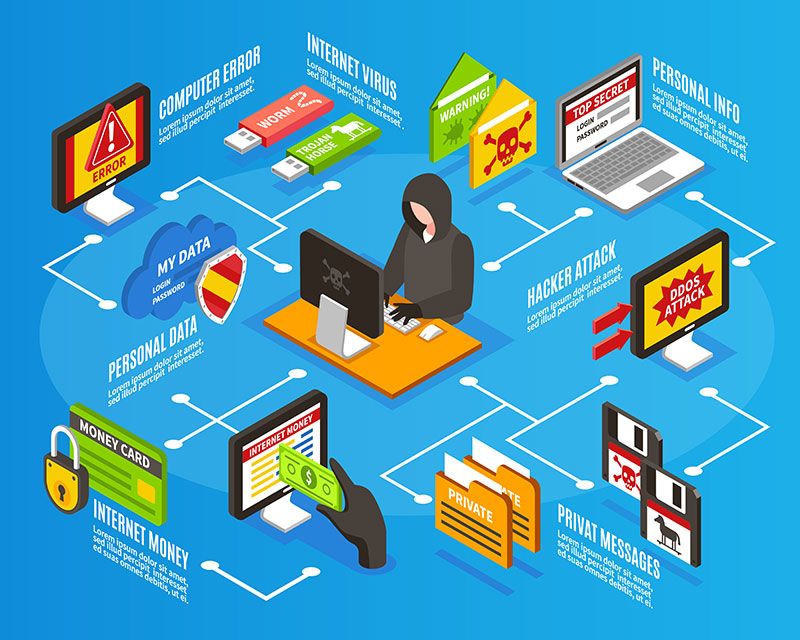
In today's digital age, protecting your data has become a top priority. With the increasing number of cyber threats and data breaches, it's essential to take proactive steps to safeguard your personal information. In this article, we'll explore the top 10 tips on how to protect your data and ensure your online safety.
1. Use Strong and Unique Passwords for Every Account
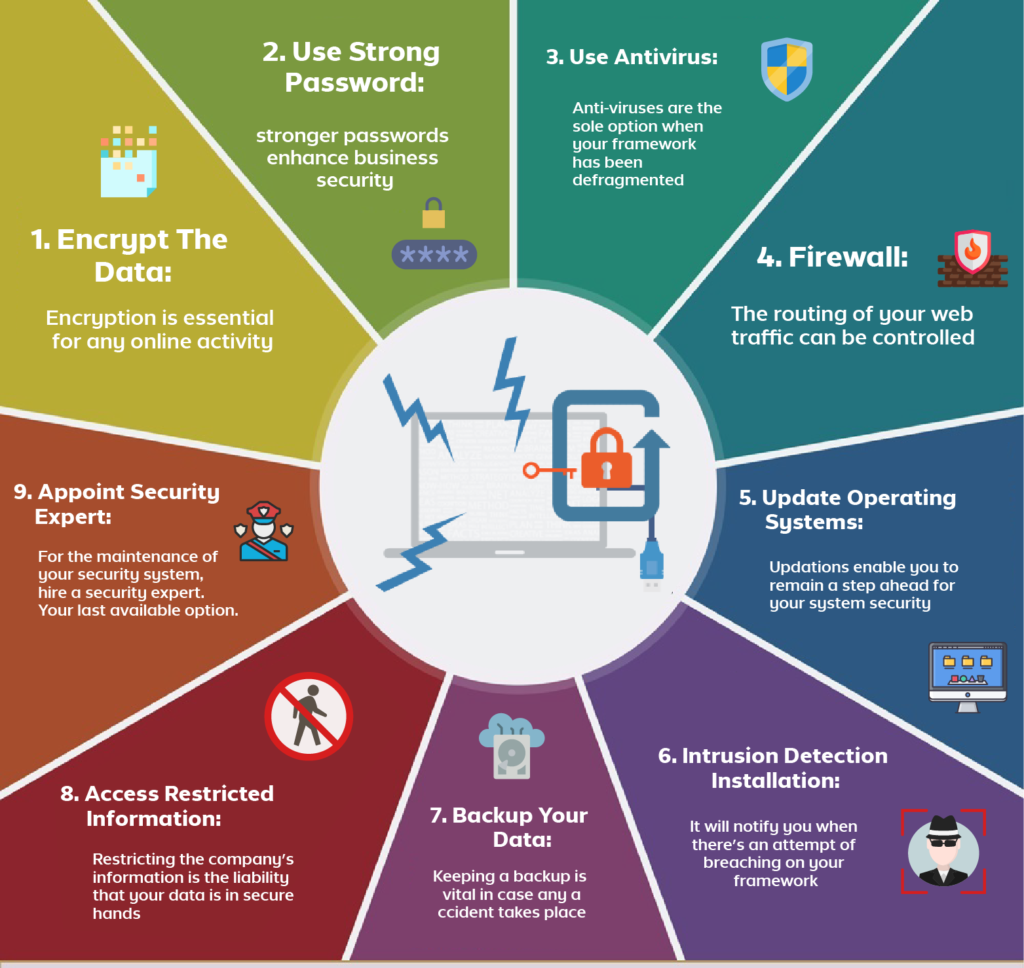
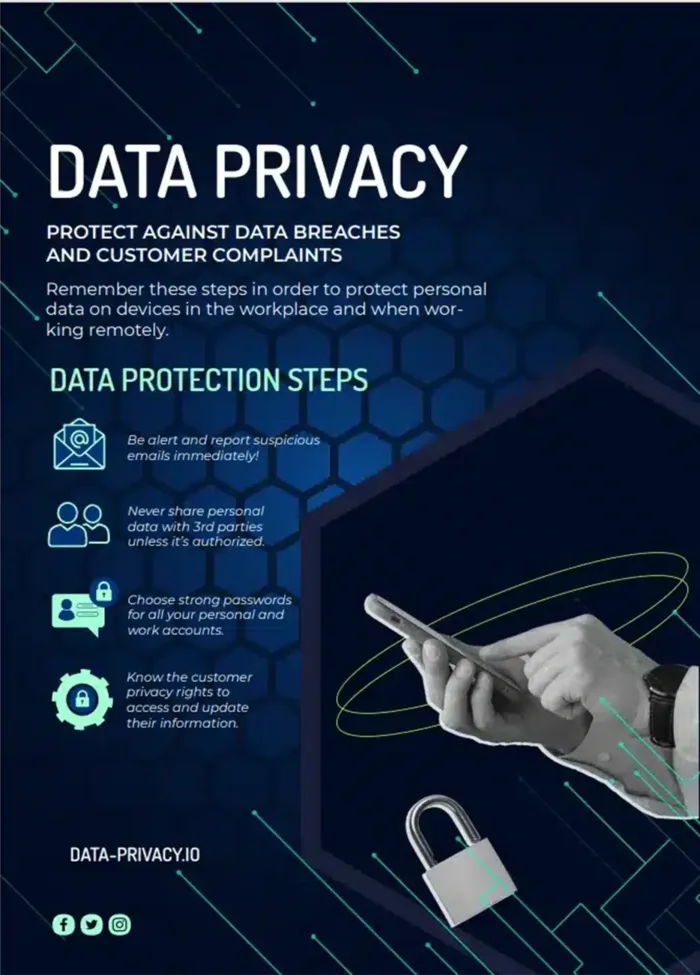
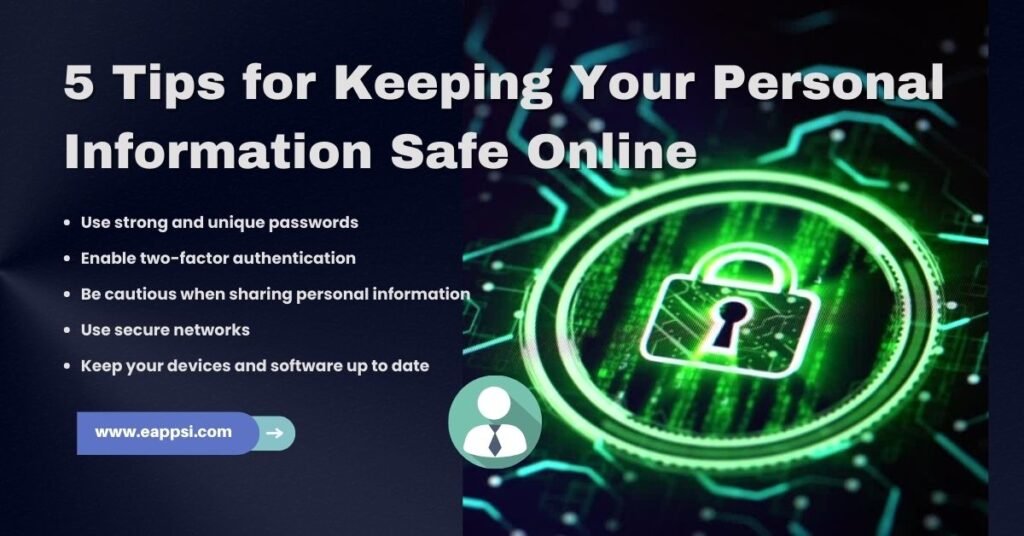
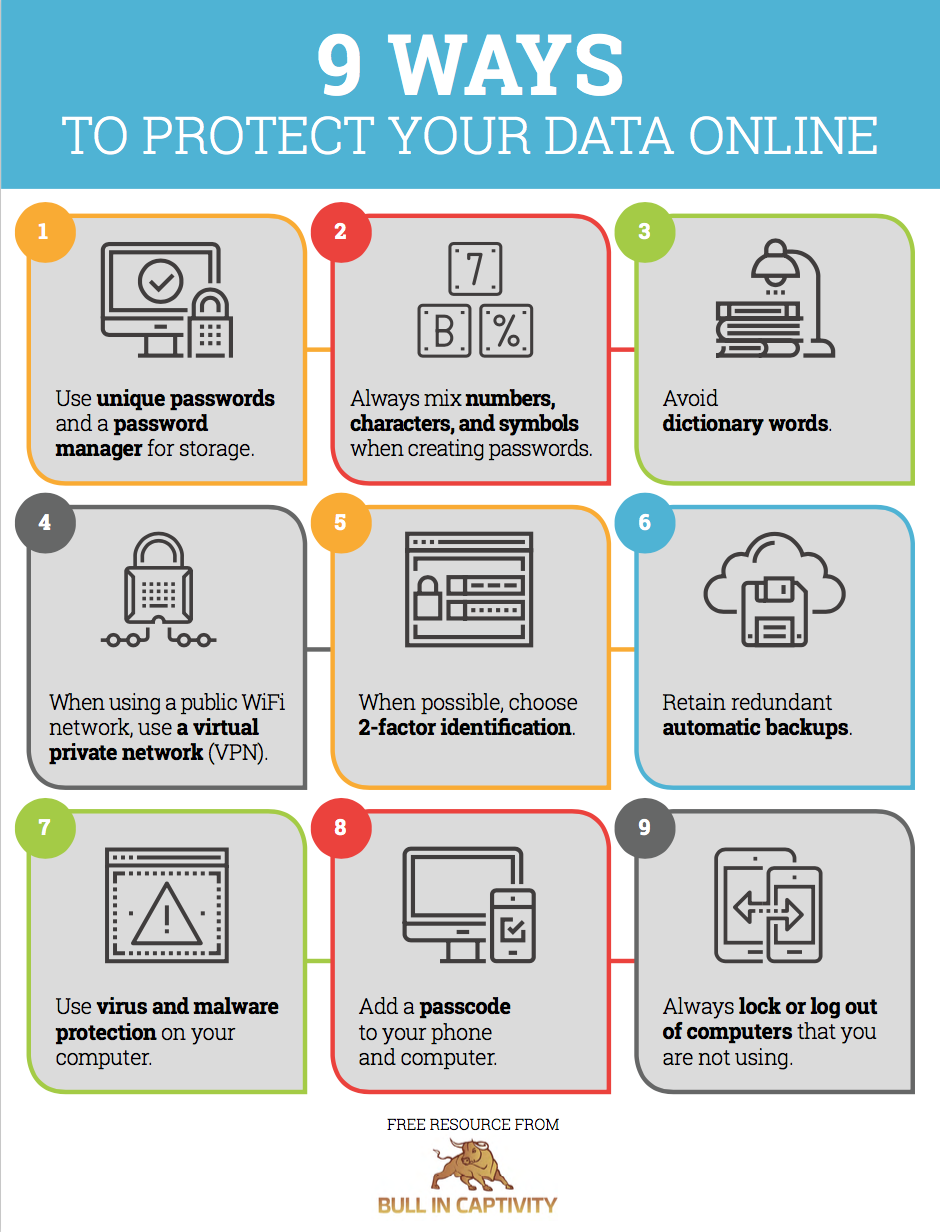
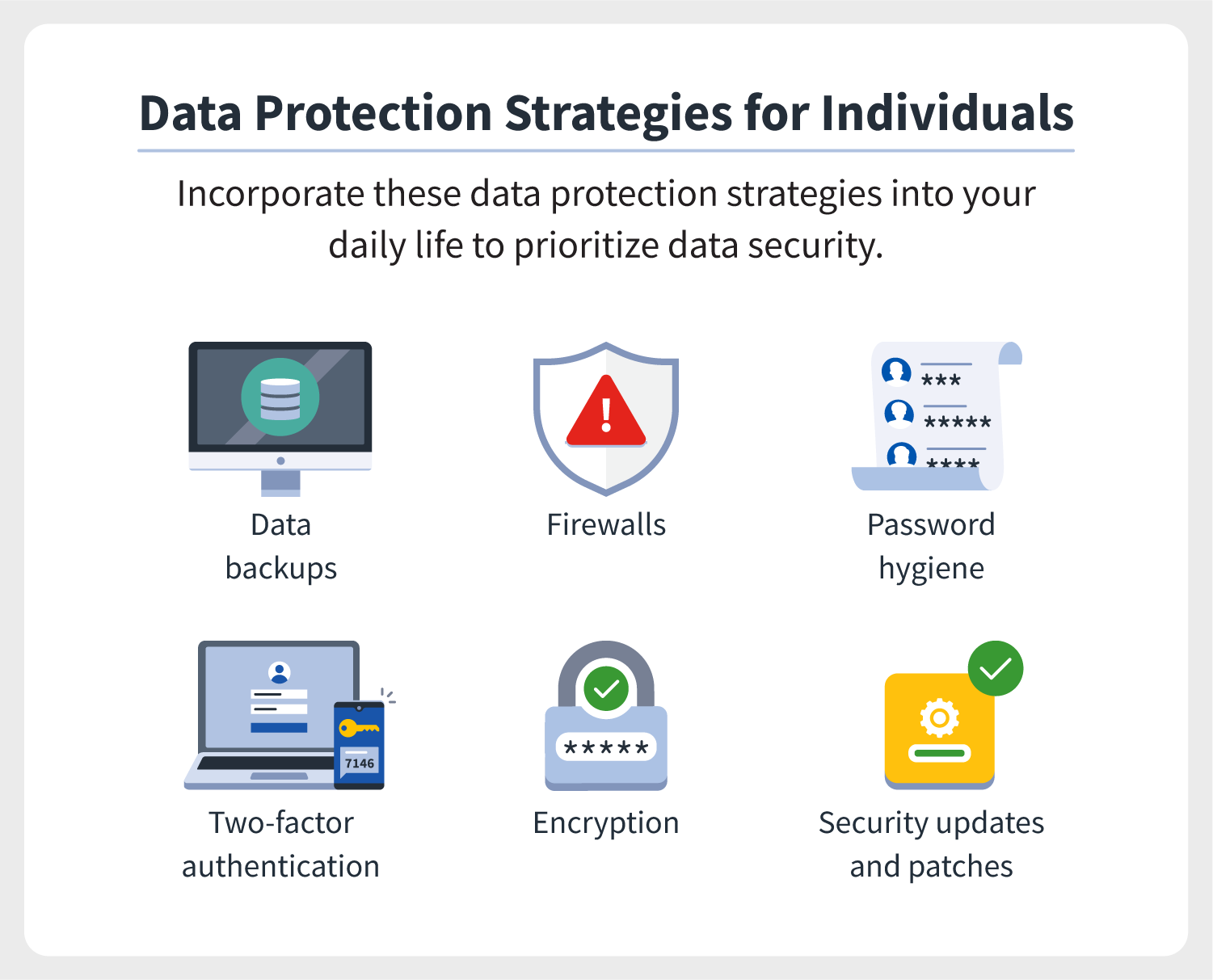
Passwords remain one of the most common methods of authentication across the internet, but they're also one of the most frequently exploited weaknesses. Use strong and unique passwords for every account to prevent unauthorized access to your data. Avoid using the same password for multiple accounts, and consider using a password manager to generate and store complex passwords.
2. Enable Two-Factor Authentication (2FA)
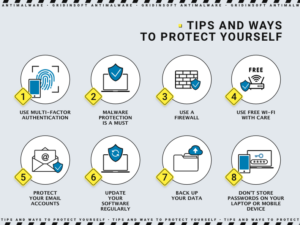
Two-factor authentication adds an extra layer of security to your accounts by requiring a second form of verification, such as a code sent to your phone or a fingerprint scan. Enable 2FA on all your accounts to prevent unauthorized access, even if someone has your password.
3. Keep Your Software and Apps Up-to-Date
Ensure that your operating system, browser, and apps are always up-to-date with the latest security patches and updates. Outdated software can leave your data vulnerable to attacks and exploits.
4. Use a Reliable Antivirus and Anti-Malware Software
Install a reputable antivirus and anti-malware software to protect your device from malware and other online threats. Regularly update and scan your computer to detect and remove any potential threats.
5. Be Cautious with Public Wi-Fi and Public Computers
Public Wi-Fi and public computers can be breeding grounds for hackers and malware. Avoid using public Wi-Fi for sensitive activities like online banking, and never use public computers to access sensitive accounts.
6. Use a VPN (Virtual Private Network)
A VPN encrypts your internet connection and masks your IP address, making it difficult for hackers to track your online activity. Consider using a VPN for all your online activities, especially when using public Wi-Fi.
7. Monitor Your Credit Report and Credit Score
Regularly check your credit report and credit score to detect any suspicious activity or identity theft. Monitor your credit report from all three major credit bureaus (Experian, Equifax, and TransUnion) for any changes or errors.
8. Use Encryption to Protect Your Data
Encryption is a powerful method to ensure your data remains confidential and secure. Use encryption to protect your sensitive data, such as financial information, personal documents, and passwords.
9. Use a Secure Browser and Browser Extensions
Use a secure browser like Chrome, Firefox, or Safari, and consider installing browser extensions that protect your online activity, such as ad-blockers and password managers.
10. Stay Informed and Educate Yourself
Stay up-to-date with the latest cybersecurity threats and best practices. Educate yourself on how to protect your data and take proactive steps to safeguard your online safety.
Additional Tips to Protect Your Data:
- Use a data backup service to safeguard your files and important documents.
- Be cautious with emails and phishing scams, and never open suspicious attachments or click on links from unknown senders.
- Use a secure and reputable cloud storage service to store your sensitive data.
- Destroy or securely erase old devices and hard drives to prevent data breaches.
- Use a password manager to generate and store complex passwords.
Conclusion:
Protecting your data is a top priority in today's digital age. By following these top 10 tips and additional tips, you can safeguard your personal information and prevent identity theft, data breaches, and online threats. Remember, data encryption, strong and unique passwords, and awareness are key to a secure online experience.