Strengthen Your Online Safety with These Password Security Online Tips
As we increasingly rely on digital platforms for our daily lives, maintaining robust password security has become more crucial than ever. Weak passwords can leave your online presence vulnerable to cyber threats, resulting in significant financial loss and damage to your reputation. In this comprehensive guide, we'll delve into the best password security online tips to help you safeguard your digital identity.
Understanding Password Security
Passwords are the first line of defense in a digital world full of threats. A strong password is essential to protect your online accounts from hackers who might steal your sensitive information. With the rise of sophisticated hacking techniques, it's more important than ever to prioritize password security.
Creating Unique and Complex Passwords
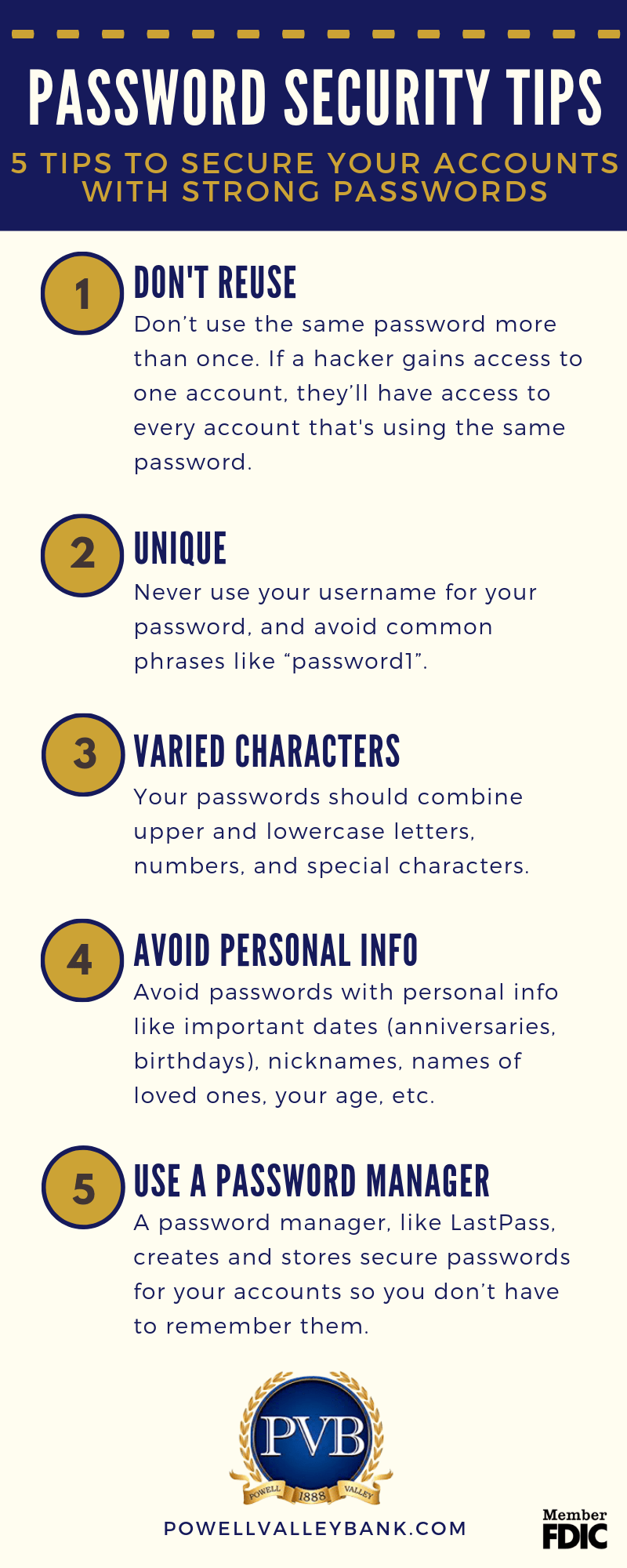
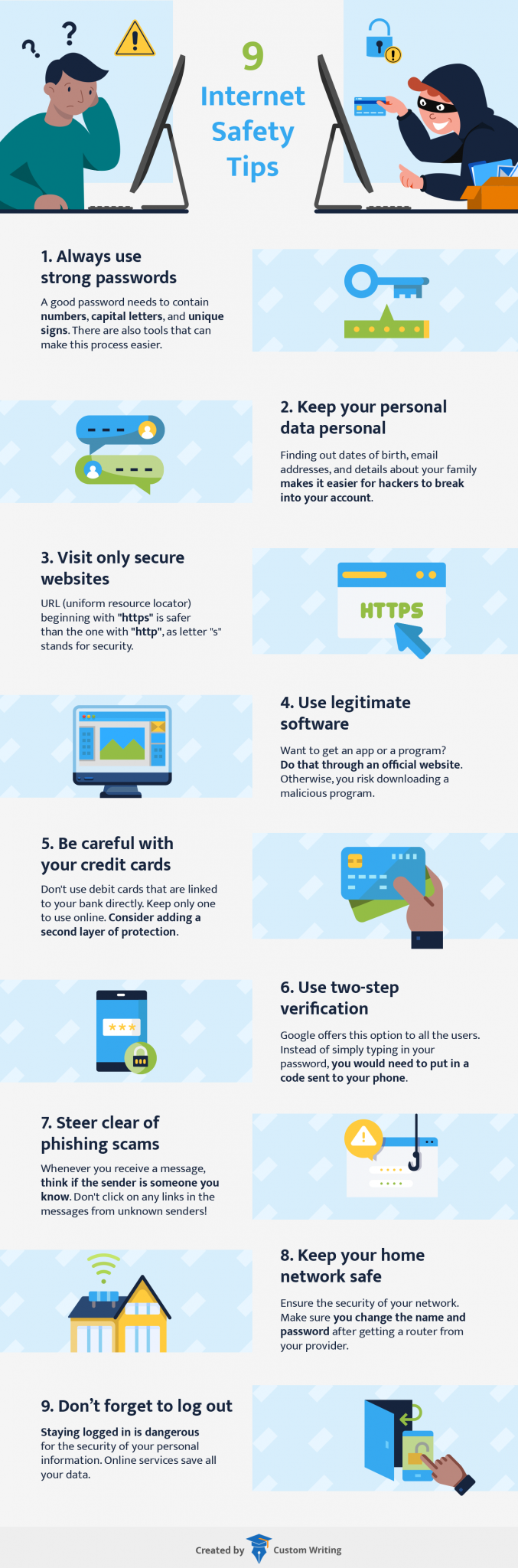
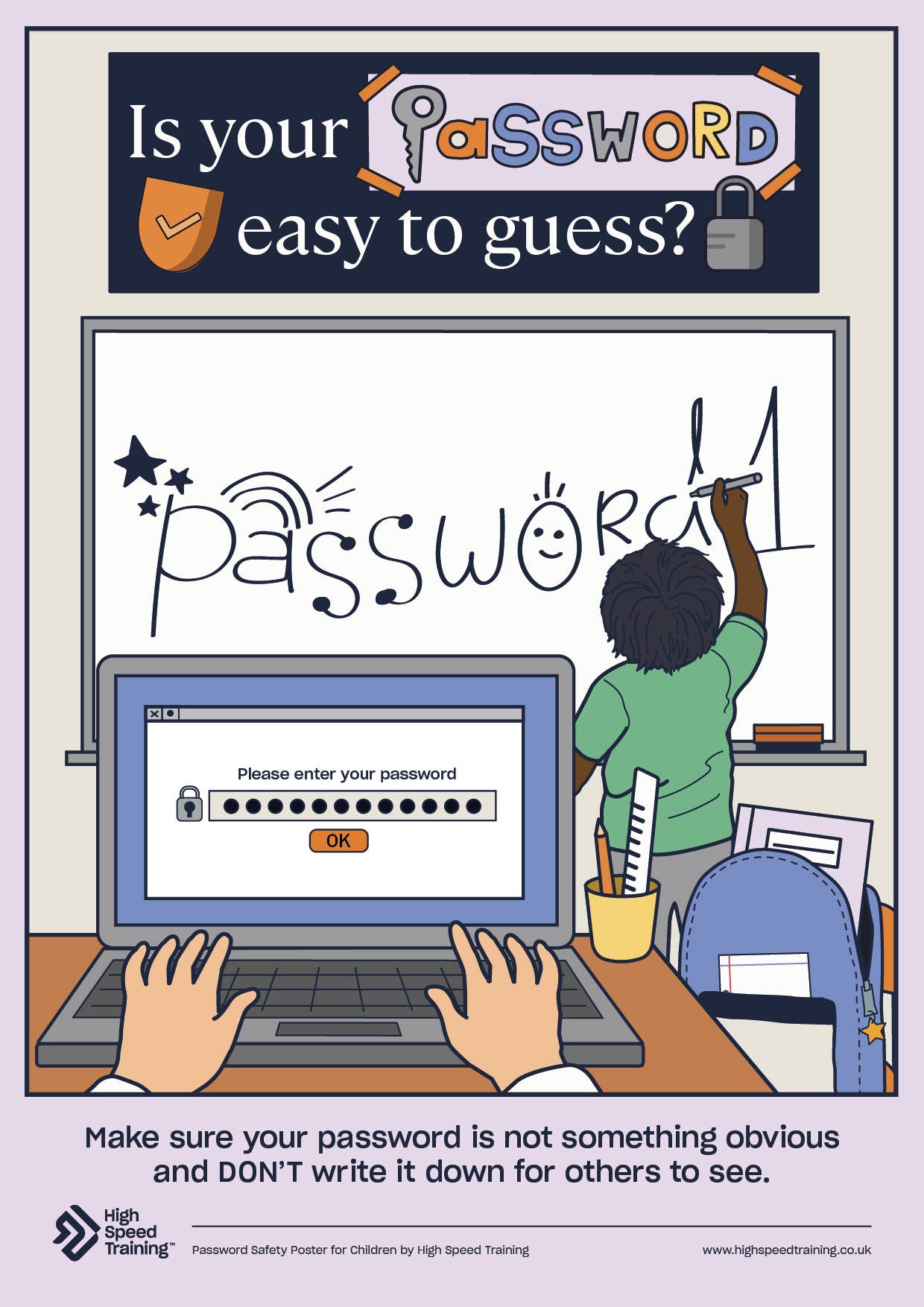
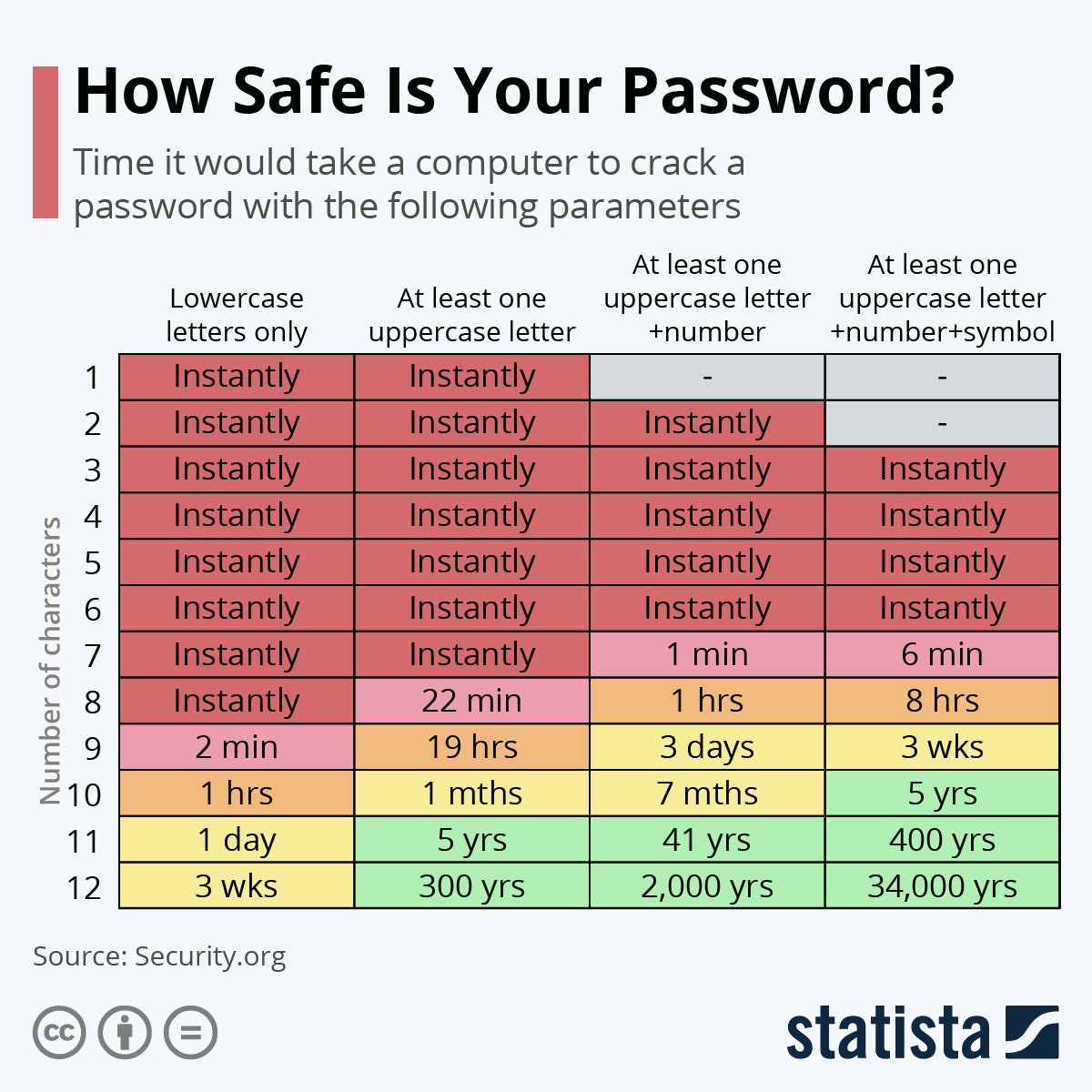
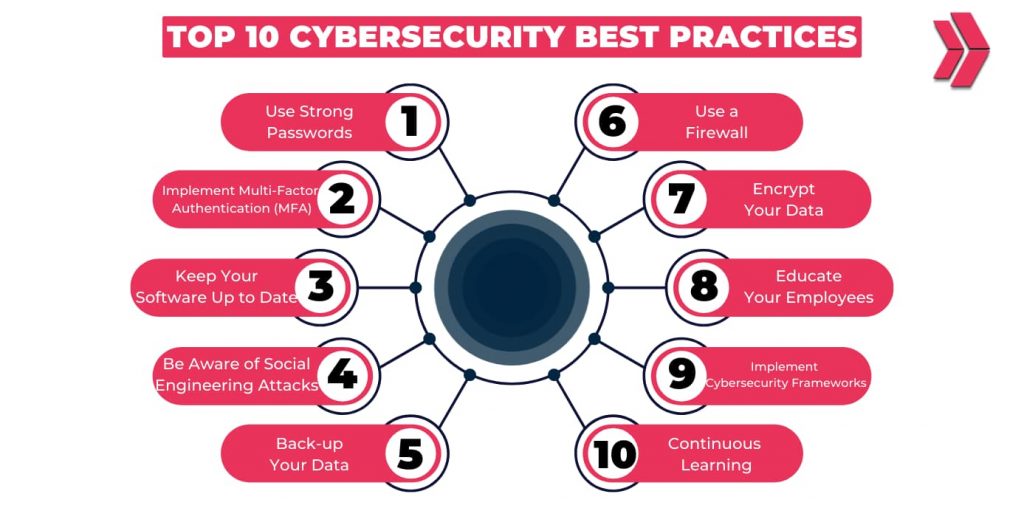
The foundation of solid password security is creating strong, unique passwords for each account. Aim for a combination of at least 12 characters, including a mix of uppercase and lowercase letters, numbers, and special characters. Avoid using easily guessable information such as your name, birthdate, or common words. Consider using a passphrase, a sequence of words that is easy for you to remember but difficult for others to decipher.
Using a Password Manager
Managing multiple complex passwords can be a daunting task. This is where a password manager comes in handy. A password manager is a secure program that generates, stores, and even fills in all your passwords. It can also alert you to weak or reused passwords and suggest strong alternatives. Some popular password managers include LastPass, 1Password, and Dashlane.
Enabling Multi-Factor Authentication (MFA)
While strong passwords are essential, they can be compromised if a hacker gains access to your password via phishing or other means. Multi-factor authentication (MFA) adds an extra layer of security by requiring a second form of verification, such as a biometric scan, code sent to your phone, or a security token. Enable MFA on your most important services, including your email, social media, and financial accounts.

Changing Passwords Regularly
Even with strong passwords, it's essential to change them regularly to minimize the risk of password compromise. Use a password manager to track your password expiration dates and receive alerts when it's time to update your passwords. Change your passwords at least every 60-90 days, but adjust this frequency based on your specific needs.
General Password Security Best Practices
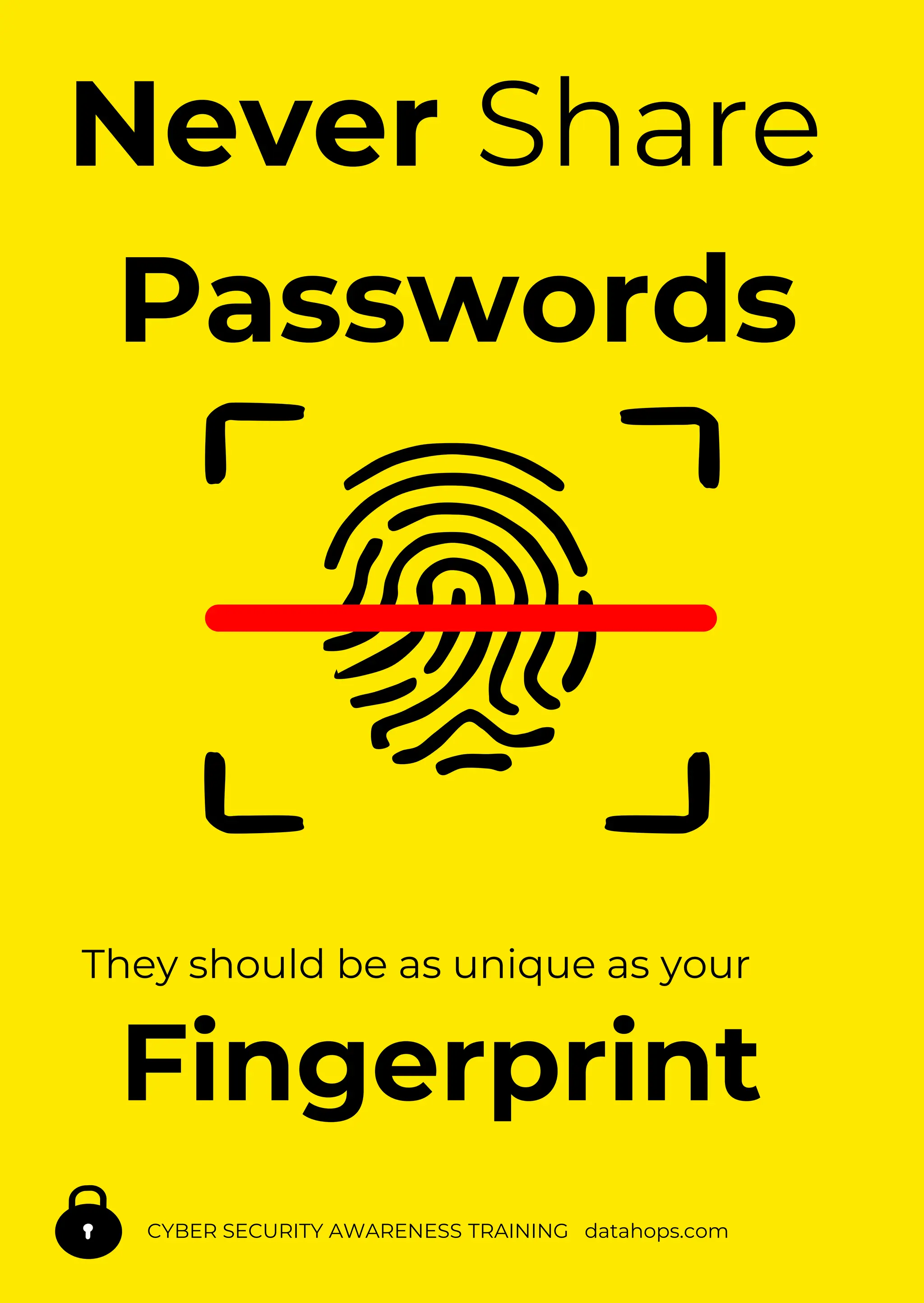
- Don't reuse passwords: Each account should have a unique password to prevent password spreading.
- Use a password vault: Consider storing your passwords in a secure, encrypted file.
- Be cautious with password hints: Avoid using easily guessable hints, such as your name or anniversary date.
- Stay up-to-date with software updates: Regularly update your operating system, browser, and applications to prevent vulnerabilities and keep your passwords secure.
- Use two-step verification: In addition to password, use an authentication app like Google Authenticator or an SMS to receive a verification code.
- Monitor account activity: Regularly review your account activity to detect and prevent unauthorized access.
Improving Your Online Safety with Better Passwords
Strengthening your password security requires a combination of robust passwords, regular updates, and multi-factor authentication. By following these password security online tips, you'll significantly reduce the risk of your accounts being compromised. Also, be sure to regularly update your software, apps, and operating systems to ensure you have the best available security patches to guard against potential threats.
Final Thoughts
Strong password security doesn't have to be complicated. By implementing these simple online password security tips, you'll significantly improve your digital safety and reduce the risk of identity theft and hacking.