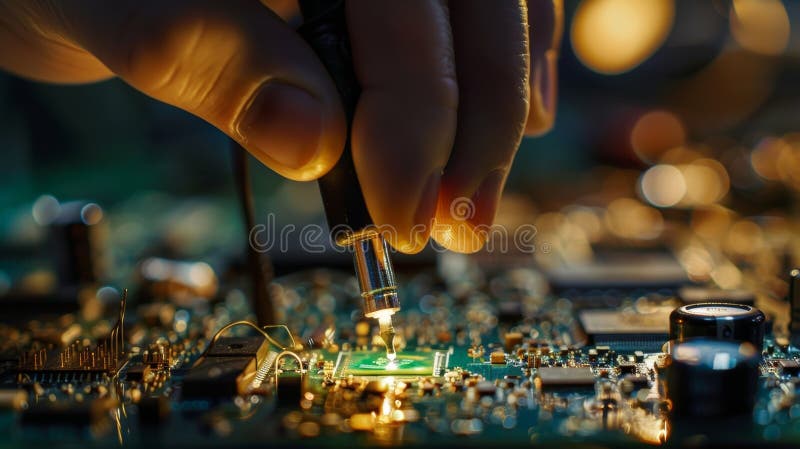
**Repairing a Loose Motherboard: A Step-by-Step Guide**
Learn how to fix a loose motherboard and keep your PC running smoothly.
**What is a Motherboard?**
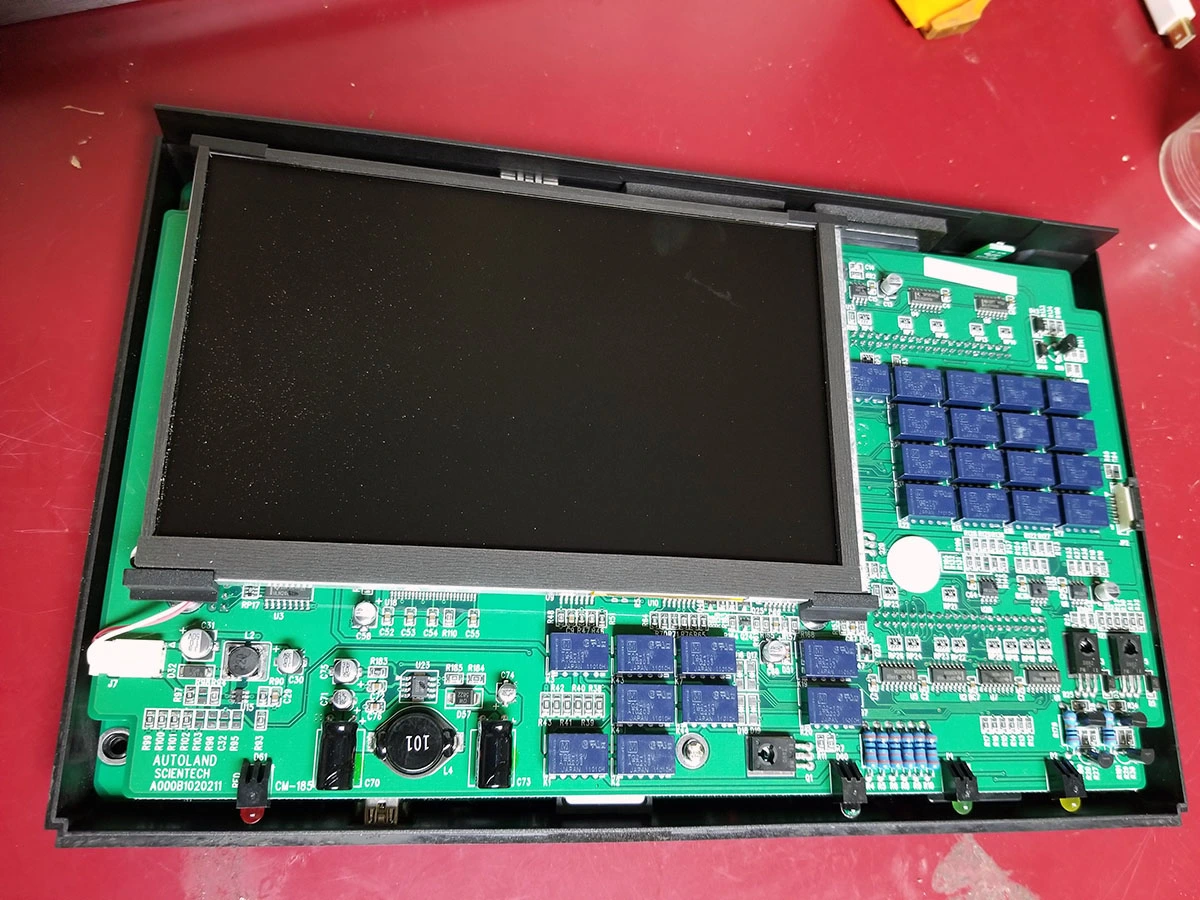
The motherboard, also known as the main circuit board of any electronic device, is responsible for facilitating communication among various components. It receives inputs from peripherals, processes them through the CPU (Central Processing Unit), and transmits the output to speakers, motors, or screens.
**Causes of a Loose Motherboard**
There are several reasons why a motherboard might become loose over time. Some common causes include:
- Physical Damage
- Wear and Tear
Among the most common causes is when you accidentally drop the computer, spill liquid on it, or expose it to extreme temperatures.
The motherboard can suffer from wear and tear from regular use, leading to loose connections or damaged components.
**Primary Steps in Repairing a Loose Motherboard**
Repairing a loose motherboard involves diagnosing the issue, identifying the damaged components, and either replacing or repairing them.
- Diagnosis
- Disassemble and Inspect
- Replace or Repair Components
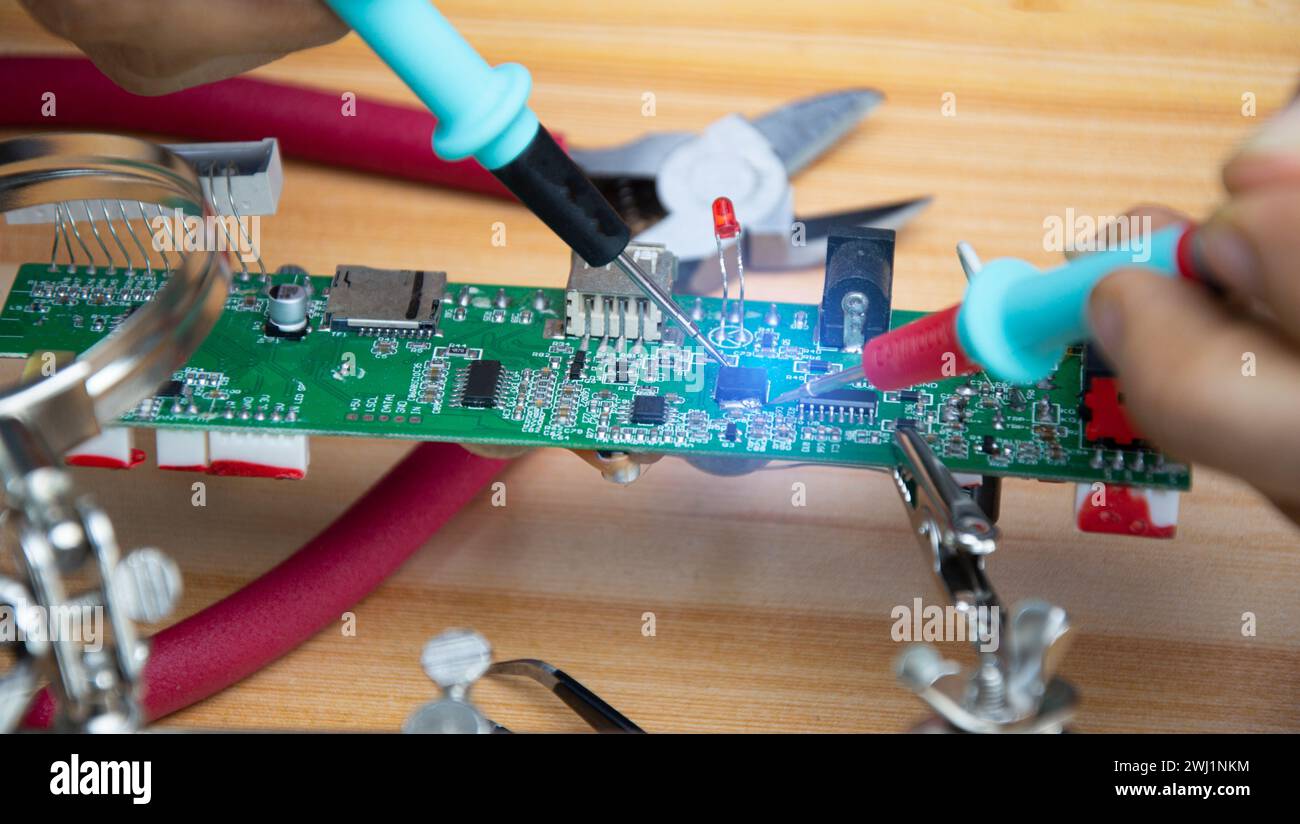
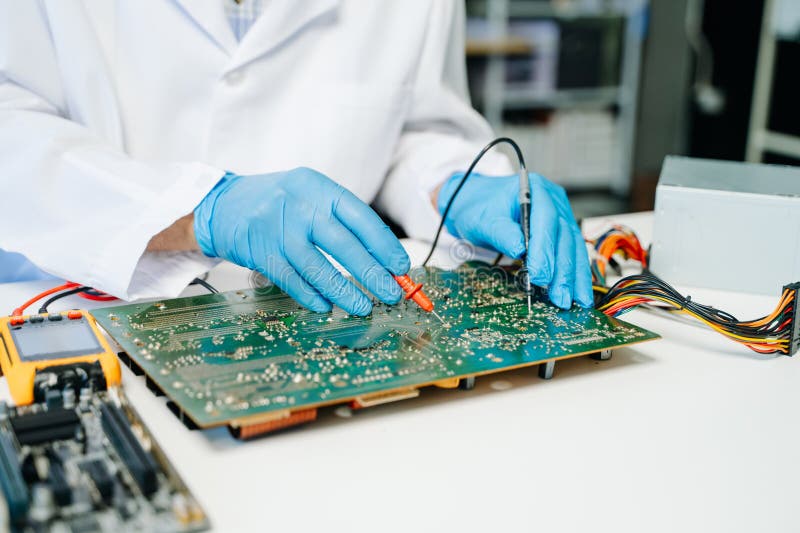
Check the motherboard for signs of physical damage, inspect the component connections, and verify the power supply.
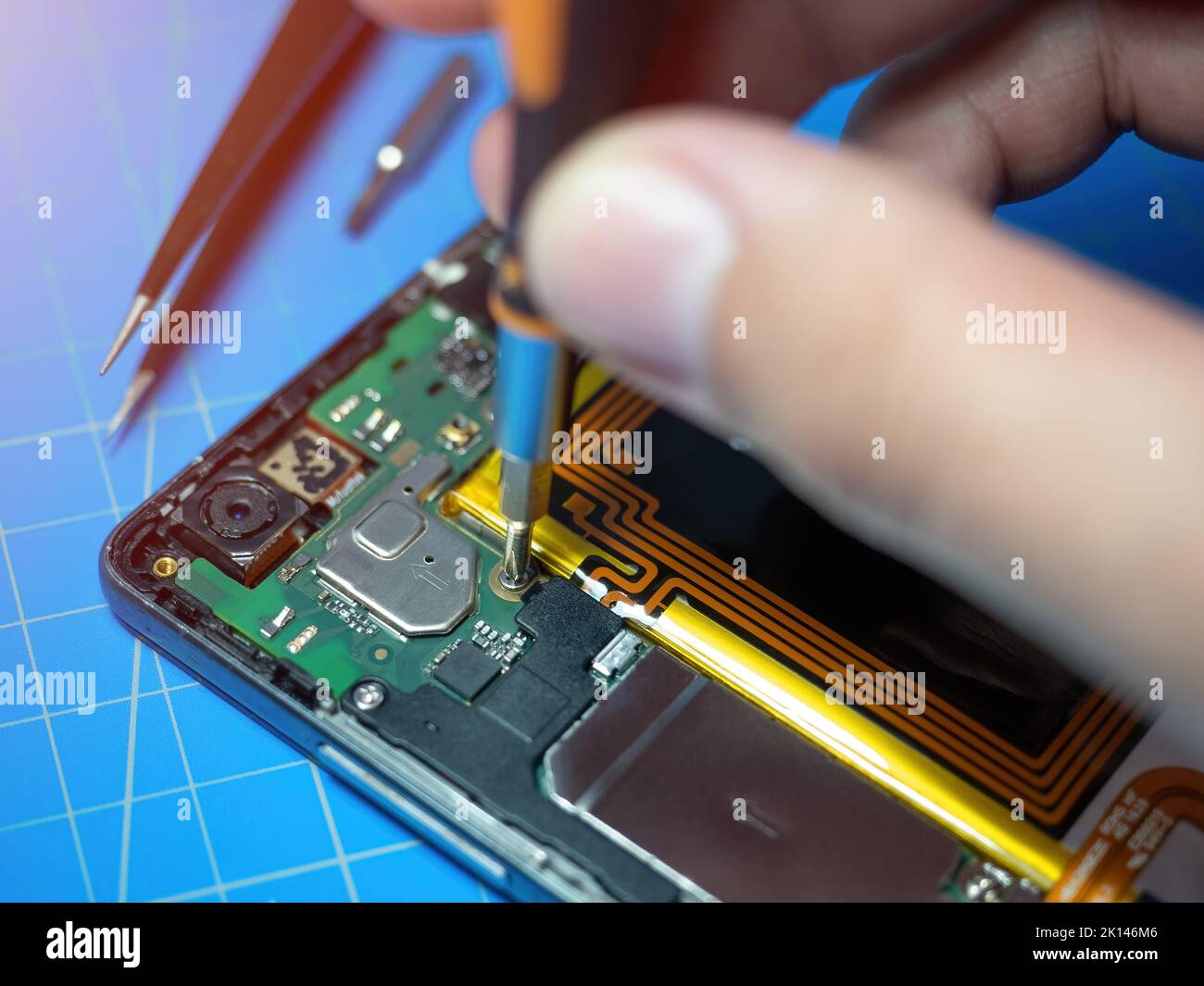
Take apart the computer and carefully inspect the motherboard for damage or looseness.
Replace the damaged component or repair any looseness if it can be fixed with basic tools.

**Replacing Defective Capacitors**
Replacing defective capacitors is a step involved in repairing a motherboard. Capacitors help stabilize the power supply to components but may need replacement if damaged.
Simple Tips to Avoid Motherboard Damage
Small mistakes can have big impacts on your motherboard's lifespan. Protect your motherboard by following these simple tips:
- Never expose your motherboard to water or excessive moisture.
- Keep your computer in a well-ventilated area, away from overheating.
- Utilize a grounded anti-static wrist strap when handling the motherboard.
- Regularly clean dust from vents and internal components.
Conclusion
Repairing a loose motherboard requires careful inspection, diagnosis, and repair. By following these steps, you can identify and fix the issue, or if the damage is extensive, you can replace your motherboard altogether for a renewed, working system.