Set Up Home Wi-Fi Network: A Step-by-Step Guide
Are you ready to create a reliable and secure wireless network at home? With the increasing number of devices connected to the internet, setting up a home Wi-Fi network is essential for seamless connectivity and online experience. In this article, we'll walk you through the entire process of setting up a home Wi-Fi network, from the necessary equipment to the setup steps.
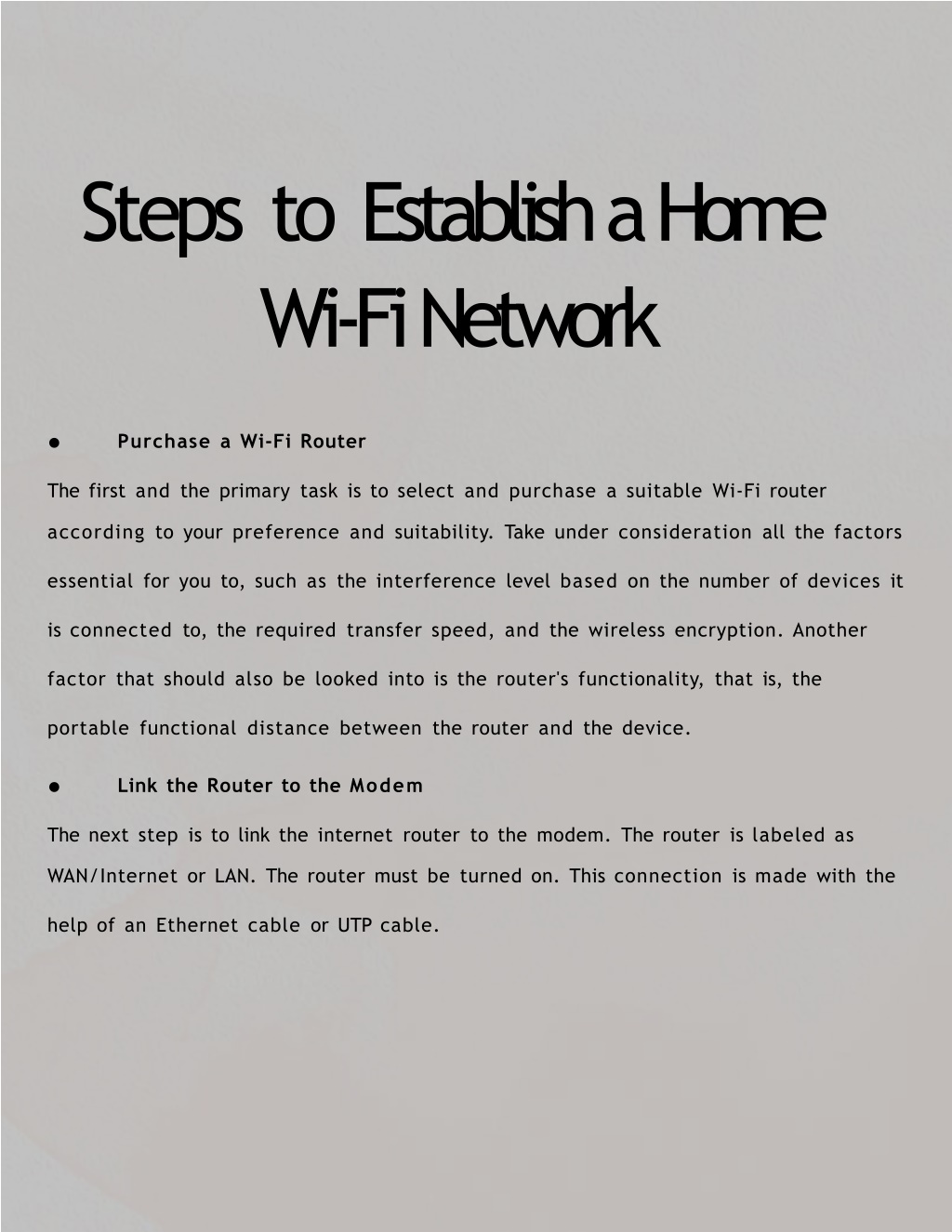
Get the Right Equipment
Before you start setting up your home Wi-Fi network, make sure you have the right equipment. You'll need:
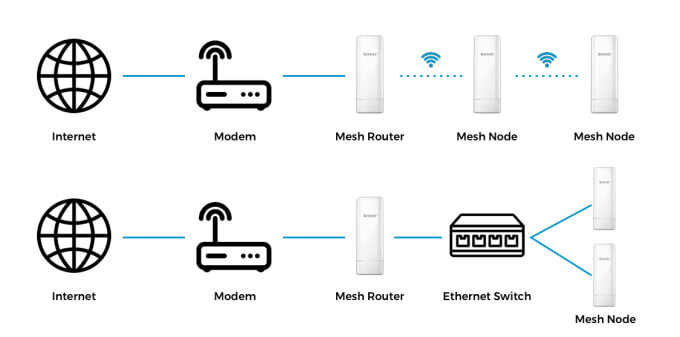
- Broadband Internet connection and modem
- A Wi-Fi router
- Wi-Fi devices (e.g., laptops, smartphones, tablets)
- Network cable (RJ-45)
- Router antenna (optional)
Choose the Right Location for Your Wi-Fi Router
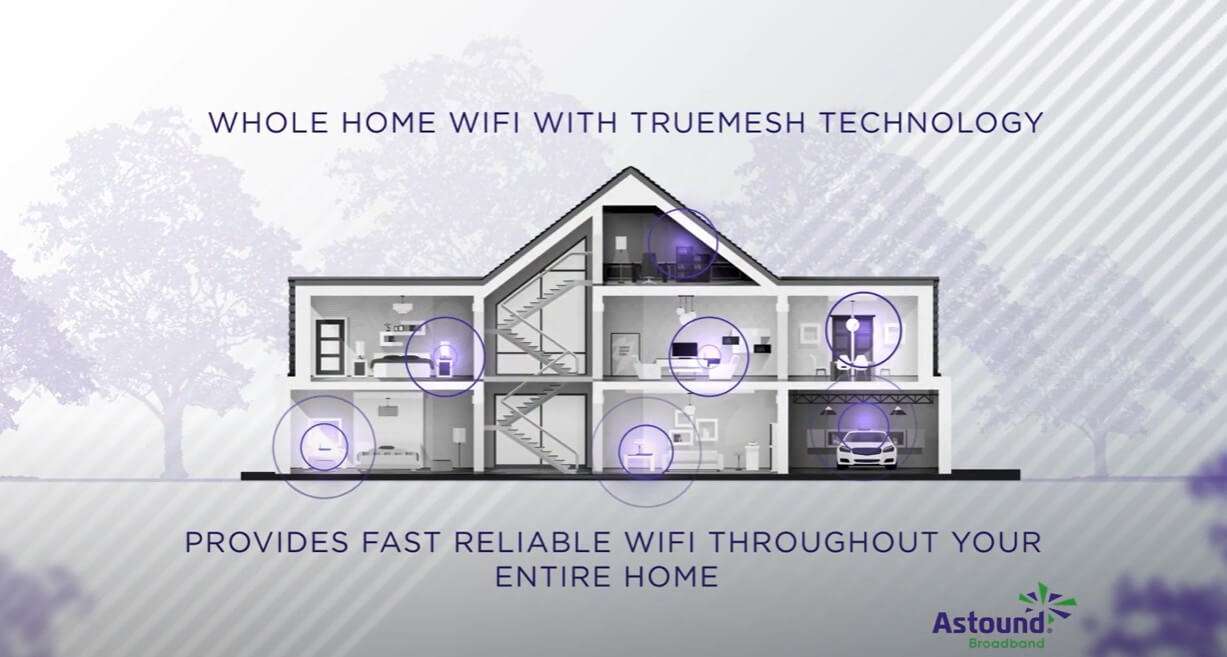
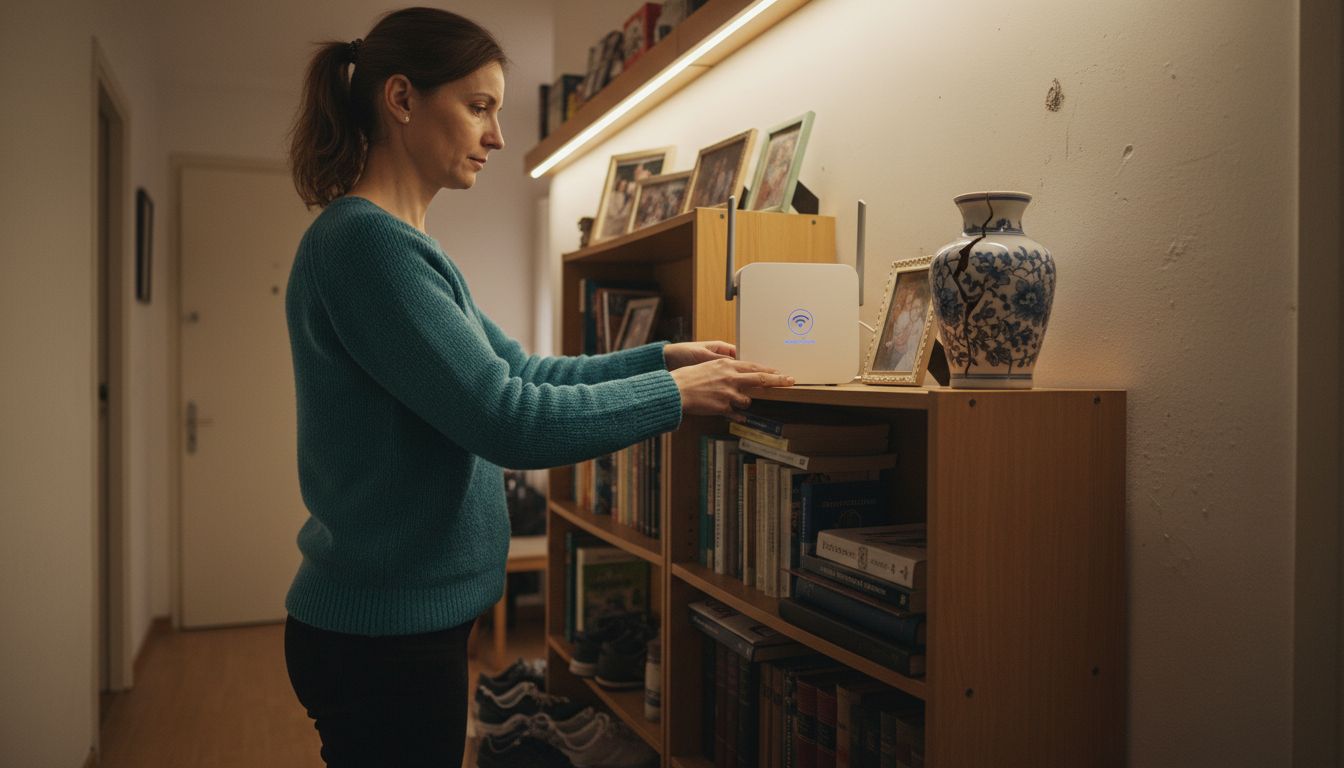
Positioning your Wi-Fi router correctly is crucial for optimal signal strength and coverage. Place it in a central location, away from obstacles and interference sources like cordless phones, microwaves, and other wireless devices. Mount it on a wall or position it on a high shelf to improve signal distribution.
Set Up Your Modem
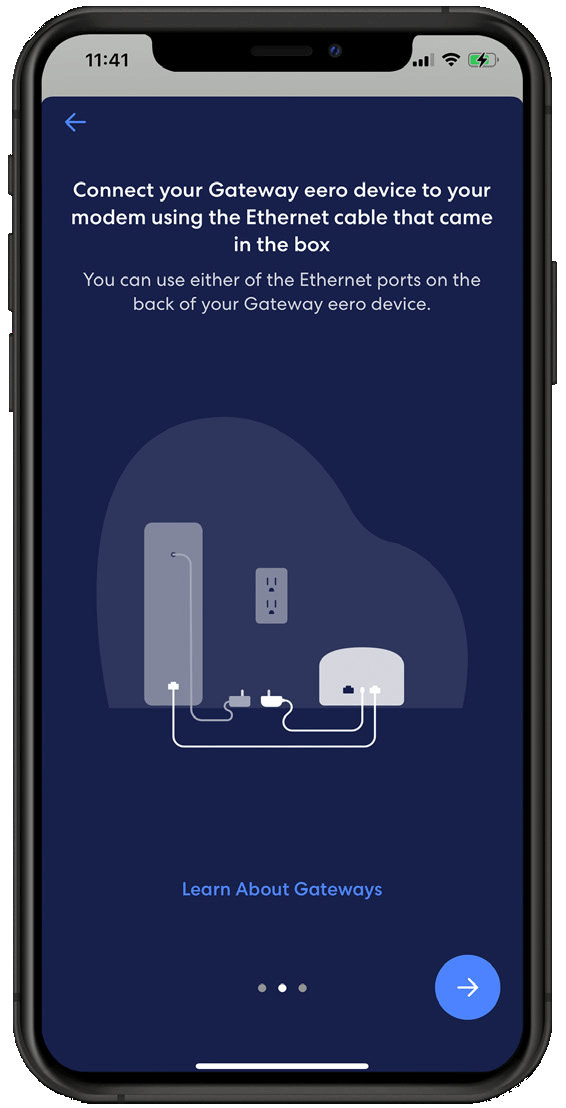
Connect your modem to your router and power it on. Make sure the power light is steady and blinking green, indicating that it's online and working correctly.
Set Up Your Wi-Fi Router
Unlock the router, and press the WPS button (if your router has one). On some routers, you'll need to use a configuration software or web interface to set up the network. Follow the on-screen instructions to:
- Choose a network name (SSID) and password
- Set up the Wi-Fi channel
- Configure the security settings (WPA2 or WPA3)

Connect Your Wi-Fi Devices
Using a network cable, connect your devices (laptops, smartphones, tablets) to the Wi-Fi router. Follow the on-screen instructions to connect to the network using the network name (SSID) and password you created earlier.
Secure Your Home Wi-Fi Network
Protect your home Wi-Fi network from unauthorized access by:
- Changing the default administrator password
- Enabling WPA2 or WPA3 encryption
- Limiting access to specific devices or users
- Regularly updating the router's firmware
Optimize Your Home Wi-Fi Network
Make the most of your home Wi-Fi network by:
- Streaming devices like smart home devices and game consoles
- Upgrading to the latest Wi-Fi 6 (802.11ax) standard
- Using a Wi-Fi analyzer app to identify channel conflicts
- Regularly updating the router's firmware
Conclusion
Setting up a home Wi-Fi network is a straightforward process that requires the right equipment, a little planning, and some technical expertise. By following these steps and optimizing your network, you can enjoy seamless connectivity, online experience, and a secure home Wi-Fi network. We hope this guide has helped you set up your home Wi-Fi network like a pro!