Designing for Accessibility Requirements: A Guide to Creating Inclusive Environments
The concept of accessibility has become increasingly important in today's design landscape. With the rapid growth of technology and the increasing demand for inclusive environments, designers and developers must consider the needs of people with disabilities when creating products, services, and spaces. Designing for accessibility requirements is not only a moral obligation but also a legal necessity in many countries.
Understanding Accessibility Requirements
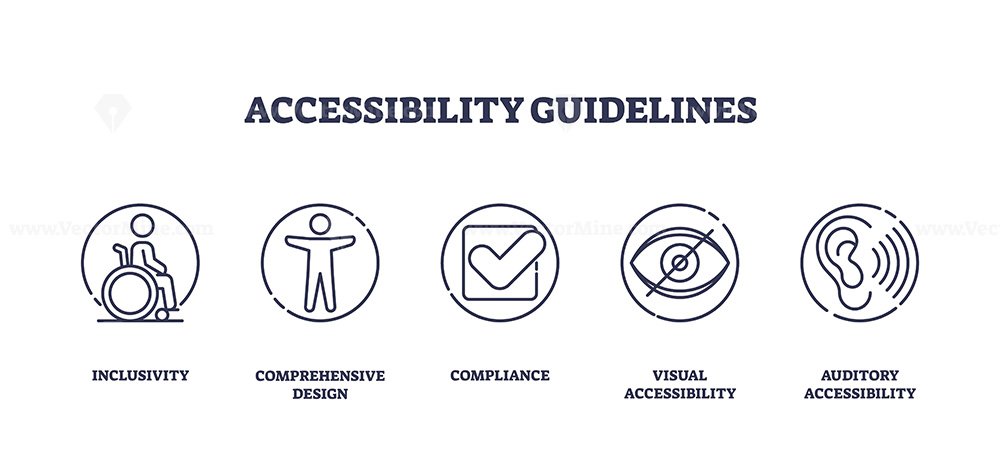
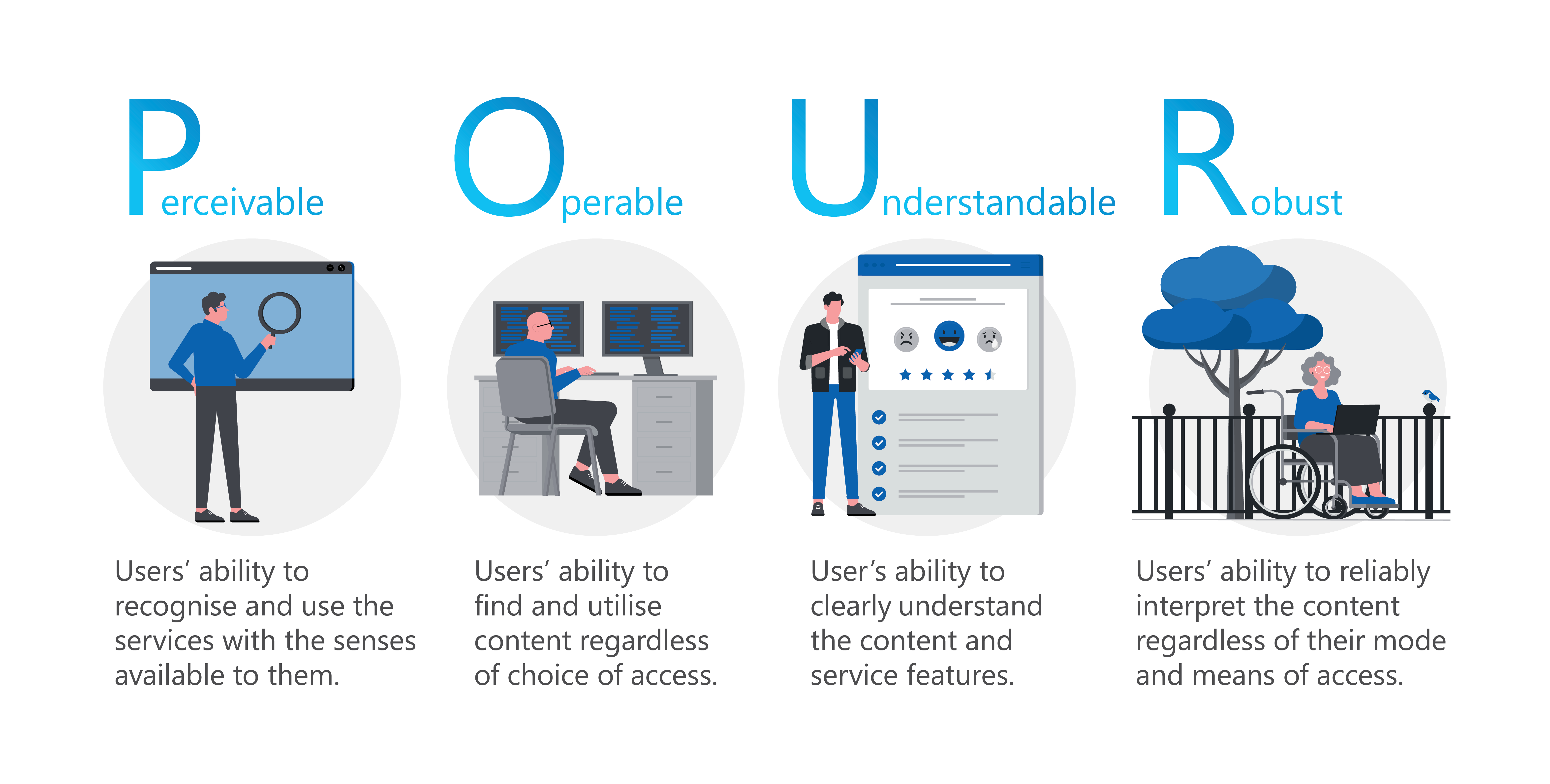
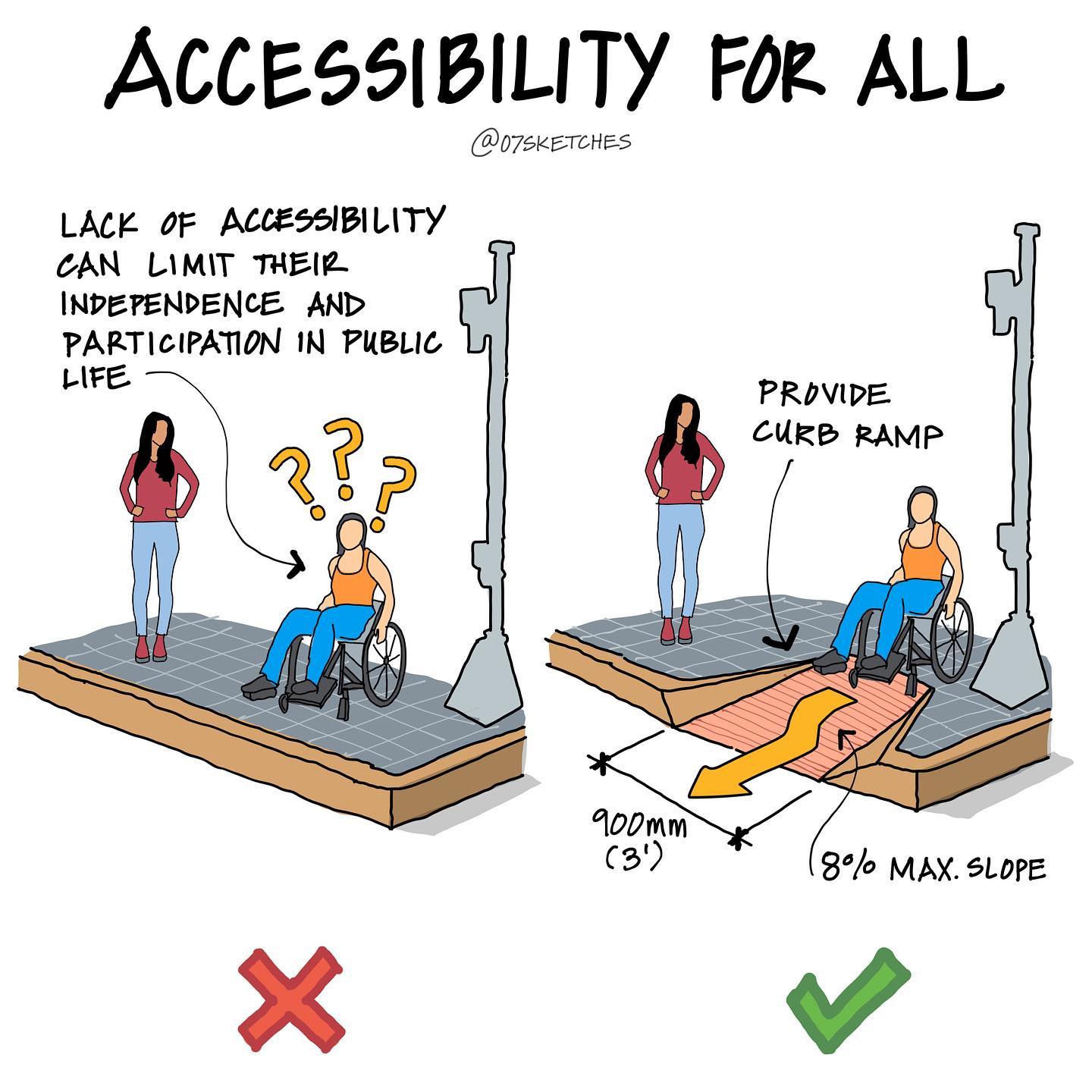
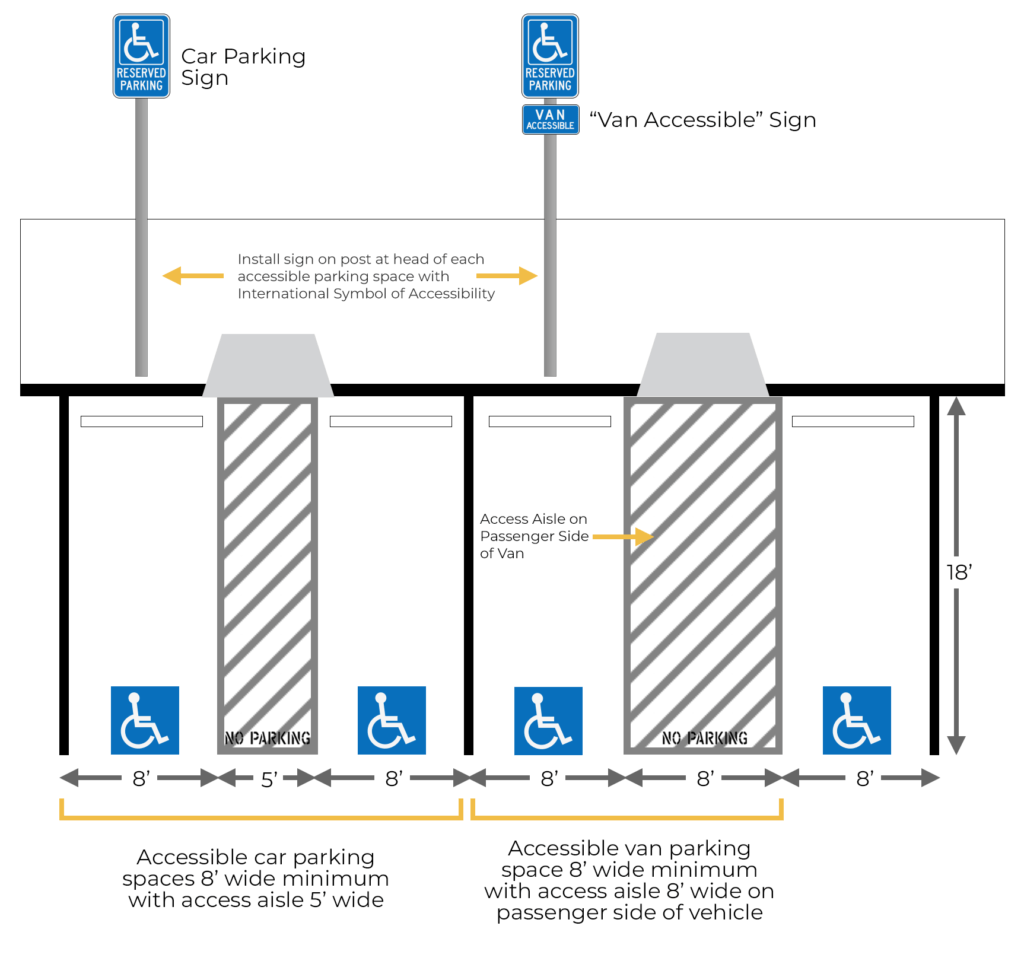
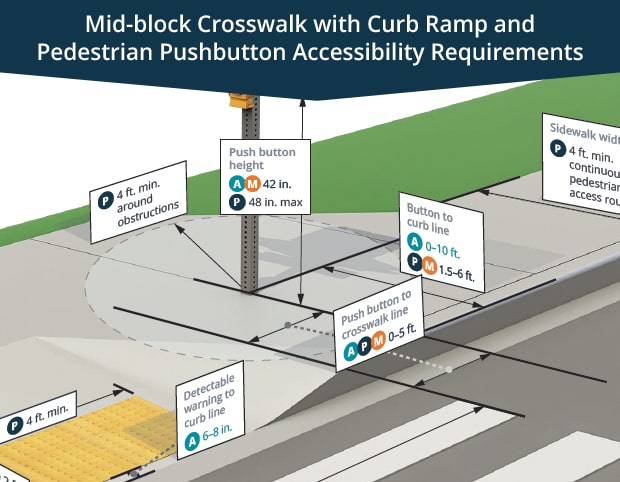
The Americans with Disabilities Act (ADA) Standards for Accessible Designs provide a comprehensive set of guidelines for creating physically accessible buildings and facilities. Similarly, the Web Content Accessibility Guidelines (WCAG) outline the requirements for digital environments, including websites, mobile applications, and software. These guidelines provide a framework for designers and developers to ensure that their creations are accessible to people with disabilities.
Key Considerations for Designing for Accessibility
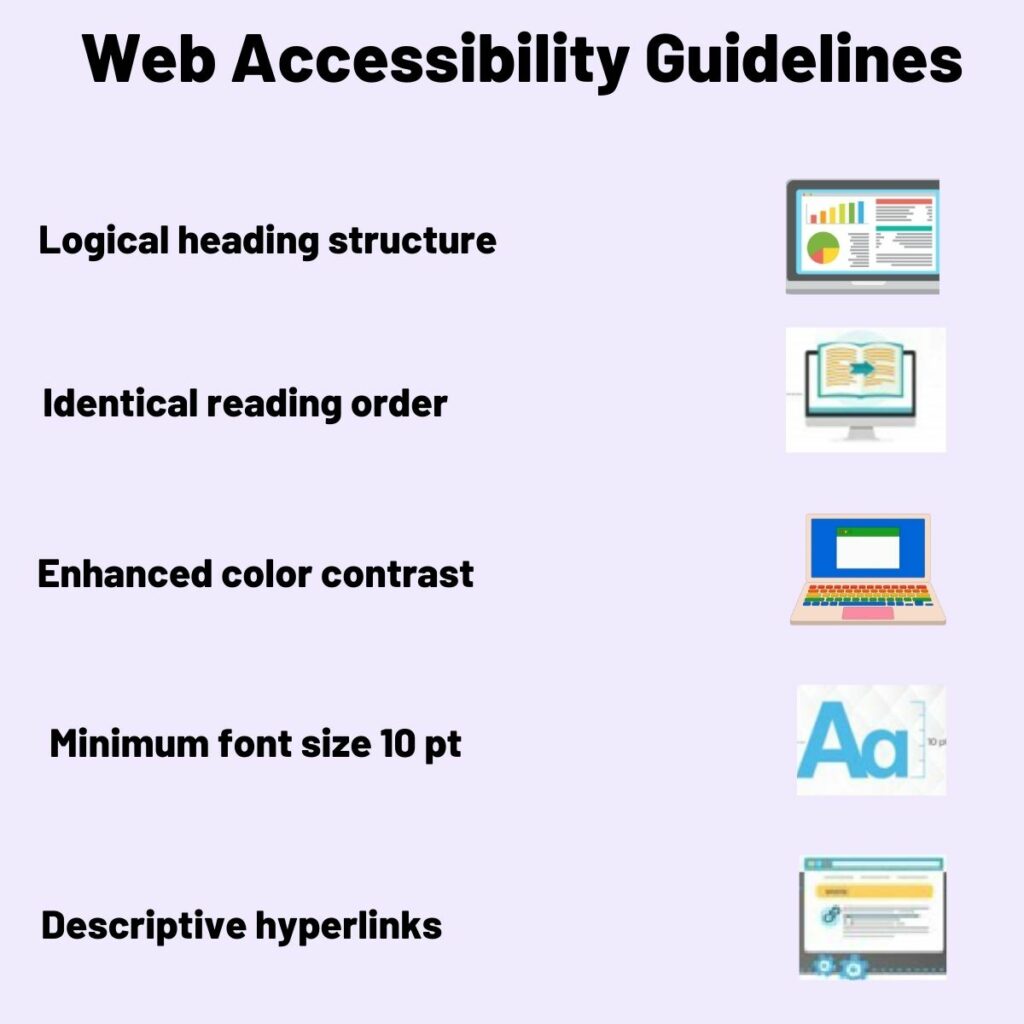
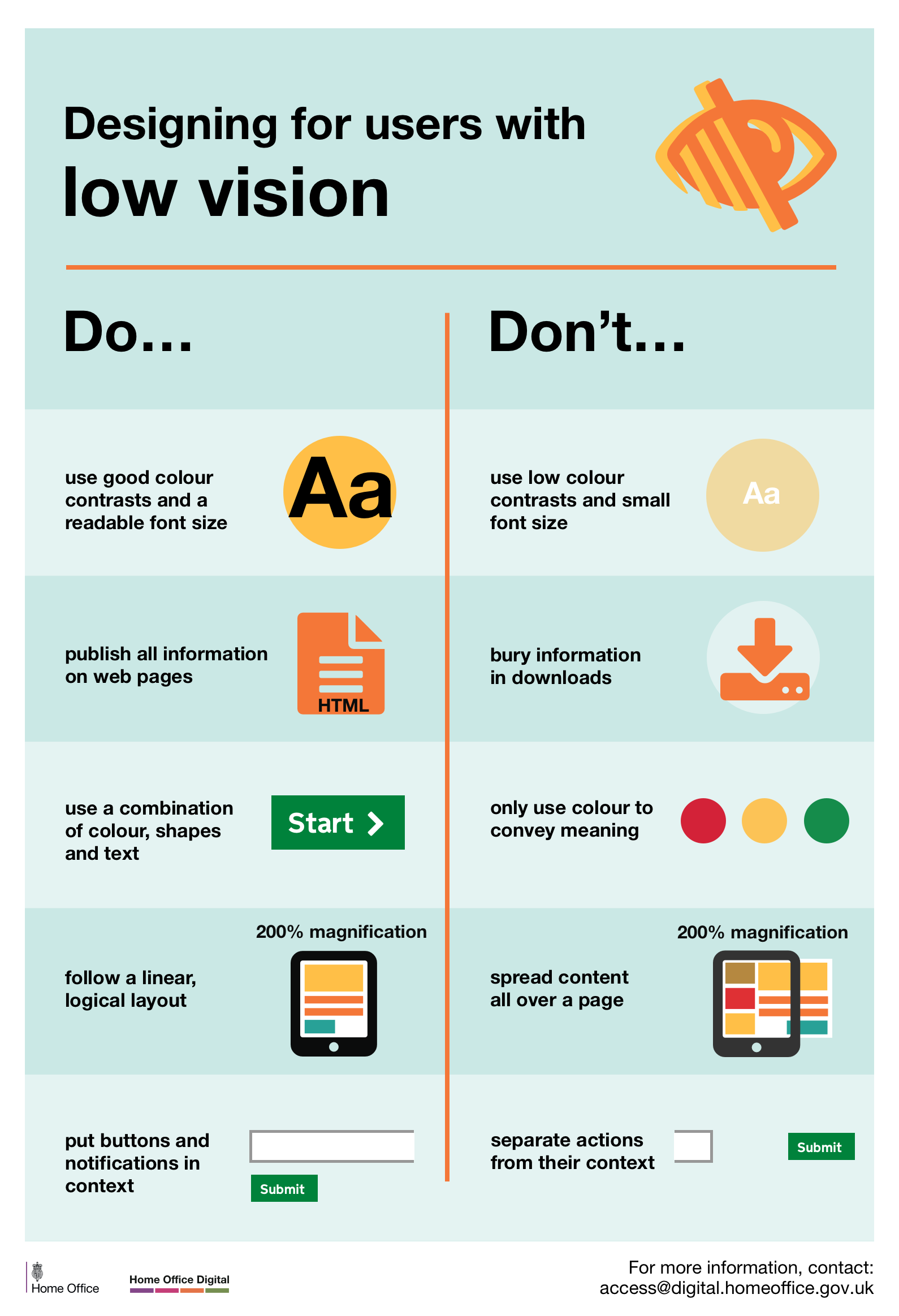
- Legibility:** Use clear and simple typography, with font sizes that are easily readable.
- Flexibility:** Ensure that digital products and services can be easily used with assistive technologies such as screen readers.
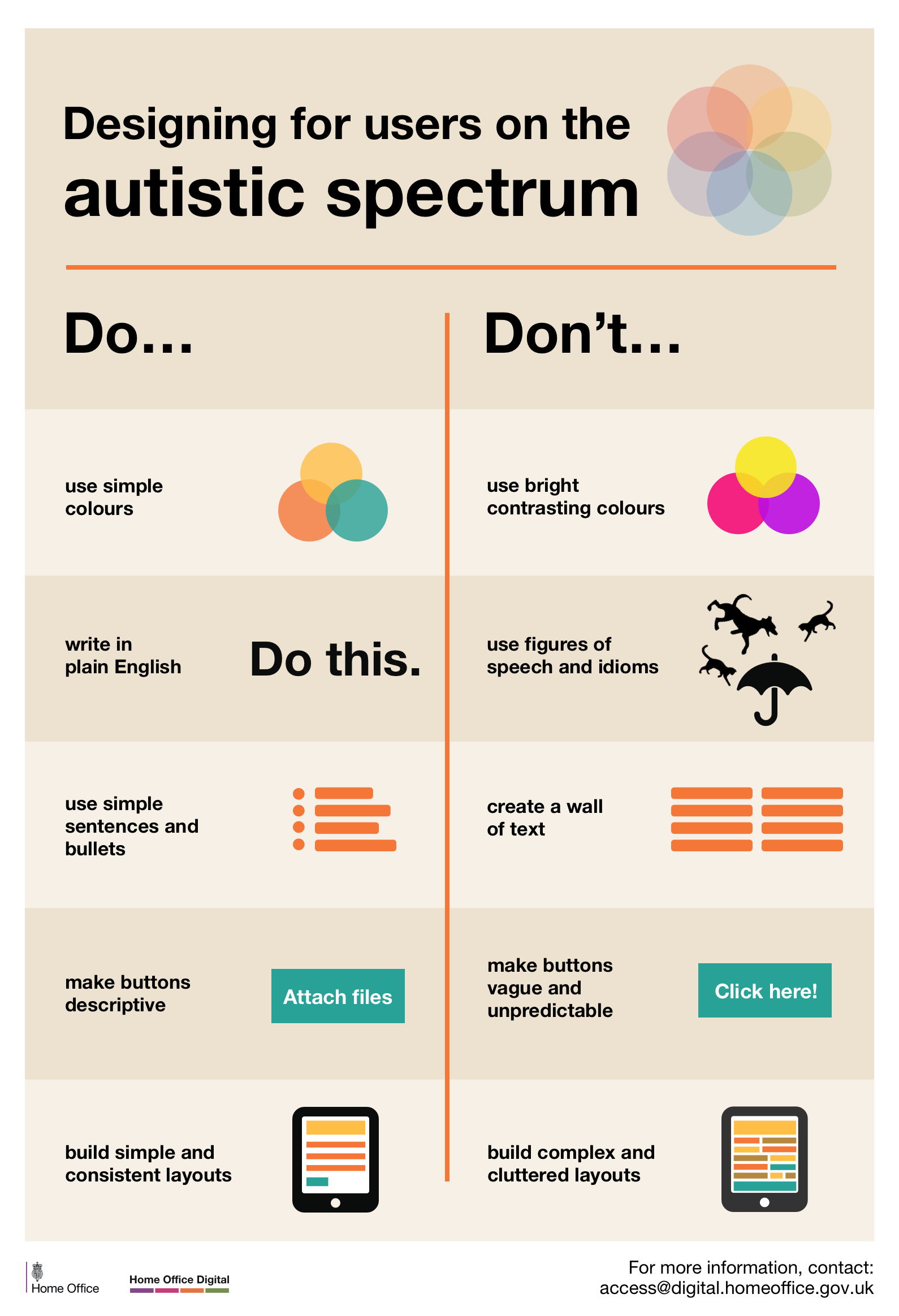
- Intuitive Interactions & Wayfinding:** Design intuitive interactions and navigation that are easy to use, even for people with cognitive or motor disabilities.
Tools and Resources for Designing for Accessibility
There are many tools and resources available to help designers and developers create accessible digital products and services. Some popular tools include:
- WAVE tool:** A web accessibility evaluation tool that helps identify accessibility errors on a web page.
- WCAG Compass:** A tool that provides a comprehensive set of guidelines for designing accessible web content.
- ARIATracker:** A tool that helps developers track and fix accessibility issues in their code.

Designing for Accessibility in Practice
Designing for accessibility is not just about meeting legal requirements; it's also about creating inclusive and user-centered designs that benefit everyone. Here are some best practices to keep in mind:
- Involve people with disabilities in the design process:** Collaborate with people with disabilities to ensure that your designs meet their needs and expectations.
- Conduct accessibility testing:** Use tools and manual testing to ensure that your designs meet accessibility requirements.
- Make accessibility a core part of your design process:** Incorporate accessibility into your design workflow, rather than viewing it as an afterthought.
Conclusion
Designing for accessibility requirements is a critical aspect of creating inclusive environments. By understanding the guidelines and best practices outlined in this article, designers and developers can create products, services, and spaces that benefit everyone, regardless of ability. Remember, accessibility is not just a legal requirement; it's also a moral obligation to create a more inclusive and equitable world.
Further Resources
For more information on designing for accessibility requirements, check out the following resources:
- Web Content Accessibility Guidelines (WCAG): A comprehensive set of guidelines for designing accessible web content.
- ADA Standards for Accessible Designs: A set of guidelines for creating physically accessible buildings and facilities.
- Designing forAccessibility: A free practical guide on web accessibility, WCAG 2.2, Section 508, VPAT/ACR documentation, ARIA, screen readers, and accessible UX design.