Home Router Internet Safety: A Guide to Protect Your Network
With the increasing number of connected devices in our homes, securing your home Wi-Fi network has become more crucial than ever. Your home router is the first line of defense against cyber threats, and a strong, secure router is essential to protect your devices, data, and personal information. In this article, we will discuss home router internet safety and provide you with expert tips to safeguard your network.
Why Router Security Matters
Many of us take our router for granted, but it's a vulnerable part of our digital lives. With so many devices connected to the internet, hackers can easily exploit security loopholes and gain access to your network. Even if you're not connected to public Wi-Fi, your router can still be compromised, putting your devices and personal data at risk. Securing your router is essential to prevent identity theft, data breaches, and other malicious activities.
Basic Router Security Measures
To set up a secure home Wi-Fi network, follow these basic steps:
Change your router's default password: Most routers come with a default password, which is easily discoverable by hackers. Change it to a strong, unique password to prevent unauthorized access.
Set up a guest network: Create a separate network for your guest devices to prevent them from accessing your primary network and sensitive data.
li>Use WPA3 encryption: WPA3 is the latest encryption standard, which provides better security than its predecessors.
Enable 2.4 GHz and 5 GHz bands: Using both bands increases your Wi-Fi range and reduces interference, making your network more secure.
Update your router's firmware regularly: Firmware updates often patch security vulnerabilities and improve performance, so keep your router up-to-date to ensure the latest security patches.
Advanced Router Security Measures
For extra protection, consider implementing the following advanced security measures:
Use a VPN: A virtual private network (VPN) encrypts your internet traffic, making it difficult for hackers to intercept your data.
Implement a router firewall: A firewall blocks unauthorized traffic and prevents malware from entering your network.
Regularly check for security updates: Keep your router's firmware and software up-to-date to ensure the latest security patches and features.
Monitor your network: Use tools like Netgear's Nighthawk or OpenWRT to monitor your network for suspicious activity and detect potential security threats.
Choosing a Secure Router
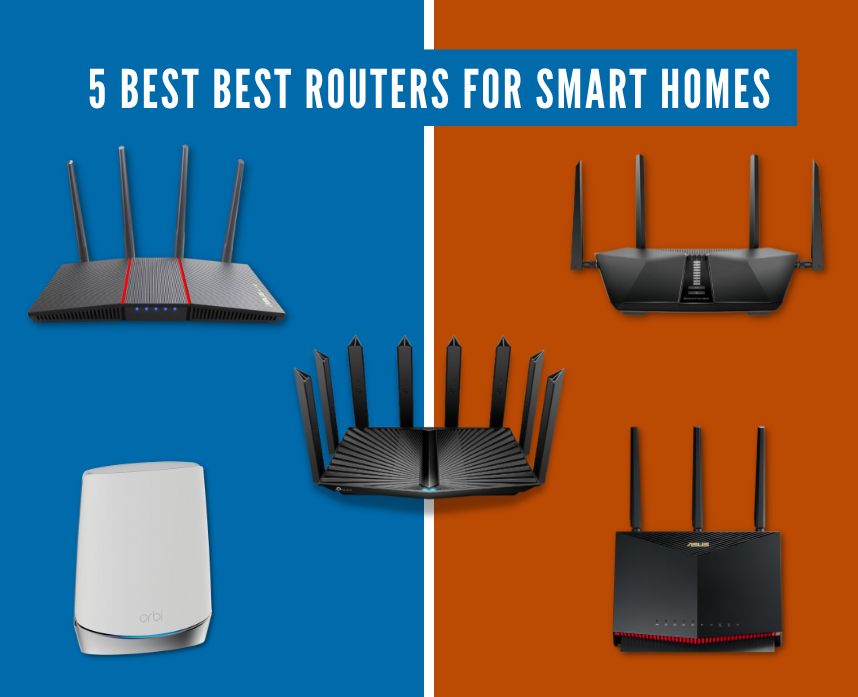
When purchasing a new router, look for the following features:
WPA3 encryption: Choose a router that supports WPA3 for enhanced security.
Regular firmware updates: Opt for a router that receives regular firmware updates to ensure the latest security patches.
Guest network support: Ensure the router allows you to create a separate guest network for your guest devices.
Unused ports and capabilities: Choose a router with a minimalist design and minimal ports to reduce the attack surface.
Conclusion
Securing your home network is essential in today's connected world. By following these basic and advanced router security measures, you can protect your devices, personal data, and sensitive information from cyber threats. Remember to regularly update your router's firmware, use WPA3 encryption, and implement a VPN to stay safe online. With a secure router and strong internet habits, you can enjoy a safe and private digital experience.