Deleting Your Online Activity: A Comprehensive Guide
The rise of the internet and social media has led to a significant increase in the amount of data that is collected about our online activities. This can be unsettling for many individuals, especially those who value their privacy. With the majority of devices and platforms creating a digital footprint, it's essential to learn how to delete online activity effectively.
Why Delete Online Activity?
There are several reasons why you might want to delete your online activity. For one, it helps to ensure that your personal information remains secure. This is particularly important for individuals who are concerned about data breaches or cyber attacks. Additionally, deleting online activity can also help to improve your online privacy, making it more difficult for advertisers and others to track your browsing habits.
How to Delete Online Activity on Google
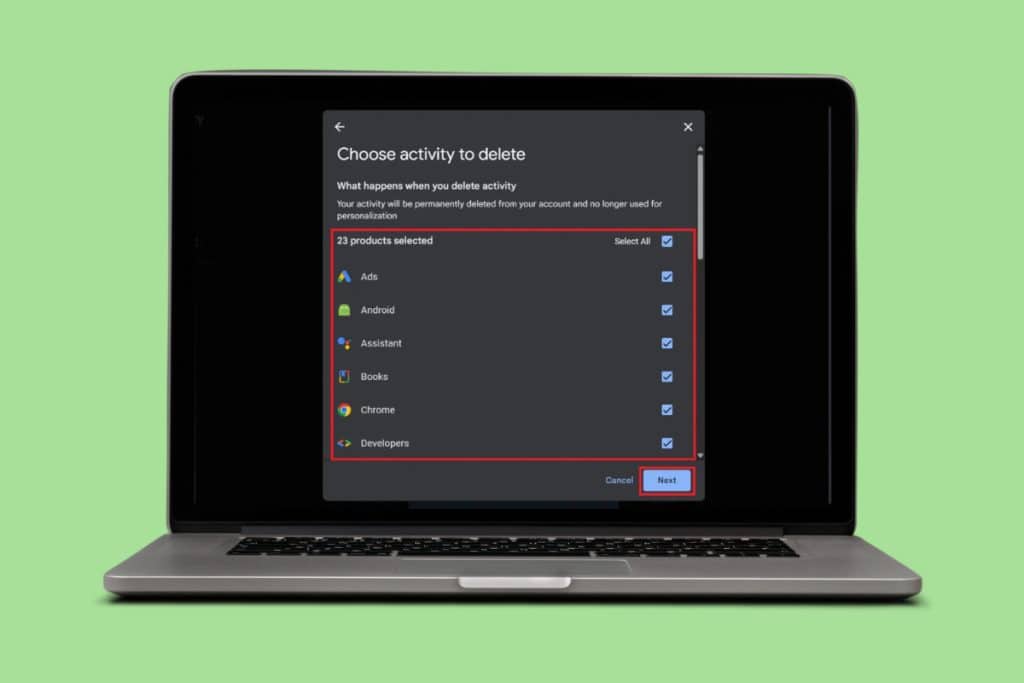
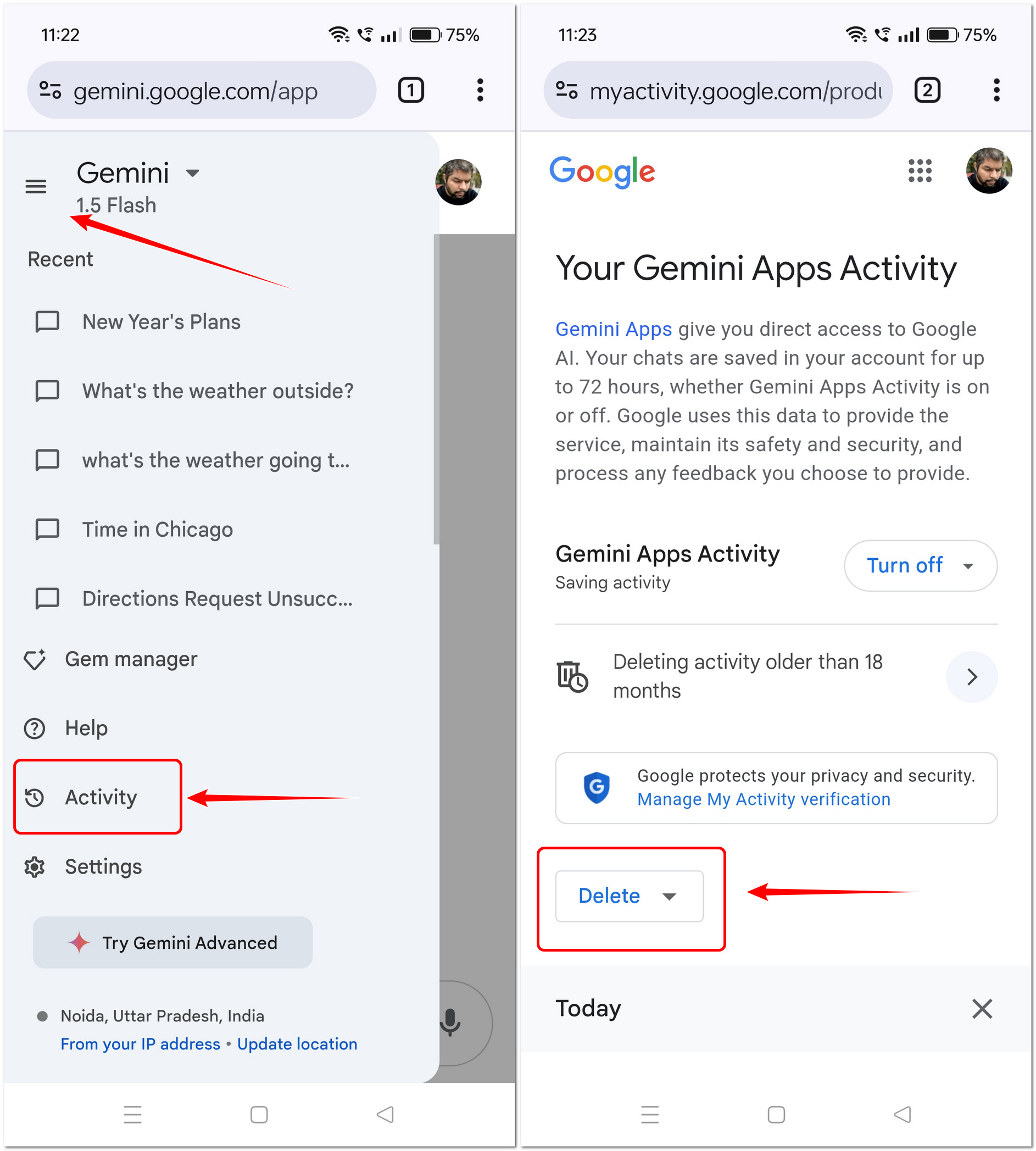
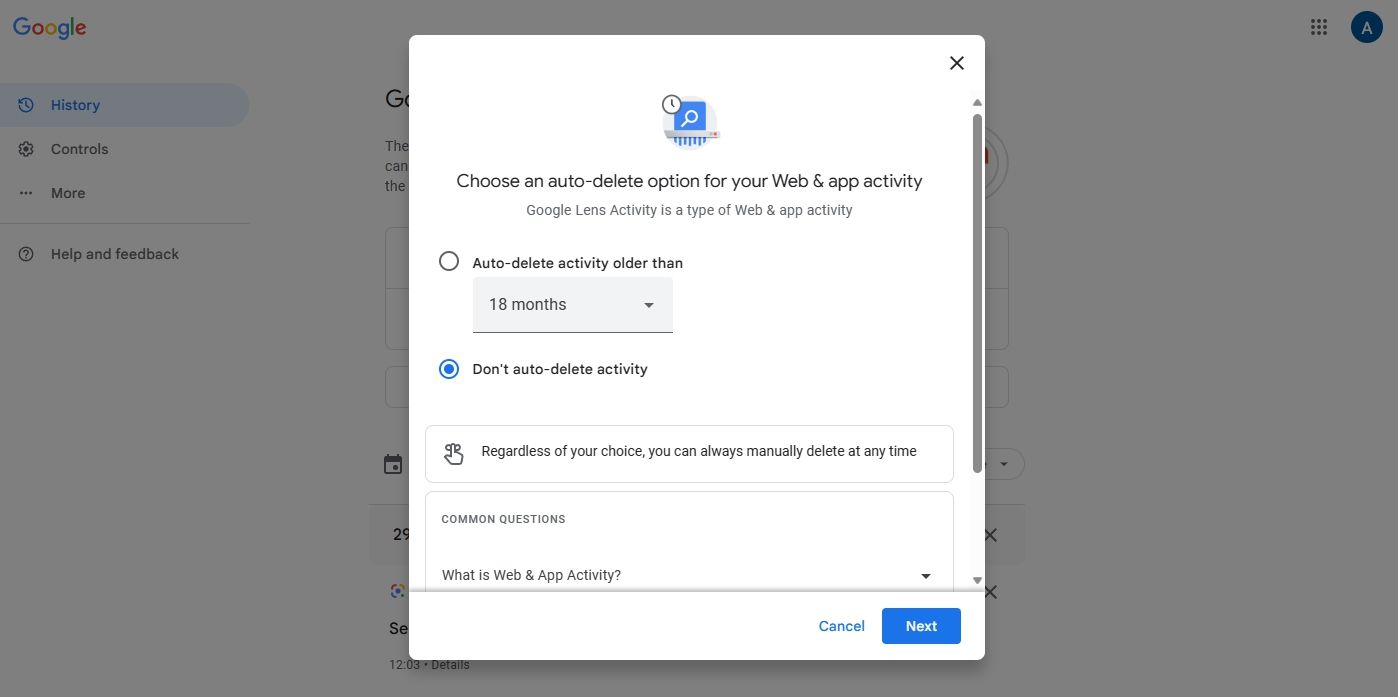
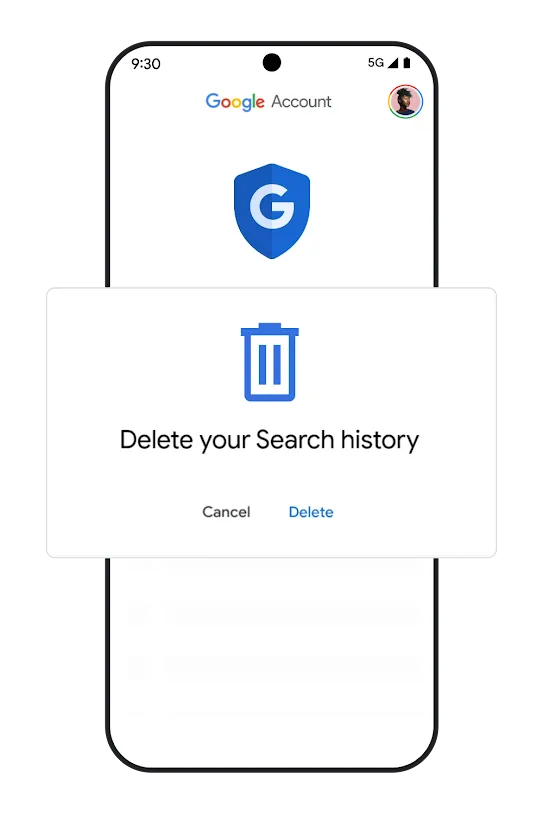
When you use Google sites, apps, and services, some of your activity is saved in your Google Account. You can find and delete your activity in the "My Activity" section of your account. You can also stop Google from saving most of your activity at any time. To access your My Activity section, follow these steps:
- Log in to your Google Account.
- Click on the gear icon in the upper right corner of the screen.
- Select "Data and personalization" from the drop-down menu.
- Click on "Manage your Google Account."
- Click on "Activity" from the left-hand menu.
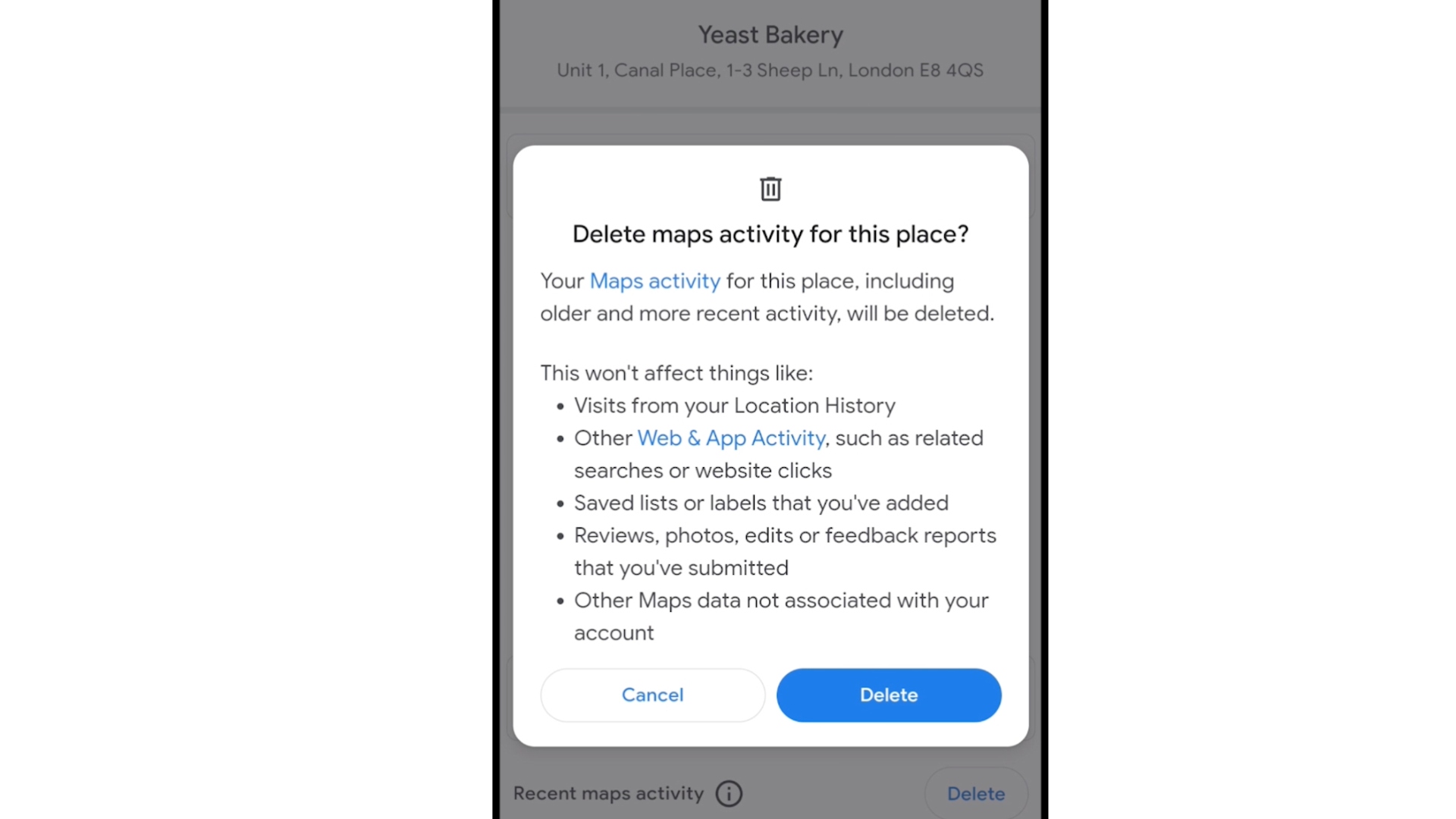
Once you are in your My Activity section, you can scroll through your activity and manually delete specific items, or delete all activity from a specific date. You can also choose to delete all activity from a specific account or device.
How to Delete Online Activity on Mobile Devices
Deleting online activity on mobile devices is a bit more complicated than on desktop devices, but it is still possible to do so effectively. Here are some steps you can follow:

- Clear your mobile app data:
- On iOS devices, go to Settings > General > iPhone Storage, select the app, and choose "Delete App" to remove the app and its data.
- On Android devices, go to Settings > Apps, select the app, and choose "Uninstall" to remove the app and its data.
- Clear your browser cache and cookies:
- On iOS devices, go to Settings > Safari > Clear History and Website Data.
- On Android devices, go to Settings > Chrome > Clear Browsing Data.
Additional Tips for Deleting Online Activity
Here are some additional tips for deleting online activity:
- Use the incognito or private browsing mode on your browser, as this will prevent your browser from saving your browsing history and other data.
- Regularly clear your browser cache and cookies to remove any lingering data.
- Use a VPN (Virtual Private Network) to encrypt your internet traffic and prevent tracking.
- Be cautious when clicking on links or downloading attachments from unknown sources, as these can potentially lead to malware or other security threats.
Conclusion
Deleting online activity is a crucial step in maintaining your online privacy and security. By following the steps outlined above, you can effectively delete your online activity and take control of your digital footprint. Remember to use the incognito mode, regularly clear your browser cache and cookies, and use a VPN to encrypt your internet traffic. With a little practice, you'll be a pro at deleting your online activity in no time.
FAQs
Here are some frequently asked questions related to deleting online activity:
- Q: Will deleting my online activity affect my search history?
- A: No, deleting your online activity will not affect your search history. Google will continue to store your search history, even after you delete your online activity.
- Q: Can I delete my online activity without affecting my Google account?
- A: Yes, you can delete your online activity without affecting your Google account. However, keep in mind that deleting your online activity may also delete any associated account data.
- Q: How often should I delete my online activity?
- A: The frequency at which you delete your online activity depends entirely on your personal privacy preferences and concerns. If you are concerned about your online security and privacy, it's a good idea to delete your online activity regularly.