How to Boost Home Wi-Fi Signal: 15 Proven Ways to Improve Your Internet Connection
Are you tired of lag, buffering, and Wi-Fi dropouts at home? Do you struggle with weak Wi-Fi signals in certain areas of your home? You're not alone. A weak Wi-Fi signal can be a major frustration, but the good news is that there are plenty of ways to boost your Wi-Fi signal and enjoy a stronger, more reliable internet connection at home. In this article, we'll explore 15 proven ways to boost your home Wi-Fi signal, from simple tips and tricks to more advanced solutions. Whether you're looking to improve your Wi-Fi performance for streaming, gaming, or just regular browsing, we've got you covered.1. Optimize Router Placement
Your first step to improving your Wi-Fi signal is to optimize router placement. Get your router out of any closets or drawers, and put it on a desk or table in a central location. This will help to ensure that your Wi-Fi signal is evenly distributed throughout your home.2. Upgrade Your Router Hardware
Outdated hardware is a significant bottleneck in many homes. Upgrading to a newer router with modern technology can drastically improve Wi-Fi performance. Consider investing in a Wi-Fi 6 router, which offers faster speeds and better range than its predecessors.3. Use a Wi-Fi Analyzer App
Use a Wi-Fi analyzer app to identify interference points and improve the signal quality of your wireless network. Apps like Acrylic Wi-Fi Analyzer can map your Wi-Fi signal strength in your home and identify weak spots.4. Upgrade Your Internet Plan
If you're experiencing slow speeds or lag on your internet, it may be due to an outdated internet plan. Consider upgrading to a faster plan, such as a cable or fiber-optic internet plan.5. Use a Wi-Fi Range Extender
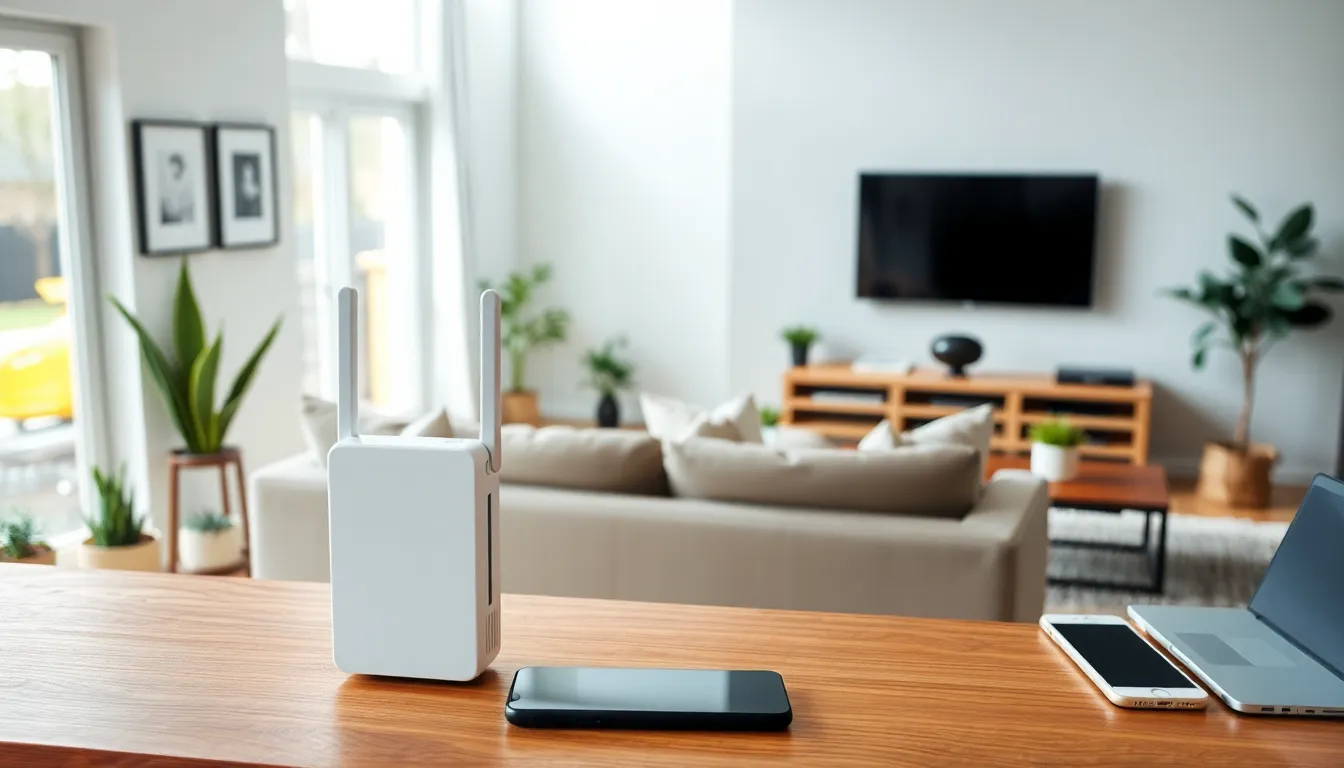
A Wi-Fi range extender is a device that rebroadcasts your router's signal to weak zones in your home. This can be a cost-effective solution to improve your Wi-Fi signal and eliminate dead zones.6. Change Your Wi-Fi Channel
Changing your Wi-Fi channel can help to improve your Wi-Fi signal by reducing interference from other devices. Use a tool like Wi-Fi Analyzer to identify the best channel for your network.7. Turn Off Other DevicesWhen there are other devices connected to your network, they can interfere with your Wi-Fi signal and slow it down. Try turning off other devices or disconnecting them from your network to see if it improves your Wi-Fi signal.
8. Use Quality of Service (QoS) Settings
Quality of Service (QoS) settings allow you to prioritize certain devices or applications on your network, ensuring that they get enough bandwidth to function smoothly. This can help to improve your Wi-Fi signal and reduce lag on your network.

9. Update Your Router's Firmware
Updating your router's firmware can help to improve your Wi-Fi signal by fixing bugs and improving performance. Check with your router manufacturer to see if there are any firmware updates available for your device.
10. Use a Mesh Network System
A mesh network system uses multiple access points to create a network of interconnected devices that work together to provide a strong and reliable Wi-Fi signal. This can be a great solution for homes with multiple floors or large areas.
11. Move Your Router to a Higher Location
Moving your router to a higher location can help to improve your Wi-Fi signal by reducing interference from physical objects in your home.
12. Use a Wi-Fi Extender with a Built-in Antenna
Some Wi-Fi extenders come with a built-in antenna that can help to improve your Wi-Fi signal by increasing the range of the device.





%20-%20refresh/img_08.png?width=900&name=img_08.png "Smart Wi-Fi Extender: Boost Your Home Wi-Fi Signal | AT&T")

