Protecting Your Facebook Account Online: Essential Tips and Tricks
With millions of users worldwide, protecting your Facebook account online is crucial in today's digital age. Hackers and scammers are constantly looking for ways to break into your account and exploit your personal information. However, with the right knowledge and precautions, you can keep your account secure and prevent unauthorized access.Tip 1: Use Password Protection with Two-Factor Authentication
To add an extra layer of security to your Facebook account, enable two-factor authentication. This will require you to enter a unique code sent to your phone or email in addition to your password. Make sure to choose a strong password that is not easily guessable and includes a mix of numbers, letters, and symbols.Tip 2: Stay Away from Suspicious Links and Scams
Hackers often send phishing emails or messages that appear to be legitimate but are designed to steal your login credentials. Be cautious of emails or messages that ask you to click on a link or provide sensitive information. Always verify the authenticity of the message by contacting Facebook's official customer support team.Tip 3: Adjust Your Privacy Settings
Facebook provides various privacy settings that allow you to control who can see your information. Go to your account settings and adjust the visibility of your posts, profile information, and friend list. You can also restrict access to certain features, such as messaging or posting photos.Additional Security Measures:
- Regularly update your password and make sure it's not being used for other online accounts.
- Use a reputable antivirus software to protect your device from malware and viruses.
- Monitor your account activity regularly for any suspicious logs or unauthorized access.
- Use a VPN (Virtual Private Network) when accessing social media on public Wi-Fi networks.
- Consider using a password manager to store and generate complex passwords.
How to Recover Your Account if Hacked

- Report the incident to Facebook's customer support team immediately.
- Change your password and enable two-factor authentication.
- Review your account activity to identify any suspicious logs or unauthorized access.
- Report any suspicious activity to the authorities if necessary.
Conclusion
Protecting your Facebook account online is an ongoing process that requires attention, caution, and the right knowledge. By following these essential tips and tricks, you can significantly reduce the risk of your account being compromised and keep your personal information secure.Meta's Security Features:
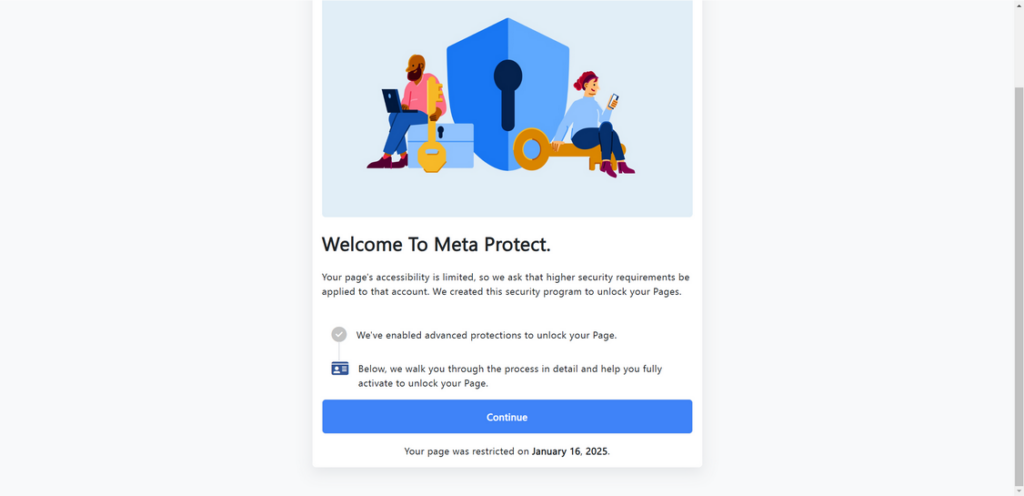
Facebook provides multiple security features and tools to secure your account and protect you from scams and hacks. Use Meta's security features, such as Advanced Protection, to get alerts when someone tries logging into your account from an unrecognized device.Additional Resources:
- Facebook's official security tips and guidelines.
- Facebook's Advanced Protection program for added security.
- Two-factor authentication and login alerts for extra protection.

.webp "How to Secure My Facebook Account From Hackers: 8 Key Steps")