Protecting Your Facebook Account from Malware
Malware is malicious software designed to harm your computer, smartphone, or other devices. It's a notorious threat to the security of your online accounts, including your Facebook account. Hackers and scammers use various tactics to trick people into clicking on malicious links, downloading malicious files, and installing malware on their devices. In this article, we'll explore the ways to protect your Facebook account from malware and provide you with actionable tips to secure your online presence.
Recognize the Threats
Malware can take many forms, including viruses, Trojans, spyware, adware, and ransomware. These types of malware can cause harm to your device, steal your personal data, and even disrupt your online activities. When it comes to Facebook, malware can compromise your account by stealing your login credentials, sending malicious messages or emails, or even taking control of your account.
Protecting Your Facebook Account from Malware
To protect your Facebook account from malware, follow these essential steps:
- Use strong and unique passwords: Avoid using the same password for multiple accounts, including Facebook. Use a password manager to generate complex and unique passwords for each account.
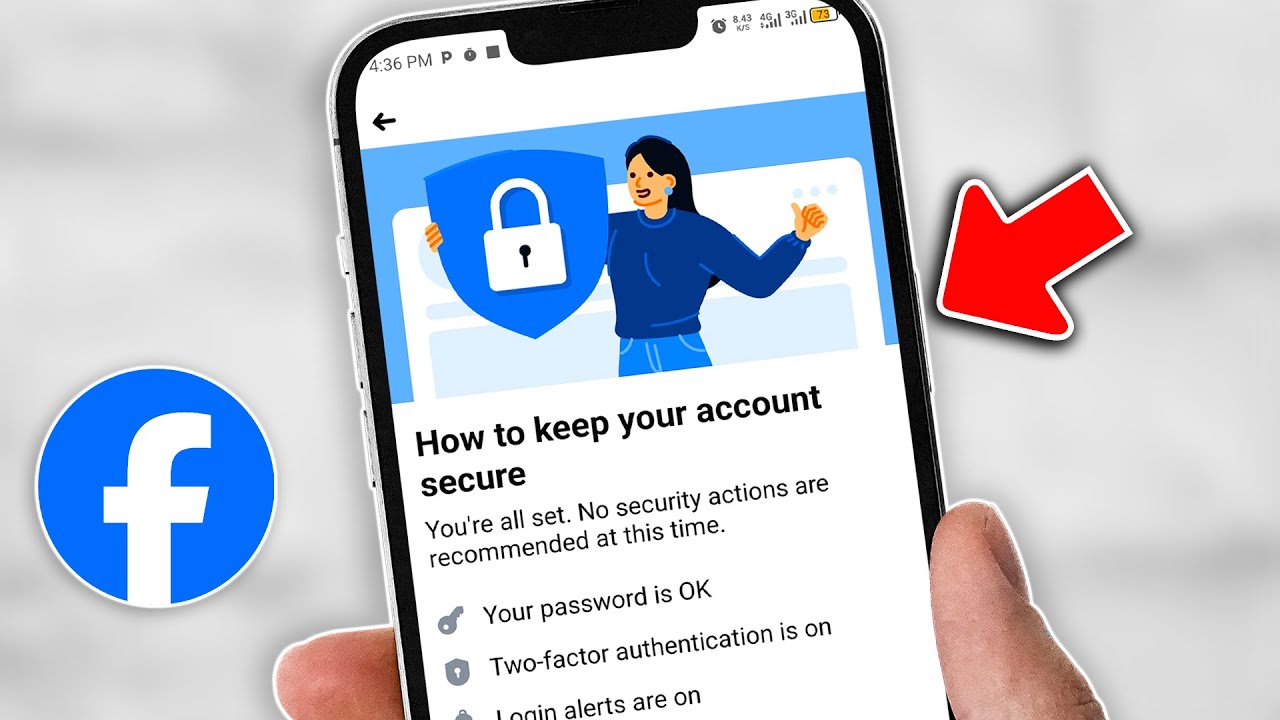
- Enable two-factor authentication (2FA): 2FA adds an extra layer of security to your account by requiring a verification code sent to your phone or email in addition to your password.
- Regularly check your account activity: Use Facebook's security features to monitor your account activity and report any unknown logins.
- Be cautious with links and downloads: Avoid clicking on suspicious links or downloading files from unknown sources, as they may contain malware.
- Keep your device and software up-to-date: Ensure you have the latest security patches and updates installed on your device and Facebook app.
- Use reputable antivirus software: Install reputable antivirus software to detect and remove malware from your device.
- Back up your data: Regularly back up your Facebook data, including your photos and posts, to prevent losing them in case of a malware attack.
Identifying Malware on Your Device

Malware can be tricky to detect, but there are some telltale signs to look out for:
- Unexplained pop-ups or ads: If you notice unusual pop-ups or ads on your device, it may be a sign of malware.
- Slow device performance: Malware can slow down your device's performance, causing it to freeze or crash.
- New programs or icons: If you notice new programs or icons on your device that you didn't install, it may be a sign of malware.
- Unusual network activity: If you notice unusual network activity, such as unexpected data transfers or connections, it may indicate malware.
Removing Malware from Your Device
If you suspect your device has malware, follow these steps to remove it:
- Disconnect from the internet: Immediately disconnect your device from the internet to prevent the malware from spreading.
- Run a virus scan: Use reputable antivirus software to scan your device for malware and remove any detected threats.
- Update your operating system and software: Ensure you have the latest security patches and updates installed on your device.
- Change your passwords: Change your passwords for all accounts, including Facebook, to prevent any potential security breaches.
- Reinstall your operating system: If the malware is severe, you may need to reinstall your operating system to remove the malware.
Conclusion
Protecting your Facebook account from malware requires a proactive approach. By following the tips outlined in this article, you can reduce the risk of malware attacks and keep your online presence secure. Remember, it's always better to be safe than sorry, and regularly monitoring your account activity and device performance can help you detect and prevent malware attacks.