Protecting Your Twitter Account from Hackers Online
In today's digital age, your Twitter account is more than just a platform for sharing thoughts and updates; it's often tied to your personal identity, professional reputation, and online security. With cyber threats becoming increasingly sophisticated, safeguarding your Twitter account from hackers is essential to prevent unauthorized access, data theft, and potential misuse.
Why Protecting Your Twitter Account from Hackers is Crucial
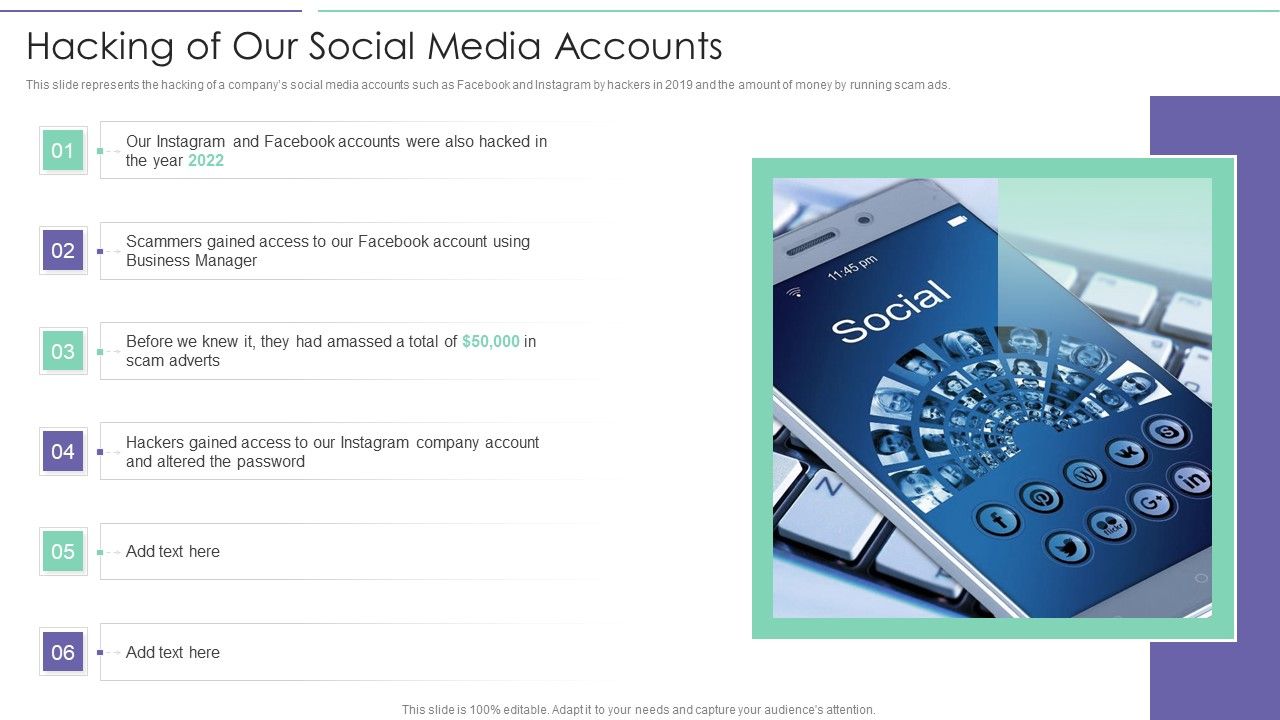
Your Twitter account may become compromised if you've entrusted your username and password to a malicious third-party application or website, if your Twitter account is vulnerable due to a weak password, if viruses or malware on your computer are collecting passwords, or if you're on a compromised network.
Not only can hackers steal your personal information, but they can also use your account to perpetuate crime, theft, and fraud. It's essential to take proactive steps to protect your Twitter account from hackers and cybercriminals.
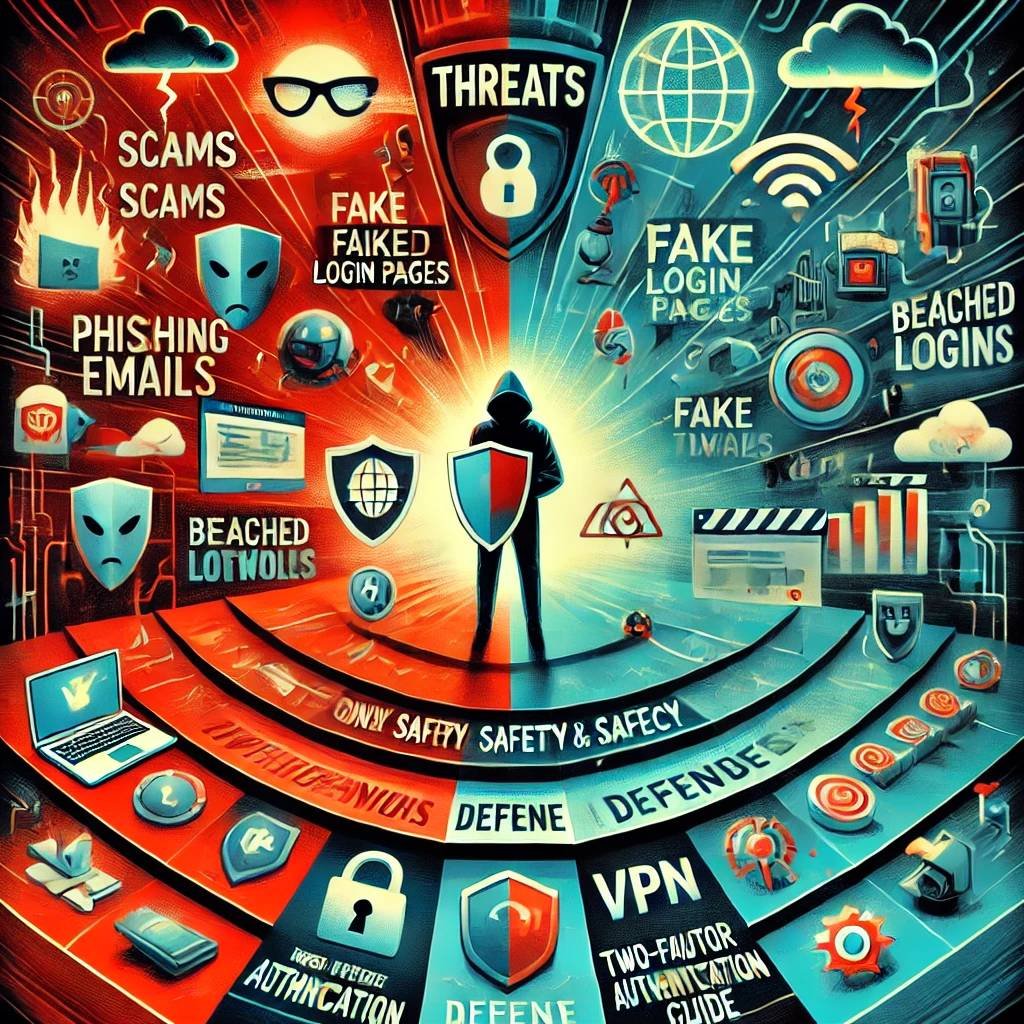
Recognizing Phishing Scammers
- Scammers use email or text messages to try to steal your passwords, account numbers, or Social Security numbers.
- If they get that information, they could get access to your email, bank, or other accounts.
- Or they could sell your information to other scammers.
Scammers launch thousands of phishing attacks like these every day — and they're often successful. It's crucial to be aware of these tactics and take steps to protect yourself.
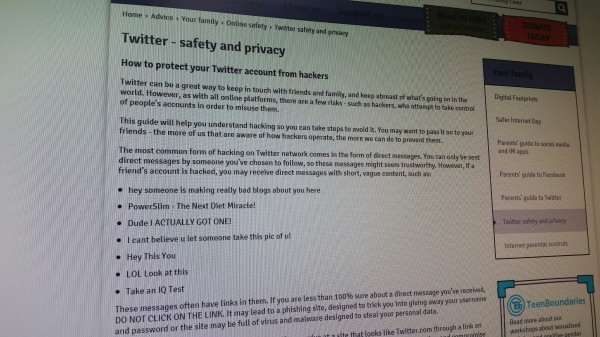
Tips to Protect Your Twitter Account from Hackers
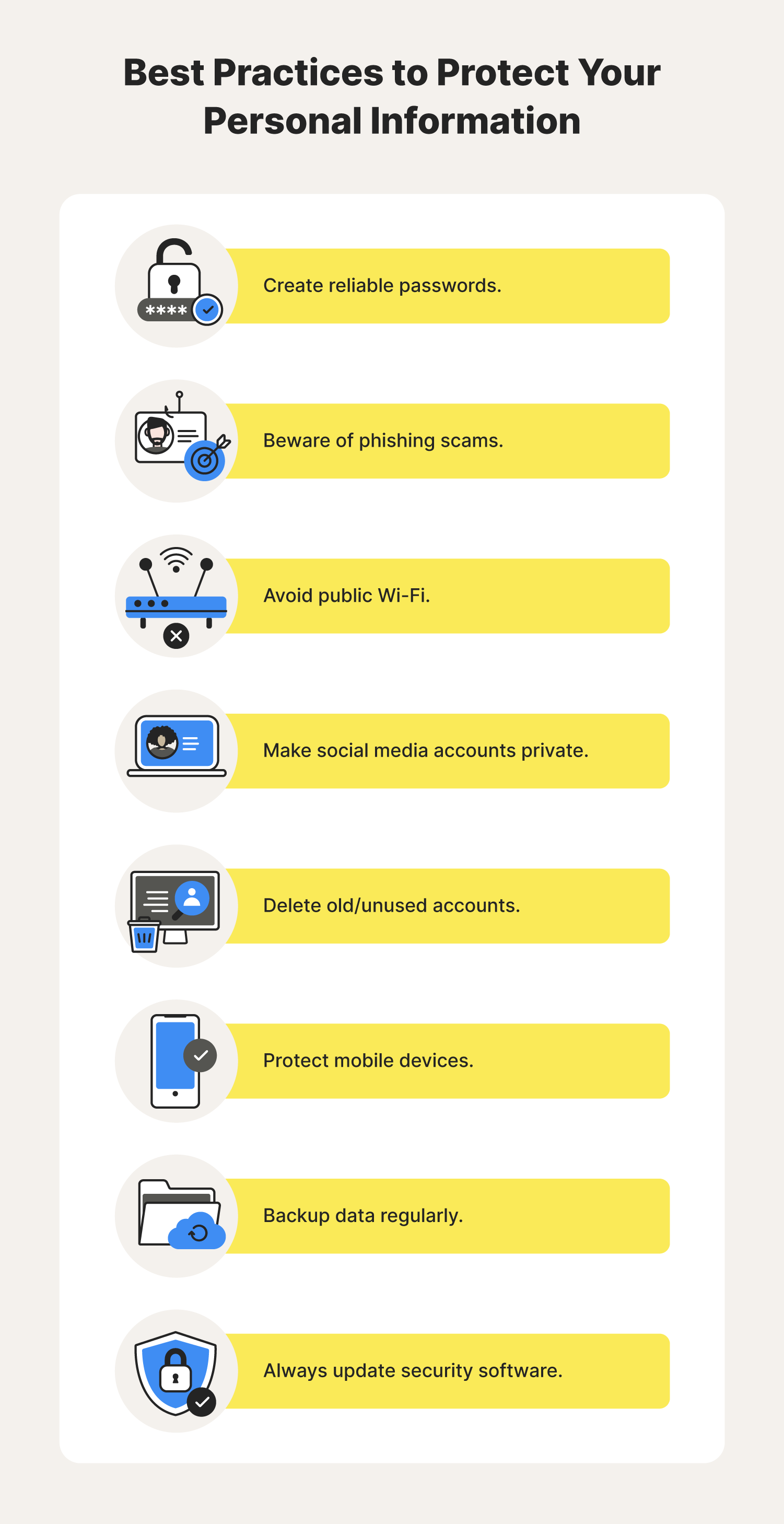
- Enable Multi-Step Authentication: If you only use your login and password to sign in to Twitter, it's essential to add an extra step to the process so it becomes more difficult for hackers to access your account. Twitter has three methods to choose from: text message, an authentication app, or a security key.
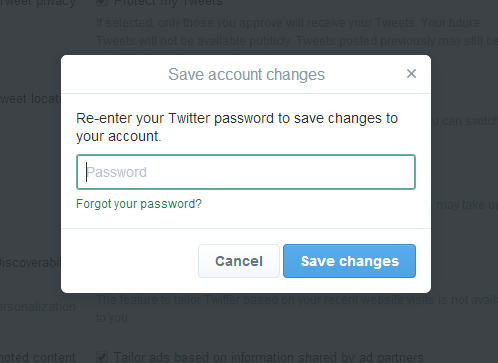
- Use Strong Passwords: A weak password can make it easy for hackers to gain access to your account. Use a combination of letters, numbers, and special characters to create a strong password.
- Audit Third-Party Apps: Make sure to review the permissions and access rights of any third-party apps connected to your Twitter account. Remove any apps that you no longer use or need.
- Use a Security Key: A security key can provide an additional layer of protection for your Twitter account. This can be a physical key, a smart card, or a mobile app.
- Regularly Review Your Account Activity: Keep a close eye on your account activity and report any suspicious behavior to Twitter.
By following these tips, you can significantly reduce the risk of your Twitter account being hacked. Remember to stay vigilant and always be on the lookout for potential threats.
Conclusion
Protecting your Twitter account from hackers is crucial in today's digital age. By being aware of the tactics used by scammers and taking proactive steps to secure your account, you can prevent unauthorized access, data theft, and potential misuse. Remember to enable multi-step authentication, use strong passwords, audit third-party apps, and regularly review your account activity to stay safe online.
Don't wait until it's too late. Take action today to protect your Twitter account from hackers and keep your online presence safe.