How to Secure Email Password: A Comprehensive Guide
With the increasing number of online security breaches, it's more crucial than ever to secure your email password. If your email account is compromised, hackers can access your personal information, spam your contacts, and even go as far as stealing your identity. In this article, we'll show you how to secure your email password and inbox with strong passwords, 2FA, passkeys, and tips to prevent data breaches and unauthorized access.
Why Securing Your Email Password is Important
Securing your email password is essential because email is a common entry point for hackers. They can use phishing attacks, password cracking, and other tactics to gain access to your email account. If they succeed, they'll have access to your personal information, including sensitive documents, credit card details, and login credentials for other online accounts.
Strong Passwords: The Foundation of Email Security
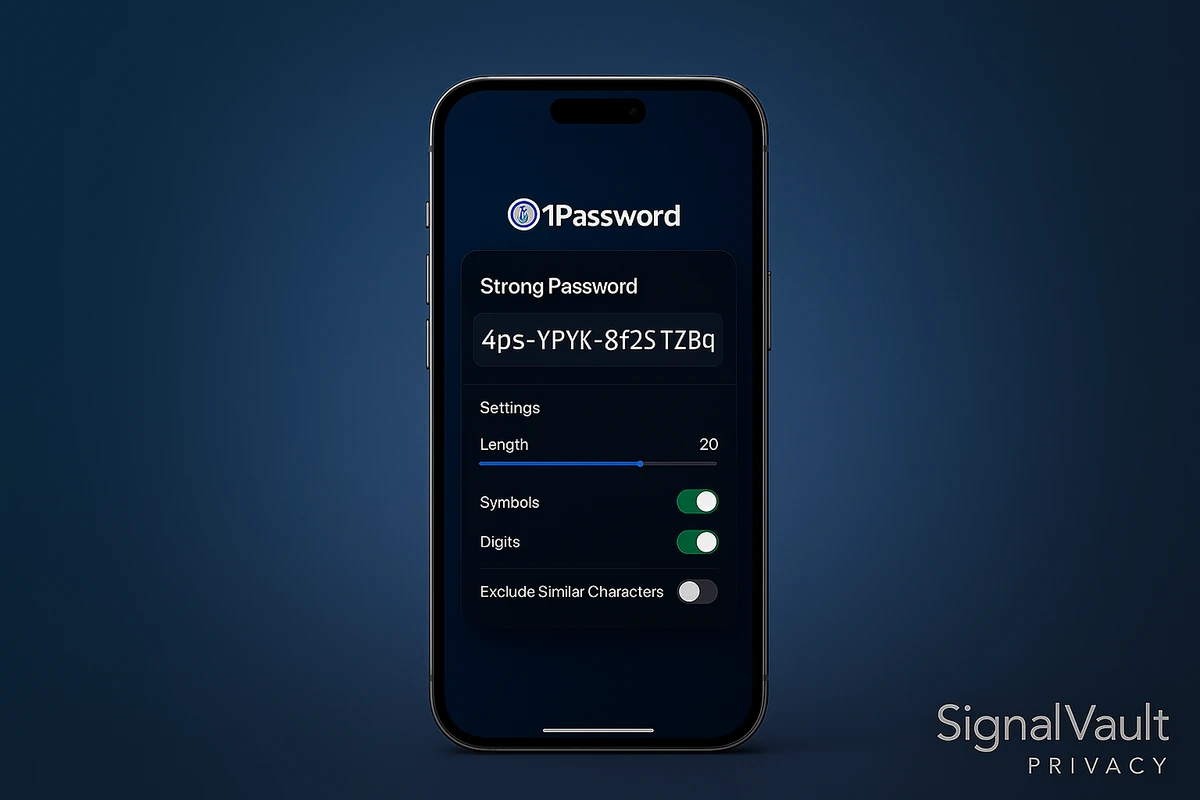
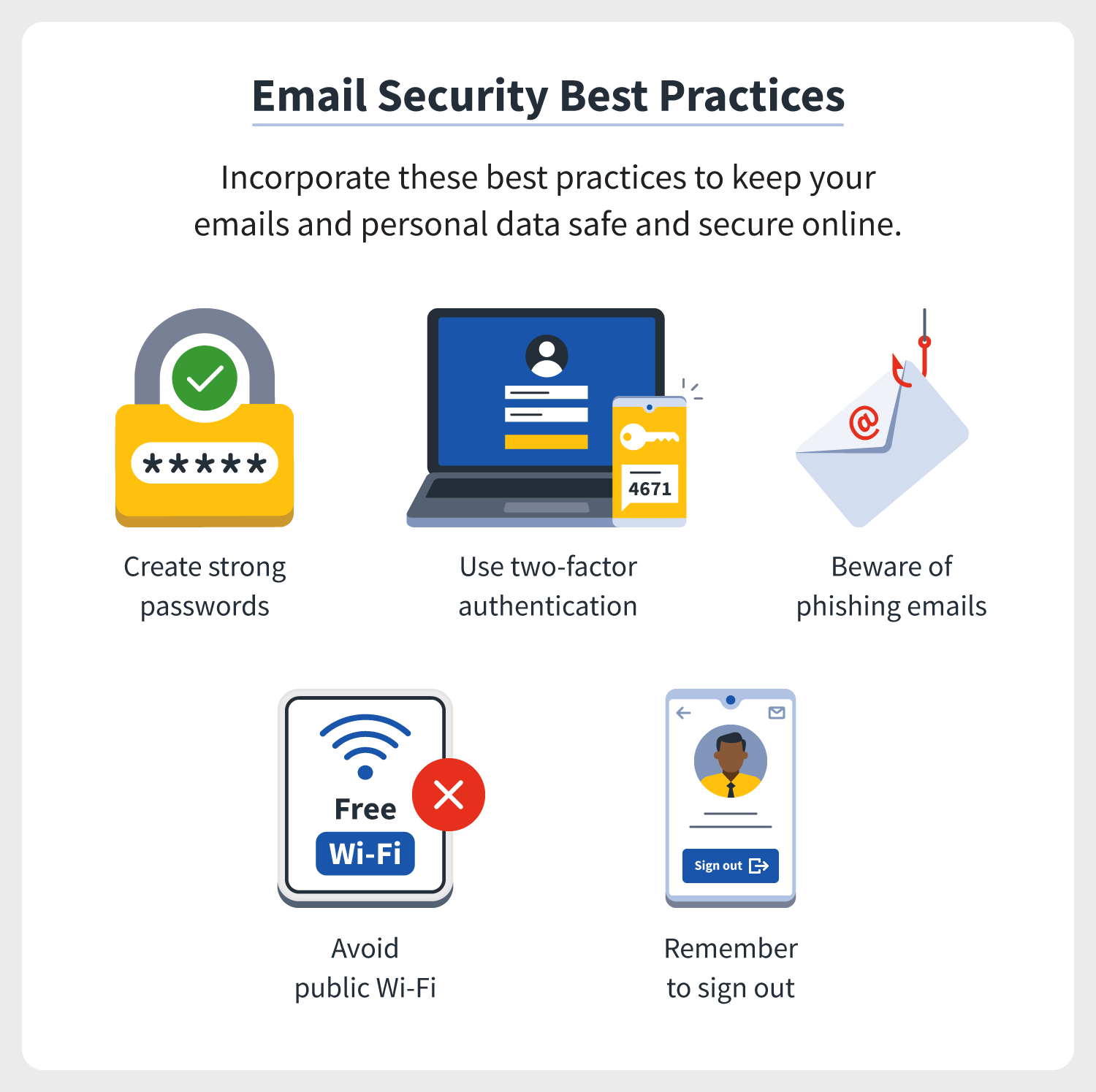
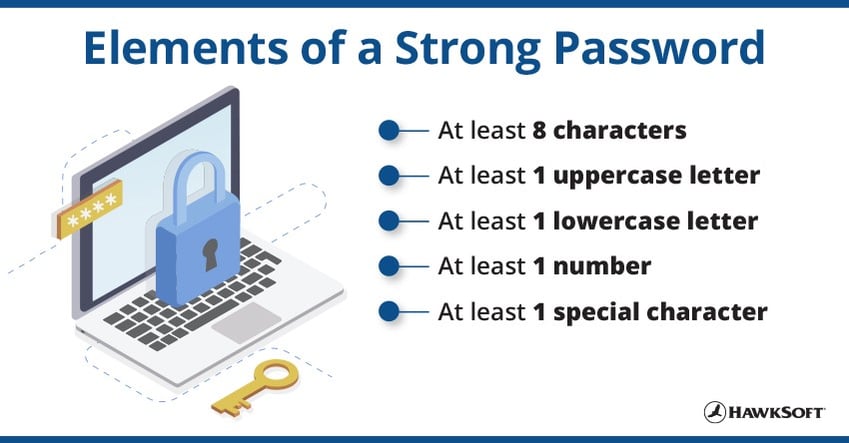
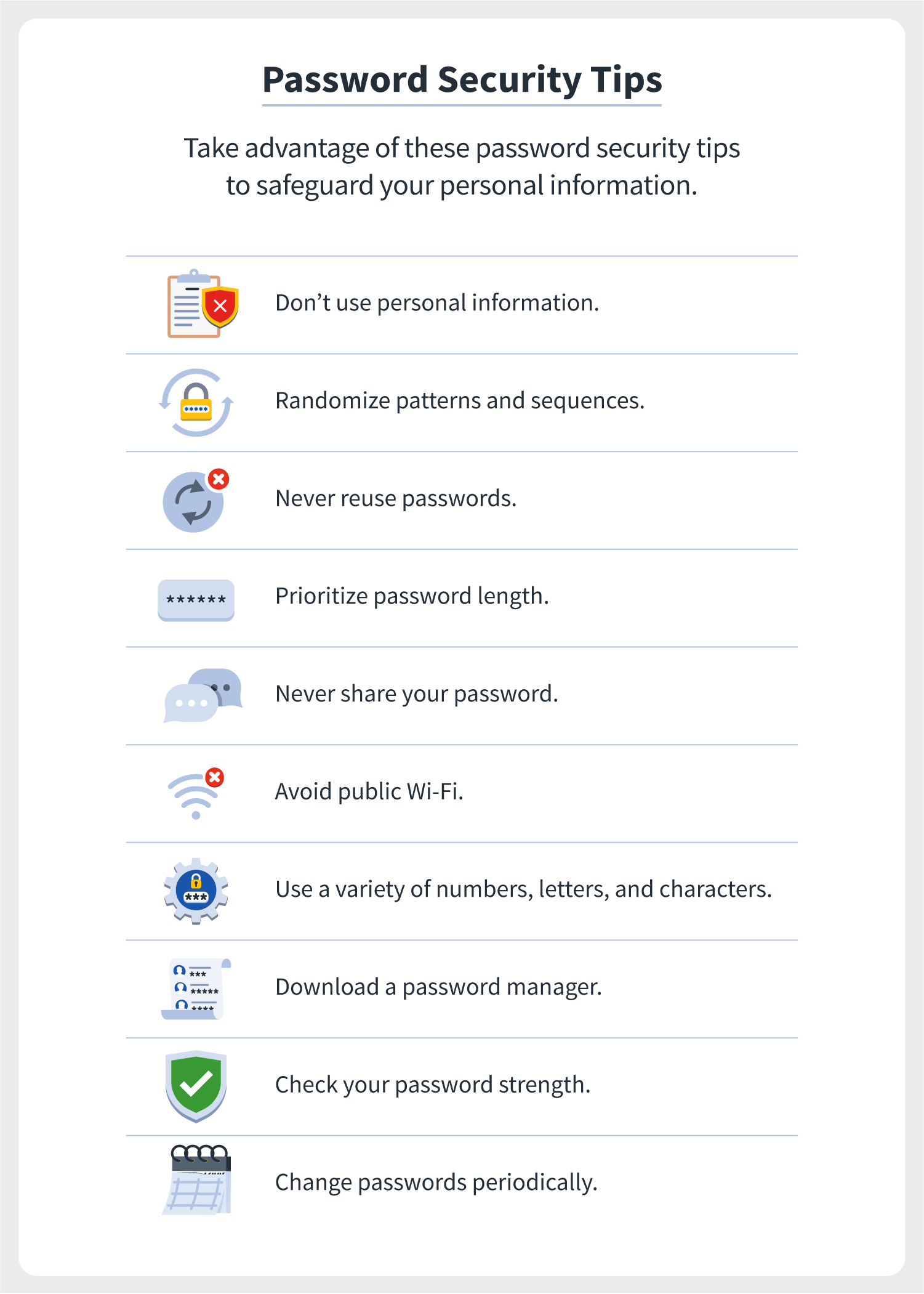
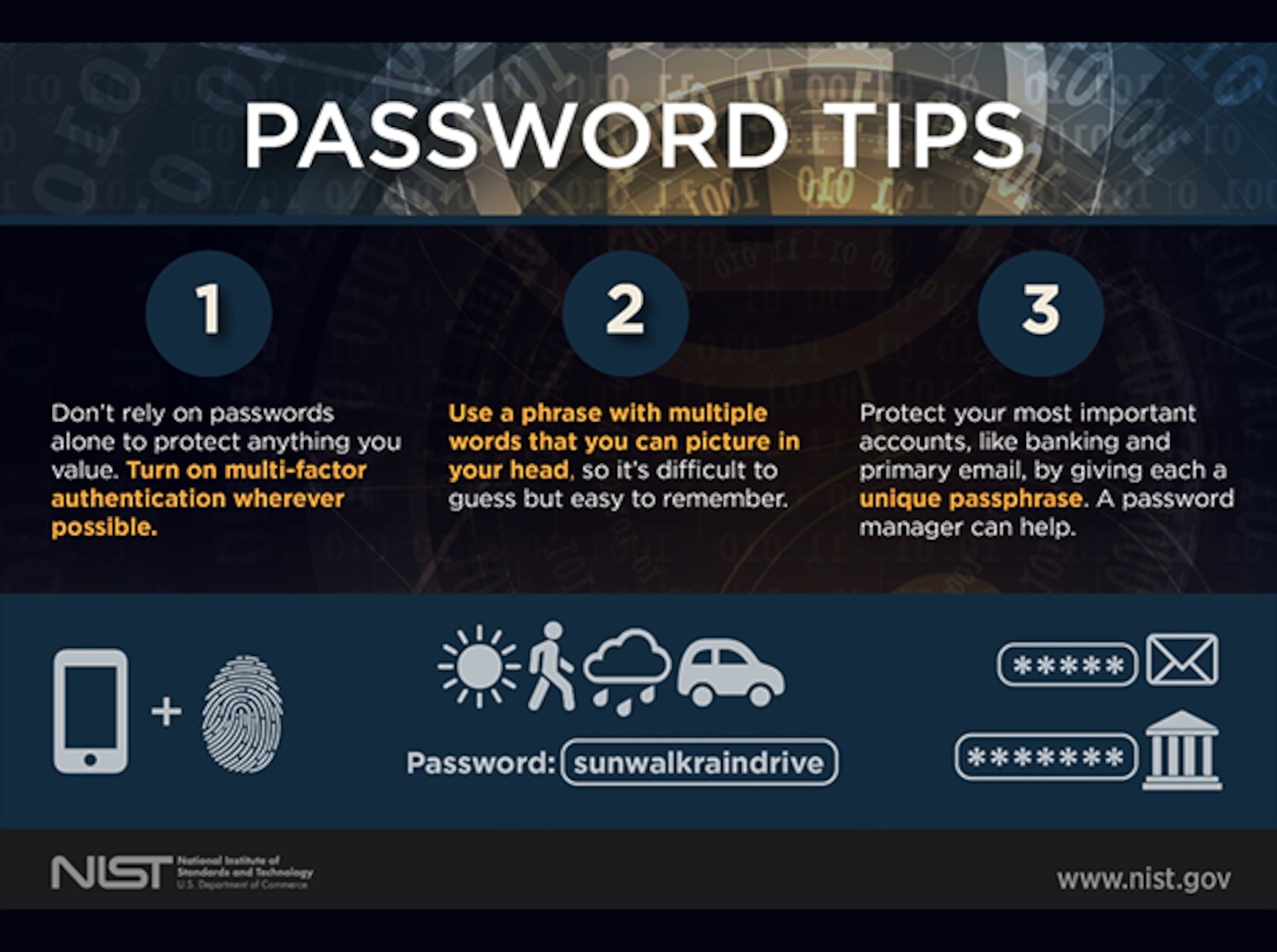
The first step in securing your email password is to create a strong password. A strong password should be at least 12 characters long, include a mix of uppercase and lowercase letters, numbers, and special characters, and be unique for each account. Avoid using common words, phrases, or sequences, and never use the same password for multiple accounts.
2-Step Verification (2FA): An Additional Layer of Security
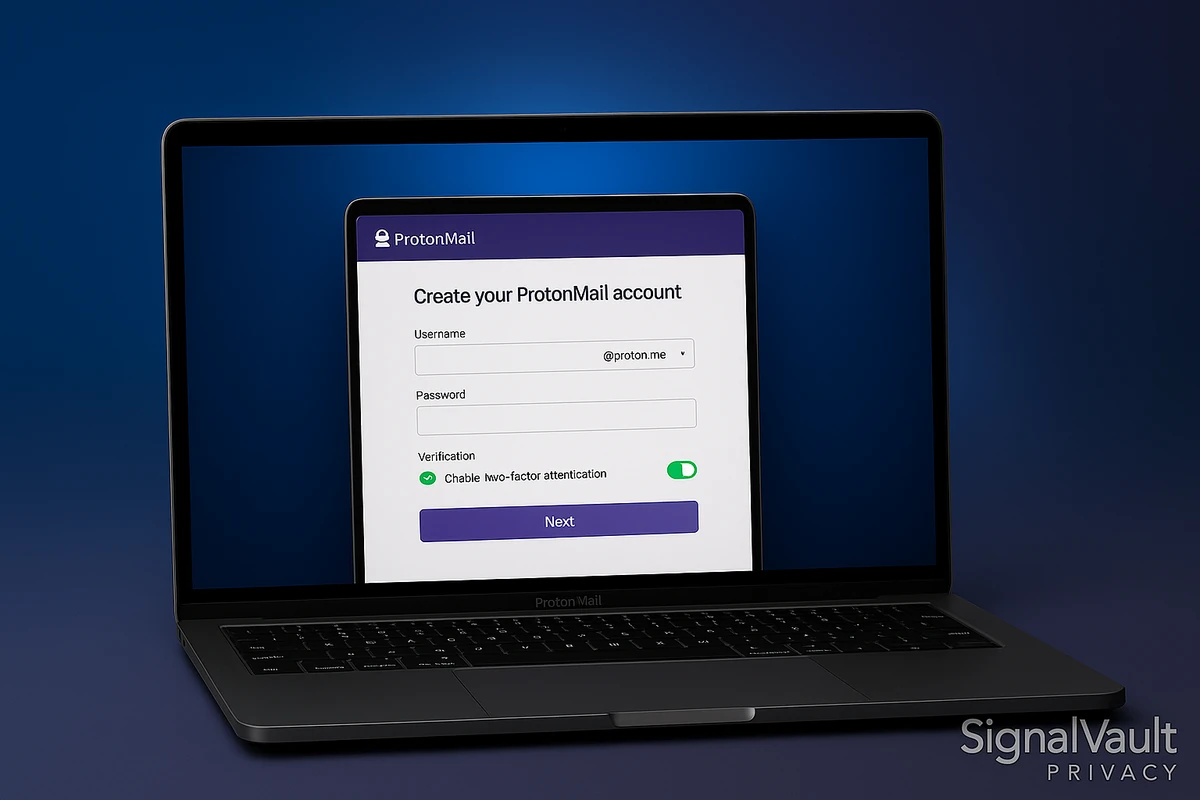
Two-factor authentication (2FA) requires you to provide a second form of verification, typically a code sent to your phone or a fingerprint scan, in addition to your password. This adds an extra layer of security, making it much harder for hackers to gain access to your account. Check with your email provider to see if they offer 2FA.
Passkeys: A More Secure Alternative to PasswordsPasskeys: A More Secure Alternative to Passwords
Passkeys are encrypted digital keys that can be used to log in to your email account instead of a password. They're more secure because they're not easily guessed or cracked like traditional passwords. Passkeys can be stored in a password manager, making it easy to access your account without having to remember a complex password.
Security Keys: A Hardware-Based Security Solution

Security keys, such as USB tokens, NFC, or Bluetooth devices, are physical objects that replace traditional passwords. They're more secure than passwords because they're harder to copy or mimic. Security keys require proximity and physical presence to access your account, making it much harder for hackers to gain unauthorized access.
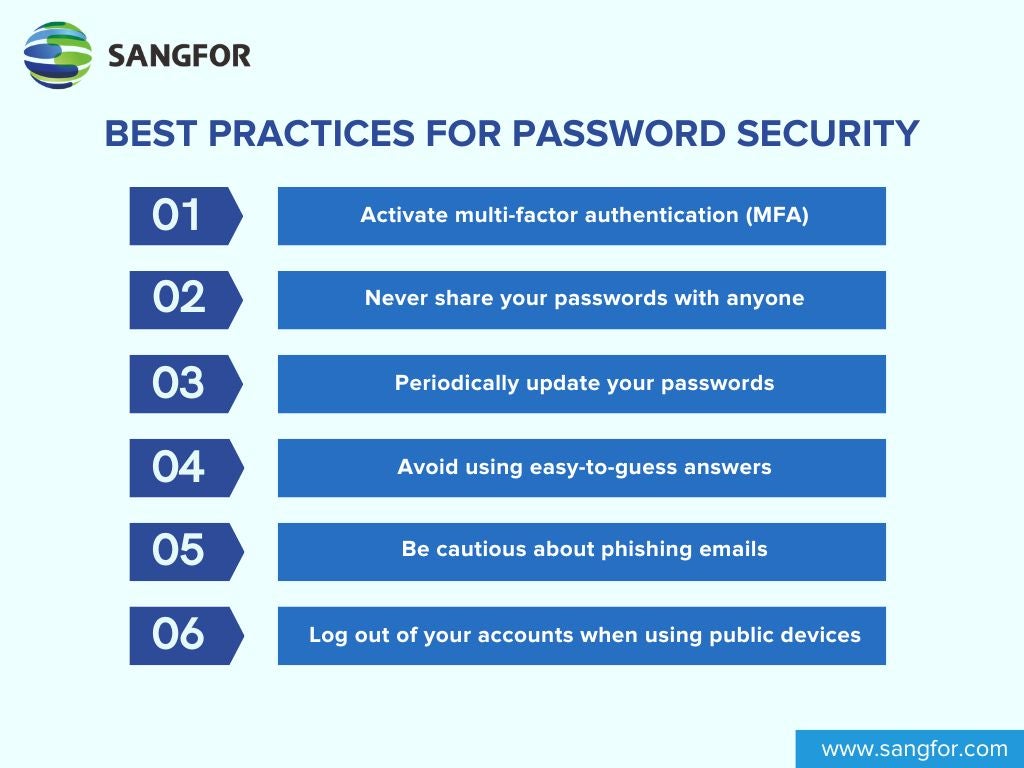
Best Practices for Securing Your Email Password
Here are some best practices to help you secure your email password:
- Use a strong password that's at least 12 characters long and includes a mix of uppercase and lowercase letters, numbers, and special characters.
- Enable two-factor authentication (2FA) to add an extra layer of security.
- Use a password manager to store your passkeys or security keys.
- Regularly update your password and 2FA settings to ensure you're protected against new threats.
- Be cautious when accessing public Wi-Fi or using public computers to access your email account.
How to Encrypt Your Emails
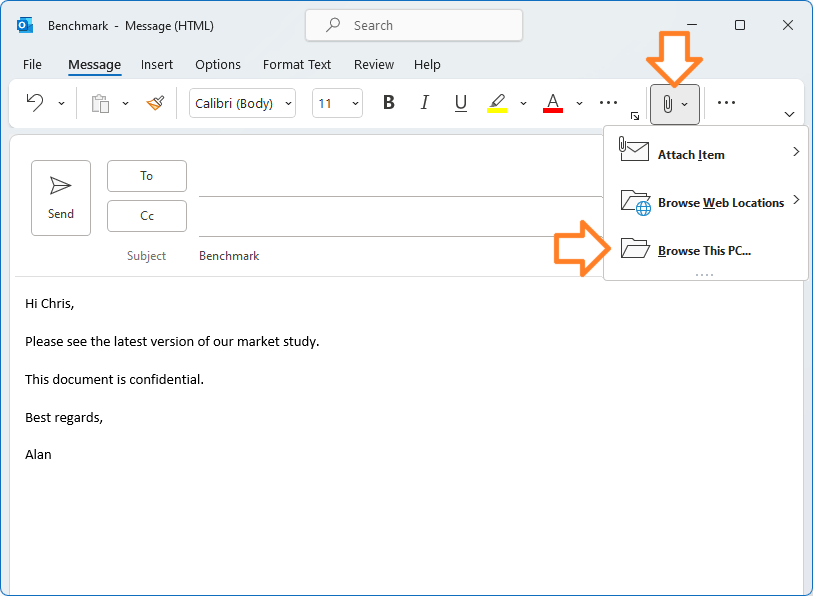
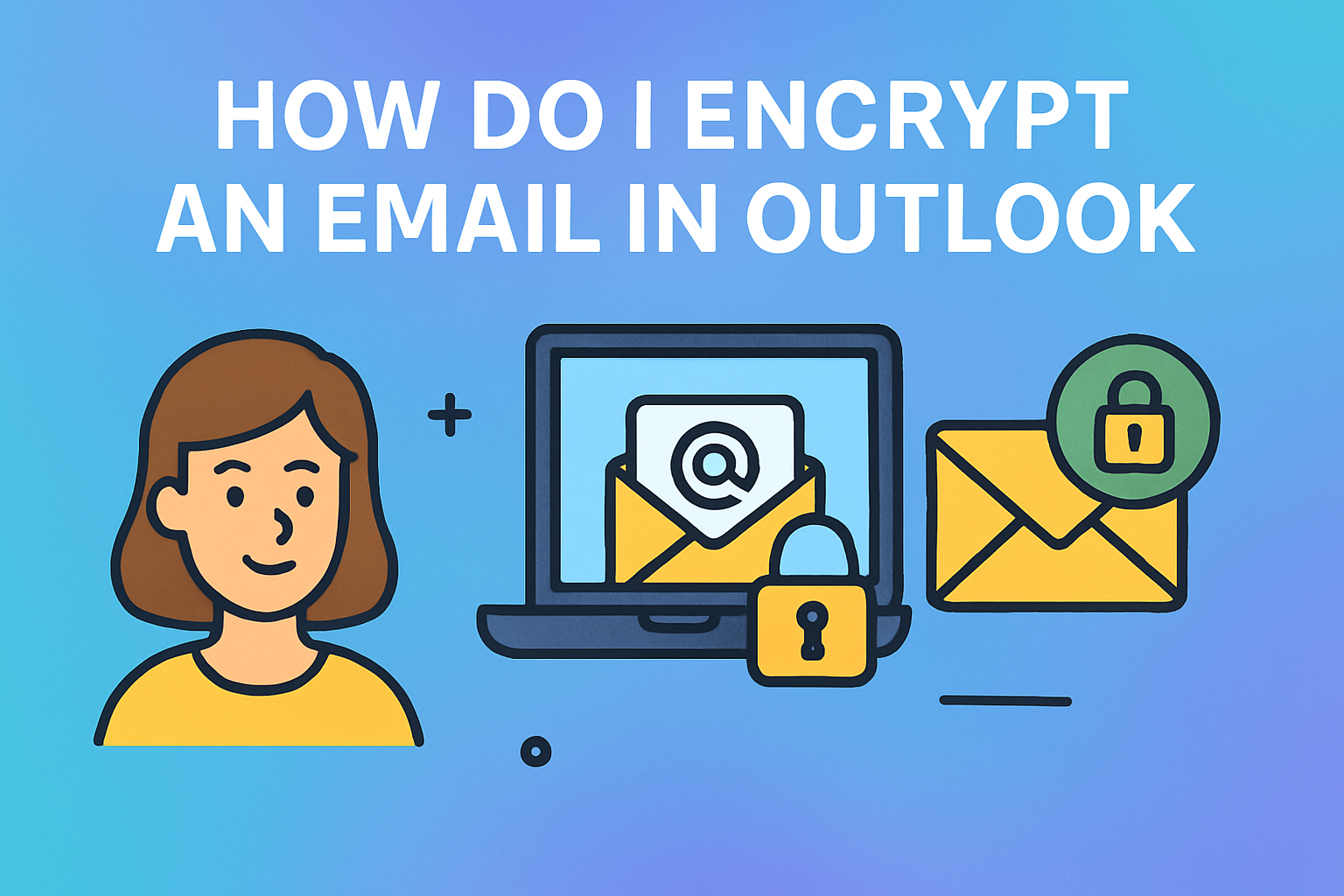
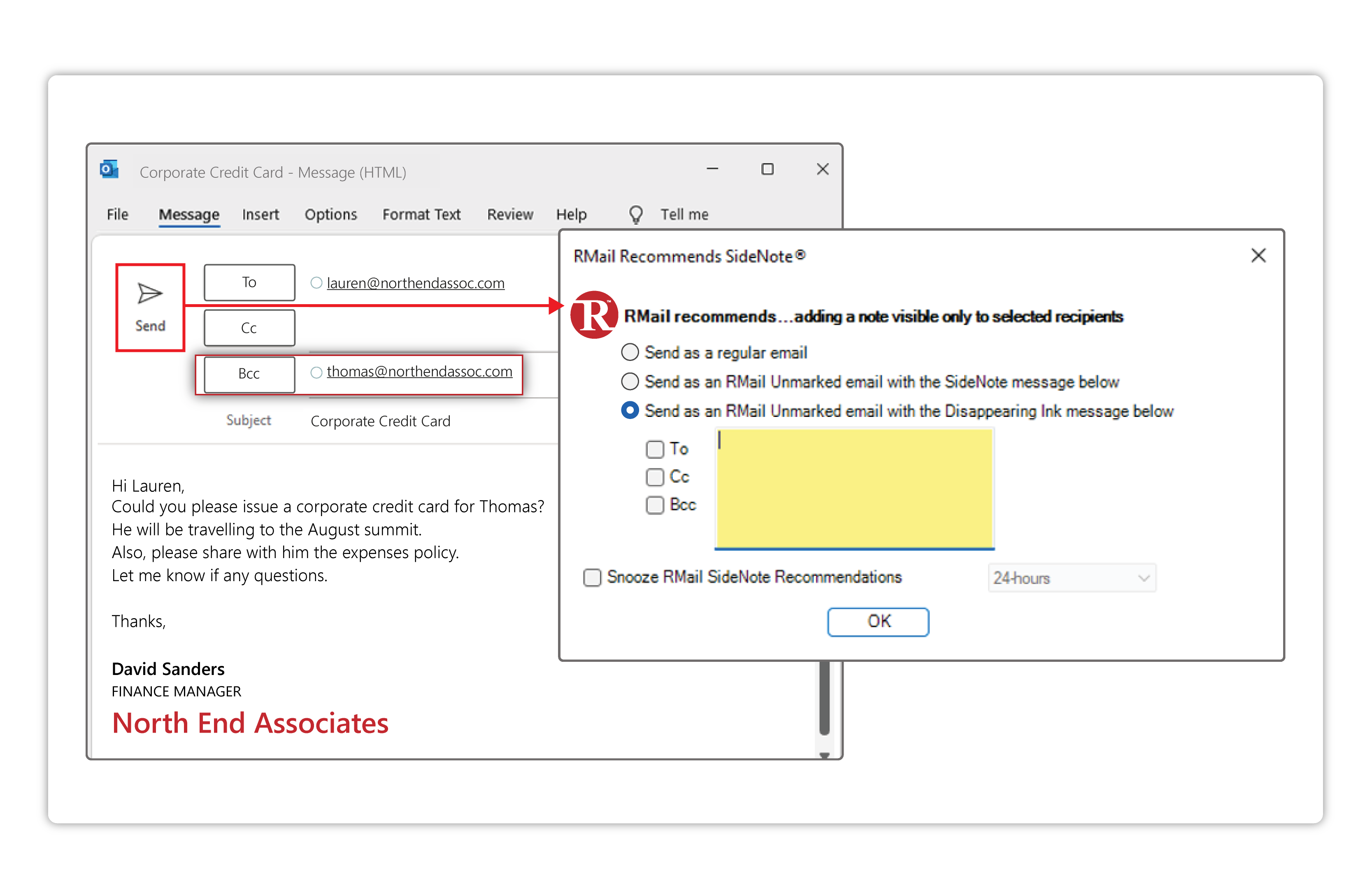
Encrypting your emails ensures that only the intended recipient can read the content. Most email providers, including Gmail, Yahoo, and Outlook, offer encryption options. Check with your provider to see if they offer email encryption. Learn how to encrypt your emails and use them to protect your sensitive information.
Conclusion
Securing your email password is crucial for protecting your personal information and preventing data breaches. By following these best practices, you can ensure that your email account remains secure and protected against hackers. Remember, strong passwords, 2FA, passkeys, and security keys are all important components of email security. Stay vigilant and keep your email account safe.
Additional Resources
Here are some additional resources to help you secure your email password:



/password-field-on-computer-screen--detail-10189535-1efb3bb0ce9540dab97308bf353f0639.jpg "The 4 Most Secure Email Services in 2026 - Lifewire")