Safe Social Media Password Recovery: Protecting Your Accounts from Hacking and Cyber Threats
In today's digital age, social media has become an integral part of our lives. We use it to connect with friends and family, share our thoughts and experiences, and stay updated on the latest news and trends. However, social media also poses a significant risk to our online security, with hackers and cyber threats lurking in every corner. In this article, we'll discuss the importance of safe social media password recovery and provide you with effective tips and strategies to protect your accounts from hacking and cyber threats.
The Risks of Hacking and Cyber Threats on Social Media
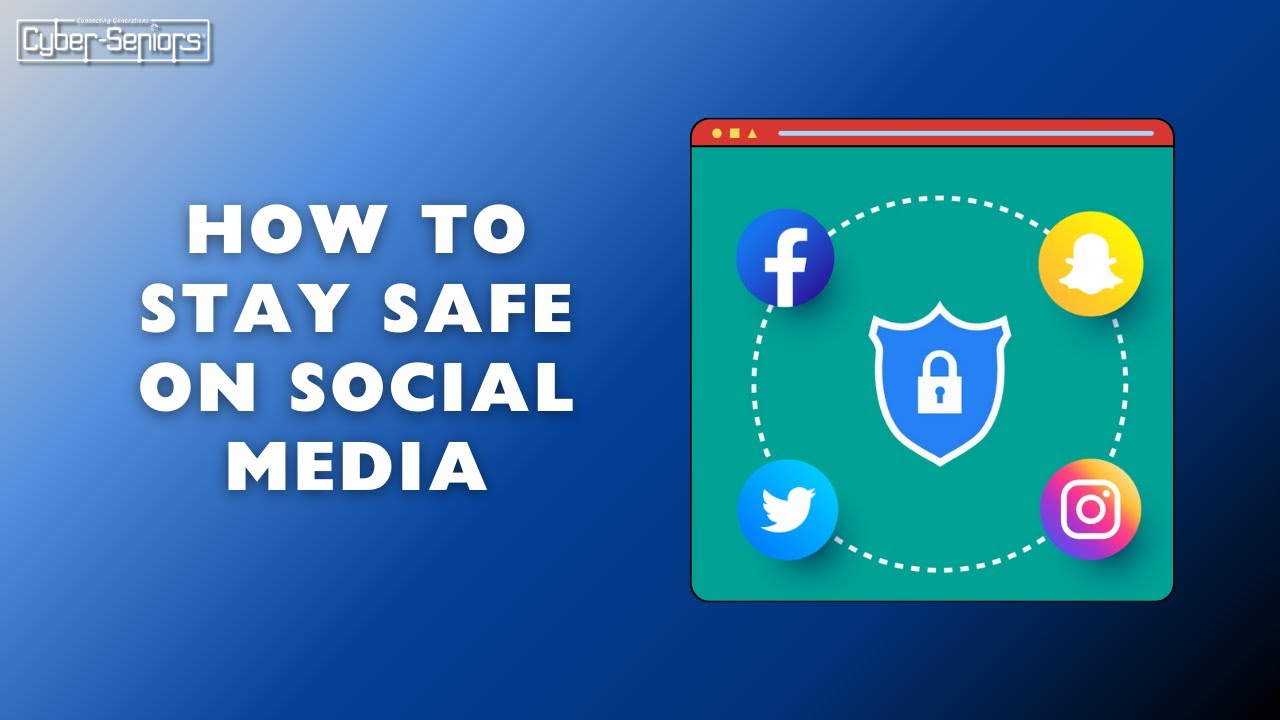
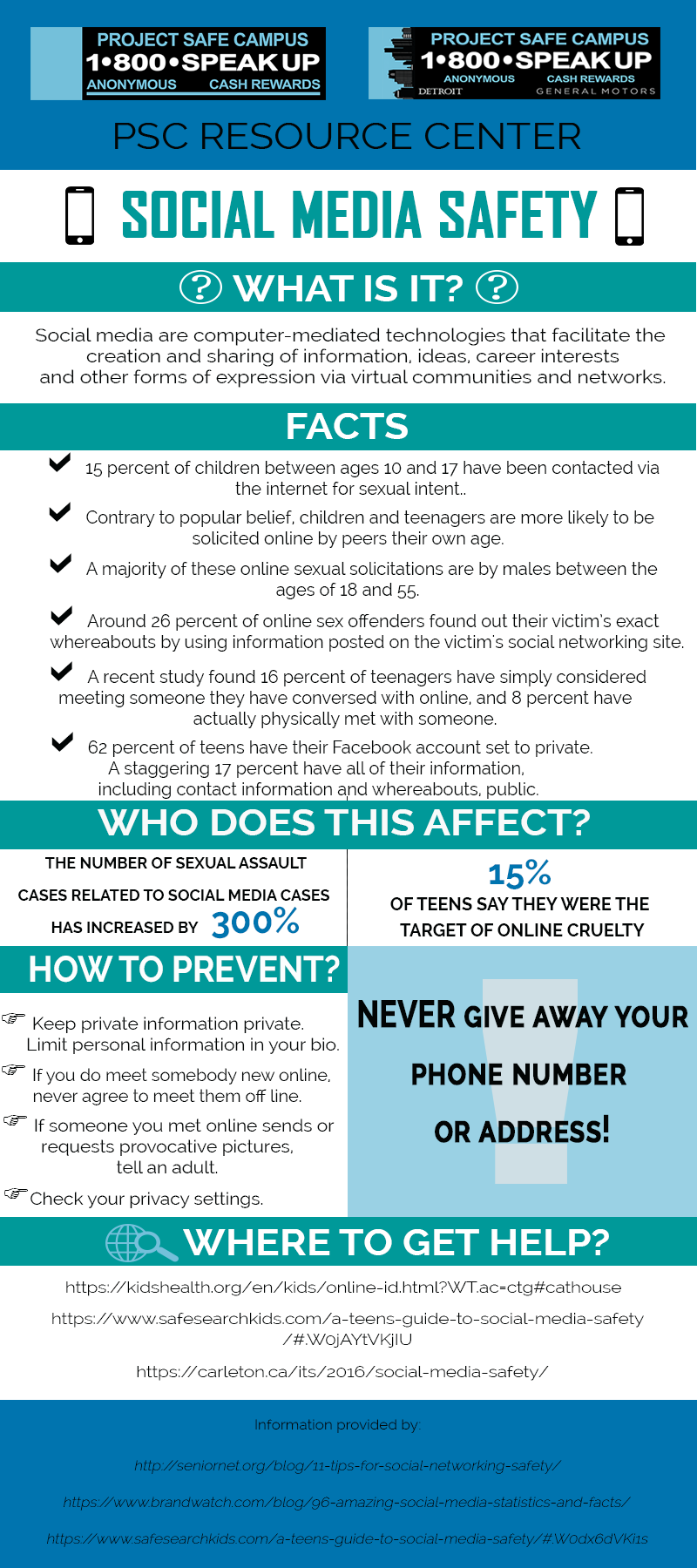
With billions of users worldwide, social media platforms like Facebook, Instagram, Twitter, and TikTok have become attractive targets for hackers and cyber threats. These individuals use various tactics, such as phishing scams, malware, and compromised accounts, to gain unauthorized access to your personal data and sensitive information.
According to a recent study, 60% of social media users have fallen victim to hacking or cyber threats, resulting in significant financial losses and damaged reputations. Moreover, a single social media account breach can have far-reaching consequences, affecting your personal life, business, or brand reputation.
Safe Social Media Password Recovery: A Comprehensive Guide
Recovering a compromised social media account can be a daunting task, but it's essential to act quickly to prevent further damage. Here are some effective strategies for safe social media password recovery:

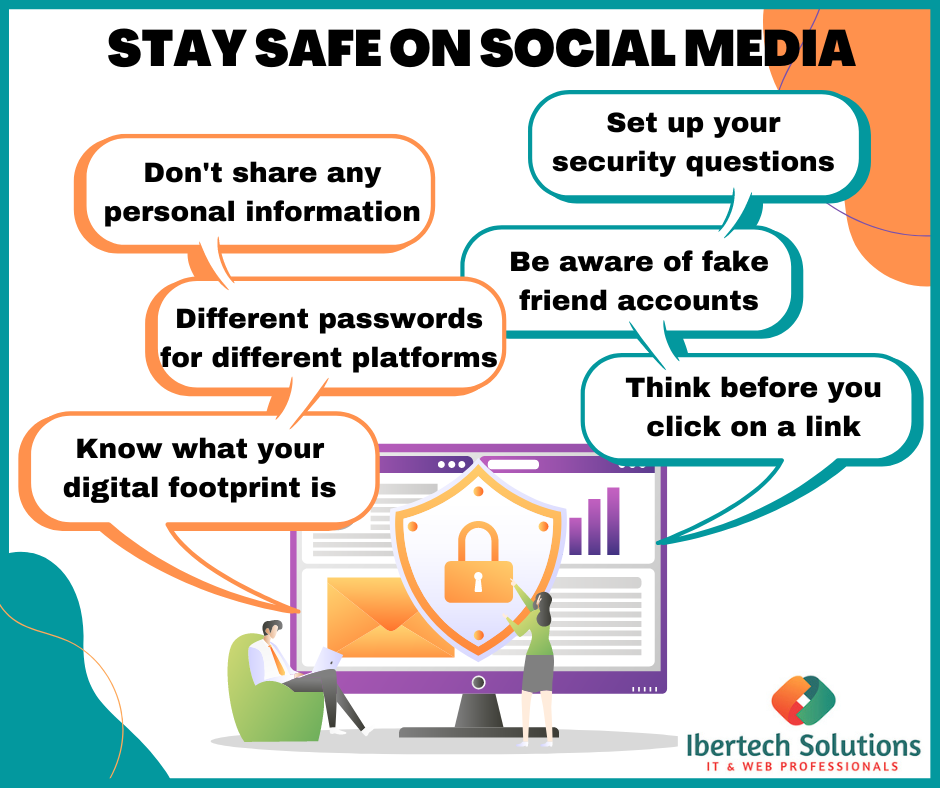
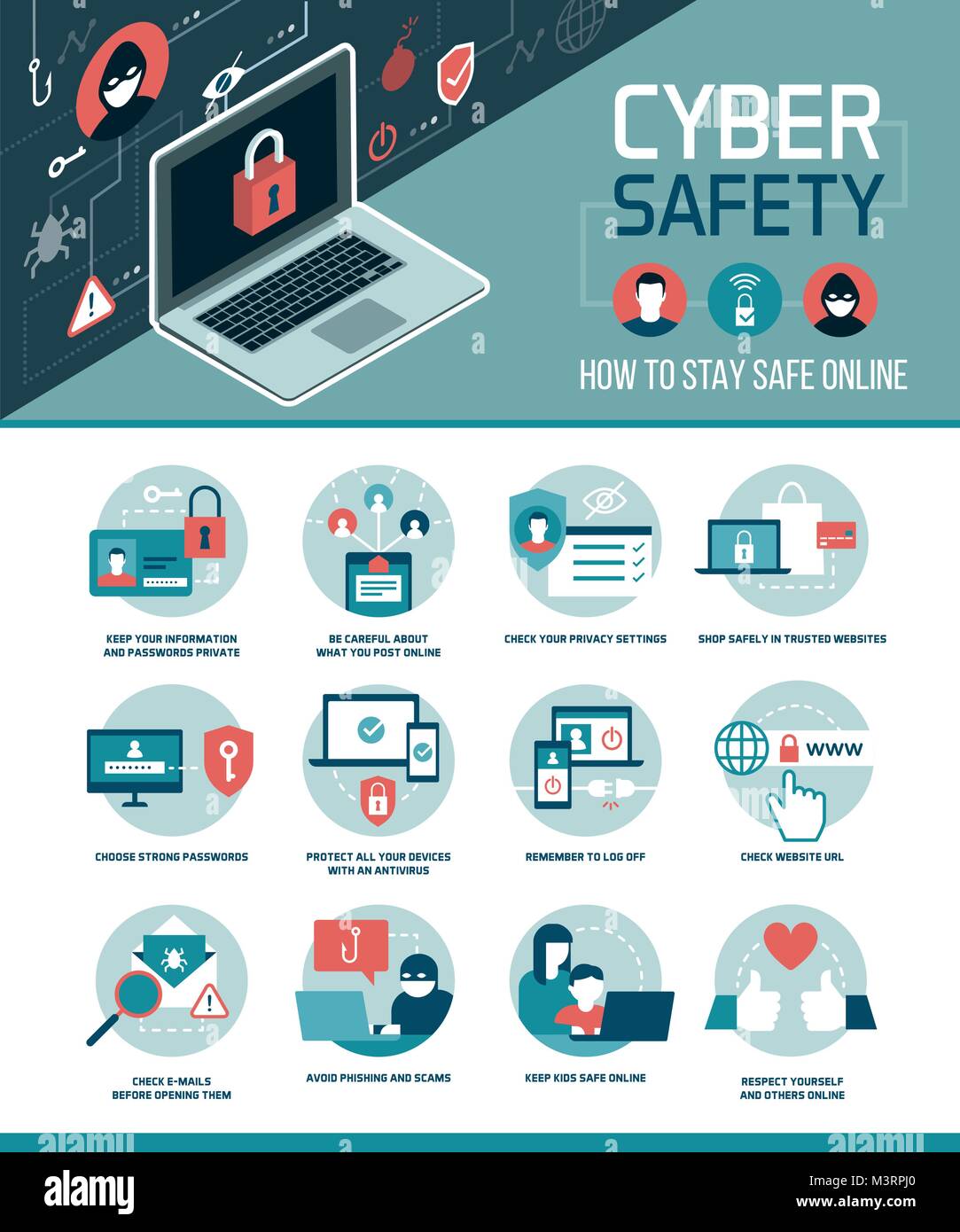
- Use a Strong and Unique Password: Create a password that is at least 16 characters long, unique to the account, and a random mix of letters, numbers, and special characters. Avoid using the same password for multiple accounts, and never reuse a former social media account password.
- Enable Two-Factor Authentication (2FA): 2FA adds an extra layer of security to your social media accounts by requiring a verification code sent to your phone or email in addition to your password.
- Keep Your Account Information Up-to-Date: Regularly review and update your account information, including your email address, phone number, and password. Change the password of any email account associated with the social media account (like the recovery email address).
- Be Cautious with Suspicious Links and Emails: Avoid clicking on suspicious links or emails that request sensitive information or ask you to download attachments from unknown sources.
- Use a Password Manager: A password manager can help you generate and store strong, unique passwords for all your social media accounts. It also allows you to track and manage your passwords across multiple platforms.
- Monitor Your Account Activity: Regularly check your account activity and report any suspicious behavior to the social media platform.
- Use Account Recovery Services: If you're locked out of your account, use the social media platform's account recovery service or seek help from a professional account recovery service provider.
Additional Tips for Safe Social Media Password Recovery
In addition to the above strategies, here are some additional tips to help you recover your social media account safely:
- Use a Secure Browser Extension: Install a secure browser extension that detects and blocks phishing scams and malware.
- Regularly Update Your Operating System and Software: Keep your operating system and software up-to-date with the latest security patches and updates.
- Use a Firewall and Antivirus Software: Install a firewall and antivirus software to protect your device from malware and other cyber threats.
- Back Up Your Data: Regularly back up your data to prevent loss in case of a cyber attack or account breach.
Conclusion
Safe social media password recovery is essential to protect yourself from hacking and cyber threats. By following the strategies and tips outlined in this article, you can significantly reduce the risk of account breaches and maintain the security and integrity of your social media accounts. Remember, it's always better to be safe than sorry when it comes to your online security!