Securing Home WiFi Network with Smart Devices: A Comprehensive Guide
Securing your home WiFi network with smart devices is crucial in today's digital age where hackers are increasingly targeting IoT devices to gain unauthorized access to sensitive information. In this article, we will provide you with a step-by-step guide on how to protect your home network and all connected devices from potential security threats.
Understanding the Risks
Smart devices such as cameras, thermostats, lights, and locks offer unparalleled convenience and automation of home systems. However, these devices also pose a significant risk to your network security if not properly configured and secured. If your WiFi camera or smart lock lacks adequate security measures, malicious actors could potentially spy on you, unlock your doors, steal your personal data, or compromise your entire home network.
Securing Your Router
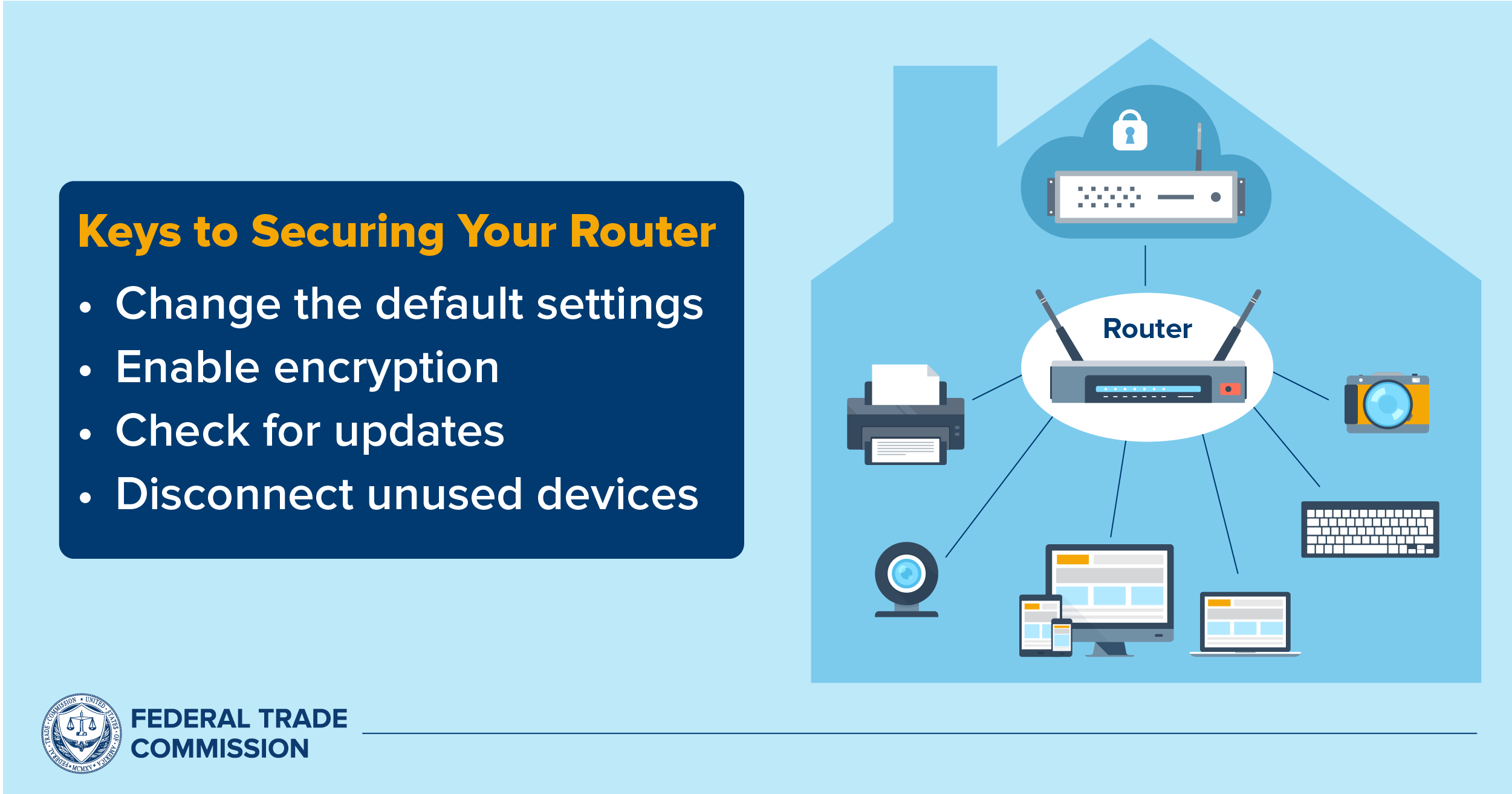
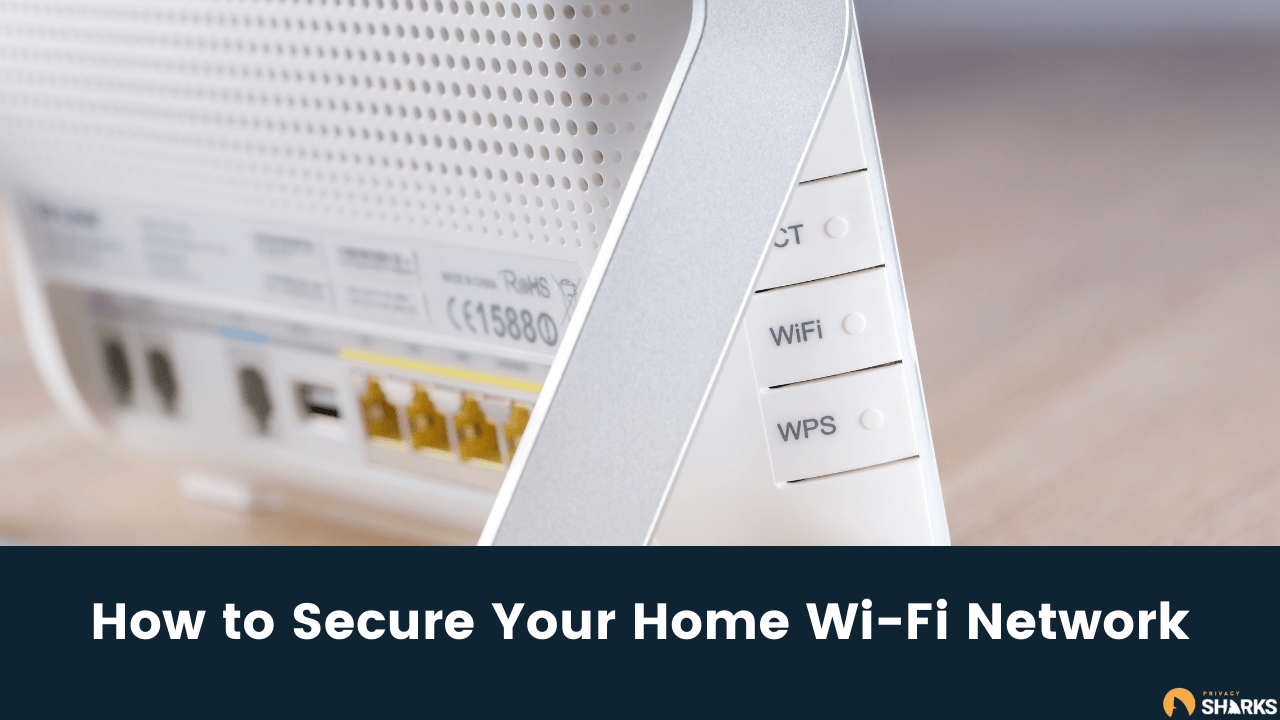
The first step in securing your home WiFi network is to ensure your router is properly configured. Here are some essential steps to take:
- Change the default username and password: If your device came with a default username and password out of the box, change them immediately to prevent unauthorized access.
- Update your router's firmware: Regularly updating your router's firmware can significantly improve your network's speed and security.
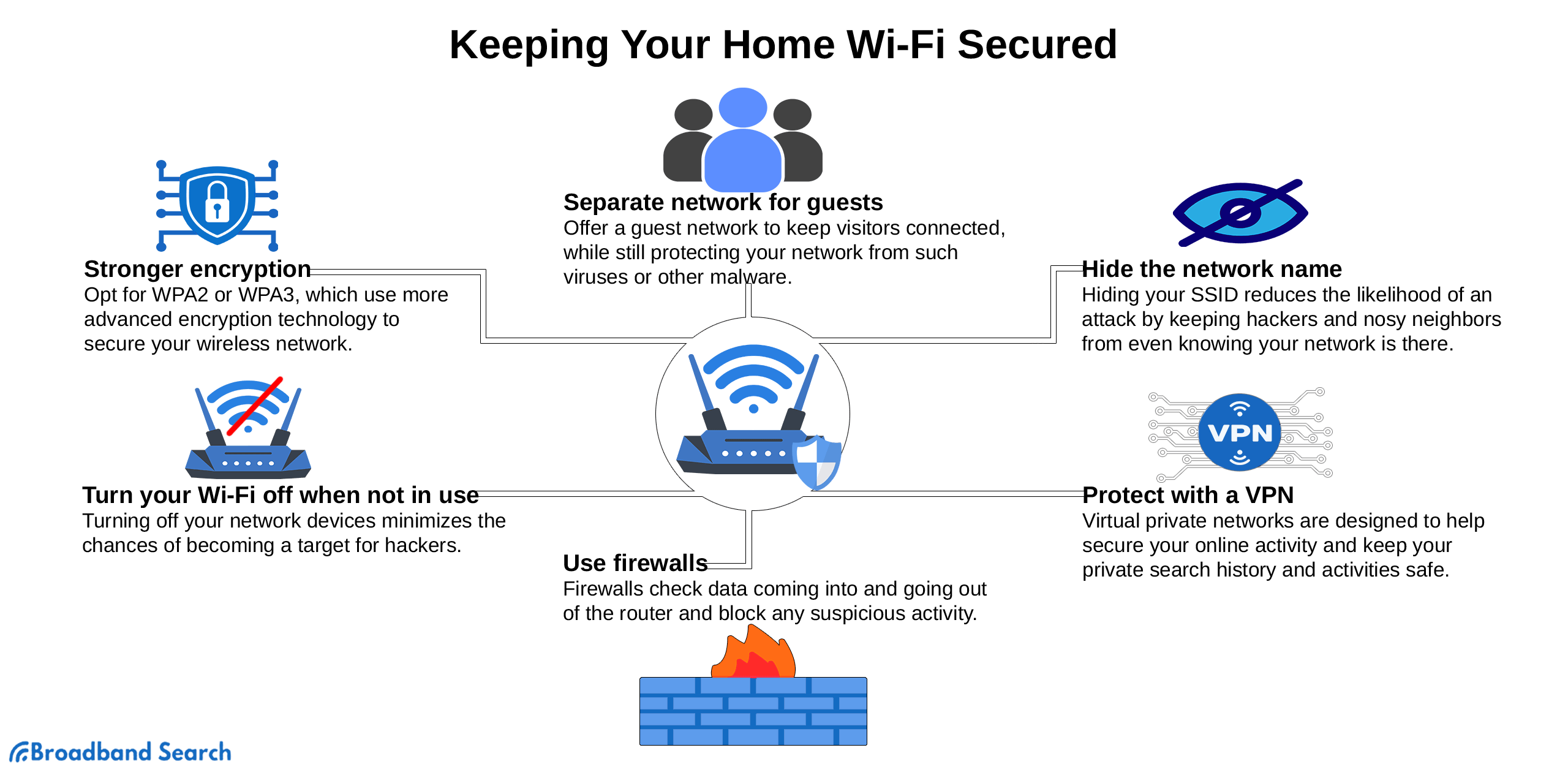
- Configure WPA3 encryption: If available, use WPA3 encryption for your WiFi network, as it offers stronger protection against hackers.
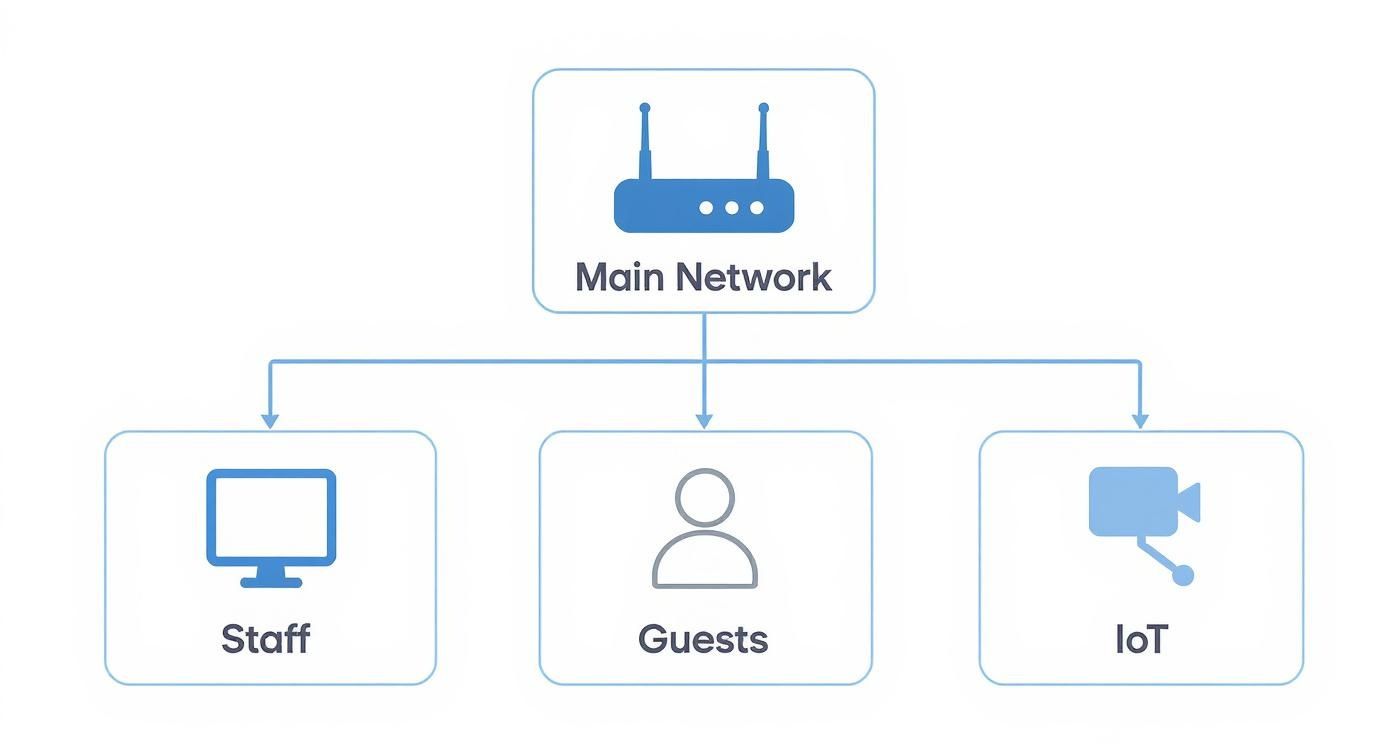
- Set up guest WiFi: Create a separate guest WiFi network for guests to prevent them from accessing your primary network and devices.
Managing Device Permissions
Another critical aspect of securing your home WiFi network is managing device permissions. Here are some essential steps to take:
- Keep track of connected devices: Regularly check the devices connected to your router and remove any unused devices to prevent unauthorized access.
- Limit device access: Assign device-specific permissions to restrict access to sensitive areas of your network and devices.
- Use a VPN (Virtual Private Network): Install a VPN on your devices to encrypt internet traffic and prevent hackers from intercepting sensitive information.
Segmenting Your Network

Segmenting your network is another essential step in securing your home WiFi network. Here are some essential steps to take:
- Create separate networks: Create separate networks for your IoT devices and guest WiFi to prevent them from accessing your primary network and devices.
- Use VLANs (Virtual Local Area Networks): Use VLANs to segregate your devices and prevent unauthorized access.
- Monitor your network: Regularly monitor your network for unusual activity and take prompt action to prevent potential security threats.
Conclusion
Securing your home WiFi network with smart devices is an ongoing process that requires regular monitoring and maintenance. By following the steps outlined in this article, you can protect your home network and all connected devices from potential security threats. Remember, securing your network is about layers of protection – it's not just about one device or one setting, but a combination of multiple strategies to ensure your home network remains safe and secure.
Additional Tips
Here are some additional tips to further enhance your home network security:
- Use data encryption: Encrypt your data to prevent hackers from intercepting sensitive information.
- Use a firewall: Install a firewall on your router and devices to prevent unauthorized access.
- Practice safe internet browsing: Avoid using public or unsecured networks for your smart devices, and always use a VPN when accessing sensitive information.
Resources
For further information on securing your home WiFi network with smart devices, here are some recommended resources: