Setting up a Twitch Stream for Beginners: A Comprehensive Guide
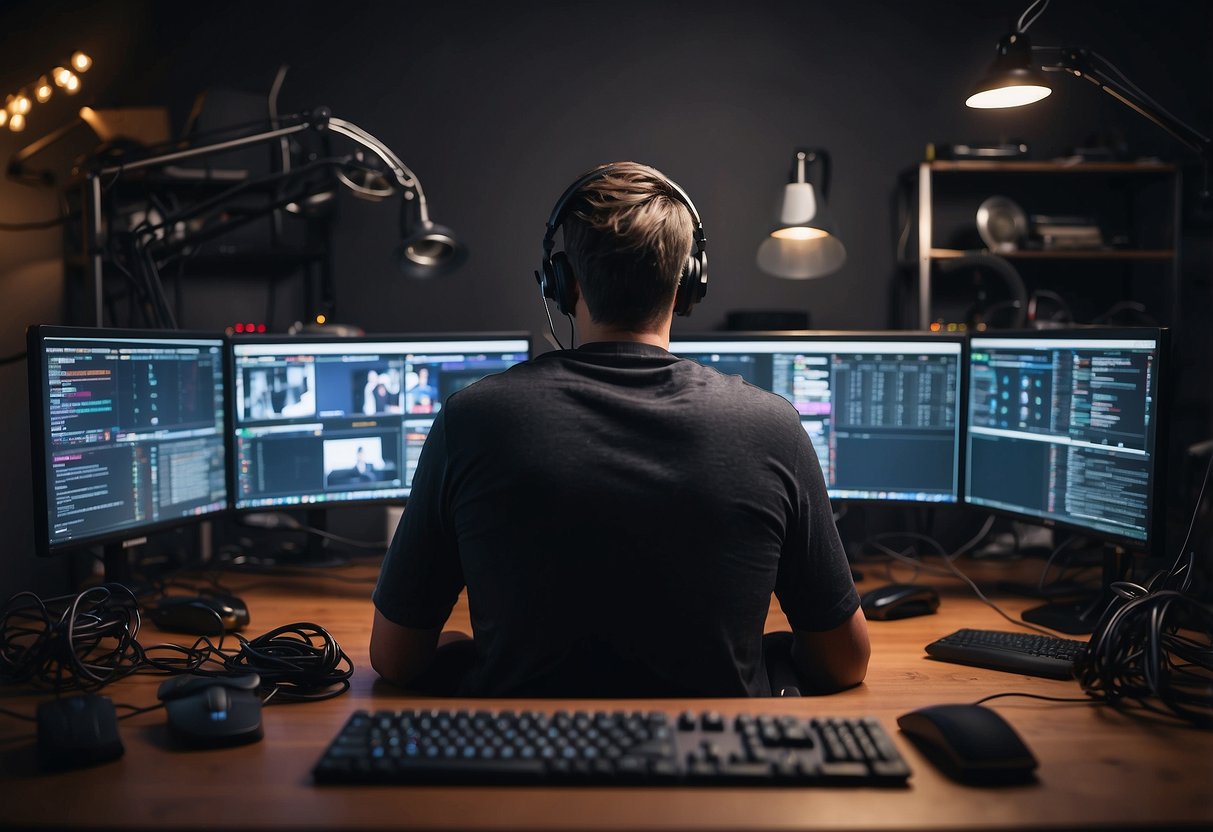
As you prepare to take the plunge into the world of Twitch streaming, you might feel a mix of excitement and anxiety. The first step in starting your streaming journey is setting up your Twitch channel, which involves a range of essential equipment and software. In this article, we'll cover everything you need to know to get started with setting up a Twitch stream.
Equipment Essentials for Streaming on Twitch
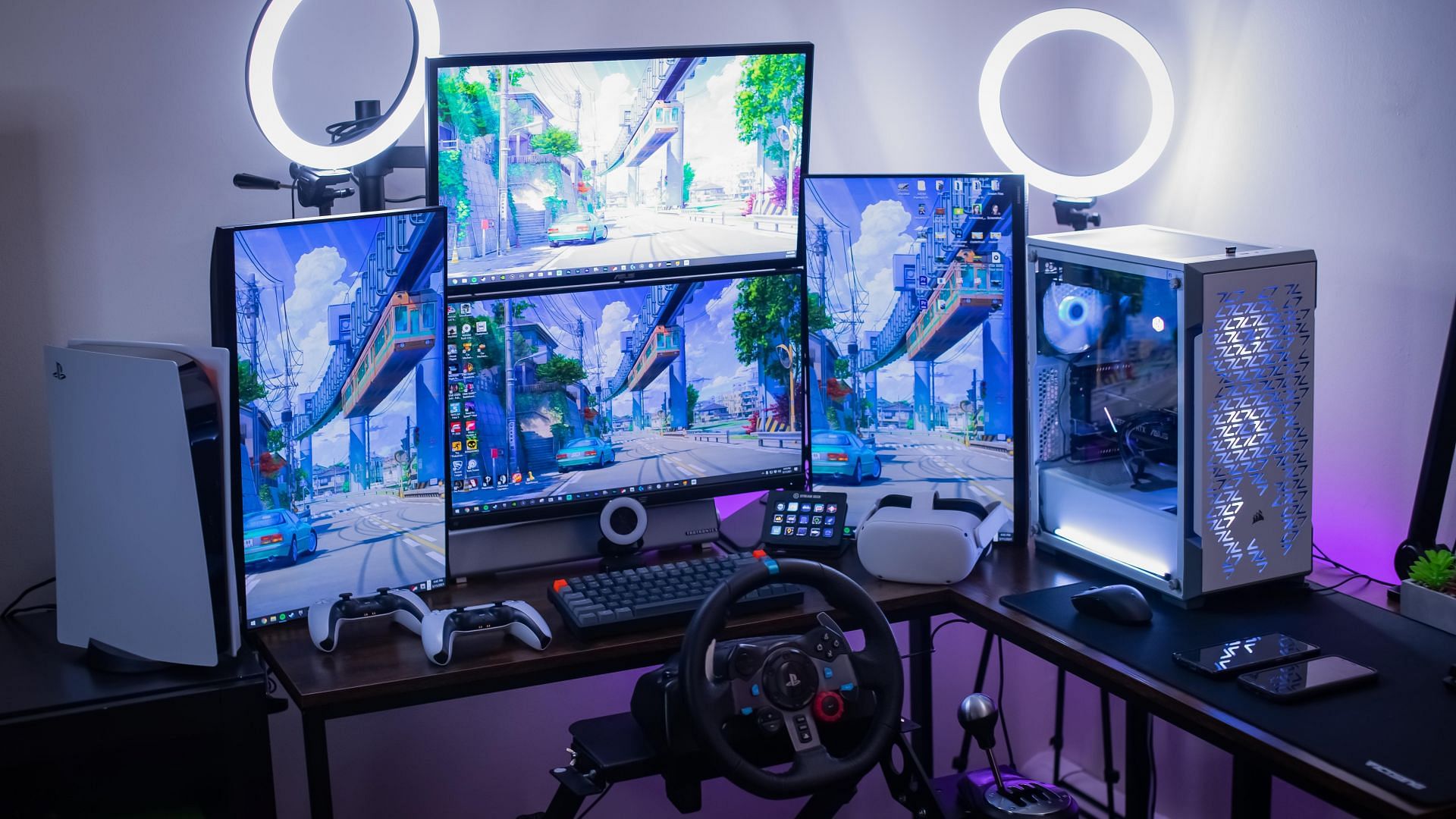
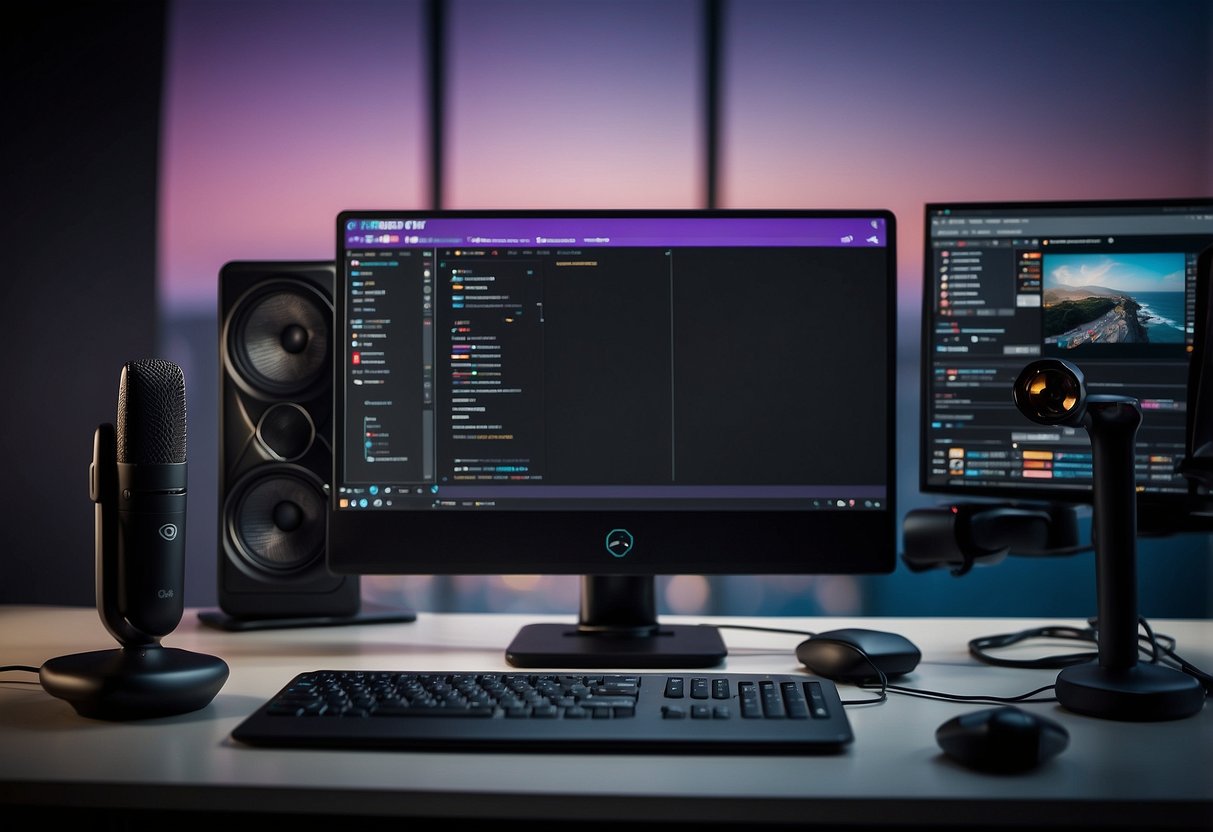
The quality of your equipment plays a significant role in the overall quality of your stream. To start streaming on Twitch, you'll need a few key pieces of equipment:
- Microphone: A good quality microphone is essential for clear and crisp audio. You can opt for a dedicated broadcast microphone or a gaming headset with a built-in microphone.
- Webcam: A webcam is necessary for face-cam interactions and adding a personal touch to your stream. You can choose between a dedicated webcam or a gaming webcam.
- Capture Card: A capture card is used to capture footage from your console or PC, and transmit it to your stream. Some popular options include the Elgato HD60 and AVerMedia Extremecap U3.
- Lighting: Proper lighting can enhance the overall quality of your stream. Invest in a good quality lighting kit to ensure that your stream is well-lit and visually appealing.
Streaming Software for Twitch
Streaming software is used to manage and broadcast your stream. Popular options include:
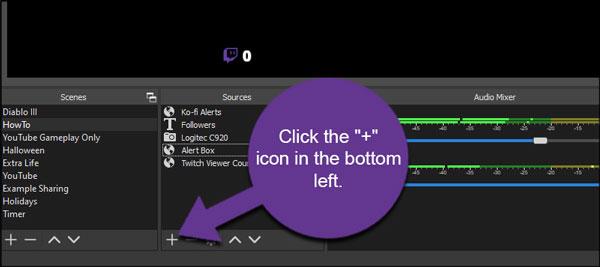
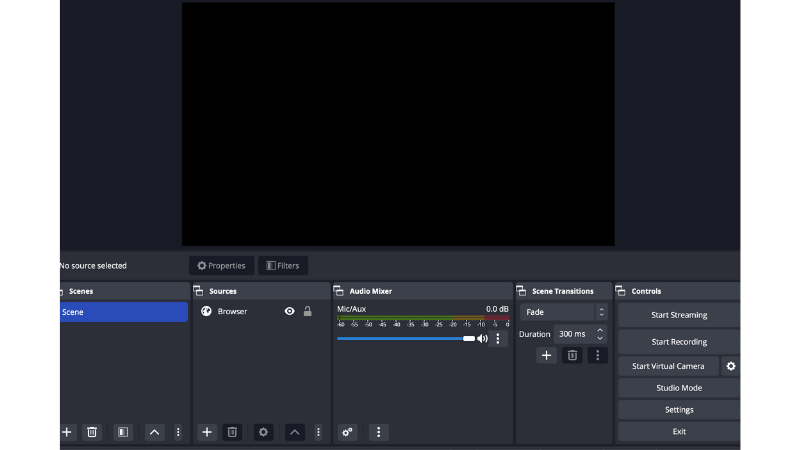
- OBS Studio: OBS Studio is a free and open-source streaming software that's widely used in the streaming community. It offers a range of features, including scene management, audio mixer, and video recording.
- Streamlabs OBS: Streamlabs OBS is a custom-made version of OBS Studio that's designed to work seamlessly with the Streamlabs ecosystem. It offers a range of features, including alerts, notifications, and customizable themes.
Configuring Your Stream
Configuring your stream involves setting up your equipment and software to work harmoniously. Here are a few key steps to follow:
- Calibrate your equipment: Calibrate your microphone, webcam, and capture card to ensure that they're working correctly.
- Set up your streaming software: Configure your streaming software to work with your equipment, and set up any additional features you may need.
- Test your stream: Test your stream to ensure that it's working correctly, and make any necessary adjustments.
Going Live on Twitch
Going live on Twitch involves a few key steps:
- Log in to your account: Log in to your Twitch account and navigate to your channel.
- Click the "Go Live" button: Click the "Go Live" button to initiate your stream.
- Configure your stream settings: Configure your stream settings, including your stream title, description, and tags.
- Start streaming: Start streaming and engage with your audience.
Conclusion
Setting up a Twitch stream for beginners requires patience, technical setup, and commitment to consistency. By following the steps outlined in this article, you'll be well on your way to creating a high-quality stream that showcases your personality and showcases your games.


:max_bytes(150000):strip_icc()/A5-StreamonTwitch-annotated-af6a6beb257d44b78d5bb155b13c9e5d.jpg "How to stream on Twitch: guide for beginners - Speechify")