Setup Windows 11 on a Computer with Multiple Users: A Comprehensive Guide
If you're planning to share a computer with multiple users, you'll want to learn how to setup Windows 11 for multiple users. In this article, we'll provide a step-by-step guide on how to do this, along with some expert tips and tricks to make the process easier.Getting Started
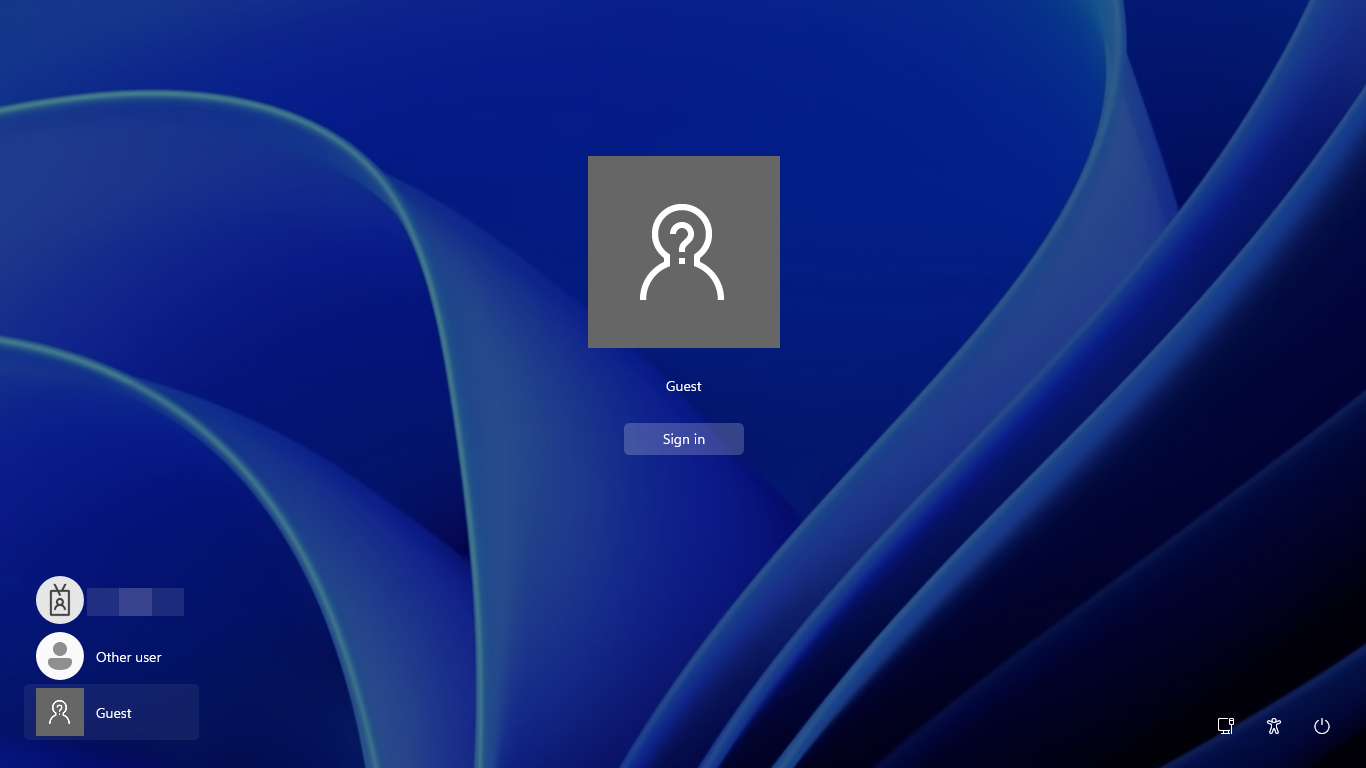
Before we dive into the setup process, let's briefly discuss why using multiple user accounts on a computer is beneficial. Having separate user accounts allows each user to have their own files, settings, and preferences, ensuring that each user's data remains private and secure.Setup Windows 11 for Multiple Users
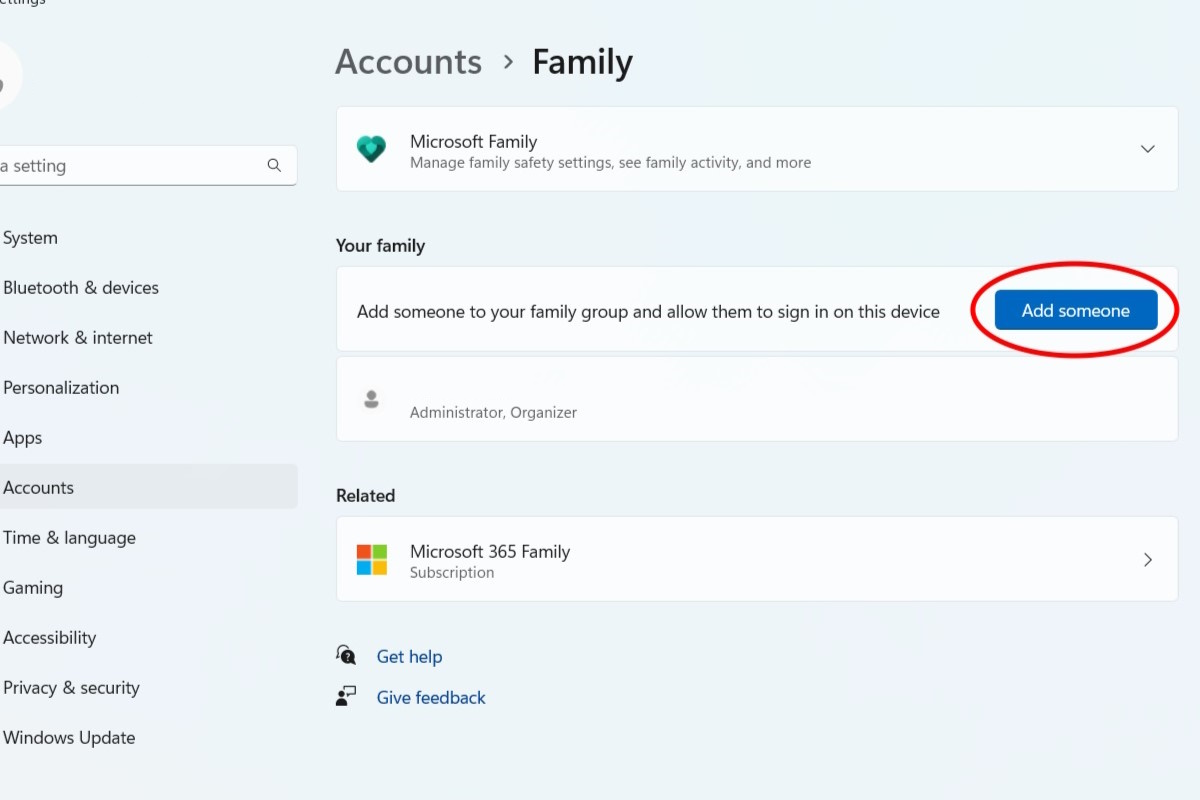
To start, you'll need to access the Settings app on your Windows 11 computer. You can do this by clicking on the Start menu and selecting the Settings icon (the gear icon). From the Settings app, follow these general steps to setup Windows 11 for multiple users:Create a new user account: Click on the "Accounts" tab and select "Family & other users." Click on "Add account" and follow the prompts to create a new user account.
Assign user permissions: After creating the new user account, you'll need to assign user permissions. This can be done by clicking on the "Accounts" tab and selecting "Manage family safety." From here, you can configure parental controls, limit screen time, and set screen time allowance.
Enabling Additional User Accounts
By default, Windows 11 may have certain user accounts disabled or restricted, especially if the device is managed by an organization or setup for single-user use. To enable additional user accounts, follow these steps:Access the Settings app and click on the "Accounts" tab.
Select "Family & other users" and click on "Add account."
Follow the prompts to enable the additional user account.
Managing User Accounts

Access the Settings app and click on the "Accounts" tab.
Select "Family & other users" and click on the user account you want to manage.
From here, you can customize user permissions, set up parental controls, and manage user profiles.
Syncing Files Across Devices
If you have multiple users on your computer and want to sync files across devices, you can use OneDrive. To set up OneDrive syncing, follow these steps:Open the OneDrive app on your computer.
Click on the "Settings" icon and select "Account."
From here, you can configure OneDrive syncing and customize file sharing settings.
Safety Tips
When sharing a computer with multiple users, it's essential to set up user accounts and follow safety best practices to keep everyone's data secure. Here are some tips to keep in mind:Use strong passwords for each user account.
Keep anti-virus software updated.
Set up parental controls and limit screen time.