Protect Your Network from Hacking through Router: A Comprehensive Guide
Protecting your network from hacking is crucial in today's digital age. With the rise of smart devices and wireless connectivity, your home network has become a potential entry point for hackers and cybercriminals. In this article, we will explore the importance of router security, why hackers target home WiFi networks, and provide you with a step-by-step guide on how to protect your network from hacking through your router.
Why Router Security Matters
Routers have come a long way since their inception, but so have hackers. The latest WiFi 7 routers now feature WPA3 encryption, automatic firmware updates, and built-in security to help safeguard your home network. However, older routers or ISP-issued ones may not have the latest security features, making them vulnerable to hacking.
Reasons to Upgrade to a More Secure and Better Performing NETGEAR
If you're still using an older router or an ISP-issued one, it might be time to take control of your network security. Here are some reasons to upgrade to a more secure and better-performing NETGEAR:
- Improved WPA3 encryption for enhanced security
- Automatic firmware updates for better protection
- Built-in security features to safeguard your network
- Fast and reliable internet connectivity
Protect Your Network from Hackers
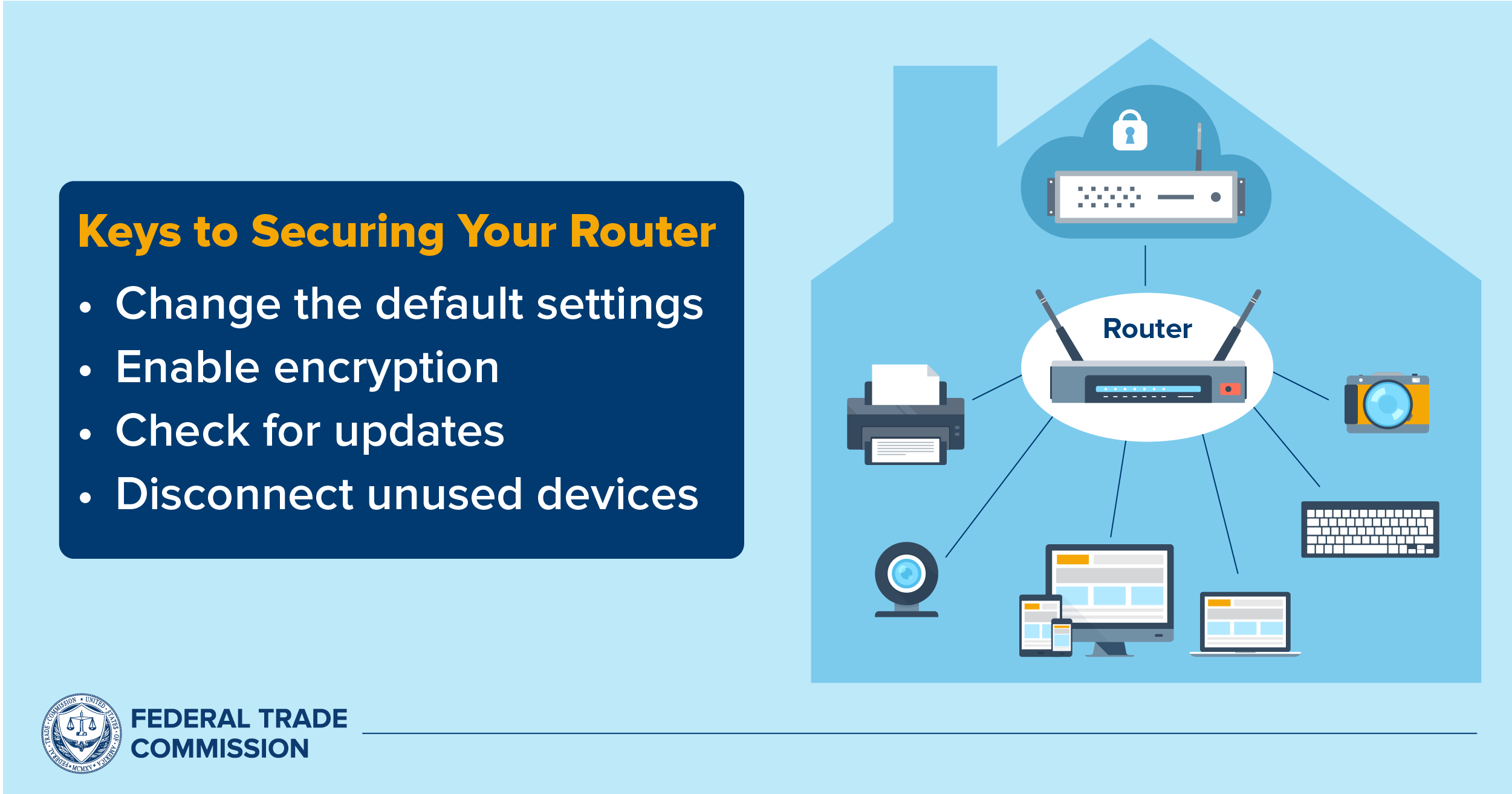
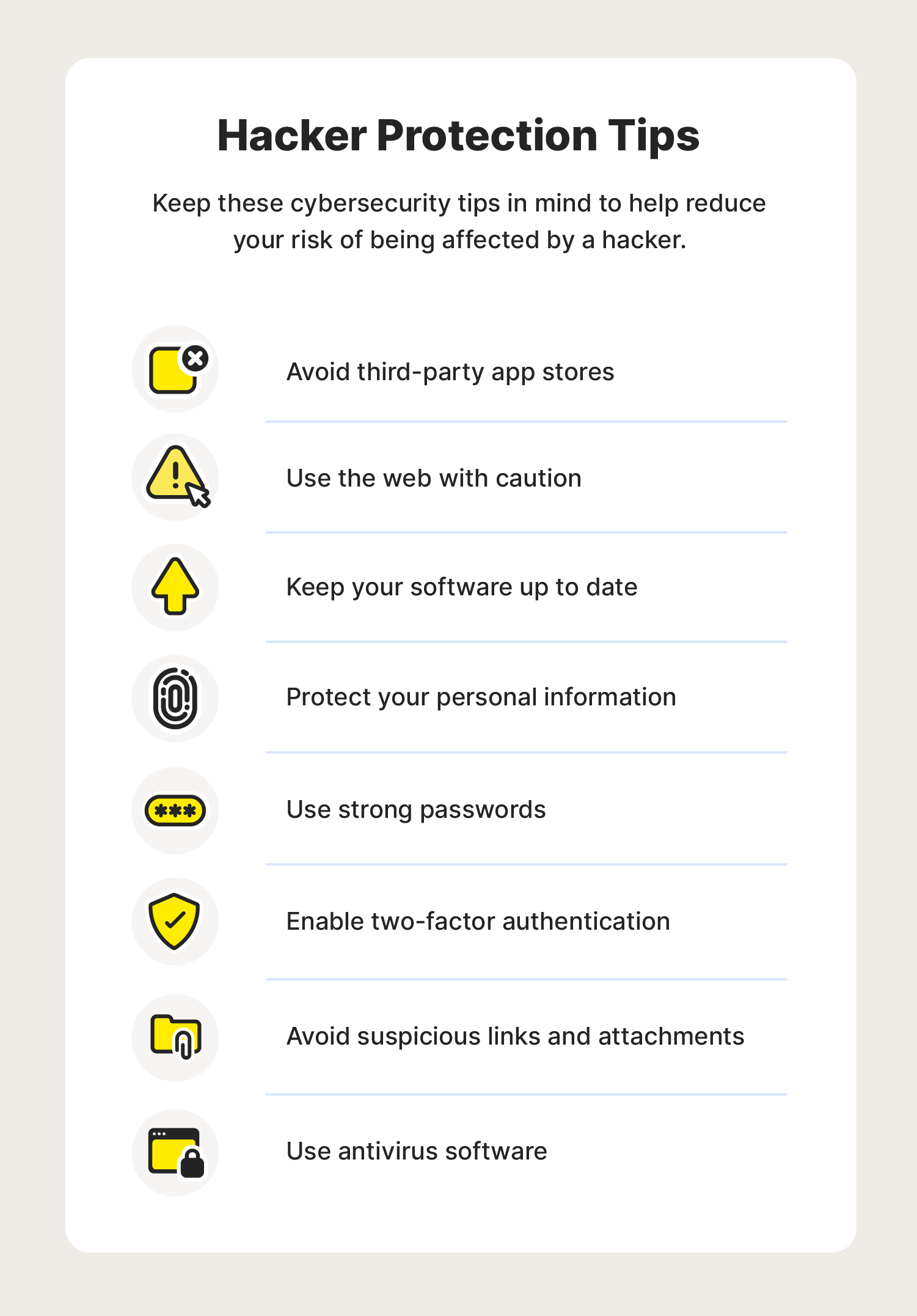
Protecting your network from hackers is essential to maintaining digital safety and privacy. Here are some simple yet effective steps to secure your network:
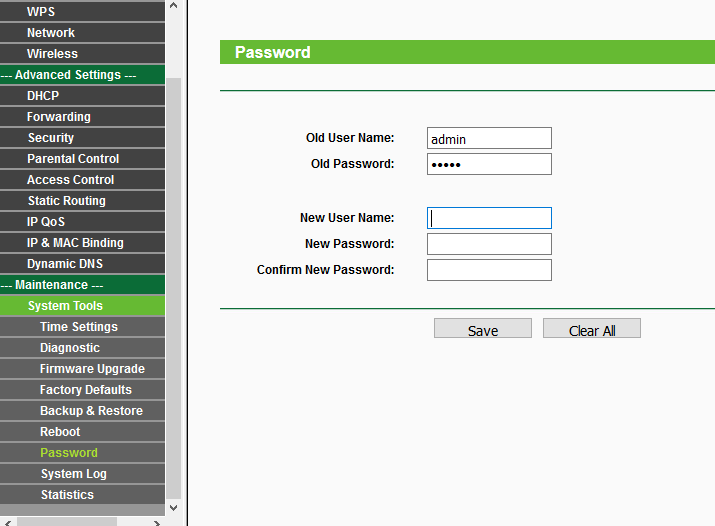
Change the Default Password
Most wireless routers come with preset passwords for administering device settings (this is different from the password used to access the wireless network itself). Hackers may be familiar with the default passwords, so it's essential to change the router's password when you install it.
Remove Unknown Users Instantly
Keep an eye on your router's user list and remove any unknown users instantly. This will prevent hackers from gaining access to your network.
Update Your Router Firmware
Prevent hackers from exploiting old security holes by updating your router's firmware regularly. This will ensure that your router has the latest security patches and features.
Use a Long, Unique Password Mixing Letters, Numbers, and Symbols
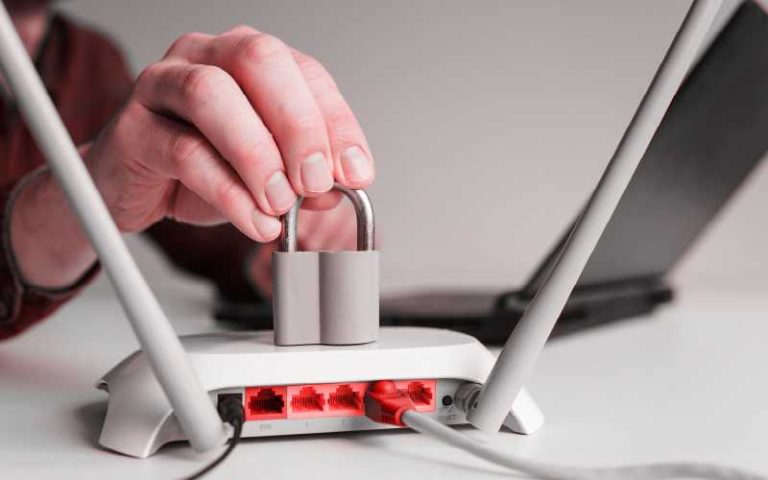
Use a strong and unique password that mixes letters, numbers, and symbols to prevent hackers from gaining access to your network.
Why Hackers Target Home WiFi Networks
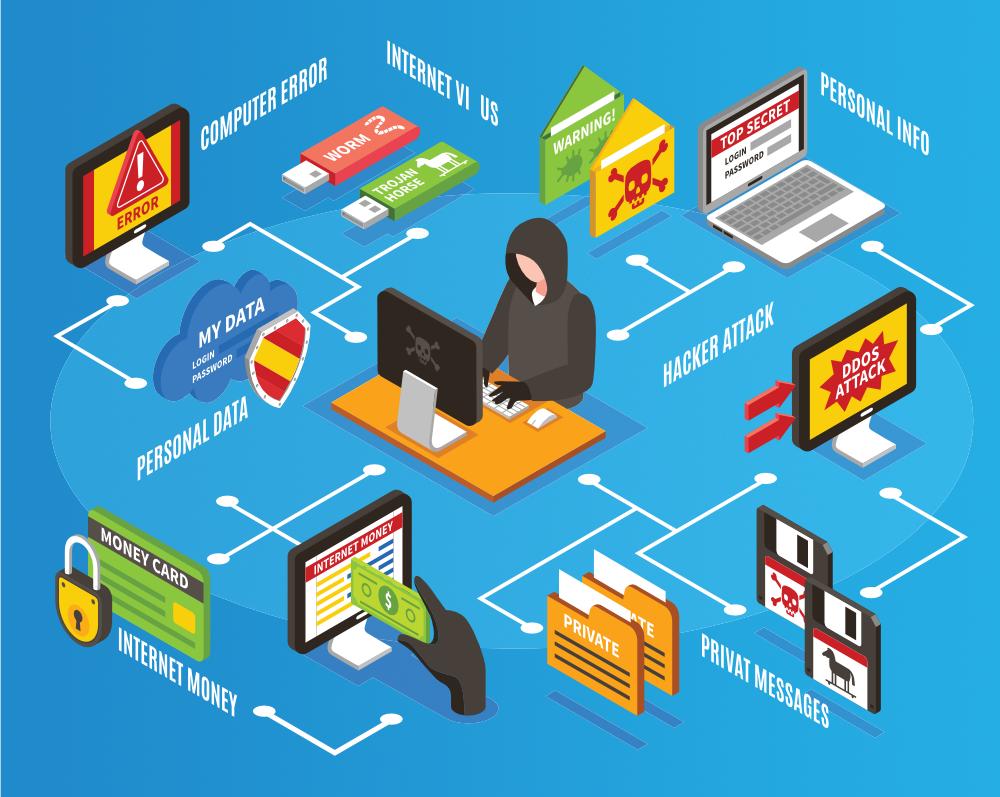
Hackers target home WiFi networks because they provide a convenient entry point into the network and can potentially lead to the compromise of sensitive data, unauthorized access to connected devices, and even facilitate large network intrusions.
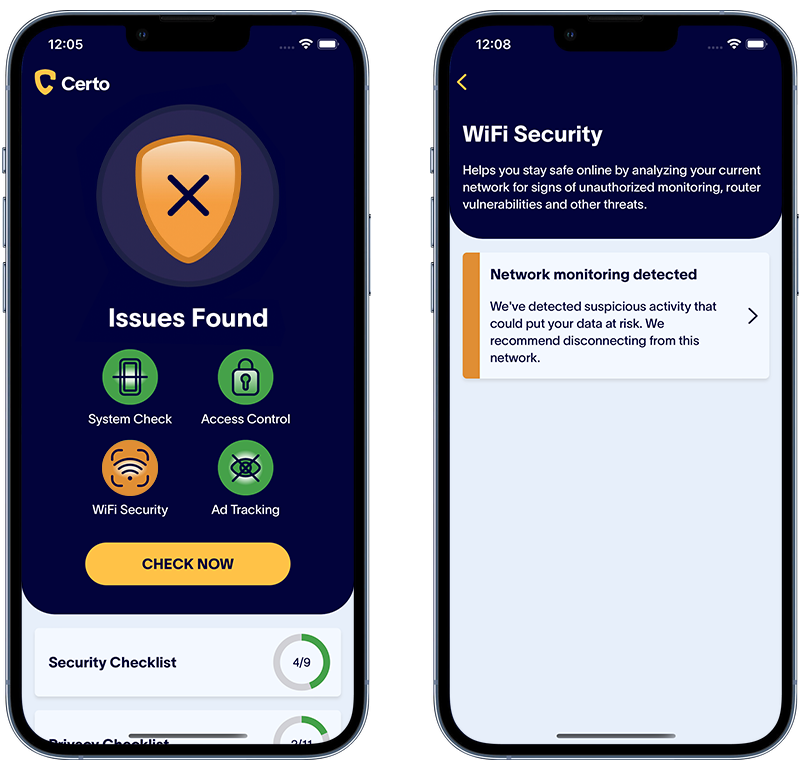
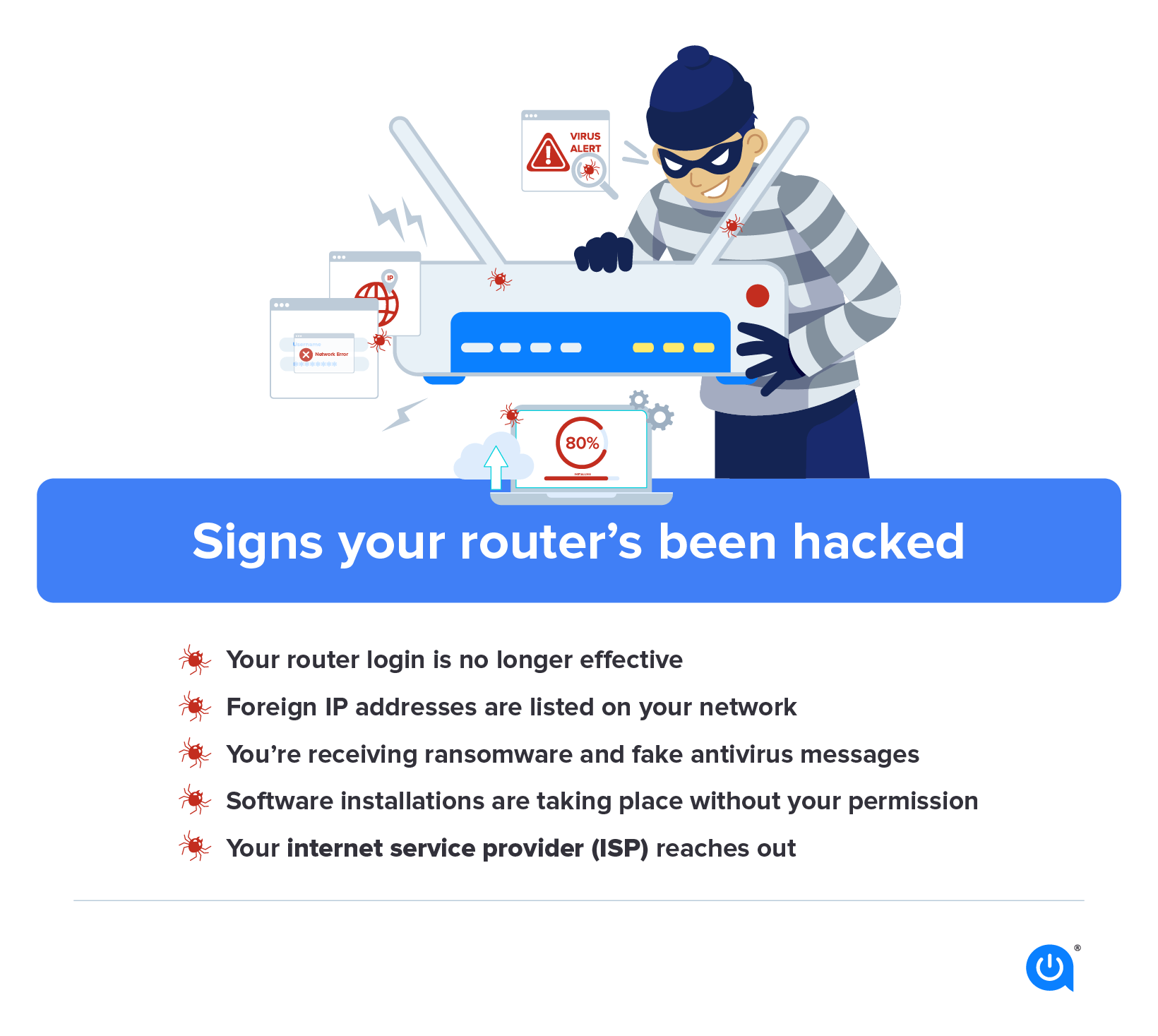
Common Signs of a Compromised Home Network
Is your Wi-Fi acting up? Discover the common signs of a compromised home network and learn how to fix it:
- Slow internet speeds
- Dropped connections
- Unusual network activity
- Device malfunction
How to Secure Your Wi-Fi Network
Learn how to secure your Wi-Fi network in 2026 with these simple steps:
- Change the default password
- Remove unknown users instantly
- Update your router firmware
- Use a long, unique password mixing letters, numbers, and symbols
- Protect your devices using strong passwords and firewalls
Final Thoughts
Protecting your network from hacking is essential to maintaining digital safety and privacy. By following the steps outlined in this article, you can secure your network and prevent hackers from gaining access to your sensitive data.
Stay Safe Online
Don't let hackers compromise your home or business network. Follow these tips to secure your router and protect your data from cybercriminals.
By taking control of your network security, you can enjoy fast, private, and safe browsing. Remember, a strong online presence starts with a secure network. Protect your network today!