Wireless Network Configuration: A Comprehensive Guide
Setting up a wireless network can be a complex process, but with the right guidance, you can create a secure and reliable connection for your home or office. In this article, we will explore the essential steps to configure a wireless network, from choosing the right equipment to securing your network.
Understanding Wireless Network Configuration
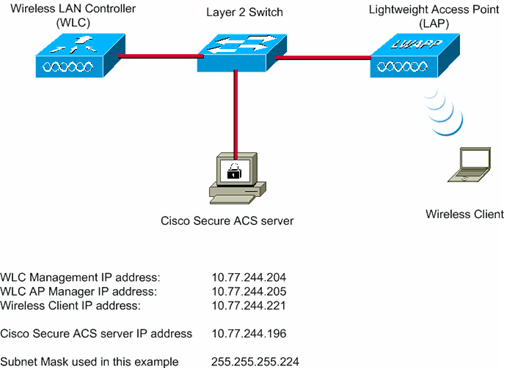
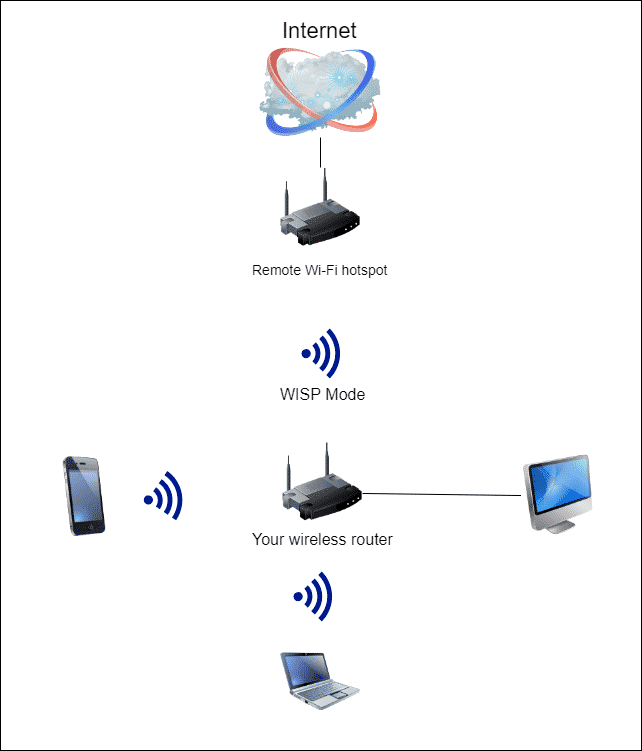
A wireless network, also known as a Wi-Fi network, allows devices to connect to the internet or communicate with each other without the use of cables or wires. The configuration of a wireless network involves setting up the equipment, such as the router and modem, as well as defining the network's settings, including its name, password, and security options.
Equipment Needed for Wireless Network Configuration
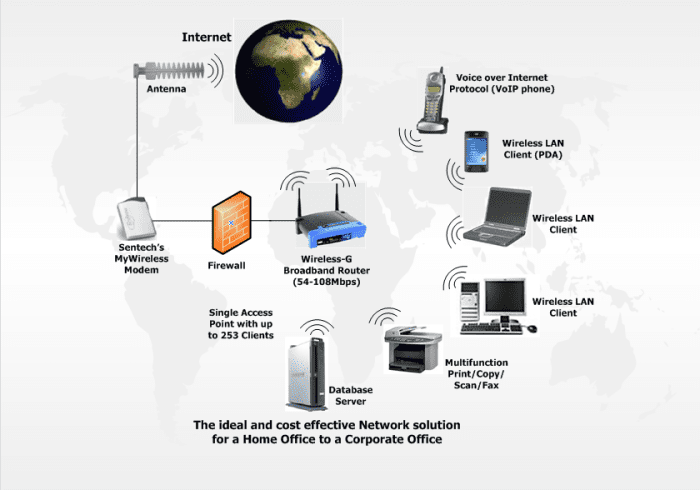
- Router: The router is the central device that connects your network to the internet and allows devices to communicate with each other wirelessly.
- Modem: The modem is a device that connects to the internet service provider (ISP) and brings the internet connection to your router.
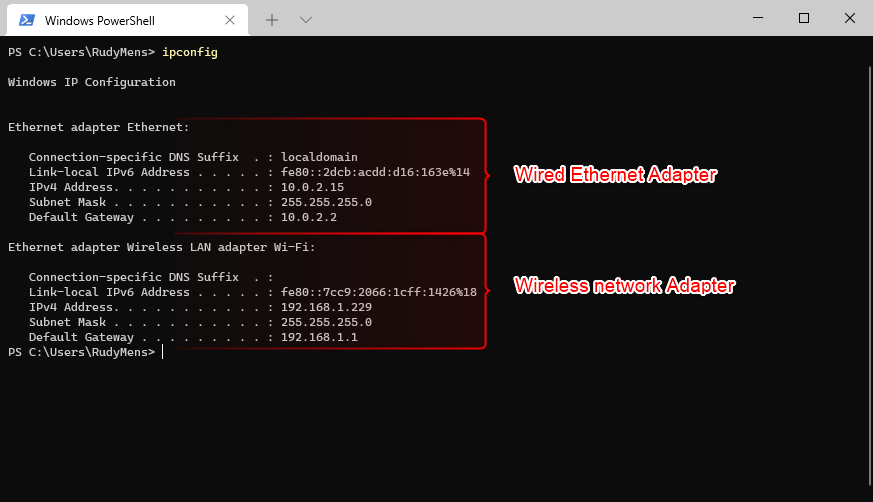
- Wireless adapter: A wireless adapter is a device that allows a device, such as a laptop or desktop computer, to connect to the wireless network.
- Wireless network card: A wireless network card is a device that is built into a device, such as a laptop or desktop computer, and allows it to connect to the wireless network.
Step 1: Setting Up the Router
The first step in configuring a wireless network is to set up the router. This involves connecting the router to the modem and accessing the router's admin page using a web browser.
Once you access the router's admin page, you can create a wireless network name and password, also known as the SSID and password. You can also set up other network settings, such as the channel and wireless standard.
Step 2: Setting Up the Modem
The modem is a device that connects to the ISP and brings the internet connection to your router. To set up the modem, you will need to connect it to the router and access the modem's admin page using a web browser.
Once you access the modem's admin page, you can configure the modem's settings, including its MAC address, IP address, and DNS settings.
Step 3: Configuring Wireless Network Settings

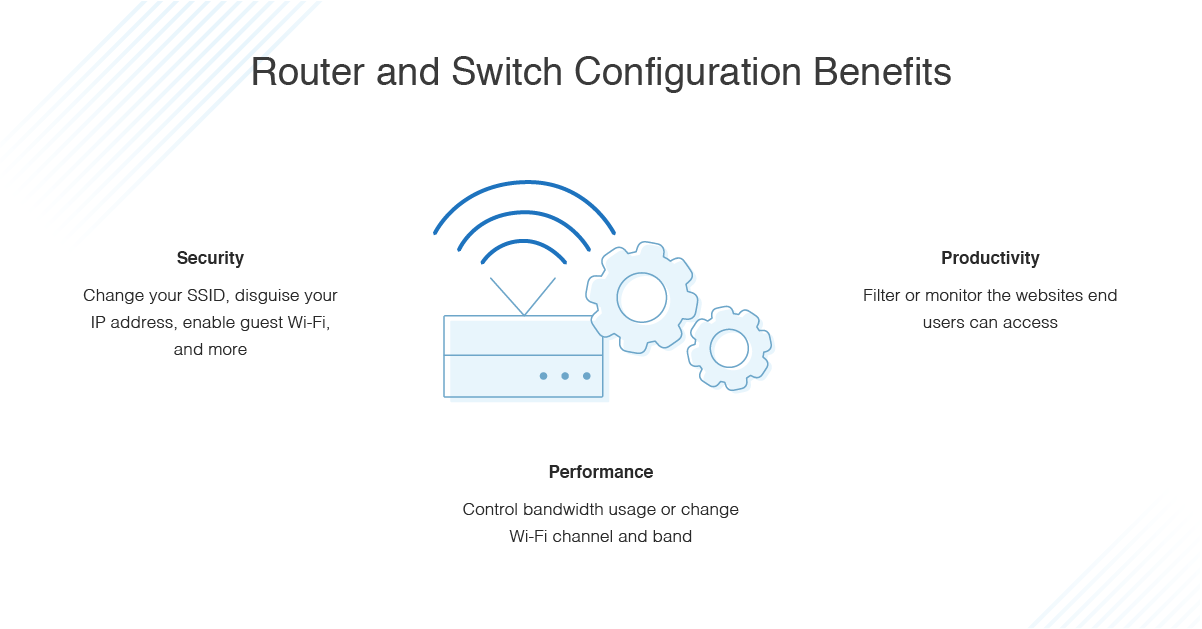
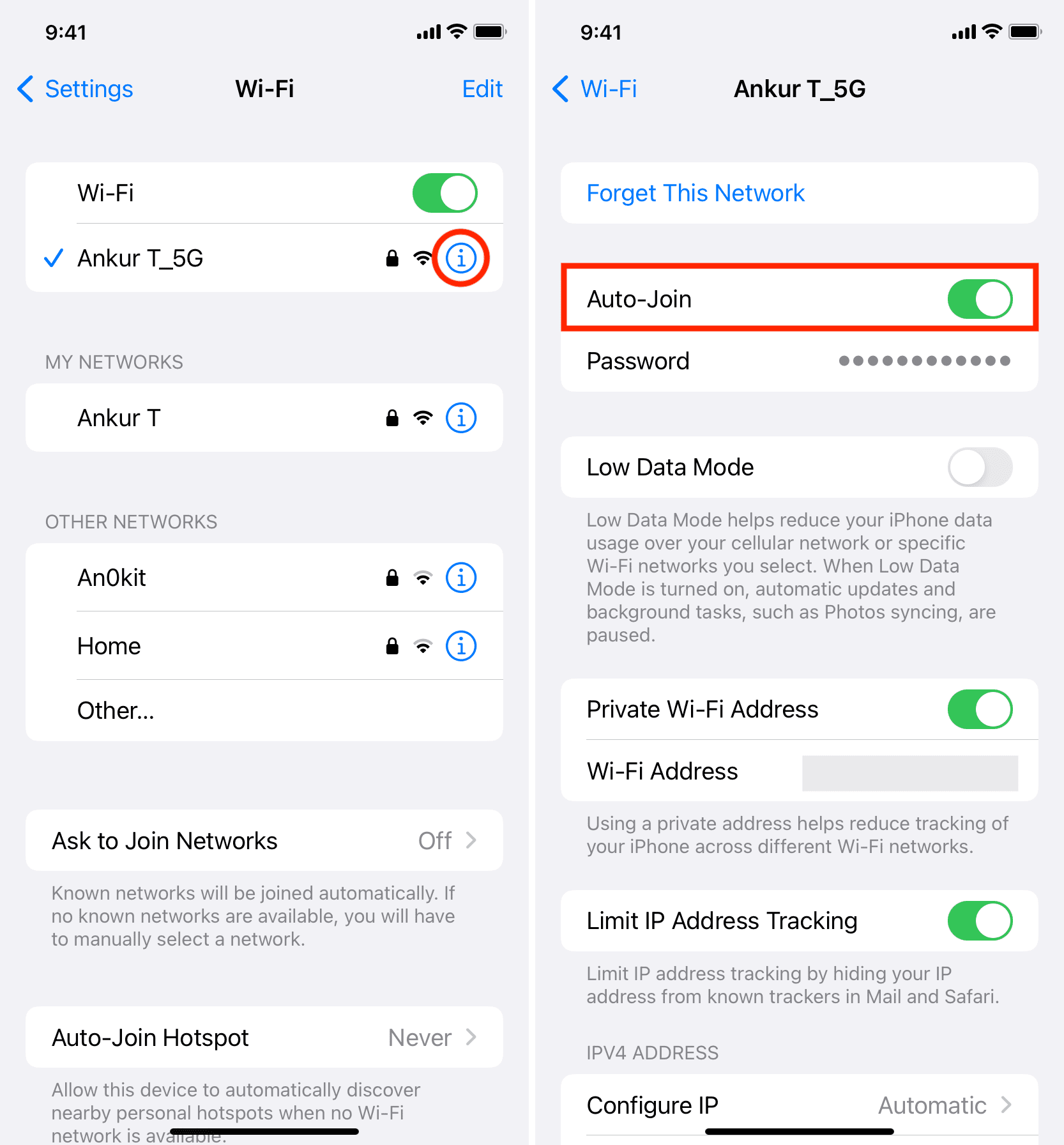
Once you have set up the router and modem, you can configure the wireless network settings, including the SSID, password, and security options.
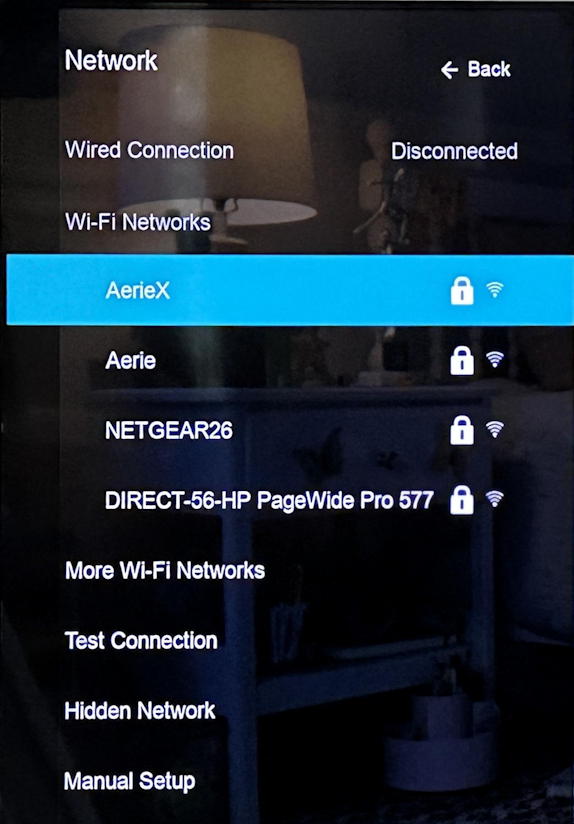
- SSID: The SSID, also known as the network name, is the name of your wireless network.
- Password: The password is a security measure that is used to authenticate devices to the wireless network.
- Security options: You can configure other security options, such as WEP, WPA, and WPA2, to secure your wireless network.
Step 4: Installing the Wireless Adapter
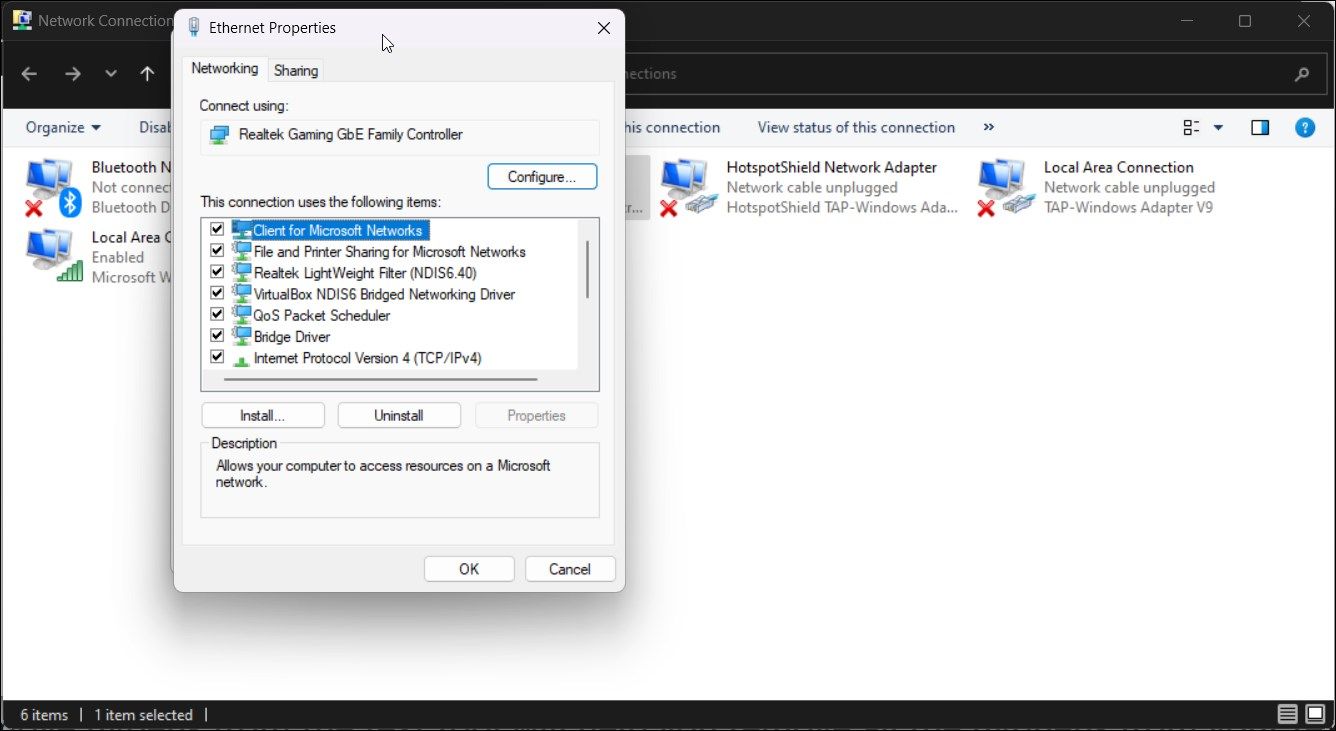
Once you have set up the router and configured the wireless network settings, you can install the wireless adapter on a device, such as a laptop or desktop computer.
To install the wireless adapter, you will need to follow the manufacturer's instructions and drivers to install the adapter.
Conclusion
Configuring a wireless network requires careful consideration of the equipment and settings involved. By following the steps outlined in this article, you can create a secure and reliable wireless network for your home or office.
Additional Tips and Resources
For more information on wireless network configuration, we recommend checking out the following resources:
- IOS documentation on wireless networking
- CCNA study guide on wireless networking
- Wireless network configuration checklist
Additionally, we suggest checking out the following online resources for more information on wireless network configuration:
- Microsoft's wireless networking documentation
- Router manufacturer's documentation
- Wireless network configuration software and tools