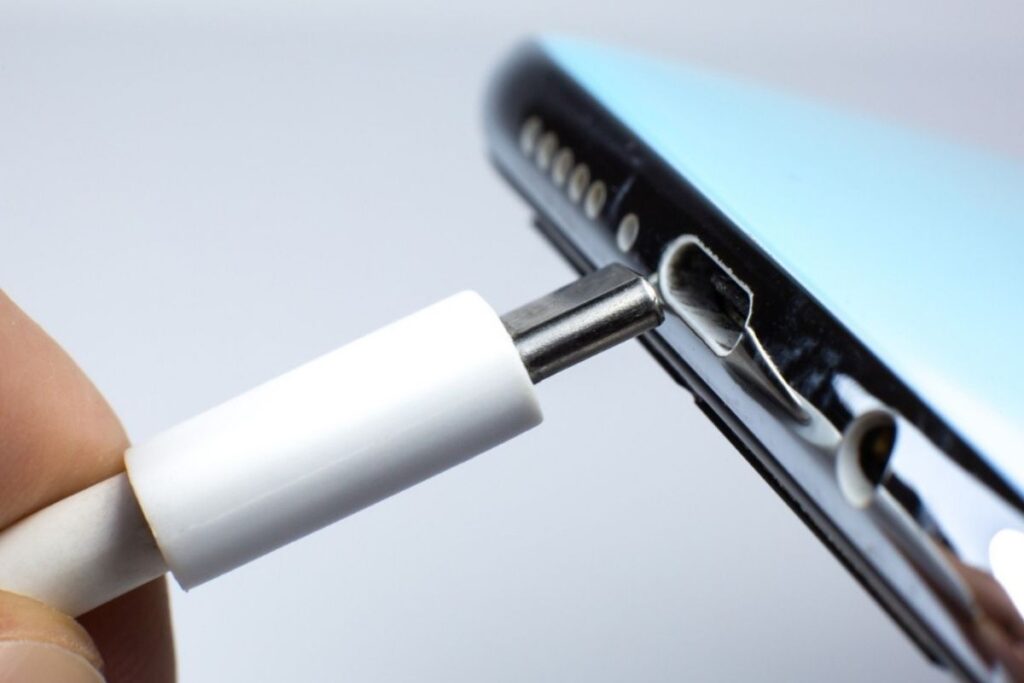
Charging Port Repair with Minimal Equipment: A Comprehensive Guide
When your phone's charging port is damaged, it can be a frustrating and inconvenient experience. However, with the right knowledge and minimal equipment, you can repair your charging port at home and save money. In this article, we will provide a step-by-step guide on how to repair a charging port with minimal equipment, and also discuss the tools and materials you will need.
Understanding Charging Port Damage
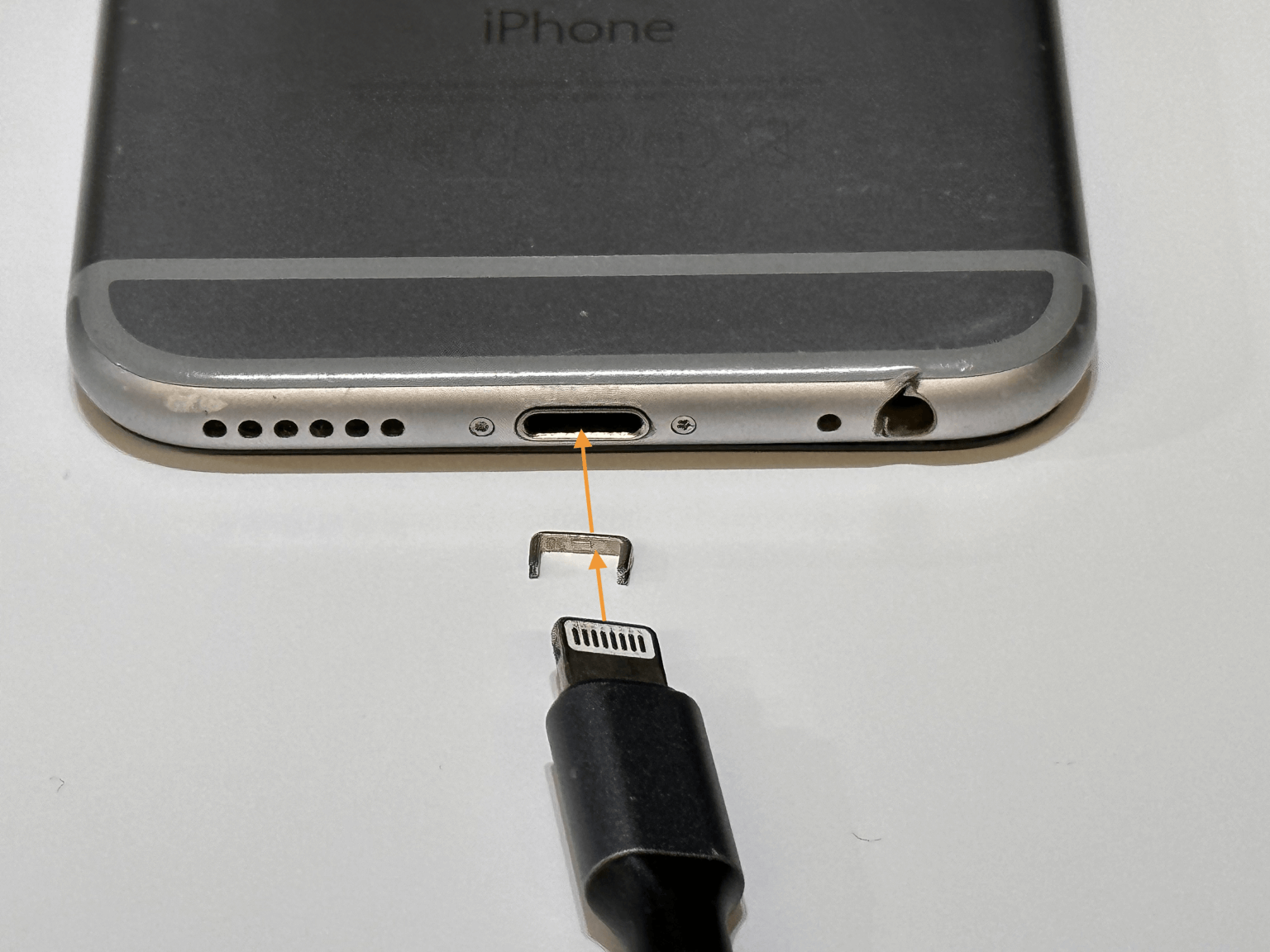
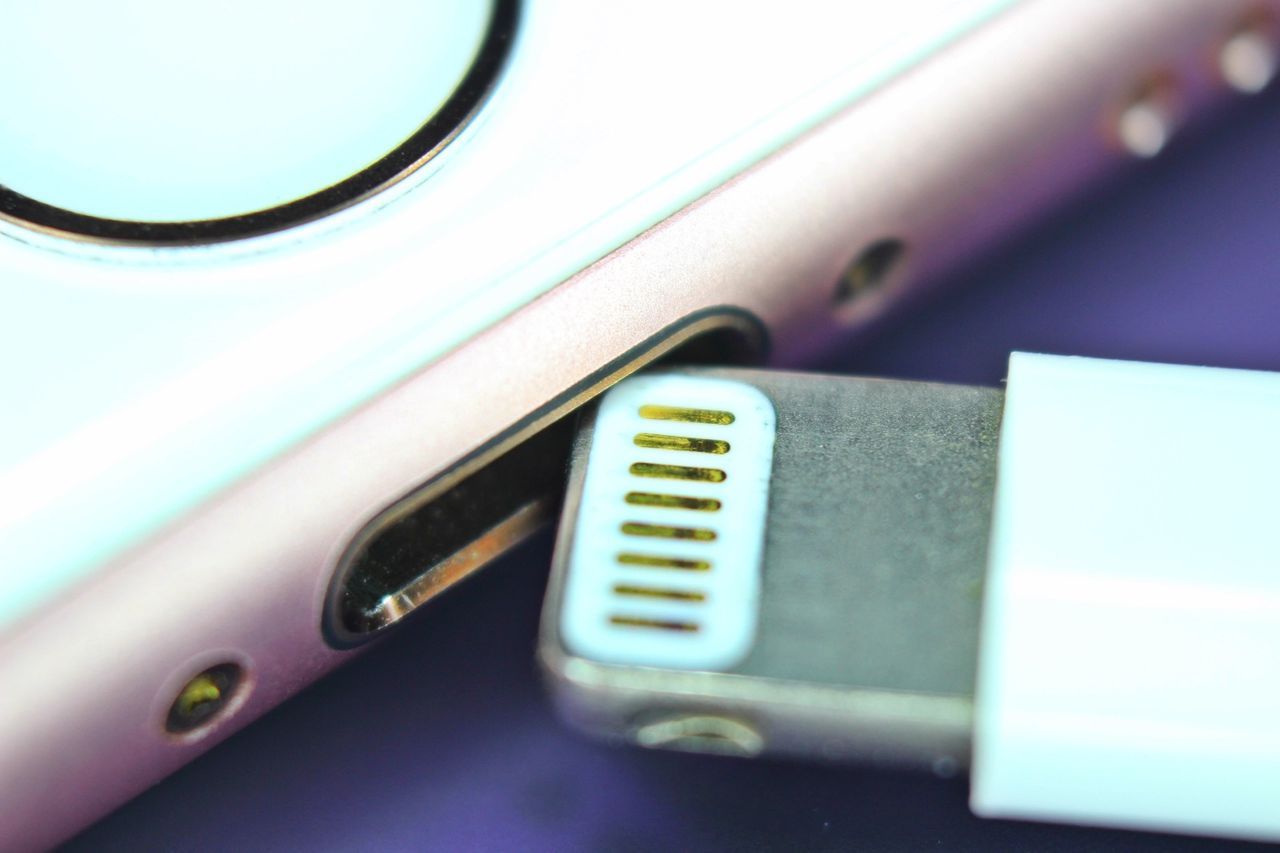
The charging port is a delicate area that can be easily damaged due to wear and tear, accidents, or improper use. Over time, the port can become clogged with dirt, dust, and other debris, making it difficult for your phone to charge properly. In some cases, the damage can be more extensive, requiring a more complex repair.
Components Vulnerable to Damage
The charging port is a complex system that consists of several components, including the USB connector, the motherboard, and the charging circuitry. Each of these components is vulnerable to damage, and identifying the source of the problem is crucial to successful repair.
Reassembly and Testing
After repairing your charging port, reassembly and testing are crucial to ensure that everything works perfectly. This involves reconnecting the components, testing the charging port, and verifying that your phone is charging properly.
Tools and Materials Needed
To repair a charging port with minimal equipment, you will need the following tools and materials:
- A soldering iron and solder
- A Torx screwdriver
- A plastic spudger
- A can of compressed air
- A small brush
- A replacement charging port connector (if necessary)
Repairing a Charging Port with Minimal Equipment
Now that we have covered the tools and materials needed, let's move on to the repair process. The steps involved in repairing a charging port with minimal equipment are as follows:
Step 1: Disassemble the Phone
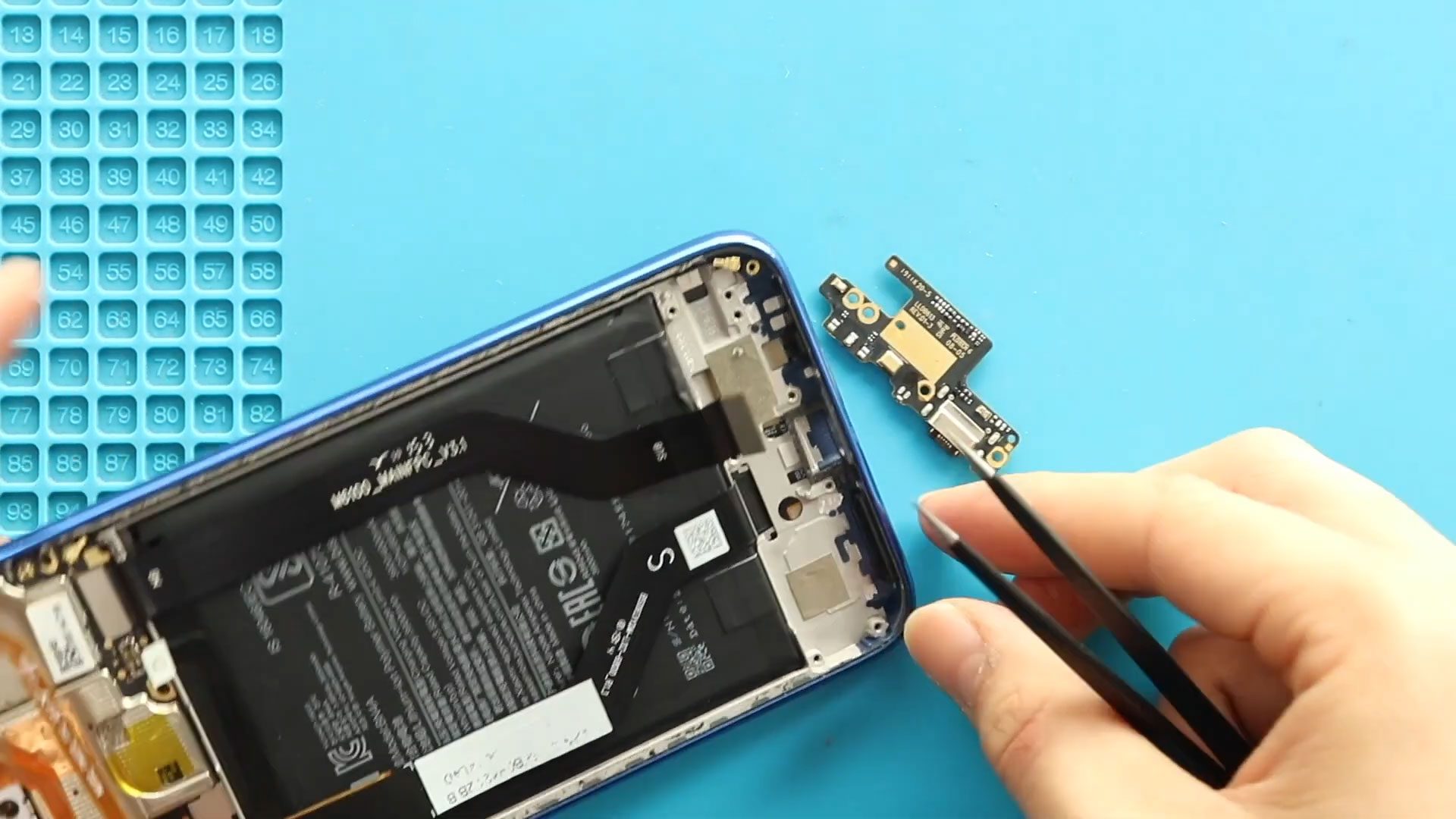
Begin by disassembling the phone, removing the screws and other components that hold the charging port in place. Be careful not to damage any of the internal components.

Step 2: Clean the Charging Port
Use a can of compressed air to clean out any debris or dust from the charging port. Then, use a small brush to gently scrub the area and remove any remaining dirt or grime.
Step 3: Inspect and Repair the Charging Circuitry
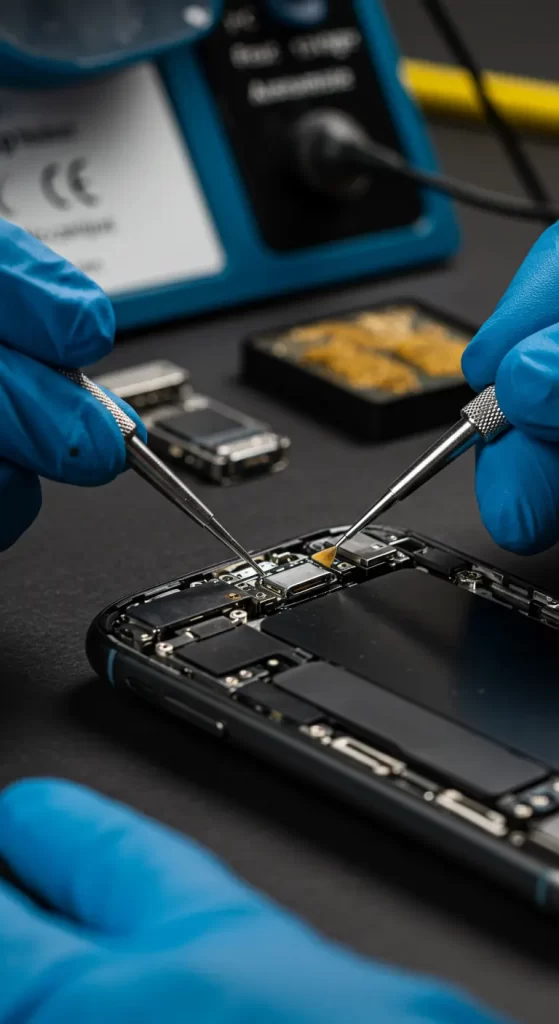
Inspect the charging circuitry for any signs of damage or corrosion. If you find any damage, use a soldering iron and solder to repair the circuitry.
Step 4: Reassemble the Phone
Once you have repaired the charging circuitry, reassemble the phone, making sure to reconnect all the components and screws.
Conclusion
Repairing a charging port with minimal equipment is a relatively straightforward process that can be completed at home. By following the steps outlined in this article, you can repair your charging port and get your phone charging again. However, if you are not comfortable with DIY repairs or if the damage is extensive, it is recommended to seek the help of a professional repair service.
Additional Tips and Resources
For additional tips and resources on repairing a charging port, check out the following links:
- iFixit: A comprehensive guide to repairing electronic devices, including phones and charging ports.
- uBreakiFix: A professional repair service that offers repair options for phones and other electronic devices.
- Google: A comprehensive guide to repairing a charging port on an Android device.
Remember, repairing a charging port with minimal equipment requires patience, attention to detail, and a willingness to learn. With the right knowledge and tools, you can repair your charging port and get your phone charging again.
Whether you're a seasoned DIY enthusiast or a newcomer to the world of electronics repair, this guide has provided you with the information and resources you need to repair a charging port with minimal equipment. By following the steps outlined in this article, you can save money, extend the life of your phone, and learn a valuable new skill.