How to Create Secure Passwords: A Comprehensive Guide
In today's digital age, passwords are an essential part of our online lives. We use them to secure our accounts, protect our personal data, and safeguard our financial information. However, creating strong, unique passwords is a daunting task, especially with the increasing number of online accounts we have. In this article, we will show you how to create secure passwords that will help keep your information and accounts safe from hackers.
The Importance of Secure Passwords
Imagine being locked out of your online accounts, having your personal data stolen, or losing access to your financial information. These are just a few of the consequences of using weak or compromised passwords. Cybercriminals use various techniques to crack passwords, including phishing, dictionary attacks, and brute force methods. To stay ahead of these threats, you need to create strong passwords that are unique, complex, and difficult to guess.
Basic Rules for Creating Secure Passwords
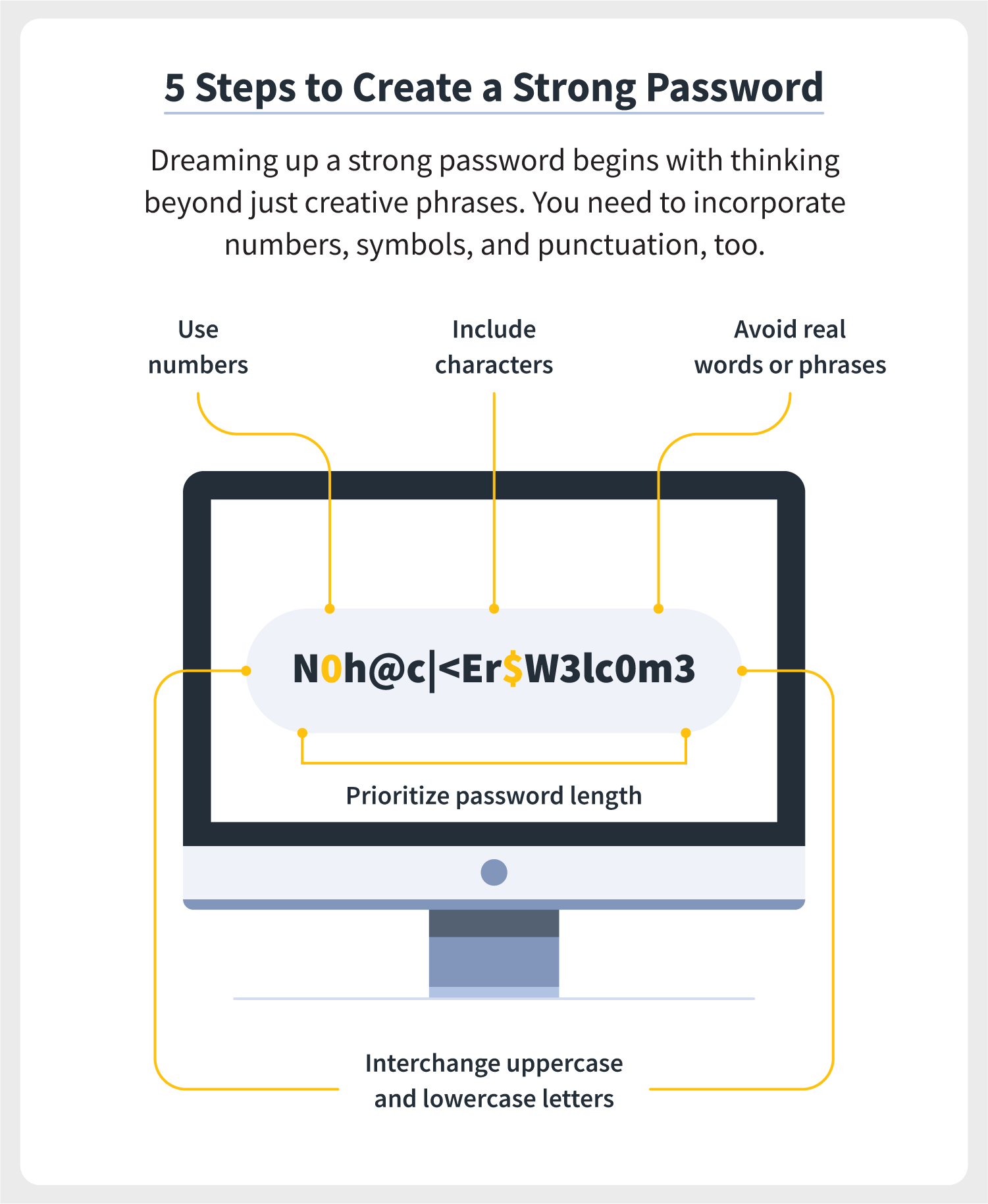
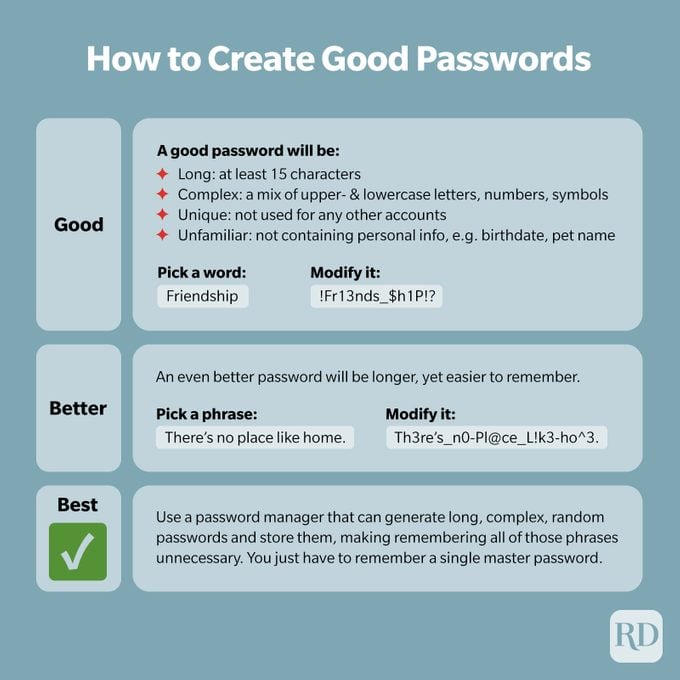
- Length:** Aim for passwords that are at least 12 characters long. The longer the password, the harder it is to crack.
- Complexity:** Use a mix of upper- and lower-case letters, numbers, and symbols. Avoid using easily guessable information such as your name, birthdate, or common words.
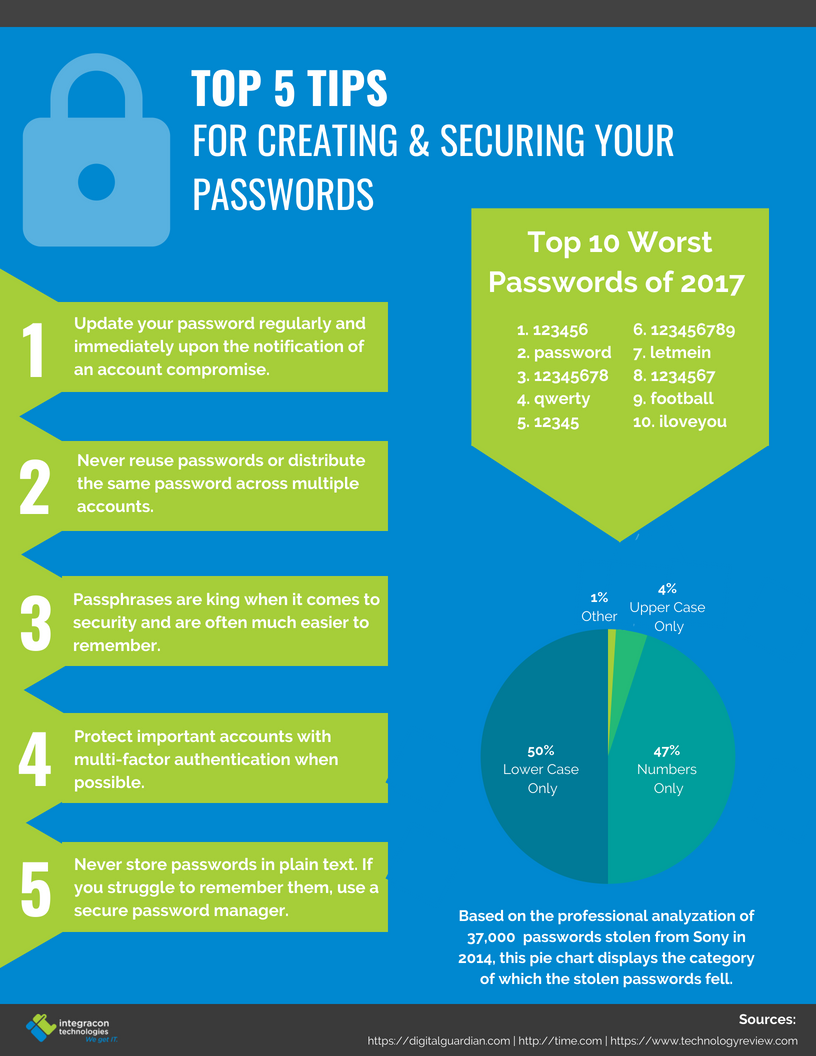
- Uniqueness:** Make sure each password is unique and not reused across multiple accounts.
- Passphrase:** Consider using a passphrase, which is a sequence of words that is easy for you to remember but hard for others to guess.
How to Create Secure Passwords
To create secure passwords, follow these steps:
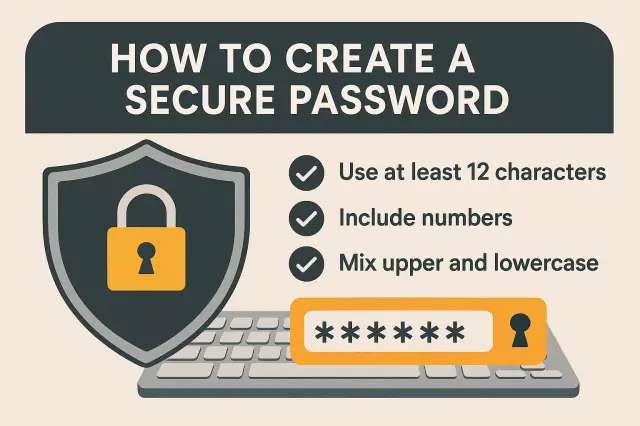
- Choose a strong password generator:** Use a password generator tool to create complex and unique passwords. This can help you avoid using easily guessable information and ensure that your passwords are random and secure.
- Use a passphrase:** Consider using a passphrase instead of a single word or phrase. This can make your password easier to remember and harder to crack.
- Include special characters:** Use special characters such as!, @, #, $, and % to add complexity to your password.
- Use a password manager:** Consider using a password manager to securely store your passwords. This can help you generate and store unique and complex passwords across multiple accounts.
Additional Tips for Secure Passwords
- Update your passwords regularly:** Change your passwords every 60 to 90 days to stay ahead of potential security threats.
- Use multi-factor authentication (MFA):** Enable MFA to add an extra layer of security to your online accounts.
- Use a secure password manager:** Consider using a password manager that offers advanced security features such as encryption, two-factor authentication, and password sharing.
Conclusion
Creating secure passwords is a crucial step in protecting your online information and accounts from hackers. By following the basic rules for creating secure passwords, using a strong password generator, and including special characters, you can create passwords that are unique, complex, and difficult to guess. Remember to update your passwords regularly, use multi-factor authentication, and consider using a password manager to stay ahead of potential security threats.
Additional Resources
- Password generators:** Use online password generators such as LastPass, 1Password, or Dashlane to create complex and unique passwords.
- Password managers:** Consider using password managers such as NordPass, Keeper, or Bitwarden to securely store your passwords.
- Cybersecurity resources:** Visit websites such as Cybersecurity and Infrastructure Security Agency (CISA) or National Cyber Security Alliance (NCSA) for more information on password security and online safety.