How to Set Up Multiple Wi-Fi Networks: A Comprehensive Guide
Are you tired of dealing with slow Wi-Fi speeds and connectivity issues in your home or office? Setting up multiple Wi-Fi networks can be a game-changer for improving security, reducing congestion, and ensuring seamless connectivity for all your devices. In this article, we'll show you how to set up multiple Wi-Fi networks with ease, using a single router or by creating a mesh network.Why Set Up Multiple Wi-Fi Networks?
Setting up multiple Wi-Fi networks is essential in today's world, where numerous devices are connected to the internet simultaneously. With a single Wi-Fi network, your devices may experience slower speeds, frequent disconnections, and security vulnerabilities. By creating multiple networks, you can: * Improve security: Separate networks for guests and employees can help prevent unauthorized access to sensitive data. * Increase speed: Multiple networks can help distribute traffic and reduce congestion, leading to faster speeds and better performance. * Enhance productivity: With multiple networks, you can prioritize devices and ensure that critical tasks and applications receive the necessary bandwidth.Method 1: Setting Up Two Networks with a Single Router
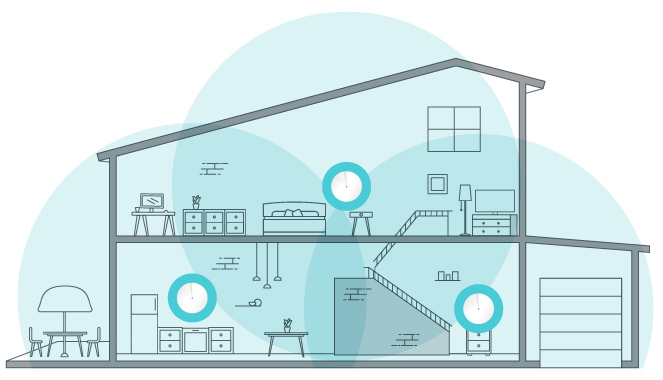
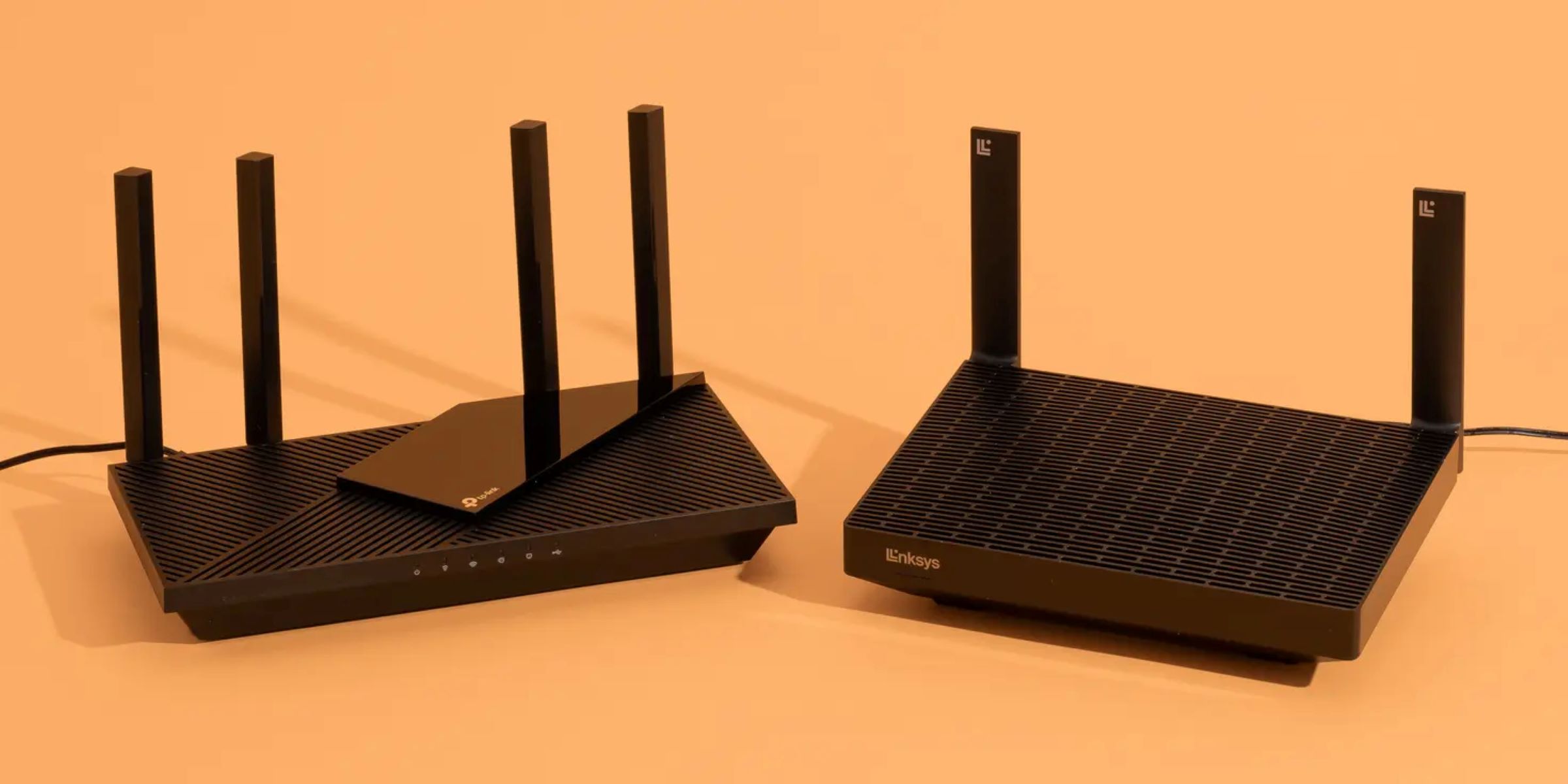
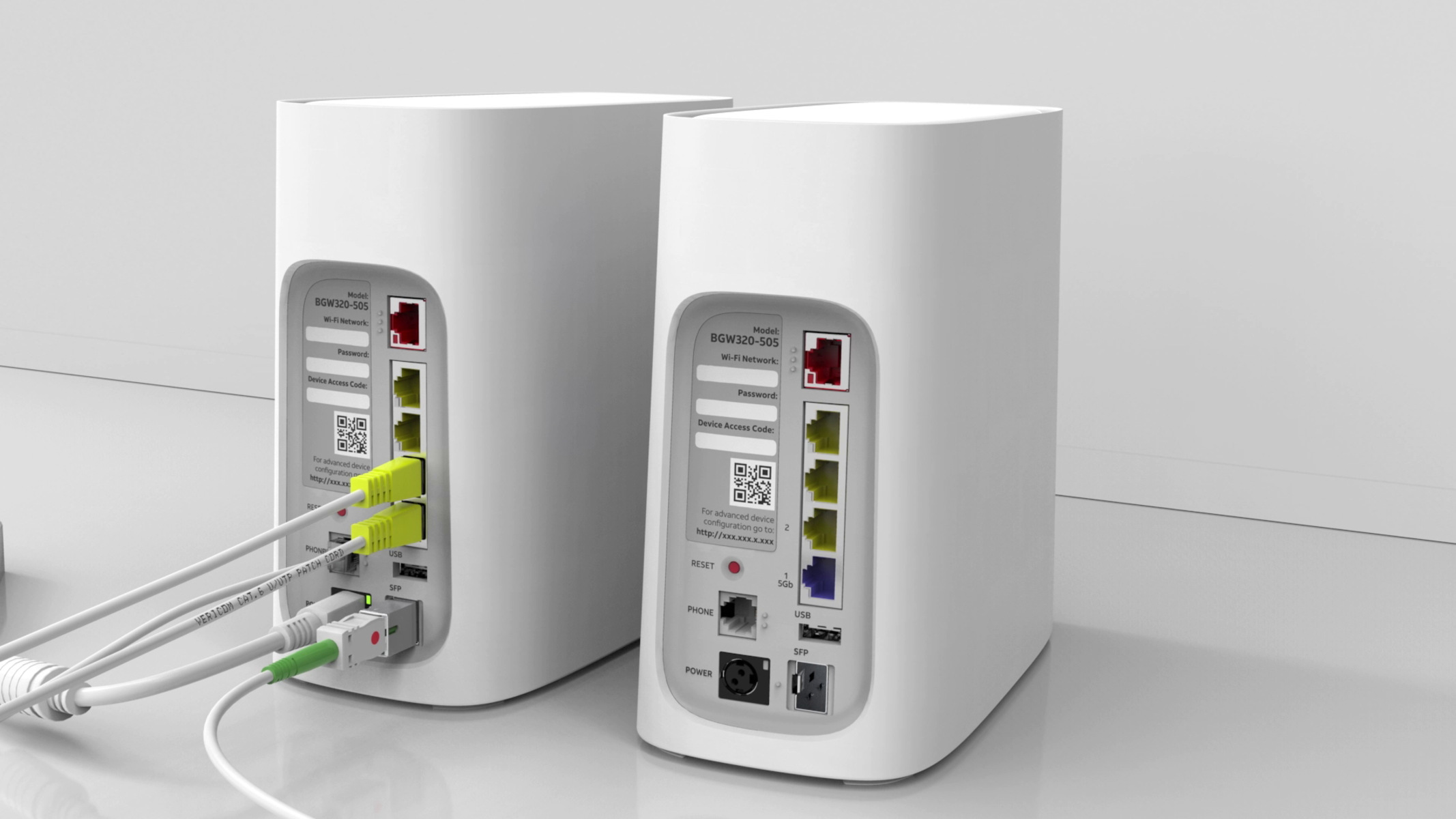
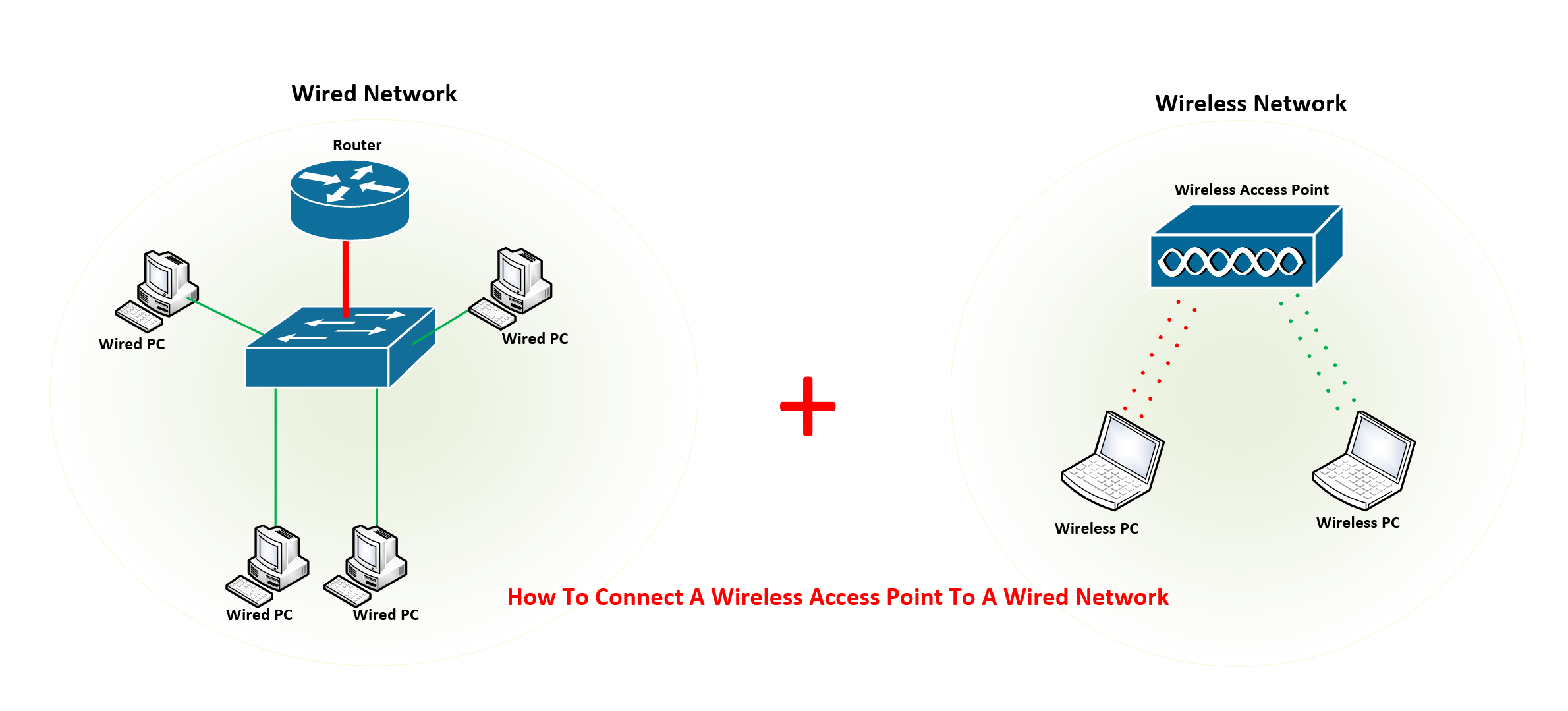
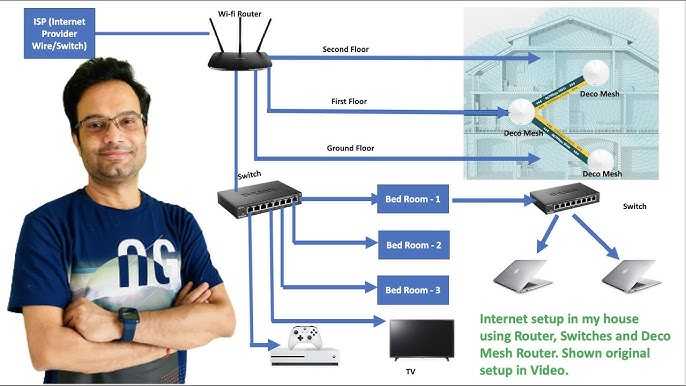
If you have a simultaneous dual-band Wi-Fi router, you can set up two networks within the same router. This method allows you to create a separate network for guests or employees, without the need for additional devices. To set up two networks: 1. Access your router's settings and create a new Wi-Fi network with a different name and password. 2. Configure the network settings, including the IP address, subnet mask, and DNS settings. 3. Test the network to ensure it's working properly.Method 2: Setting Up a Mesh Wi-Fi Network








:max_bytes(150000):strip_icc()/proxy.duckduckgo.com-f28e7ec262e64697958391439de5c022.png "How to Connect HP Printer to WiFi: Complete Setup Guide (2024)")