Protect Your Online Identity: A Guide to Prevent Tracking Online
The internet can be a treasure trove of information, but it also poses a significant threat to our online identity. With the rise of tracking technology, our every move is being monitored, recorded, and used to create detailed profiles of our online behavior. This is why learning how to prevent tracking online is crucial for safeguarding your digital footprint.
What is Tracking Online?
Online tracking refers to the process of collecting user activity data, such as how visitors behave on certain webpages and what content they interact with. This data is then used to create profiles, which are often shared with advertisers, data brokers, and other third-party organizations. The primary reasons behind online tracking are to facilitate targeted advertising, improve website functionality, and enhance user experience.
How Does Online Tracking Work?
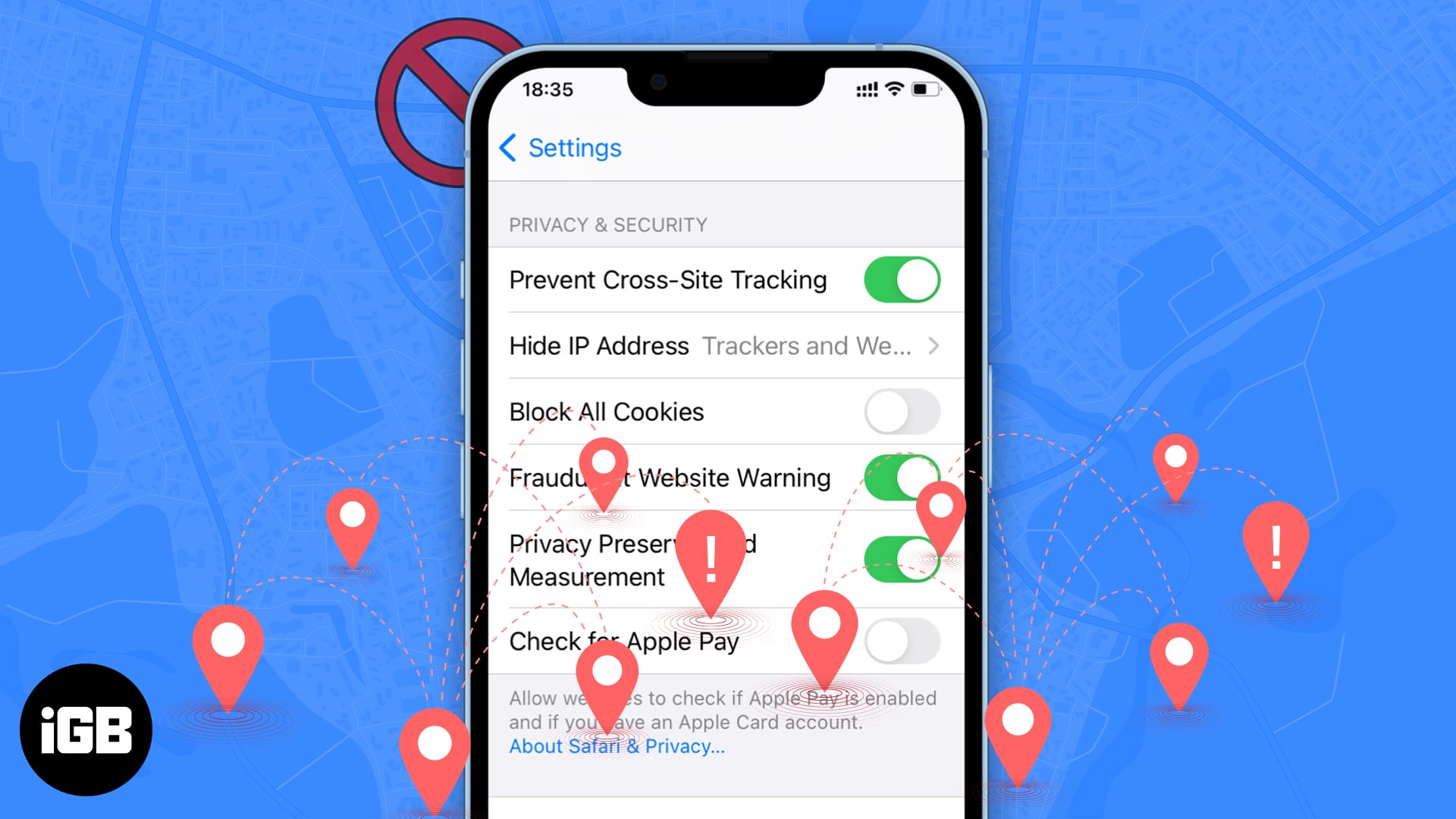
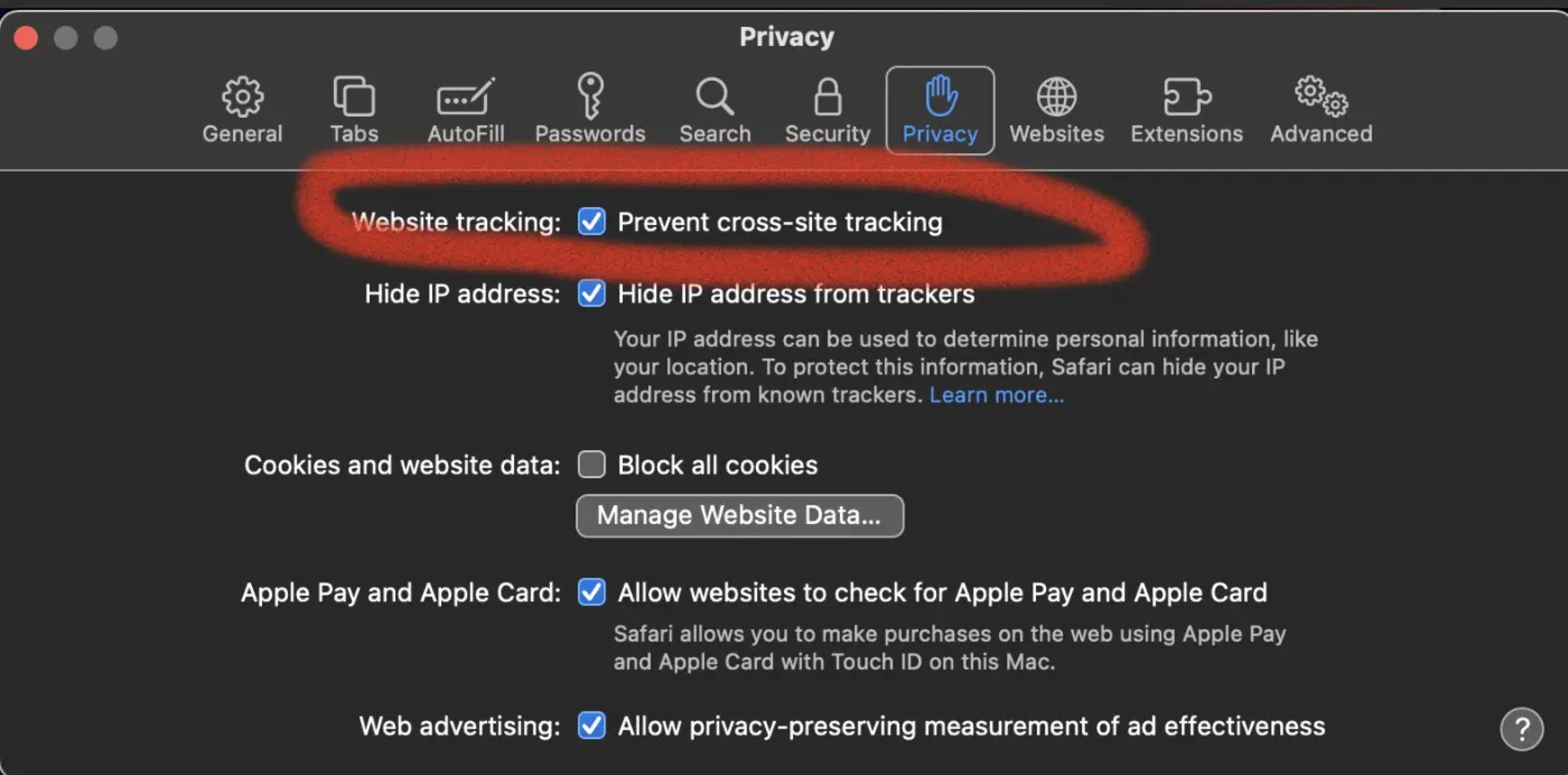
Tracking occurs through various methods, including cookies, tracking pixels, device fingerprinting, and cross-site tracking. Each time you visit a website, your device collects and stores data on your browsing history, screen resolution, and device type. This information is then shared with third-party organizations, which use it to create detailed profiles of your online behavior.
Why is Preventing Tracking Online Important?
While online tracking may seem harmless, it can pose significant risks to your personal data and online identity. If your data falls into the wrong hands, it can be used against you, compromising your financial security, reputation, and online safety. Preventing tracking online ensures that your digital footprint remains private and secure, allowing you to navigate the web with confidence and peace of mind.
Methods to Prevent Tracking Online

Fortunately, there are several ways to prevent tracking online and maintain your digital anonymity. Some effective methods include:
- Using a reputable antivirus software that includes anti-tracking features.
- Implementing a virtual private network (VPN) to encrypt your online data.
- Enabling browser plugins that block tracking cookies and scripts.
- Using a private browsing mode or incognito window.
- Disabling location services and other unnecessary features on your device.
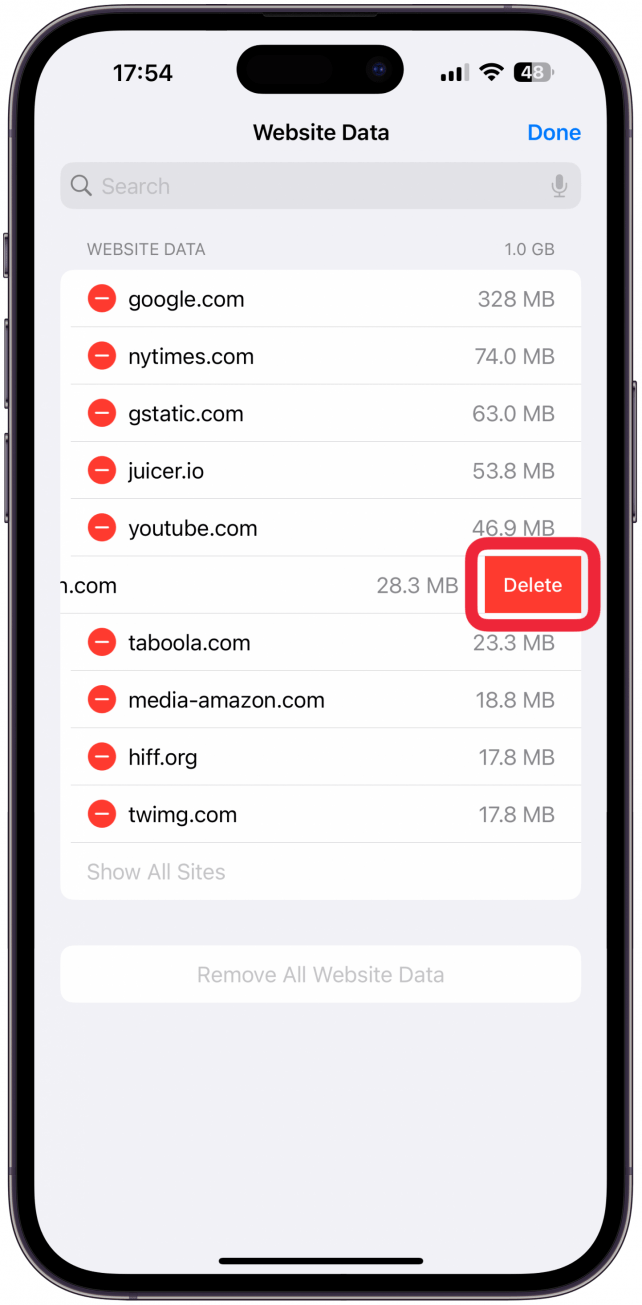
- Clearing browser cache and cookies regularly.
- Opting out of online tracking by visiting websites like simpleoptout.com.
Tools to Prevent Tracking Online
Several online tools and services can help prevent tracking and protect your digital identity. Some popular options include:
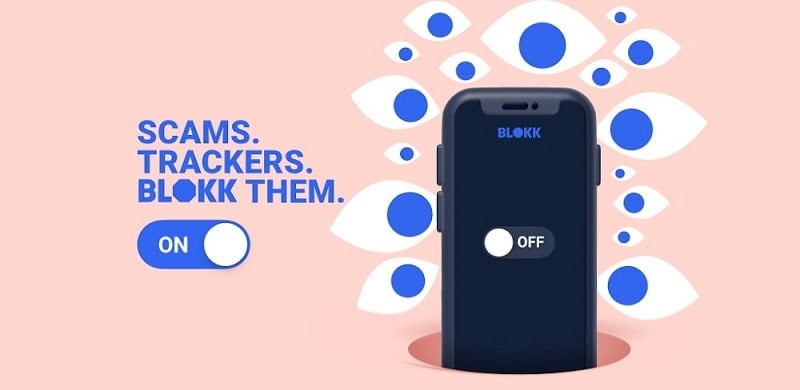
- Ad blockers and anti-track tools like Norton AntiTrack and Aura.
- Browser extensions that block tracking cookies and scripts, such as Ghostery and uBlock Origin.
- Virtual private network (VPN) services that encrypt online data, such as ExpressVPN and NordVPN.
- Private browsing modes and incognito windows in popular browsers like Google Chrome and Mozilla Firefox.
- Operating system-level tracking prevention features, such as Microsoft Edge's tracking prevention feature.
Conclusion
Preventing tracking online is a crucial step in safeguarding your digital identity and maintaining your online anonymity. By understanding the methods and tools available to prevent tracking, you can confidently navigate the web, protecting your personal data and online safety. Remember, your online identity is just a click away – protect it wisely.