Repairing a Fried Motherboard: A Step-by-Step Guide
Repairing a fried motherboard can be a daunting task, especially if you're not familiar with computer hardware and electronics. However, with the right knowledge and tools, it's possible to revive your computer's motherboard and get it up and running again. In this article, we'll provide a detailed guide on how to diagnose and repair a fried motherboard, including tips and advice from experienced technicians.
Understanding the Risks of Repairing a Fried Motherboard
Before we dive into the repair process, it's essential to understand the risks involved. Repairing a fried motherboard can be a complex and time-consuming process, and it's not always possible to fix the issue. In some cases, the damage may be too extensive, and a replacement motherboard may be the best option. Additionally, even if you manage to repair the motherboard, there's a risk that the computer may run into random issues or develop new problems in the future.
Diagnosing the Issue: Signs and Symptoms of a Fried Motherboard
Determining whether your computer's motherboard is fried can be difficult, especially if you're not familiar with computer hardware. Here are some common signs and symptoms to look out for:
- System crashes or freezes randomly
- Computer won't turn on or turn off
- Beeping sounds or lights when you try to boot up
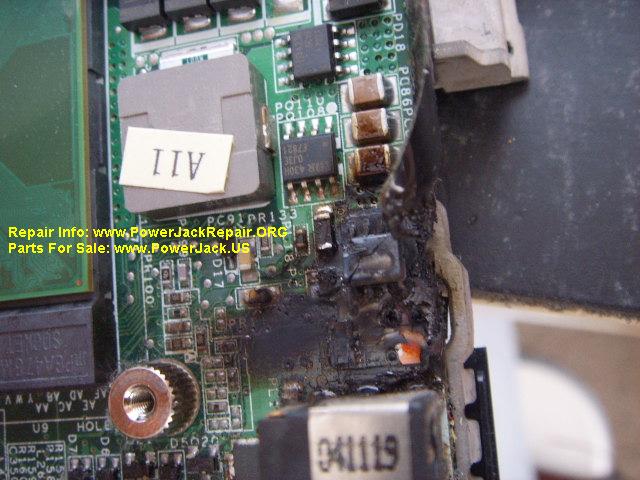
- Wiring or circuitry damage on the motherboard
- Smoke or burning smell emanating from the computer
If you notice any of these symptoms, it's likely that your motherboard has been fried. However, it's essential to diagnose the issue accurately before repairing or replacing the motherboard.
Tools and Equipment Needed for Repairing a Fried Motherboard
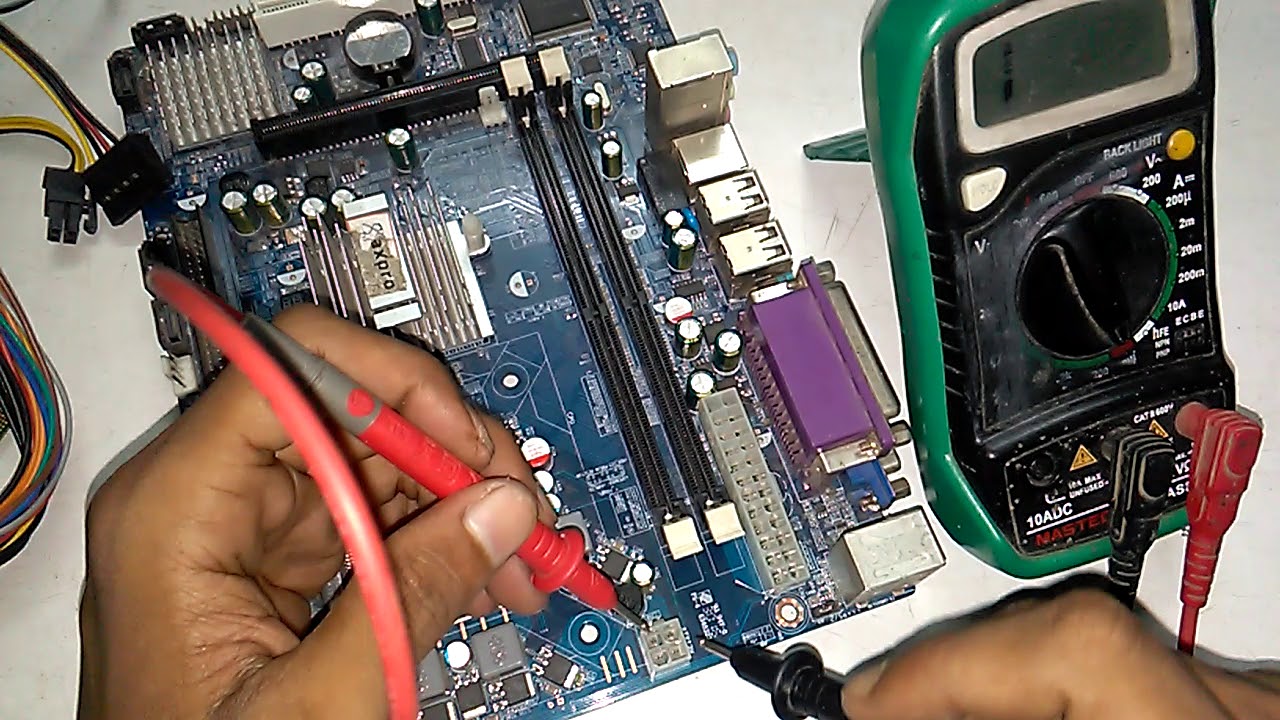
To repair a fried motherboard, you'll need the following tools and equipment:
- Anti-static wrist strap or mat
- Infrared thermometer
- Micro-soldering iron and tips
- Desoldering wick and pump
- Thermopaste and thermal tape
- Torx and Phillips screwdrivers
- Motherboard manual and documentation
It's essential to note that repairing a fried motherboard requires a high level of technical expertise and experience. If you're not comfortable with the process or don't have the necessary tools, it's best to seek the help of a professional.
Step-by-Step Guide to Repairing a Fried Motherboard
Once you've diagnosed the issue and gathered the necessary tools and equipment, follow these step-by-step instructions to repair your fried motherboard:
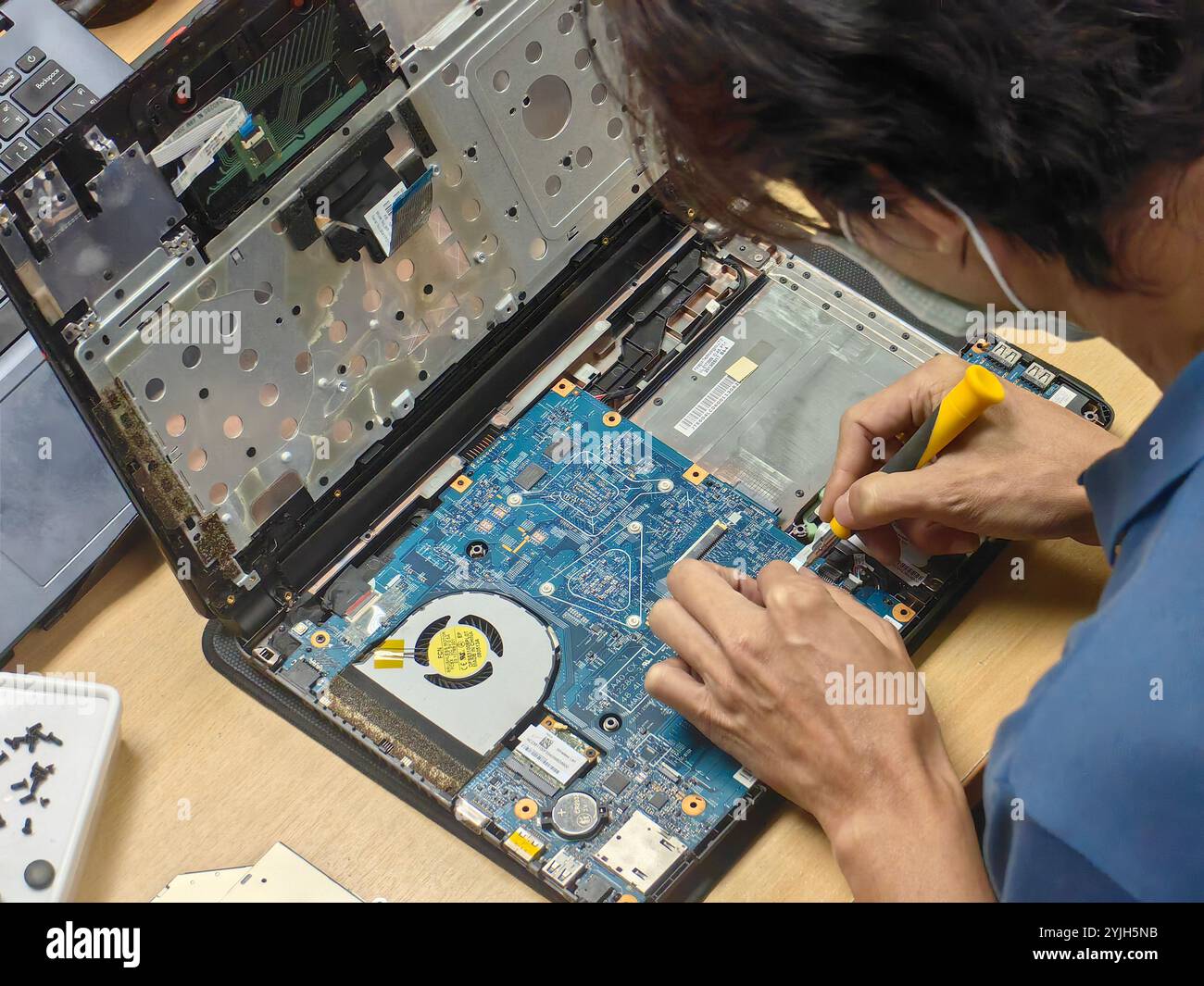
1. **Remove the motherboard**: Carefully remove the motherboard from the computer casing, taking note of any cables, screws, and other components that may be attached. 2. **Identify and remove damaged components**: Use a magnifying glass or a camera to inspect the motherboard for any visible damage. Identify and remove any damaged or burnt-out components, such as capacitors, resistors, or ICs. 3. **Clean the motherboard**: Use compressed air to blow out any dust or debris from the motherboard, paying particular attention to any areas with visible damage. 4. **Apply new thermal paste and tape**: Apply a thin layer of thermal paste to the CPU and other hotspots, and secure with thermal tape. 5. **Replace damaged components**: Use a micro-soldering iron to replace any damaged components, including capacitors, resistors, or ICs. 6. **Reassemble the motherboard**: Reattach any removed components, such as the heatsink or fan, and reconnect any cables or screws. 7. **Test the motherboard**: Carefully plug in the power cord and turn on the computer. Test the motherboard to ensure it's functioning properly.Conclusion
Repairing a fried motherboard can be a complex and time-consuming process, but with the right knowledge and tools, it's possible to revive your computer's motherboard and get it up and running again. Remember to diagnose the issue accurately, identify and remove damaged components, and apply new thermal paste and tape to ensure successful repair. However, if the damage is too extensive, consider seeking the help of a professional or replacing the motherboard altogether.





![[SOLVED] - Fried motherboard can be repair? | Tom's Hardware Forum](https://static.deltiasgaming.com/2025/11/Untitled-design52.jpg "[SOLVED] - Fried motherboard can be repair? | Tom's Hardware Forum")


![[SOLVED] - Fried motherboard, still at a loss of what may have caused ...](https://patchcrazy.co.uk/wp-content/uploads/2025/11/image-483.png "[SOLVED] - Fried motherboard, still at a loss of what may have caused ...")