Discord Server Access Control: A Comprehensive Guide
Discord is a popular platform for community building, communication, and collaboration, with millions of active users spread across 19 million servers. As a server administrator, maintaining control and managing access to your server is crucial to ensure a smooth and secure experience for all members. In this article, we will delve into the world of Discord server access control, covering the basics, features, and best practices to help you secure your community.
Understanding Discord Server Access Control
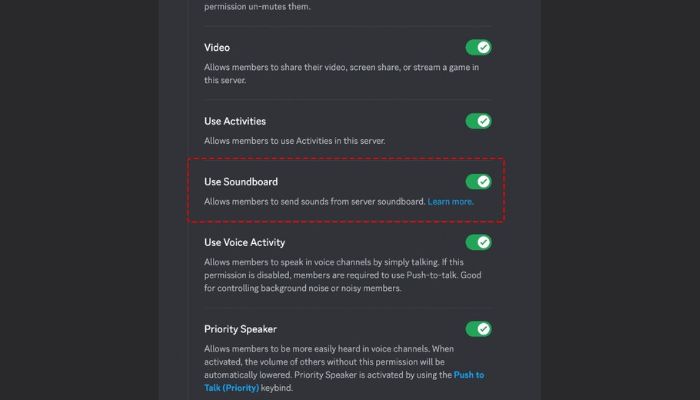
Discord's permission system allows server administrators to control the actions that users can perform within a server. This includes sending messages, files, or opening threads. The permissions are applied in three distinct layers: Server Level Permissions, Role Permissions, and Channel Permissions. Each layer plays a crucial role in determining the overall access control within a server.
Server Level Permissions
Server Level Permissions are the broadest layer of control, set in Server Settings > Roles. A user's total Server Level Permissions are the sum of all permissions granted by all roles they are a member of. This layer determines the overall permissions for a user within a server, including access to various features and functionalities.
Role Permissions
Role Permissions are applied to specific roles within a server. When a user is assigned a role, they receive the permissions associated with that role. This layer is essential for managing access to specific features, channels, and functionalities within a server. By creating custom roles, administrators can tailor permissions to specific user groups, making it easier to manage access control.
Channel Permissions
Channel Permissions control access to specific channels within a server. This layer allows administrators to grant or restrict access to individual channels, ensuring that users can only access the channels they are authorized to. By managing channel permissions, administrators can fine-tune access control and create a tailored experience for their community.
Best Practices for Discord Server Access Control

To maintain an organized and secure server, consider the following best practices:
- Create a clear role hierarchy: Establish a clear role structure with well-defined permissions to avoid confusion and miscommunication.
- Leverage role permissions: Assign custom roles to specific users or groups to manage access to features and channels.
- Manage channel permissions: Control access to individual channels to ensure users can only access authorized channels.
- Set up server-wide permissions: Determine the overall permissions for users within a server, including access to various features and functionalities.
- Monitor server activity**: Regularly review server logs to detect potential security threats and access control breaches.
Integrating Claude Code and Discord
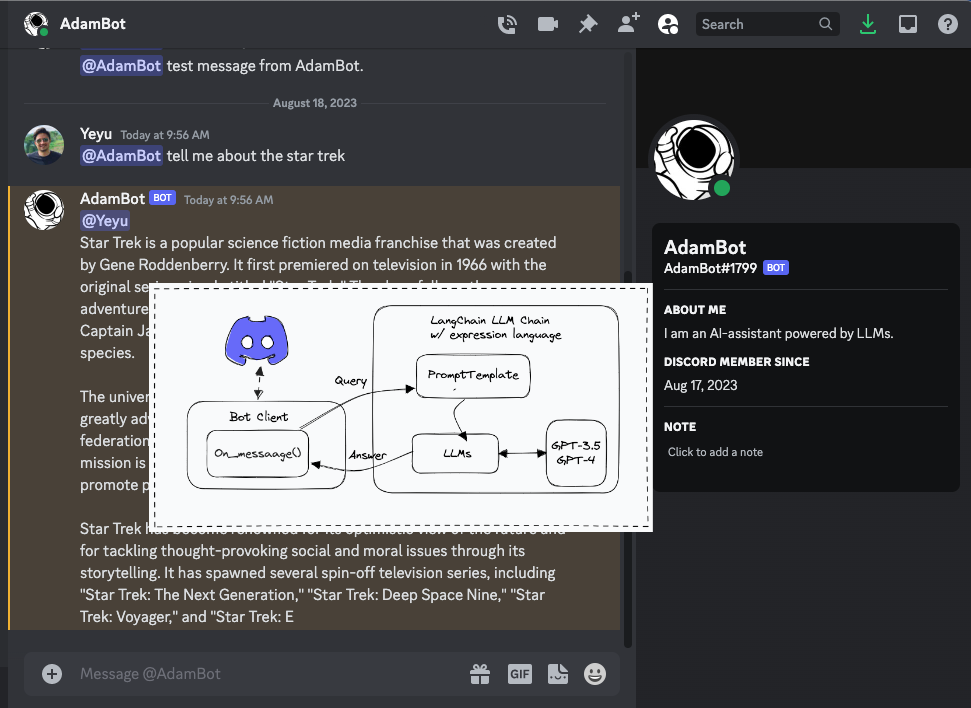
Claude Code is a powerful tool that enables developers to integrate AI agents with Discord. With the MCP Server, developers can send messages, read channels, manage servers, and join voice within Discord. To integrate Claude Code with Discord, developers can use the Model Context Protocol (MCP) server, which acts as a Vencord plugin within Discord.
Conclusion
Discord server access control is a critical aspect of maintaining a secure and organized community. By understanding Discord's permission system, including Server Level Permissions, Role Permissions, and Channel Permissions, administrators can effectively manage access to their server. Follow the best practices outlined above to ensure a smooth and secure experience for all members. Additionally, integrating Claude Code and Discord can enhance the overall experience and provide developers with a powerful tool for managing access and security within their servers.
Additional Resources
For more information on Discord server access control and related topics, check out these additional resources:
- Discord Support Server: discord.com/invite/support
- Discord OAuth2 Documentation: discord.com/developers/docs/topics/oauth2
- Claude Code Documentation: docs.claudecode.com
By mastering Discord server access control and integrating Claude Code, you can take your server to the next level and create a secure, organized, and engaging community for your members.
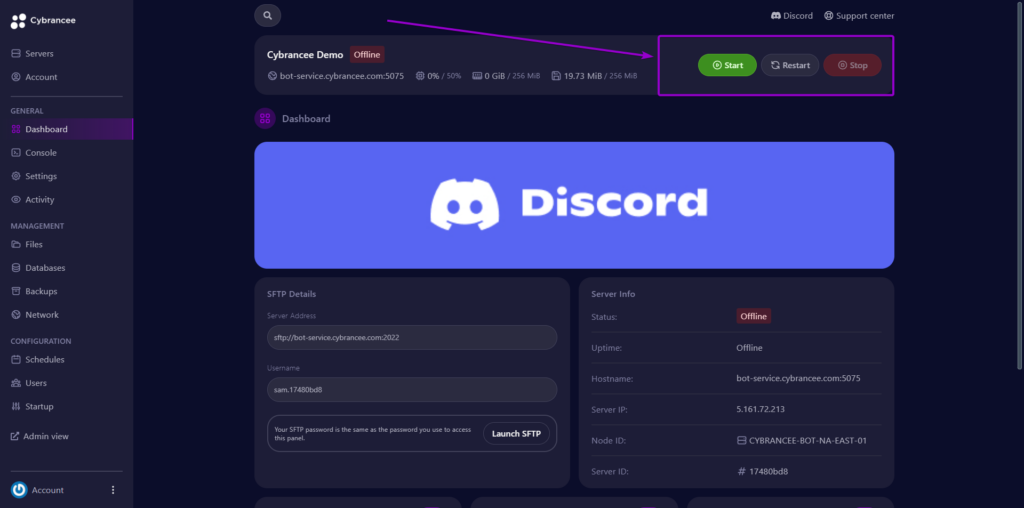

:max_bytes(150000):strip_icc()/B1-SetUpDiscordParentalControls-annotated-a59d2b62399e44ffa91381811e358327.jpg "Managing Permissions In Discord - cybrancee.com")