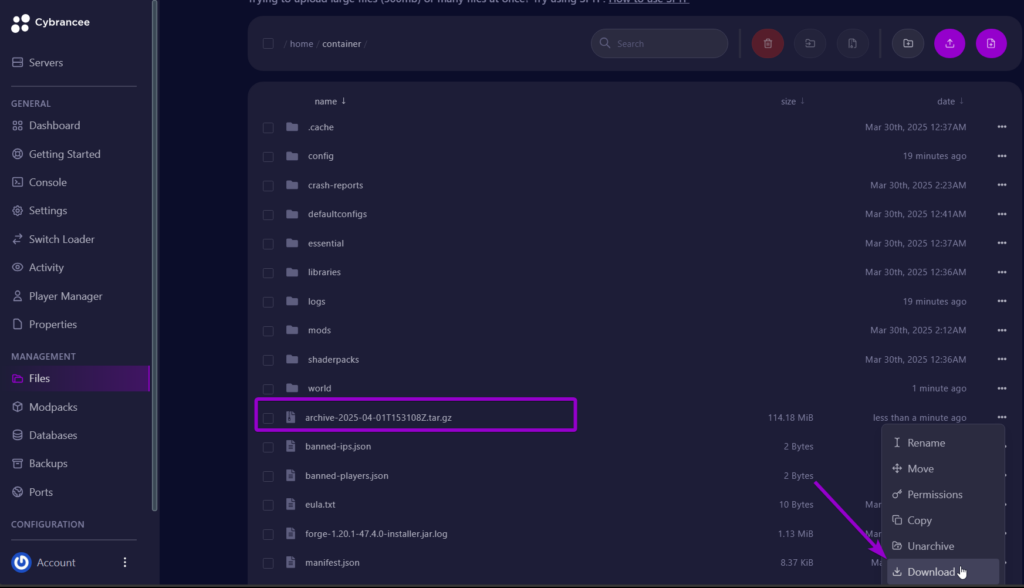
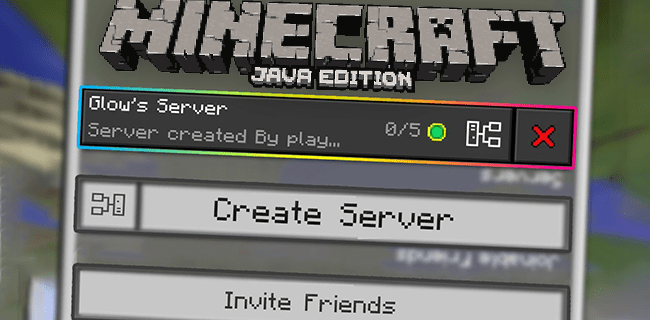
Setting Up a Separate Game Directory for Minecraft Server
Are you tired of managing multiple Minecraft mod setups and constantly moving mods between versions? 😩 Managing a Minecraft server can be a daunting task, especially when dealing with multiple versions and configurations. In this article, we will guide you through the process of setting up a separate game directory for your Minecraft server, making it easier to manage and configure your server.
Understanding the Game Directory
In Minecraft, the game directory stores all of the files you use and make while playing the game. These files include: saves, screenshots, mods, resource packs, shader packs, configs, settings, crash-reports, game logs, and game versions. If you have anything important in your Minecraft folder, it is strongly recommended that you make a backup before moving it!
Why Set Up a Separate Game Directory?
Setting up a separate game directory for your Minecraft server can provide several benefits, including:
- Easy management of multiple versions and configurations
- Improved organization of game files and settings
- Reduced risk of data loss or corruption
- Enhanced security for your server and its configurations
Step-by-Step Guide to Setting Up a Separate Game Directory
To set up a separate game directory for your Minecraft server, follow these simple steps:
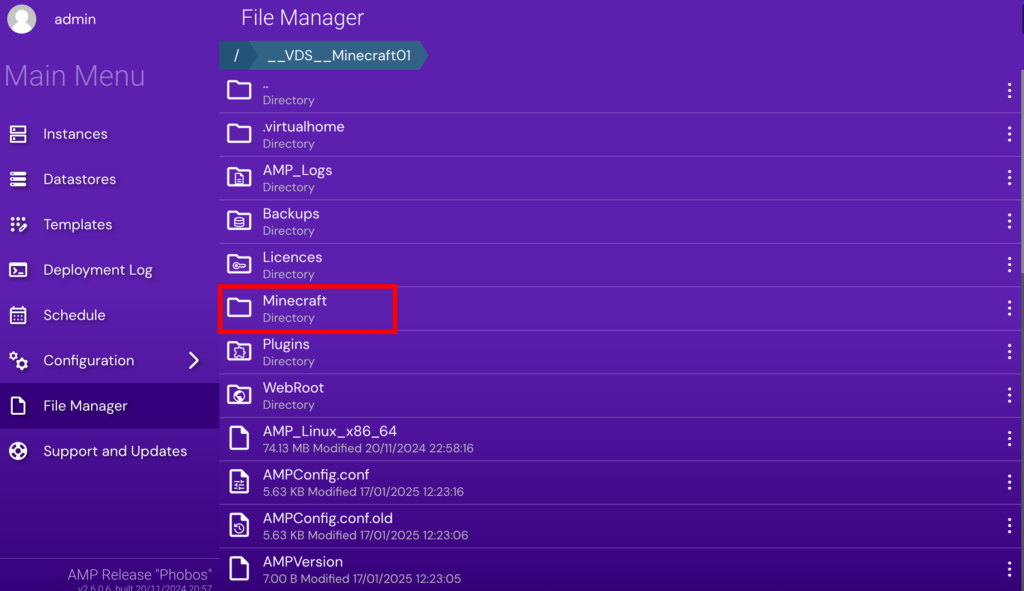
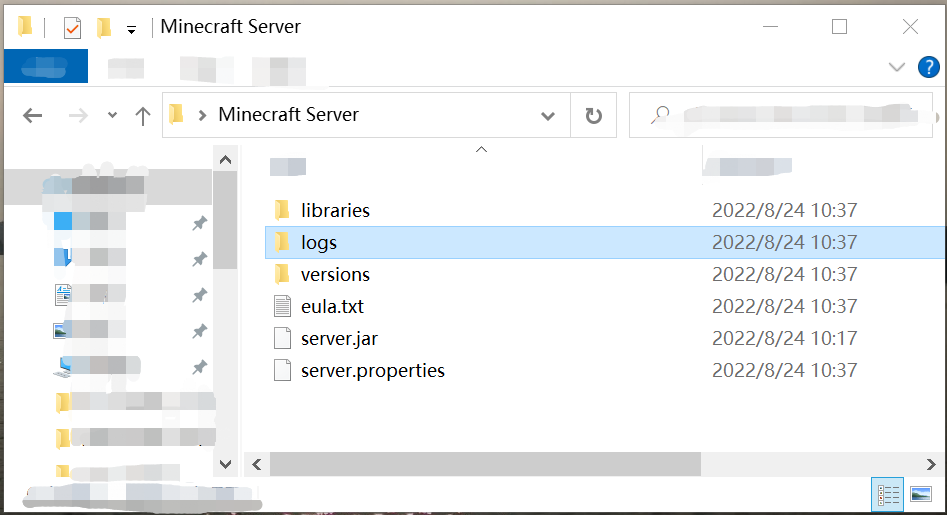
- Create an empty folder where you want to store your Minecraft game directory.
- Make a backup of your current game directory by copying it to a safe location.
- Move your game directory to the new location using the command prompt or file explorer.
- Update your Minecraft launcher to point to the new game directory.
- Test your Minecraft server to ensure that it is working properly.
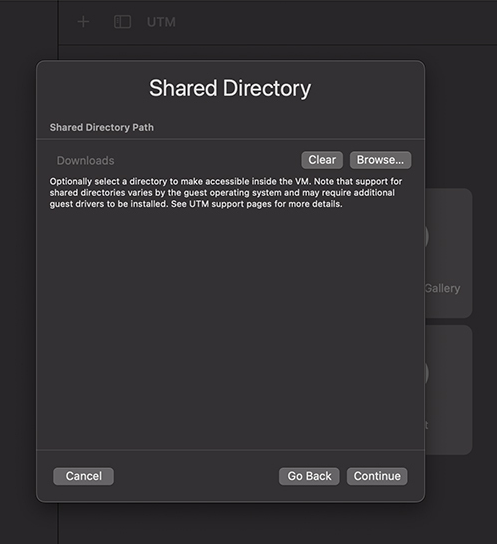
Alternative Methods for Setting Up a Separate Game Directory
If you're looking for alternative methods for setting up a separate game directory, consider the following options:
- Use a symbolic link to create a shortcut between your original game directory and the new location.
- Use a caching system to store game files and settings in a separate location.
- Use a third-party tool or service to manage your game directory and server configurations.
Conclusion
Setting up a separate game directory for your Minecraft server can provide numerous benefits, including improved organization, enhanced security, and easier management. By following the step-by-step guide outlined in this article, you can easily set up a separate game directory and enjoy a more streamlined and efficient Minecraft server experience.
Additional Resources
For more information on Minecraft servers and how to set up a separate game directory, check out the following resources:
- Official Minecraft Wiki: Server_properties
- Mojang Studios: Minecraft Server Setup
- Reddit: r/Minecraft
By following the tips and resources outlined in this article, you can set up a separate game directory for your Minecraft server and enjoy a more efficient and enjoyable gaming experience.