Simple Ways to Secure Passwords: Protect Your Online Accounts
Weak or reused passwords put your personal information at risk. Cybercriminals use specialized software to crack passwords in mere seconds, gaining access to your online accounts and compromising your identity, financial security, and private data. Fortunately, there are simple ways to secure passwords, making it harder for hackers to breach your online accounts.
Understand Password Security Basics
A strong password is essential to keeping your data, information, and money safe and secure. A password is a secret word or phrase that grants access to a computer or online account. Choosing a strong password involves selecting a combination of characters, numbers, and symbols that are difficult for others to guess.
Basics of Password Security
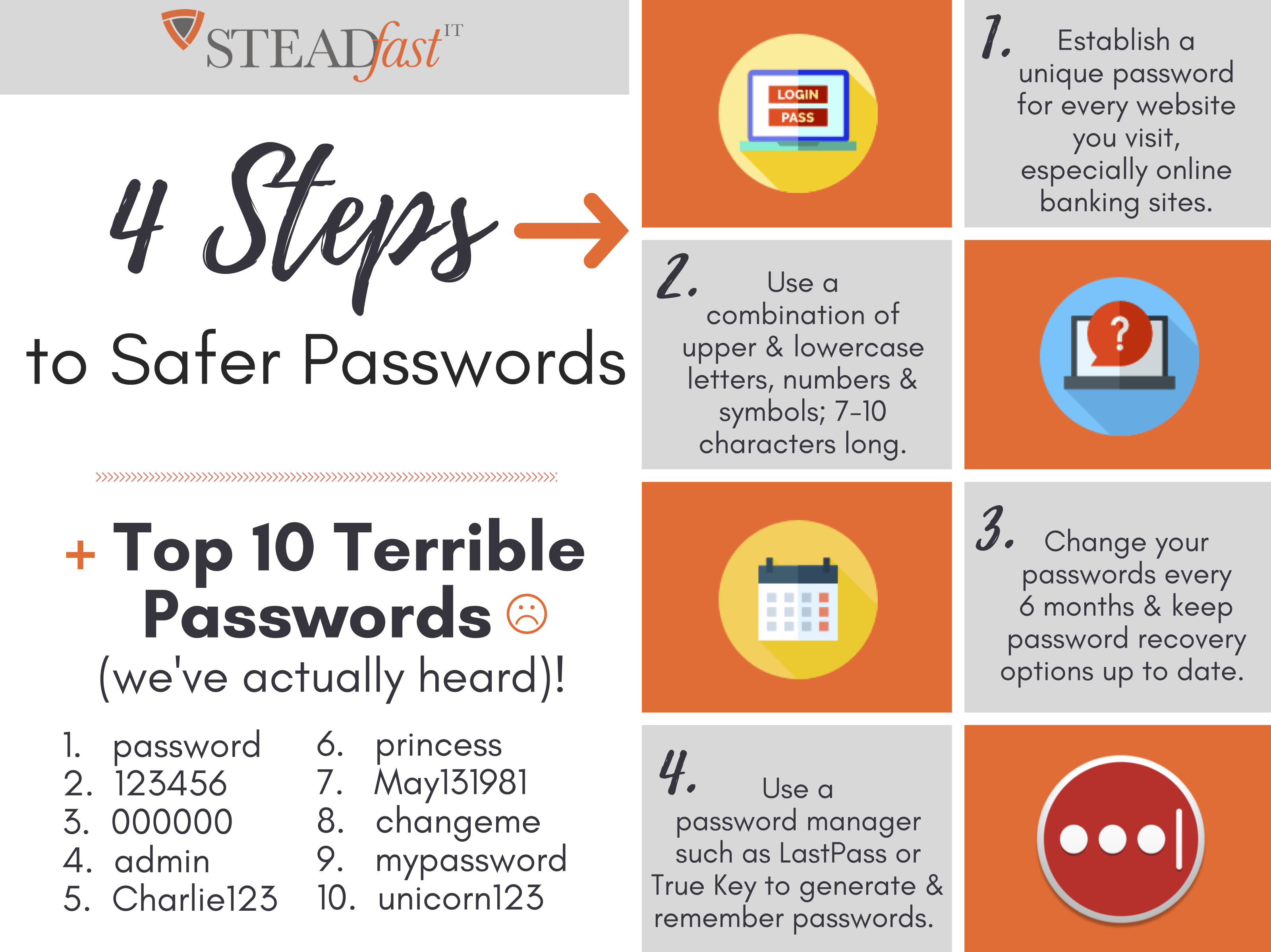
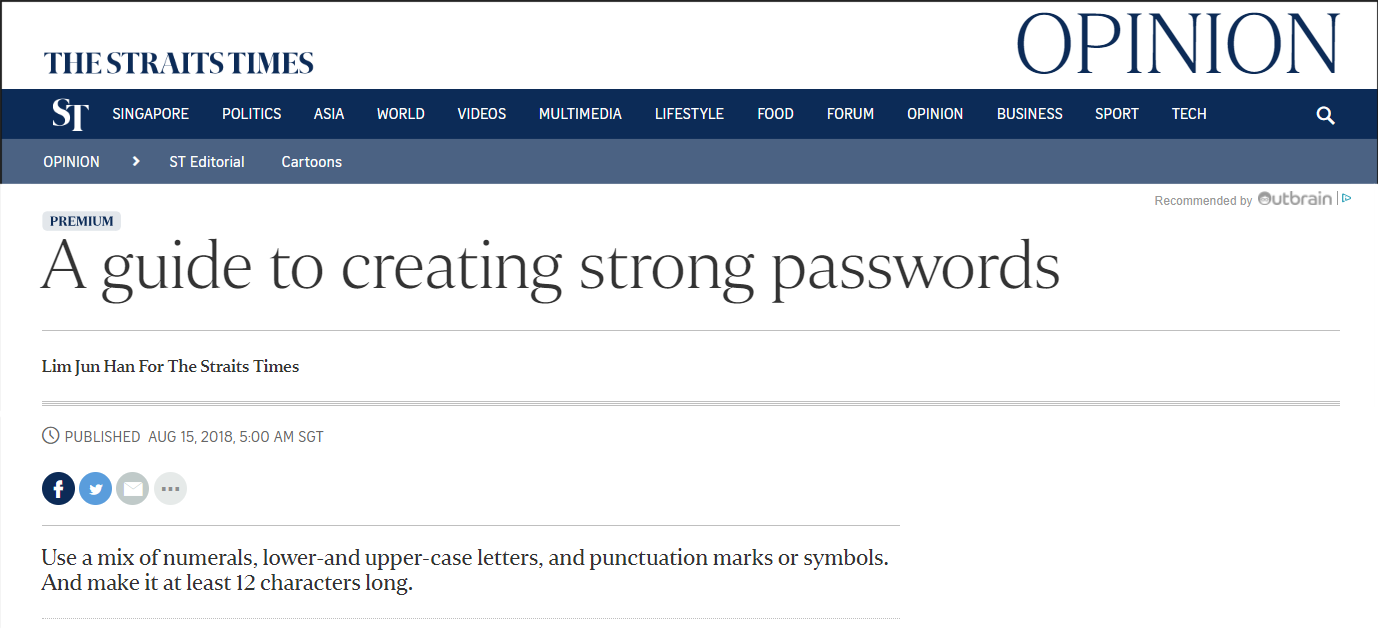
- Use a combination of uppercase and lowercase letters.
- Include numbers and special characters, such as @,#,$, etc.
- Make sure the password is at least 8 characters long.
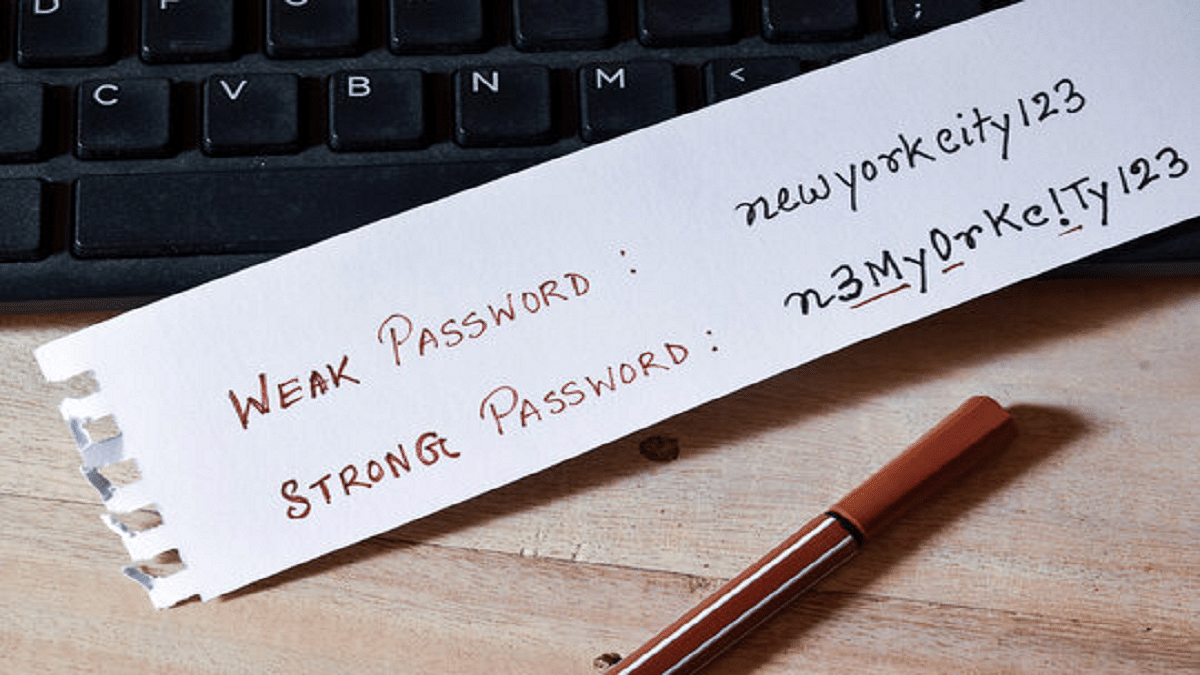
- Use a phrase or a word with a twist, like substituting numbers for letters.
- Use a different password for each account, especially if it contains sensitive information.
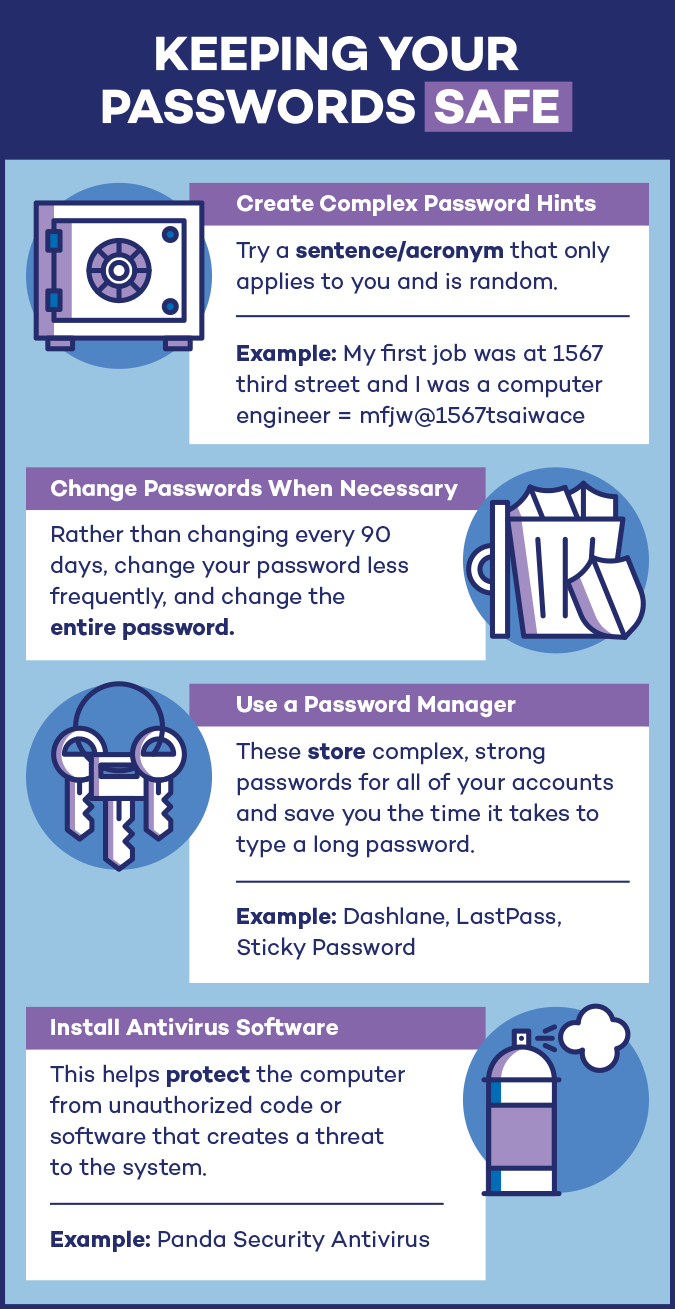
- Change your password regularly.
- Use a password manager to generate and store unique, complex passwords.
Types of Passwords
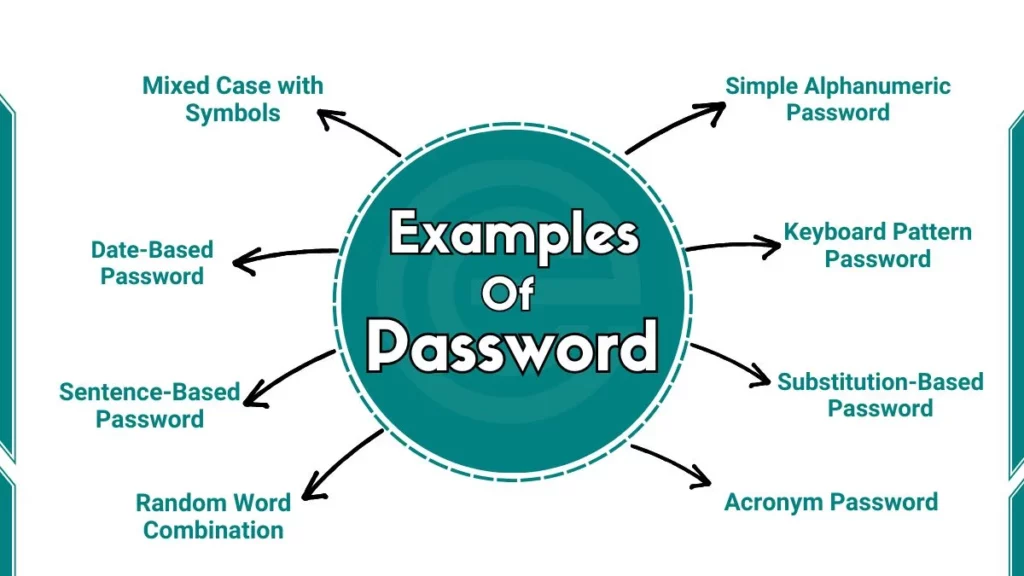
There are different types of passwords, each with its own level of security. Some of the most common types of passwords include:
Simple Password
- A one-phrase password, such as a personal meeting of two, or pet names.
- Easy to guess, weak, and usually don't meet security requirements.
- Should not be used for secure accounts.
Robust Password

- A complex password, such as 10 digits, including special characters, numbers, and letters.
- Recommended for online accounts that store sensitive information.
- Protects against most common hacking attempts.
Using a Password Manager
A password manager is a secure, encrypted electronic vault that stores and organizes your passwords across all your devices. It comes with a password generator tool, to help you create strong and randomized passwords. A password manager simplifies your login experience by securely logging into your accounts for you.
Benefits of Using a Password Manager
- Generates complex, unique passwords for each account.
- Stores passwords securely, so you don't have to.
- Simplifies login and fills in passwords automatically.
- Alerts you when you have weak or re-used passwords.
- Helps keep you compliant with security regulations.
Additional Tips to Secure Passwords
Securing passwords requires ongoing effort. Regularly review and refresh your passwords, and adhere to password security best practices. Here are some additional tips to secure passwords:
- Regularly update your password to ensure you're not re-using passwords that are now compromised.
- Use multi-factor authentication, which requires a combination of something you know, something you have, and something you are.
- Choose a password manager that provides two-factor authentication and automated password rotation.
- Keep your password manager software up-to-date to ensure you have the latest security patches and features.
- Consider using a passwordless solution, such as FIDO2 authentication, which uses a physical token, mobile device, or other factors to authenticate users.
Conclusion
Simple ways to secure passwords minimize vulnerability to cyber attacks. by following best practices and using a password manager, you can significantly reduce your online risk. By understanding the basics of password security, you can unlock the full potential of secure online accounts. Whether it's a password manager or two-factor authentication, prioritize your password security to safeguard your online presence.