Facebook Account Protection Best Practices
In today's digital age, protecting your online presence has become a top priority. With millions of users worldwide, Facebook is a prime target for hackers and scammers. To safeguard your account and prevent unauthorized access, it's essential to follow the best practices outlined in this article.Why is Facebook Account Protection Important?
Your Facebook account contains a wealth of personal and sensitive information, including your name, email address, phone number, and even your location. If your account is compromised, you risk identity theft, phishing attacks, and even financial loss. By implementing robust security measures, you can significantly reduce the risk of account breaches and protect your digital life.Setting Up Password Protection
One of the most basic yet effective ways to secure your Facebook account is to use strong passwords. A strong password should be a minimum of 12 characters, include a mix of uppercase and lowercase letters, numbers, and special characters. It's also essential to use a unique password for each of your online accounts, including your Facebook account. If you're having trouble remembering multiple passwords, consider using a password manager.Enabling Two-Factor Authentication
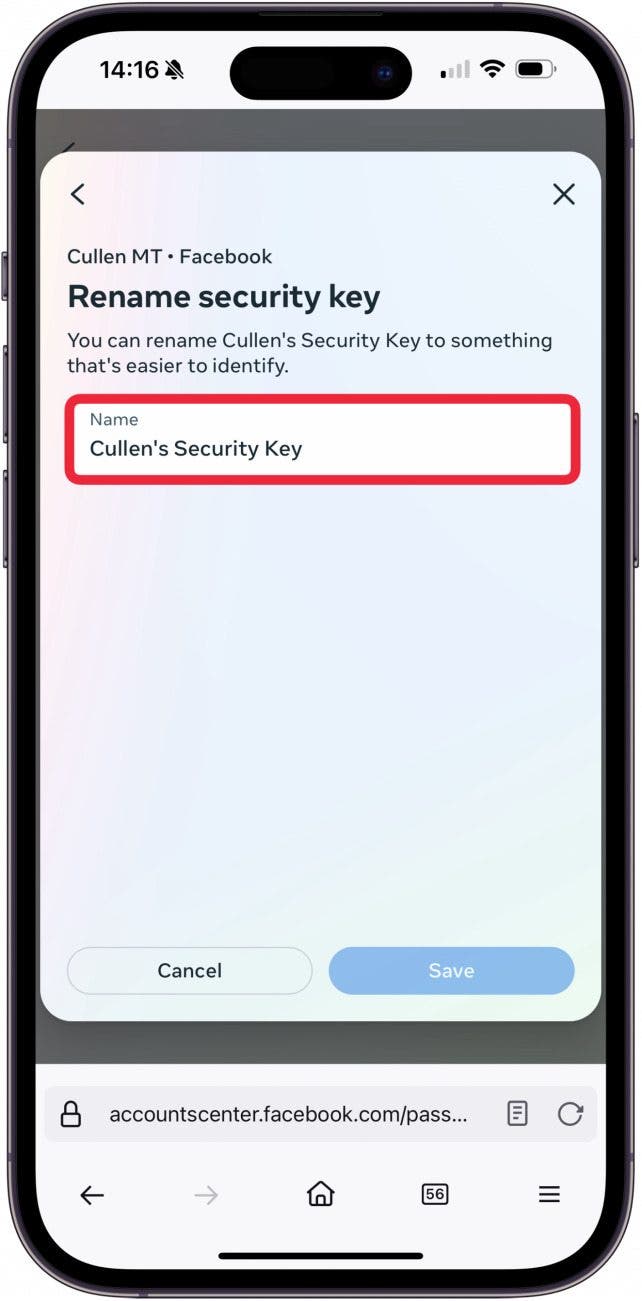
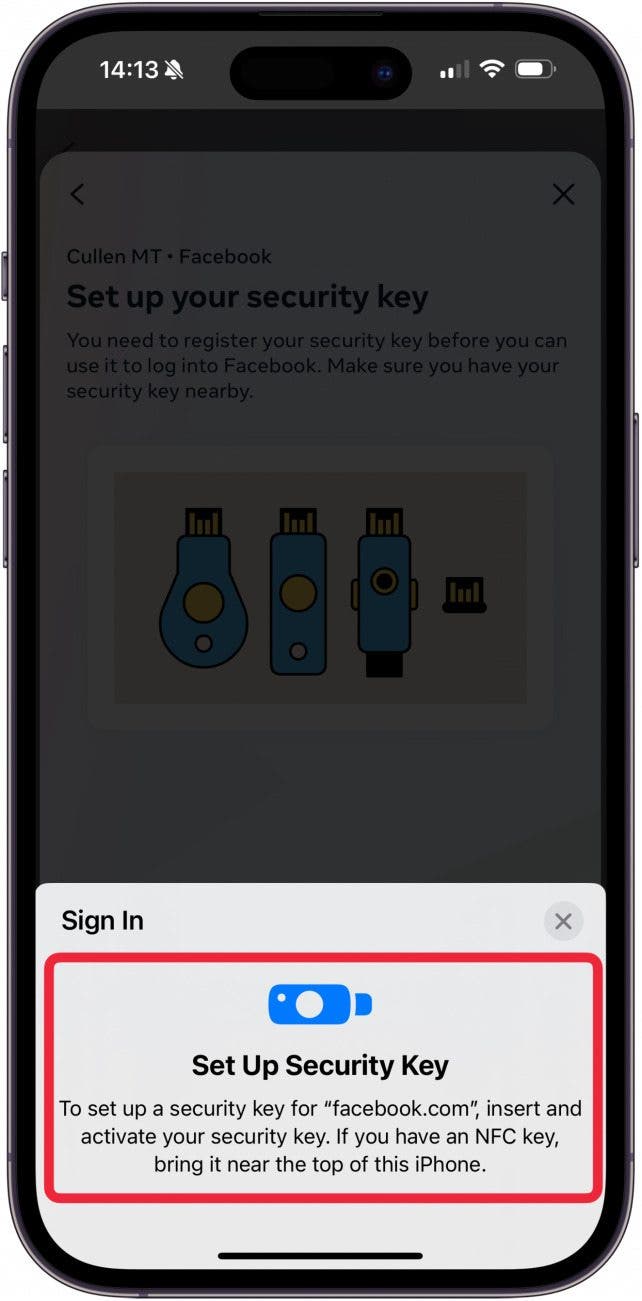
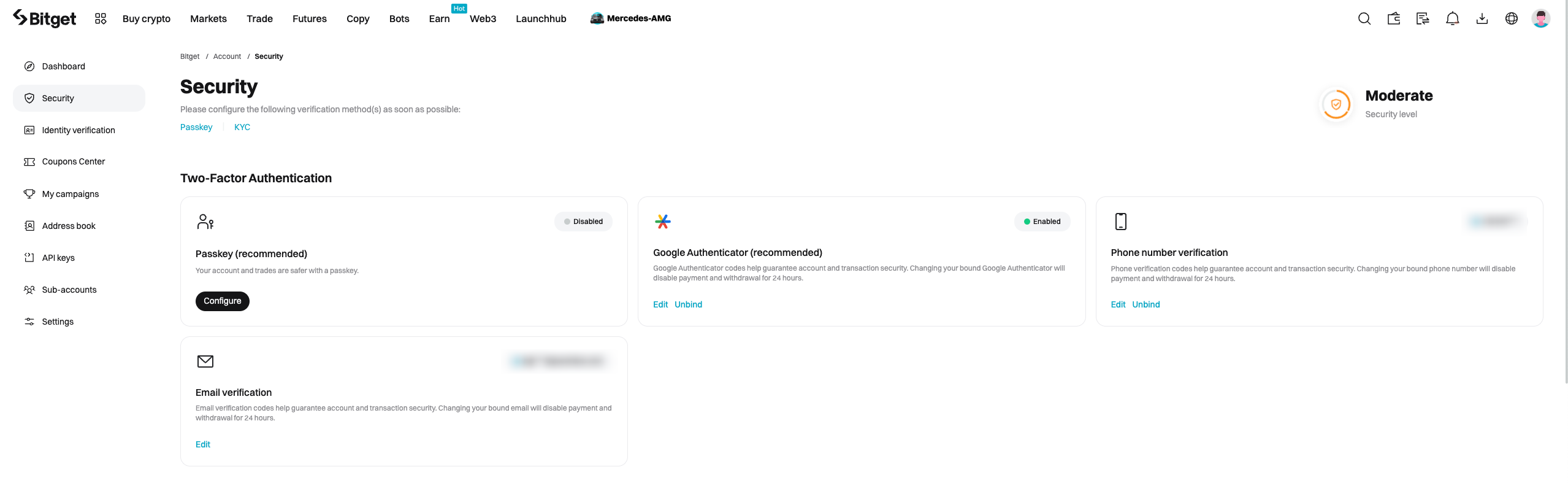
Two-factor authentication (2FA) adds an extra layer of security to your account by requiring a second form of verification, such as a code sent to your phone or a fingerprint scan, in addition to your password. This makes it significantly more difficult for hackers to gain access to your account.Monitoring Your Account Activity
Regularly monitoring your account activity can help you detect any suspicious behavior and prevent unauthorized access. Check your account activity regularly to ensure that all login sessions, app permissions, and ad preferences are legitimate.Adjusting Your Privacy Settings
Facebook's default privacy settings may not be suitable for everyone. Adjust your settings to control who can see your posts, comments, and other content. Be cautious when sharing sensitive information, such as your location or personal details, and avoid clicking on suspicious links or downloading unfamiliar apps.Using Advanced Protection