How to Set Up and Configure Apple Watch
Are you excited to get your new Apple Watch up and running? With its sleek design, advanced features, and seamless integration with your iPhone, Apple Watch is an amazing device that can help you stay connected, track your fitness goals, and more. In this article, we'll take you through a step-by-step guide on how to set up and configure your Apple Watch, so you can start enjoying its benefits in no time.What You Need to Set Up Apple Watch
Before we dive into the setup process, make sure you have the following: * An Apple Watch Ultra 3, Apple Watch Series 11, or Apple Watch SE 3 * An iPhone 11 or later with iOS 26 or later * A Wi-Fi network to connect to * Your Apple ID and passwordStep 1: Pair Your Apple Watch with Your iPhone
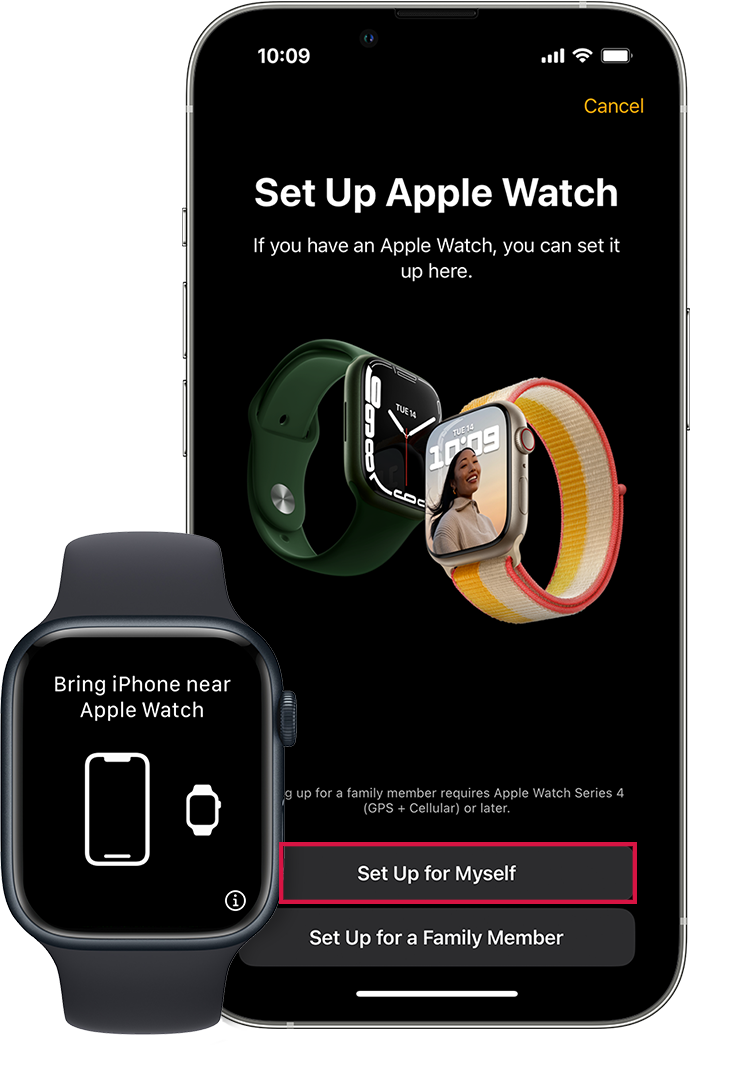
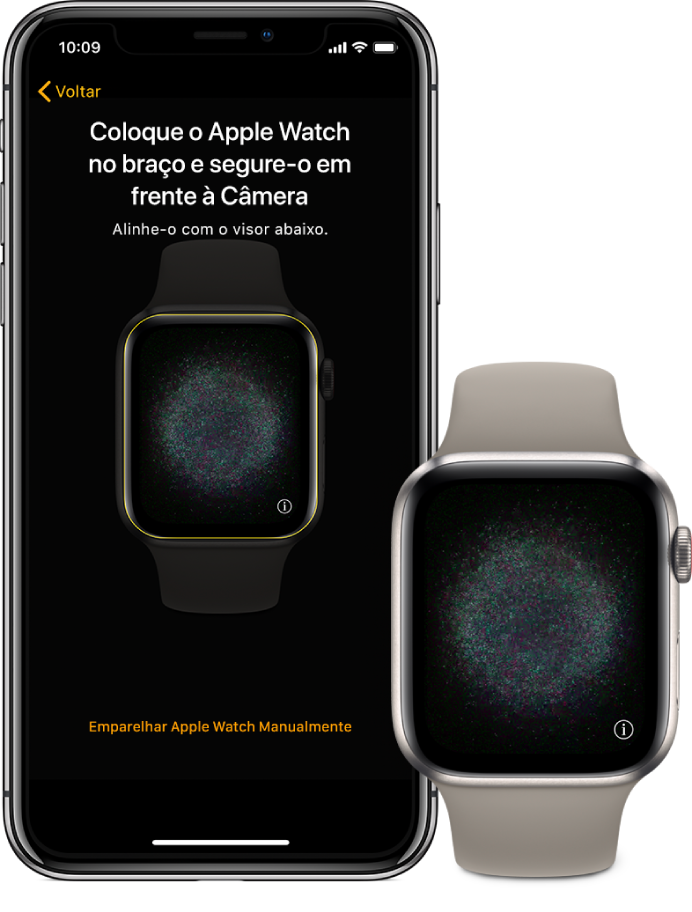
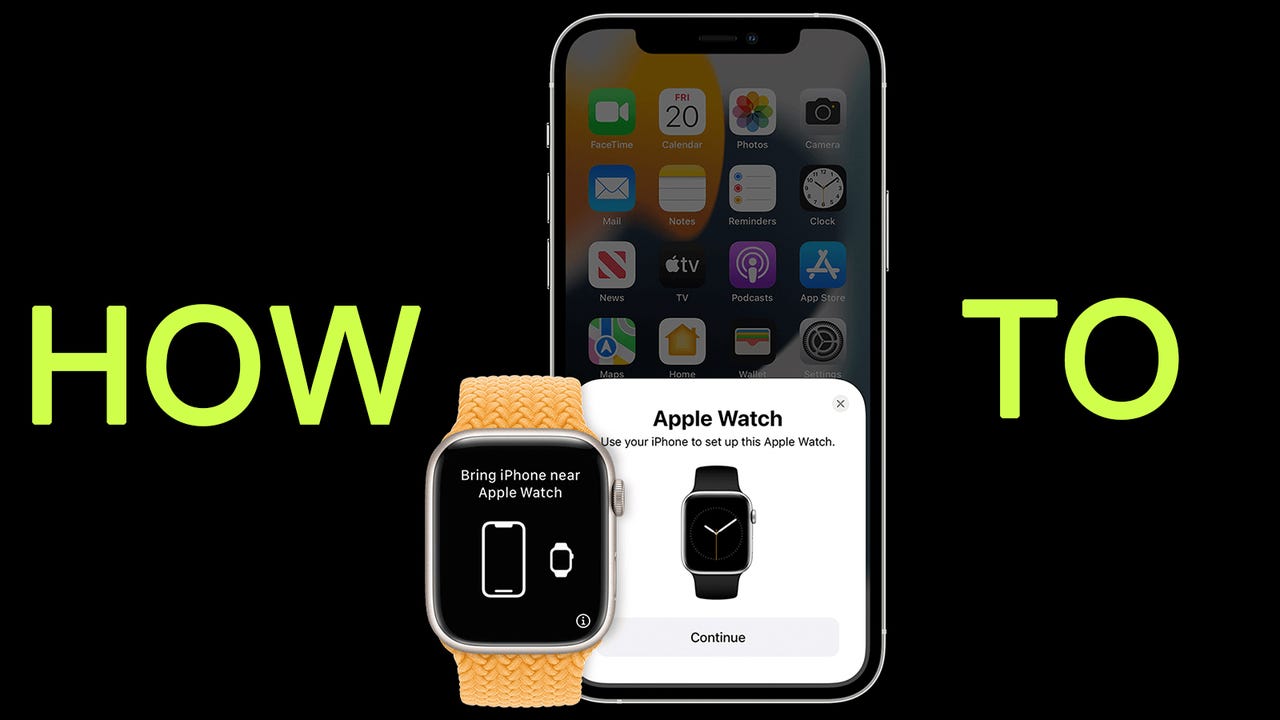
To pair your Apple Watch with your iPhone, follow these steps: 1. Open the Apple Watch app on your iPhone. 2. Tap on "Start Pairing." 3. Place your Apple Watch on the charger and make sure it's close to your iPhone. 4. Your iPhone will detect your Apple Watch and prompt you to pair them. 5. Follow the on-screen instructions to complete the pairing process.Step 2: Set Up Your Apple Watch