Router Setup Checklist: A Comprehensive Guide to Optimizing Your WiFi Network
Are you struggling to get the most out of your home WiFi network? Setting up a router can be a daunting task, but with the right guidance, you can ensure a smooth and secure connection for all your devices. In this article, we'll provide a comprehensive router setup checklist to help you optimize your WiFi network for improved performance, security, and reliability.
Step 1: Choose the Right Location for Your Router
When it comes to setting up your router, choosing the right location is crucial. Place your router in an open area, away from walls and other obstructions, to ensure maximum coverage. This will help you get the best possible signal strength and reduce interference from other devices.
- Choose a location with minimal physical obstructions
- Position your router at least 3-5 feet off the ground
- Avoid placing your router near cordless phones, microwaves, or other wireless devices
Step 2: Connect Your Router to Your Modem
Once you've chosen the right location for your router, it's time to connect it to your modem. This will establish a connection to the internet and allow you to configure your router's settings.
- Connect your router to your modem using an Ethernet cable
- Make sure the connection is secure and not loose
Step 3: Configure Your Router's Settings
With your router connected to your modem, it's time to configure its settings. This includes setting up your WiFi network, changing the admin password, and configuring security settings.
- Log in to your router's admin panel using the default admin password and IP address
- Change the admin password and create a strong password
- Set up your WiFi network by choosing a network name (SSID), setting the WiFi channel, and configuring security settings

Step 4: Secure Your Router
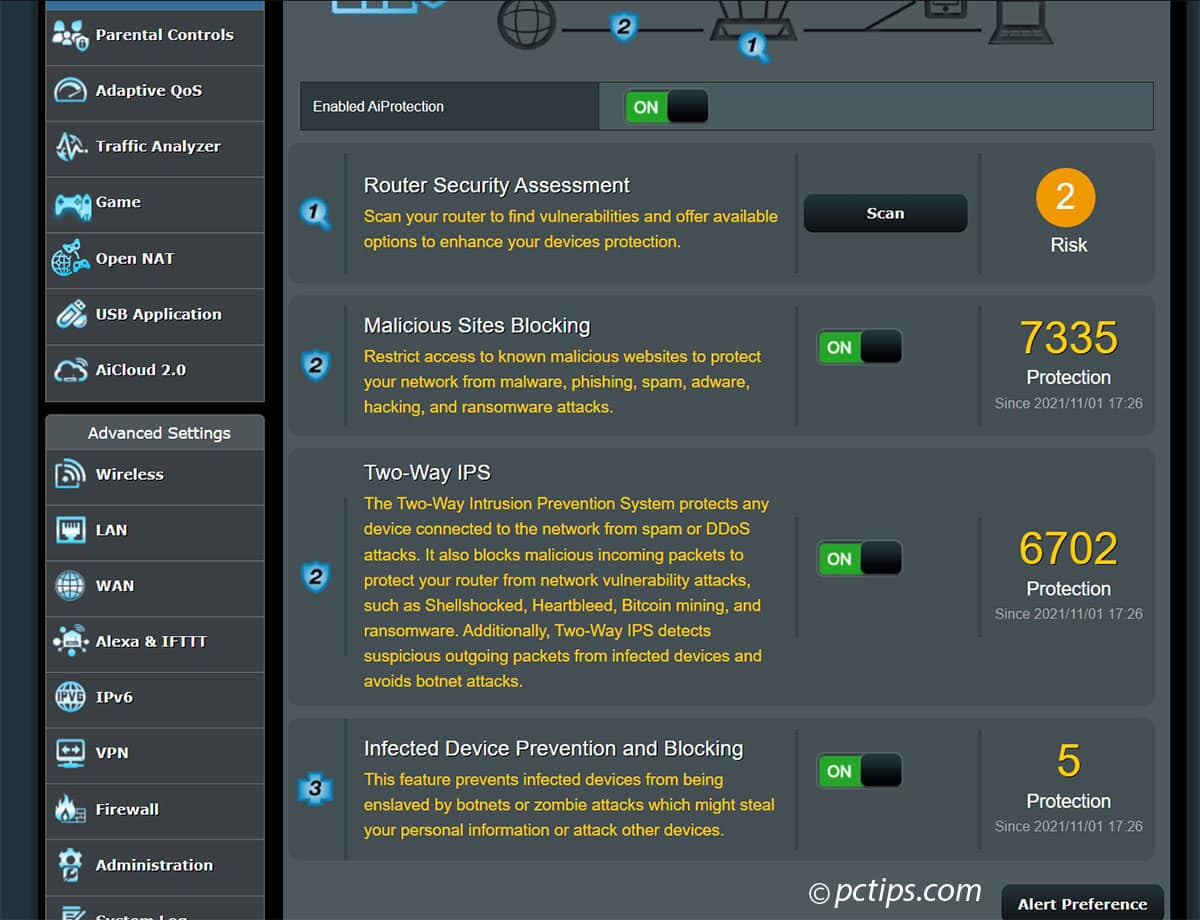
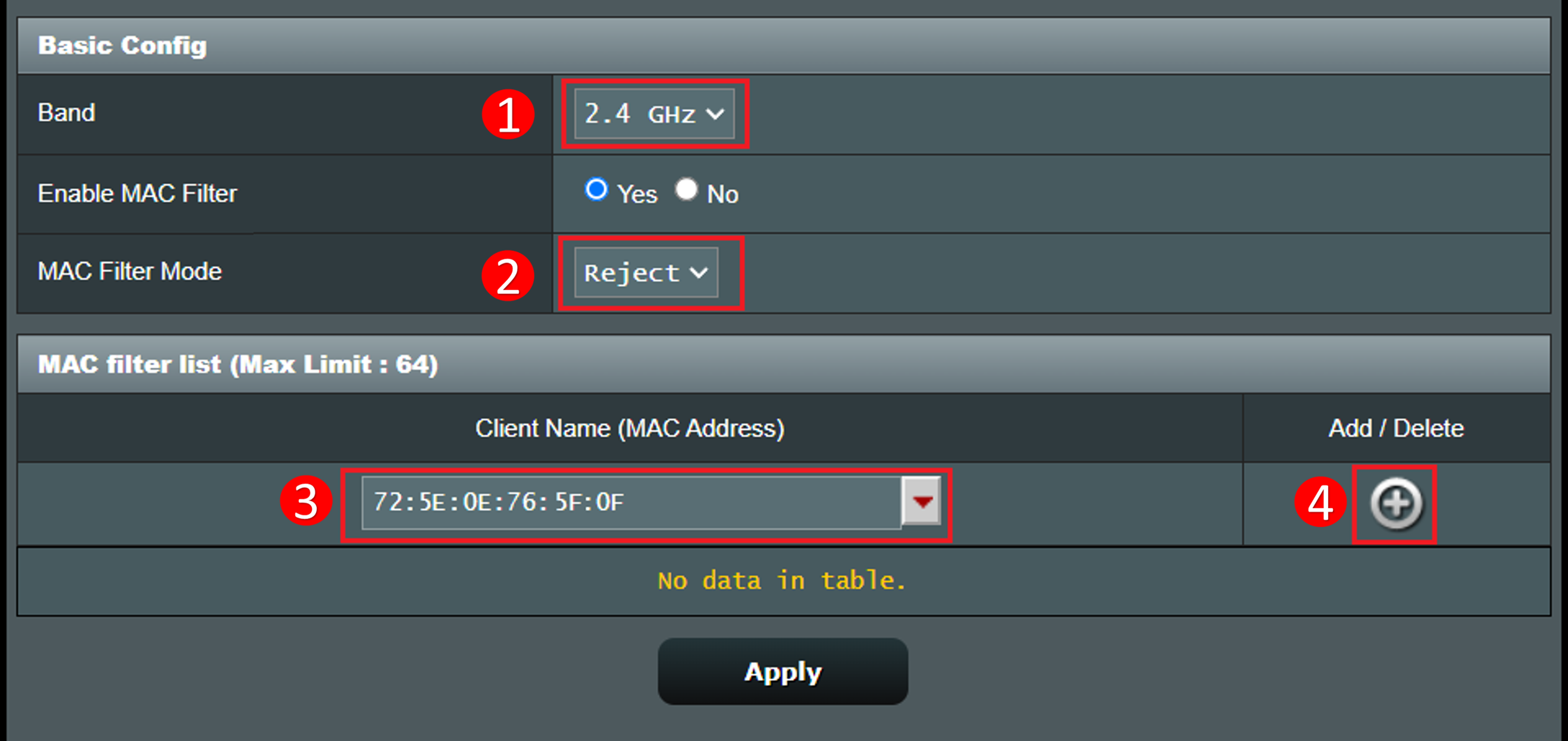
Securing your router is crucial to prevent unauthorized access to your network. Make sure to change the default admin password, enable WPA2 encryption, and set up a guest network.
- Change the default admin password and create a strong password
- Enable WPA2 encryption and set up a strong password
- Set up a guest network to isolate visitors from your main network
Step 5: Optimize Your Router's Performance
Optimizing your router's performance can help improve your WiFi network's speed and reliability. This includes updating your router's firmware, configuring Quality of Service (QoS) settings, and setting up a VPN.
- Update your router's firmware to the latest version
- Configure QoS settings to prioritize critical traffic
- Set up a VPN to encrypt your internet traffic
Conclusion
Setting up a router can be a complex task, but with this comprehensive router setup checklist, you can ensure a smooth and secure connection for all your devices. By following these steps, you'll be able to optimize your WiFi network for improved performance, security, and reliability.
Remember to always follow the manufacturer's instructions and take the necessary precautions to ensure a secure connection. With a little patience and effort, you'll be enjoying a fast and reliable WiFi network in no time.